Week 9 - Attachment Feature Creation - Challenge 2
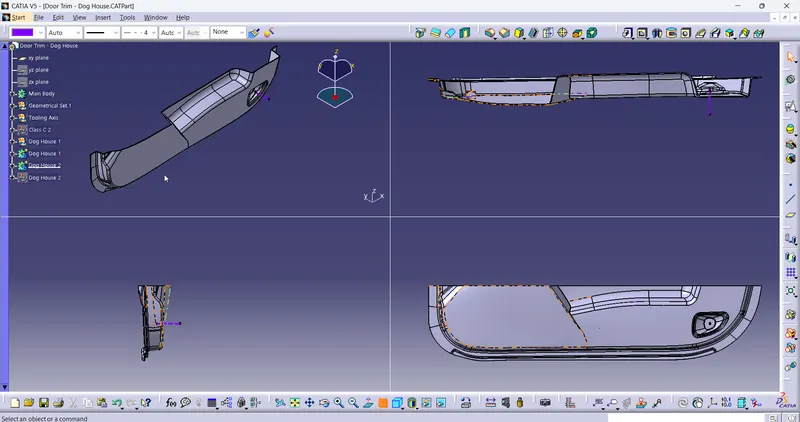
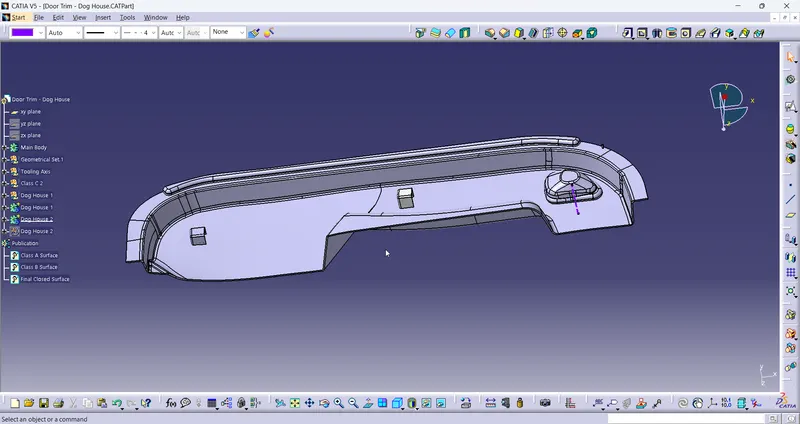
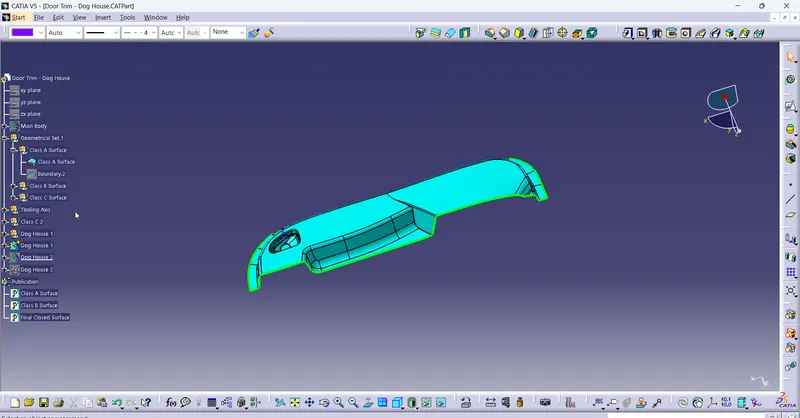
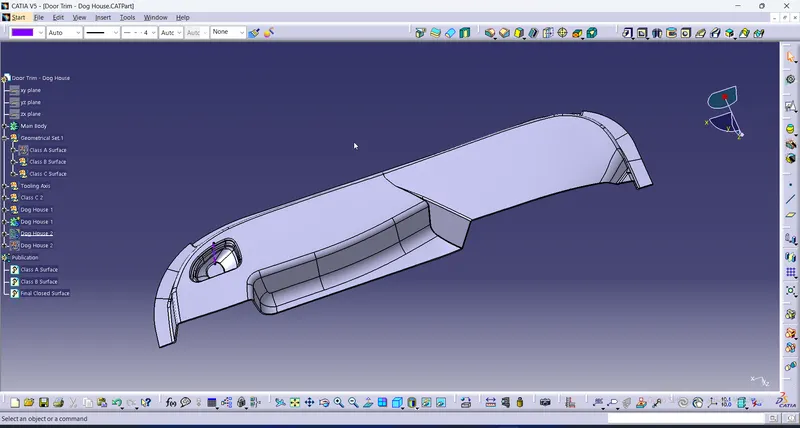
the Class A surface is imported and published. Then Class B Surface and Class C Surface are created by using the Surface tools. Fill command should not be used in it. Extract, Multiple Extract, Extrapolate, Join etc. can be used. Then the tooling axis is created by using the normal to surface command. Once the closed surface is created it is made in to a solid by using the Closed Solid command in the solid workbench.
once the solid is created, then the dog houses are created by using the surface or by using the solid model. Then the dog house is drafted to the 1.5mm. the basic dimensions of the dog house is then checked. then this body is then added to the main body.
once the single dog house is created, it is copied, translate to the other place which is one method to perform. the other method to create the dog house is create it again by using the surface or by using the solid models. Then the dimensions are checked.