Week 9 - Attachment Feature Creation - Challenge 2
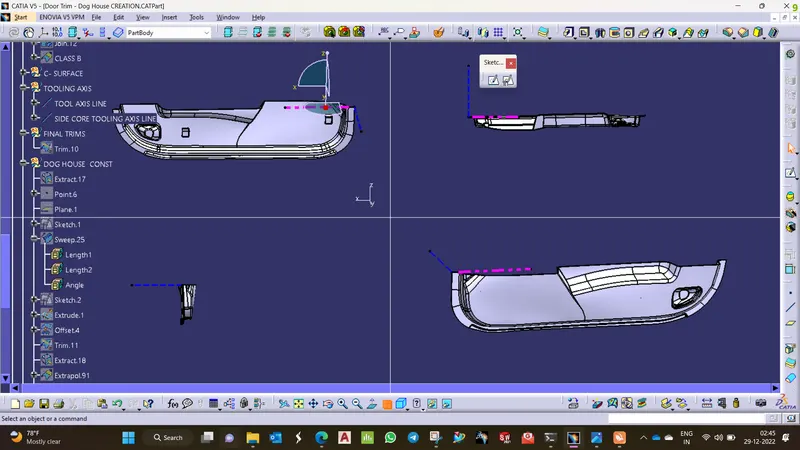
MAIN TOOLING AXIS:
THE TOOLING AXIS is created in the Y direction as the area of the Given A surface clears and more visible can be seen in the Y direction, so along the Y direction, the tooling axis was created.
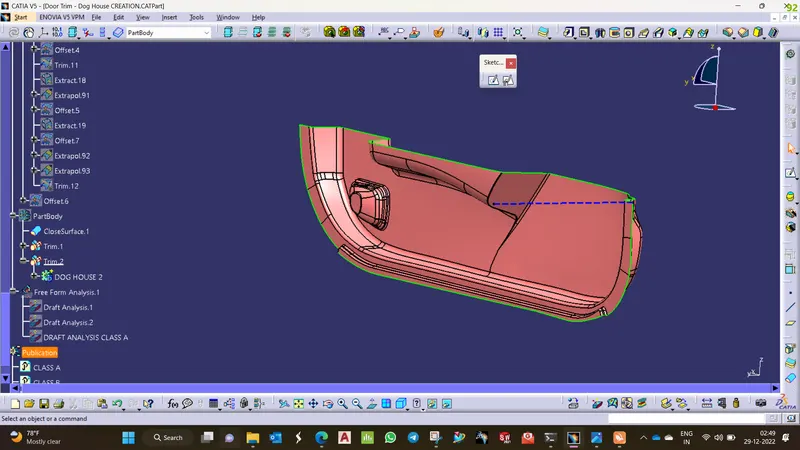
DRAFT ANALYSIS CLASS A:
- Choose custom view Parameters and opt for the material option.
- Then choose the feature draft analysis option.
- Pick and place the compass on the tooling axis and then lock the position.
- Click on the component and adjust the values to attain the required draft condition fo Class A.
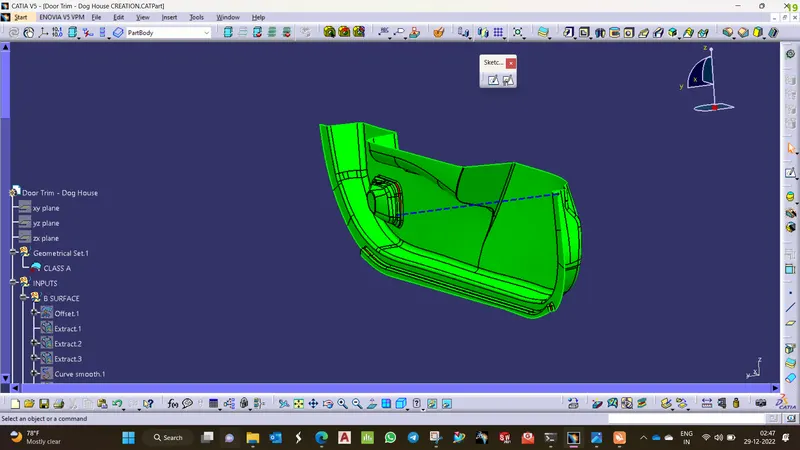
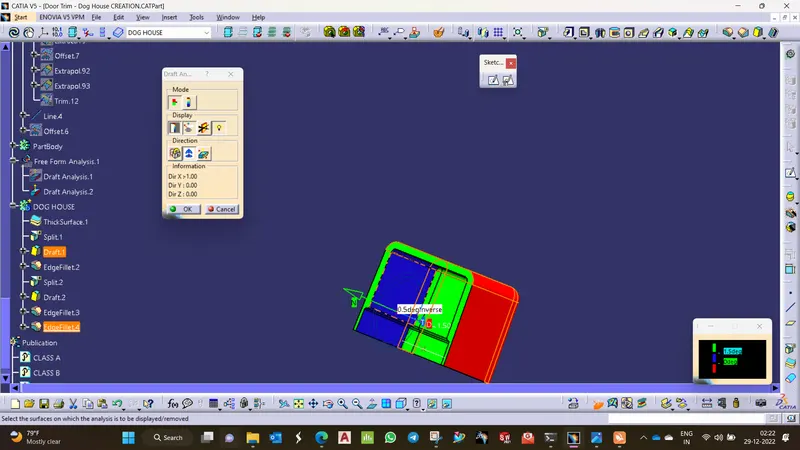
SIDE CORE DRAFT ANALYSIS FOR DOG HOUSE:
- Choose custom view Parameters and opt for the material option.
- then choose the feature draft analysis option.
- Pick and place the compass on the tooling axis and then lock the position.
- Click on the component and adjust the values to attain the required draft condition for the component.