Week 9 - Attachment Feature Creation - Challenge 2
AIM
Create the Dog House for the Door Trim considering the design rules mentioned in the video. Consider the thickness of the part to be 2.5 mm.
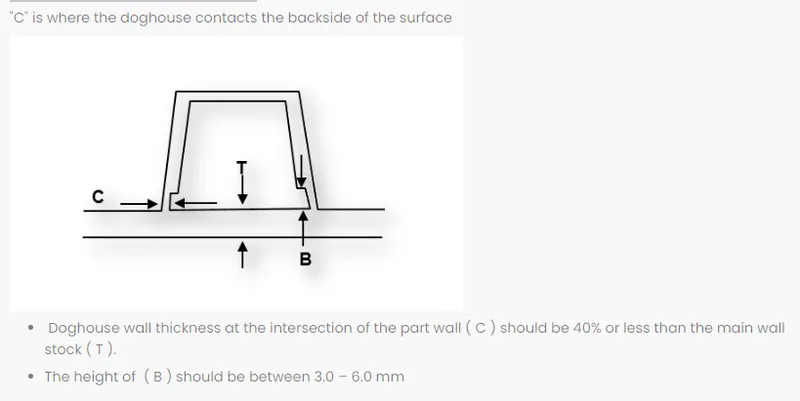
Dog house rules
Class A surfaces
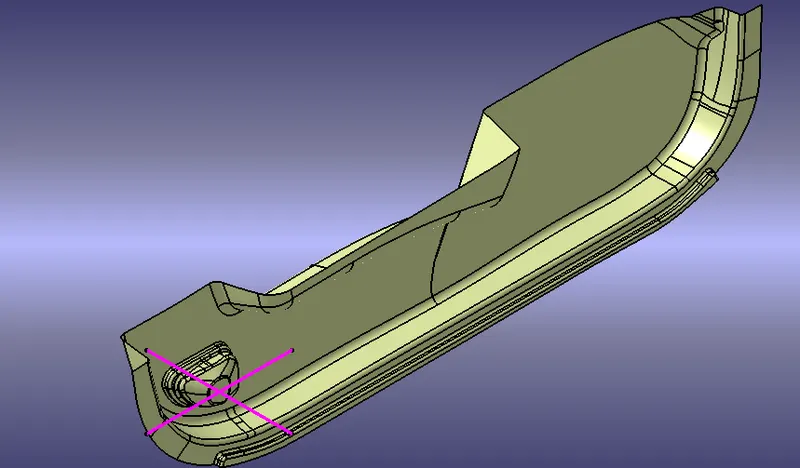
CREATING TOOLING AXIS -
- The Tooling Direction is basically the direction that the mold pulls a part. The mold is built in two separate pieces, basically. You have a Cavity side and you have the Core side. The Core pulls apart from the Cavity and that's the Dye line or the Tooling Direction.open the cadpat file
- Check for gaps between surfaces for that click on join and then preview.
- If theres any gap between the surfaces join them with a maximum tolerance of 0.003 mm.
- The tooling axis is created for the component.
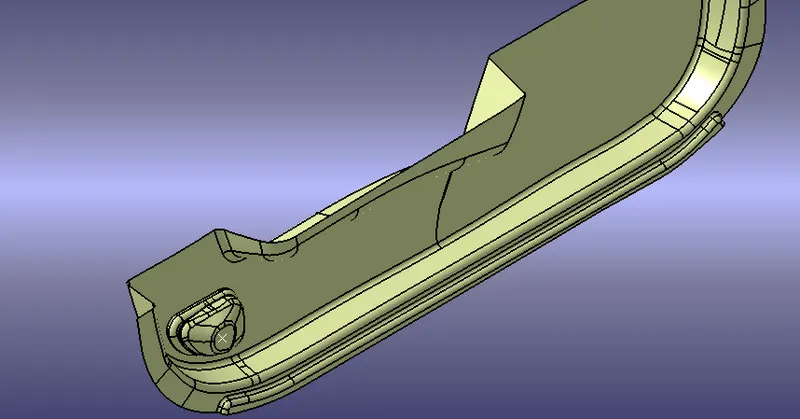
Creation of B surface
- Extract the surfaces from the class A using multiple extract and untrim them.
- Use Extrapolate to make sure that all the untrims are properly intersected to trim and offset the surfaces to 2.5 mm to create the thickness.
- Trim the extra surfaces using trim command.
Creation of c suface
- Extract the boundary from the class A surface and Class b surface using boundary command.
- by using sweep command to create surface
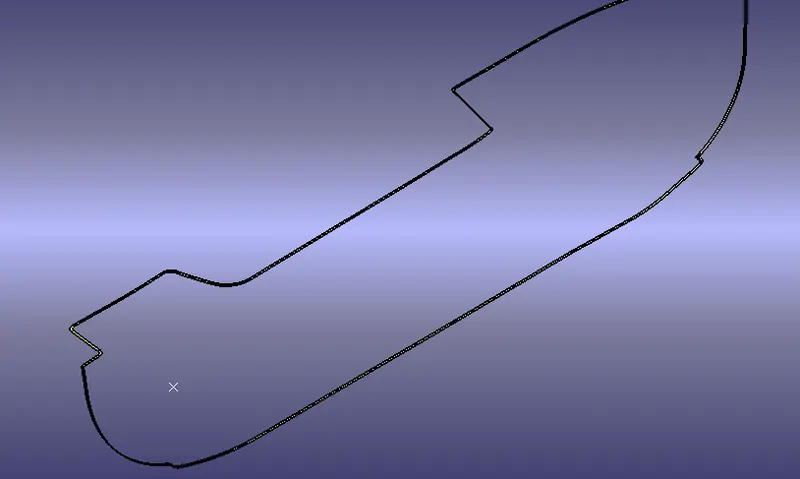
once all surface created to join and trim them into closed surface
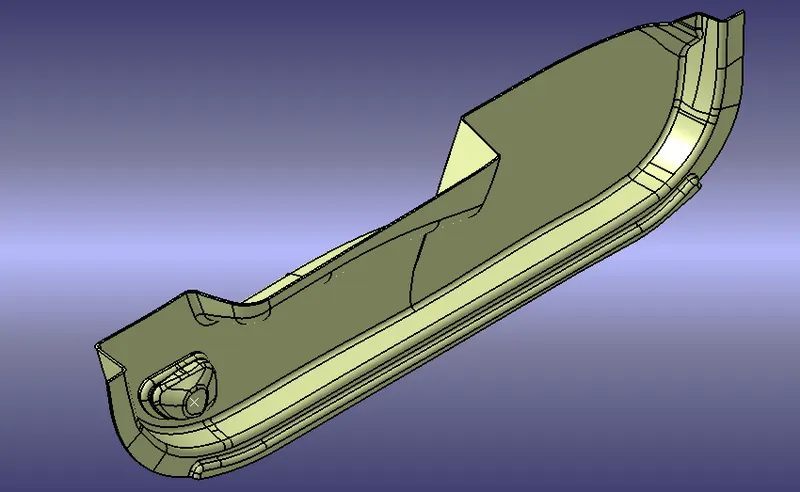
now open part design workbench to fill the material
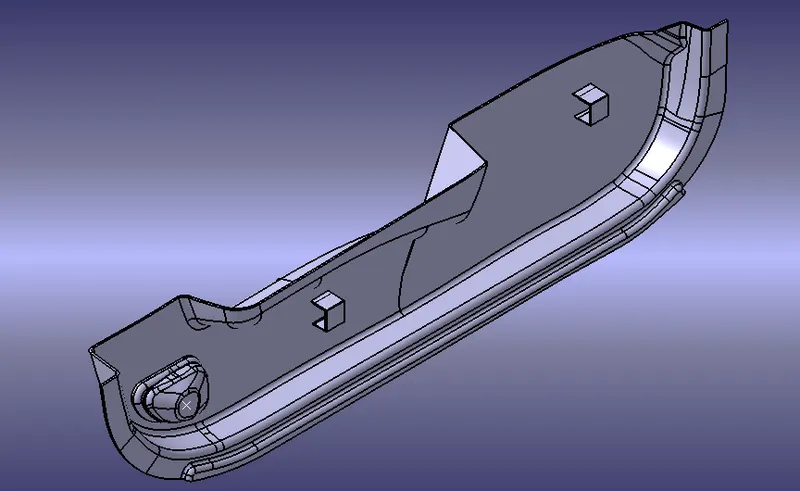
sketches used for dog house creation
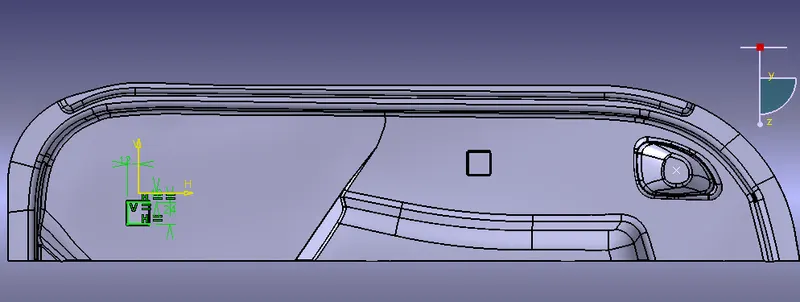
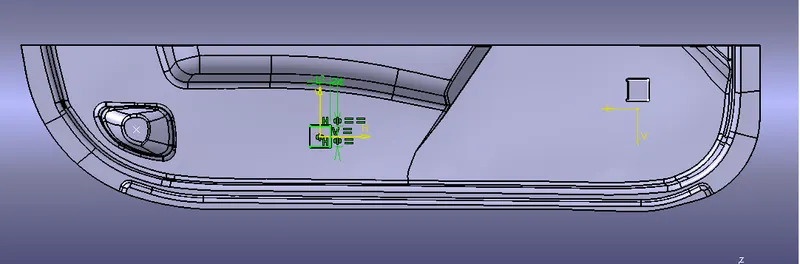
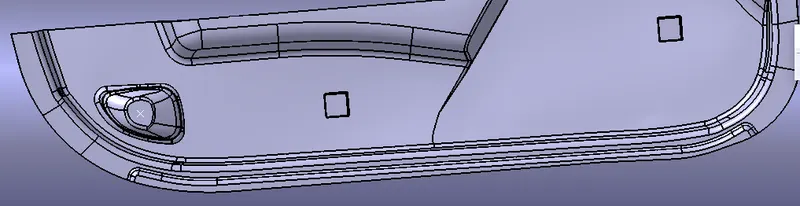
Draft analysis
The Draft Analysis command enables you to detect if the part you drafted will be easily removed. This type of analysis is performed based on color ranges identifying zones on the analyzed element where the deviation from the draft direction at any point, corresponds to specified values.
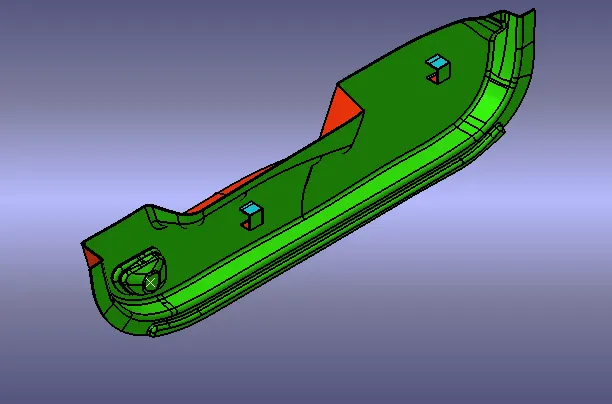
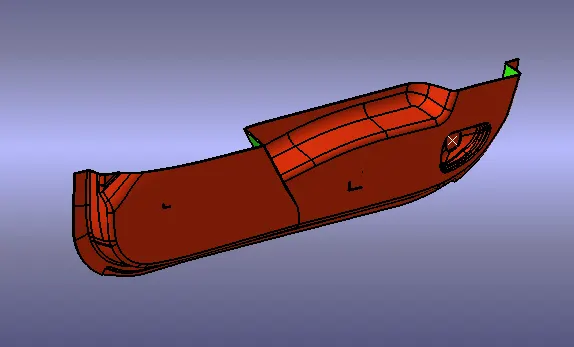
ISOMetric view
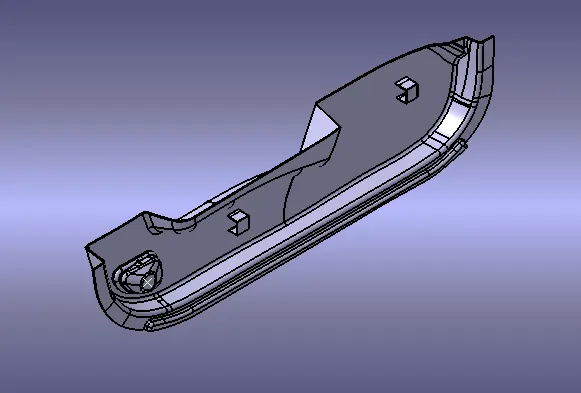
front view
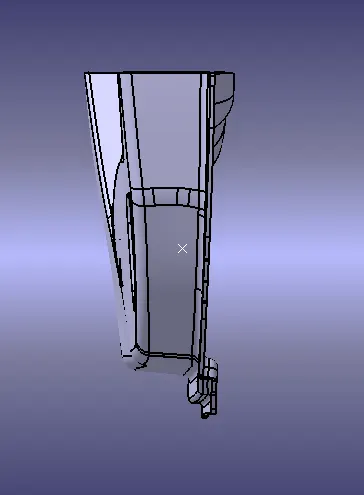
side view
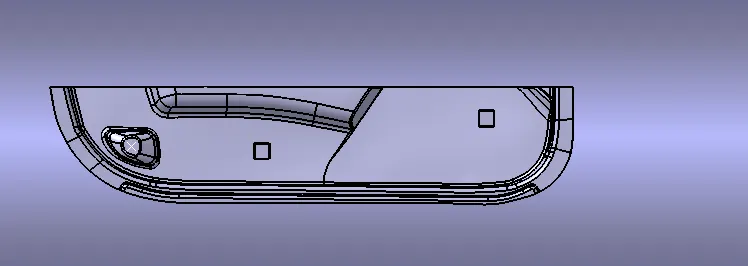
top view
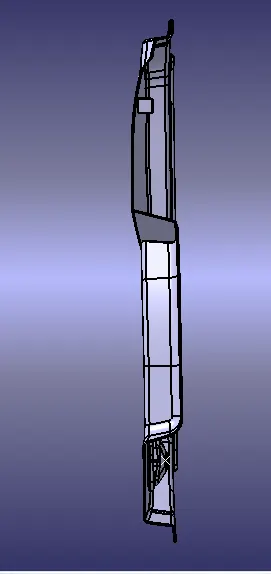
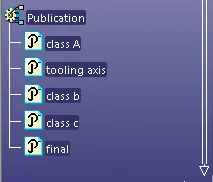
model tree
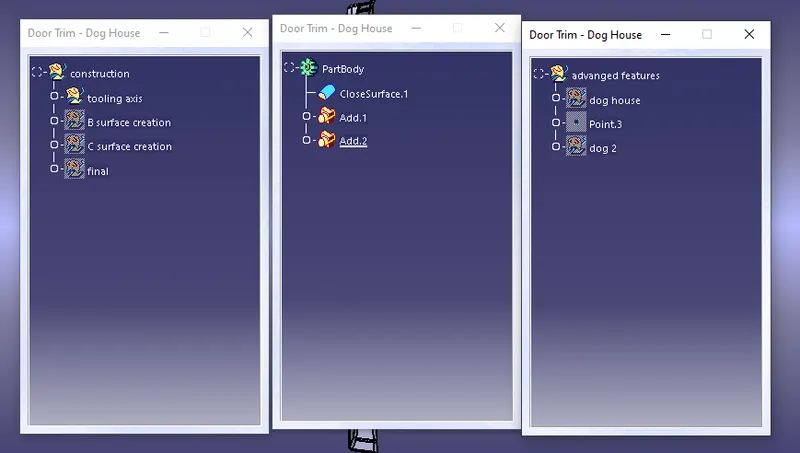
pubication
conclusion
given A surface to created with b surface and dog house should be created