Week 9 - Attachment Feature Creation - Challenge 2
Tooling Axis:-
Create a point on the selected (fully visible the class A surface) on the surface. using the intersetion tool, inersect the class A in YZ plane, draw two lines on the intersection curve they must and should co inside with the inclined lines and draw a bisecting line with these two line. and make an other intersection with class A in XZ Plane. A this time dont have the second second curve so draw a line with inclination of 2.5 deg then bisecting the these these two lines get a line. finally bisect the, first bisecting line and second bisecting line. That reasulent line is our Tooling Axis
Draft Analysis:-
for raft analysis go into Insert->analysis->feture draft analysis.
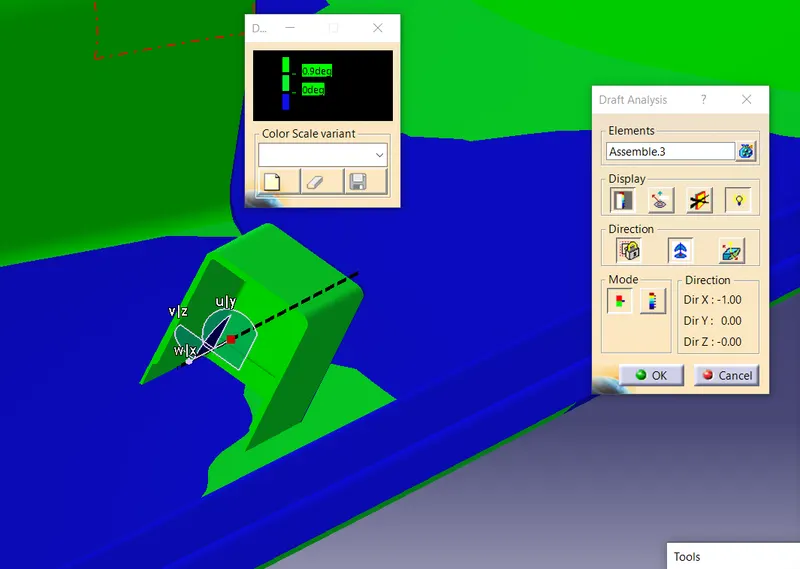
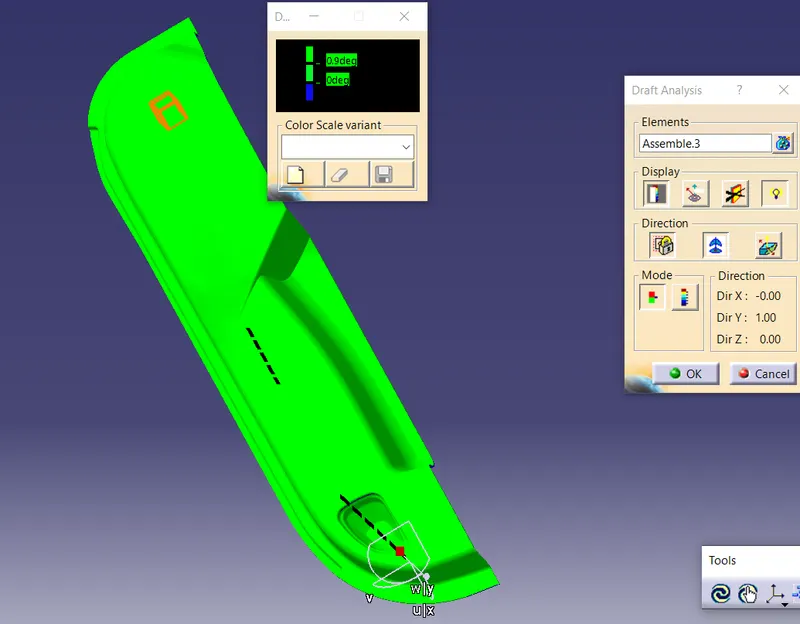
pick the campass on to the tooling axis and select the mode and choose the direction of draft and if you want highliting reprasentation. finally if you feel every thing fine then lock the draft analysis and click ok
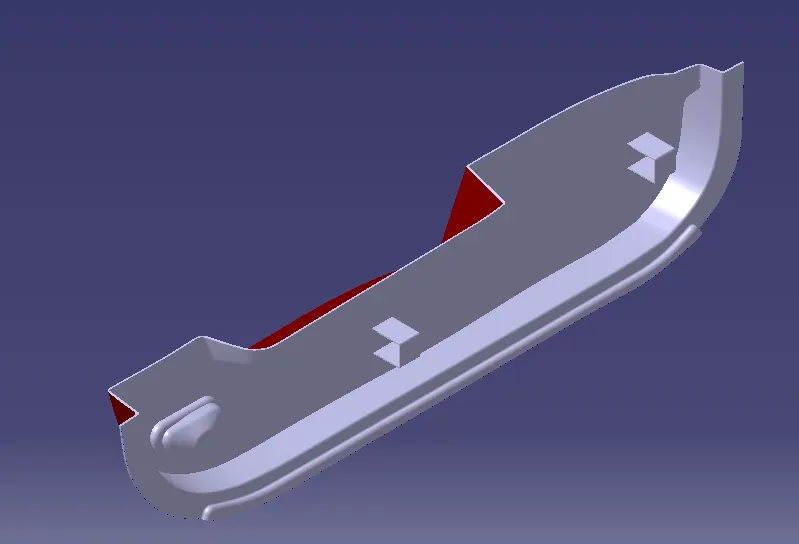
Isomatric view
front view
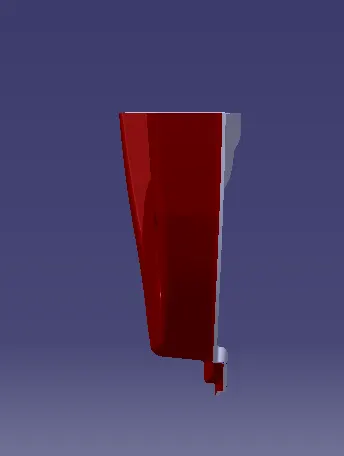
side video
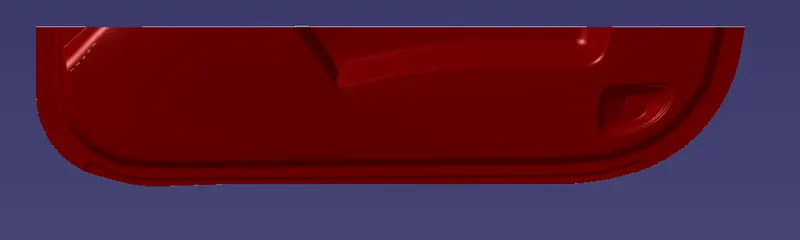
top view
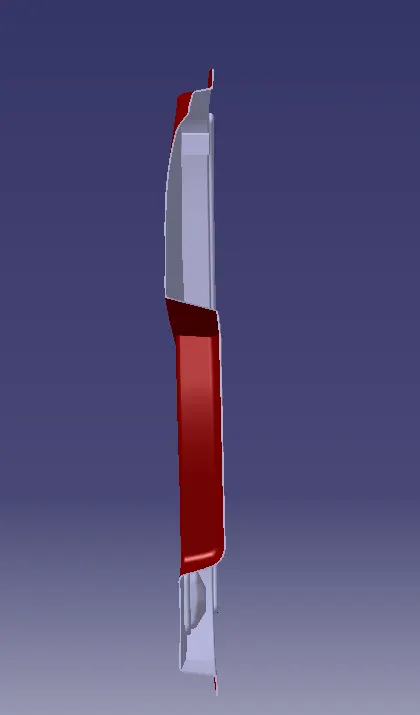
draft analysis
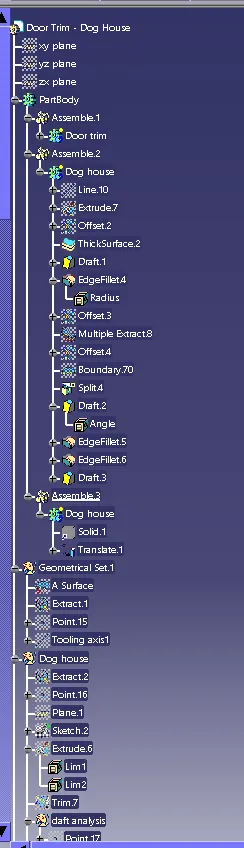
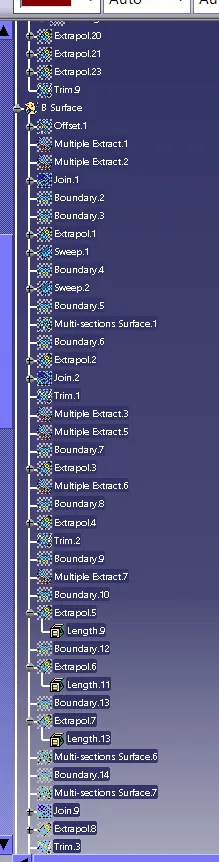
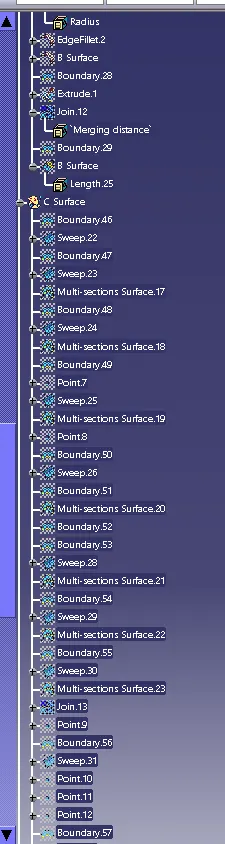
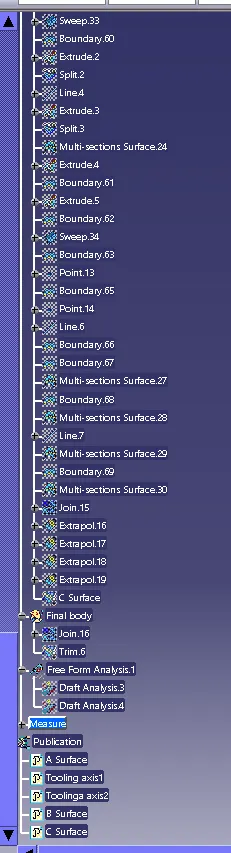
tree structure