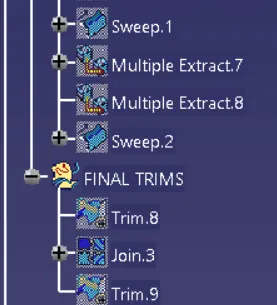
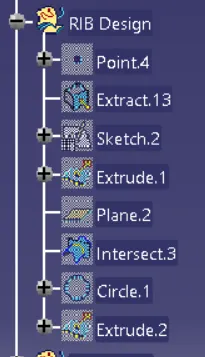
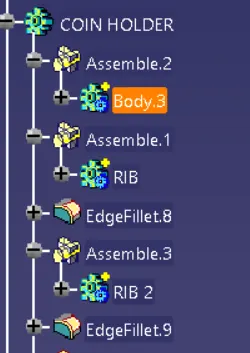
Week 9 - Attachment Feature Creation - Challenge 1
Aim:
To create an out featured rib on centre console coin holder.
Objective:
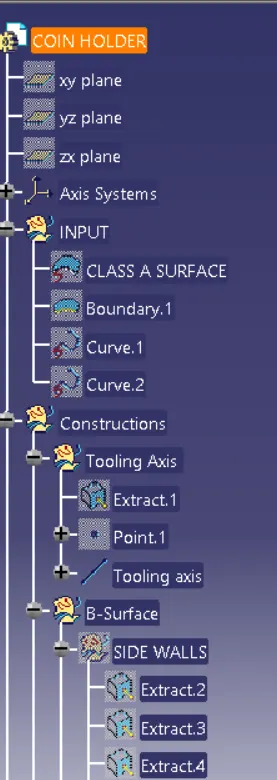
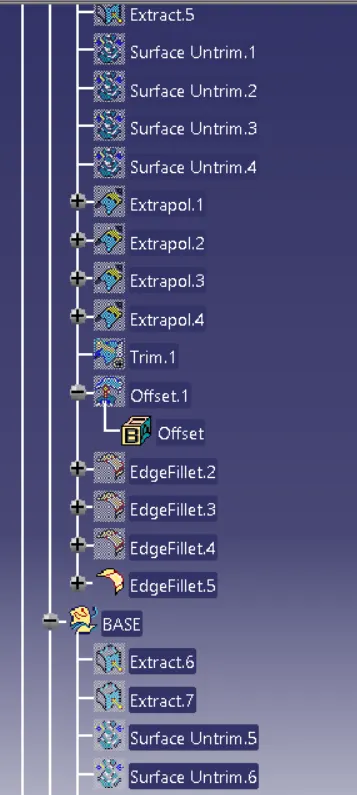
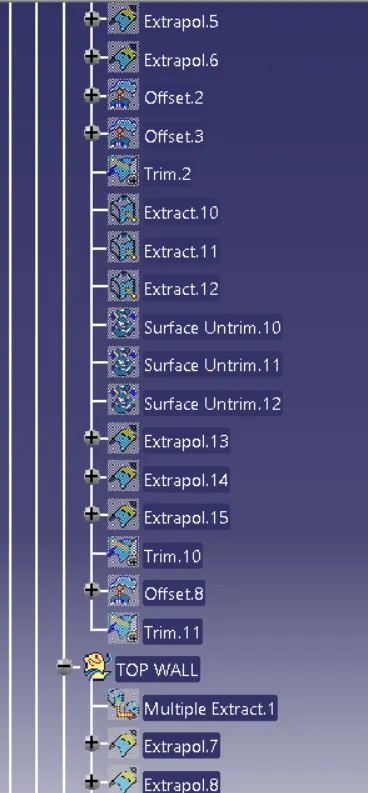
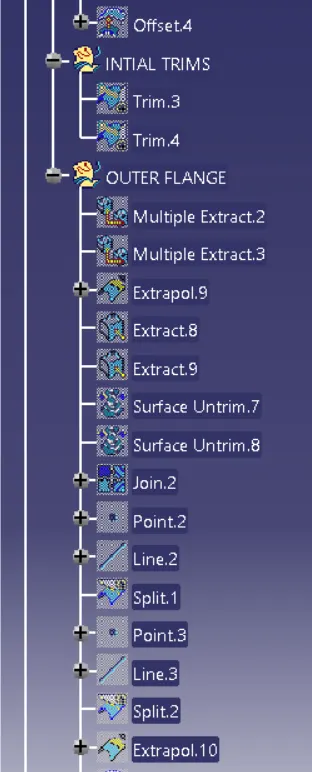
- Ensure proper tree structure.
- Ensure proper names for every geometrical set according to sketches.
- All sketches should be under the Geometrical set.
- Creating a solid surface using closed surface feature from the given surface.
Procedure:
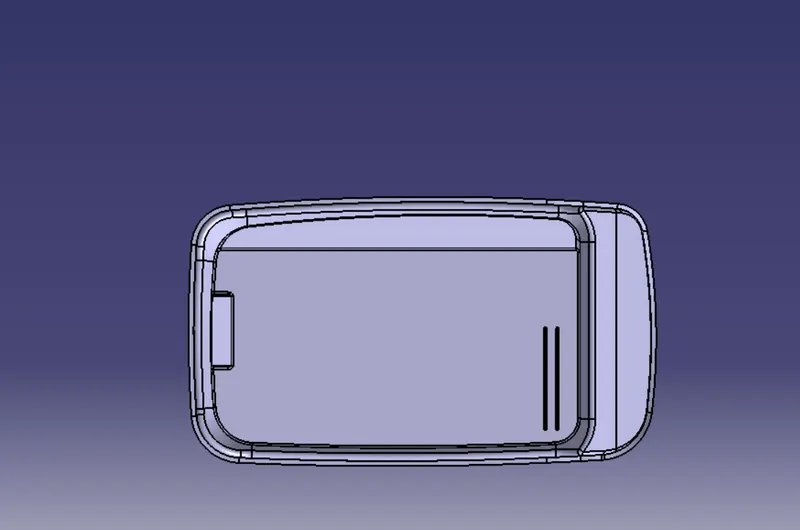
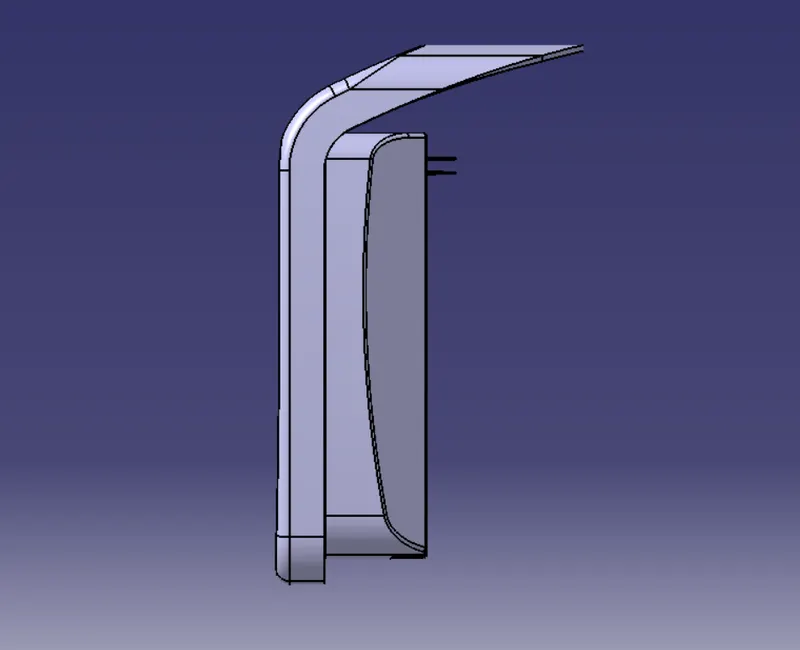
Firstly open the center console coin holder part file and extract the base surface.Create a position sketch and draw a line and constraint it then define line as output feature
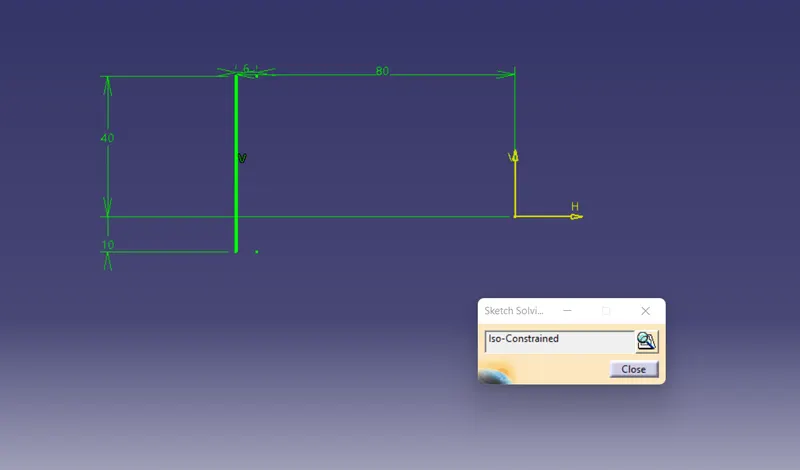
Extrude output line using Extrude command
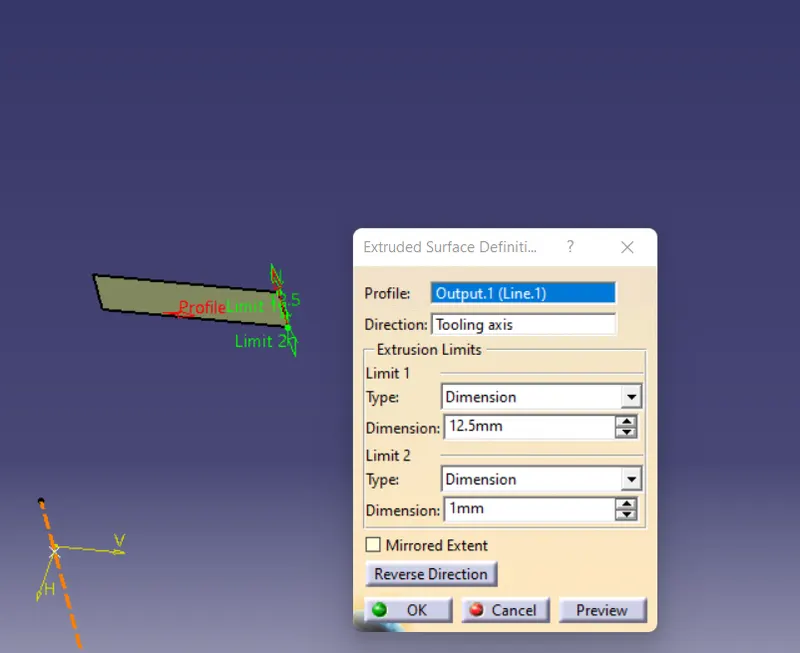
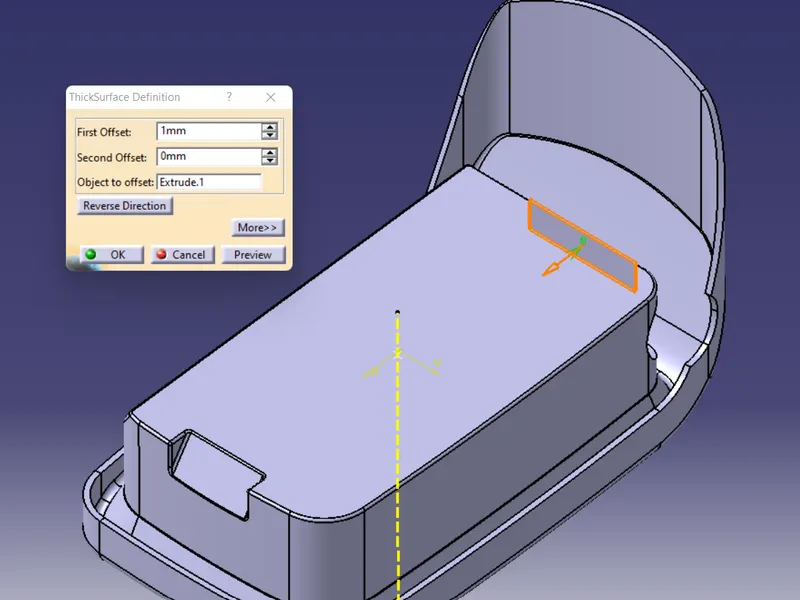
Go to part design and create a body assign thickness to extruded line.
Draft the thickened rib with an angle of 0.5 deg.
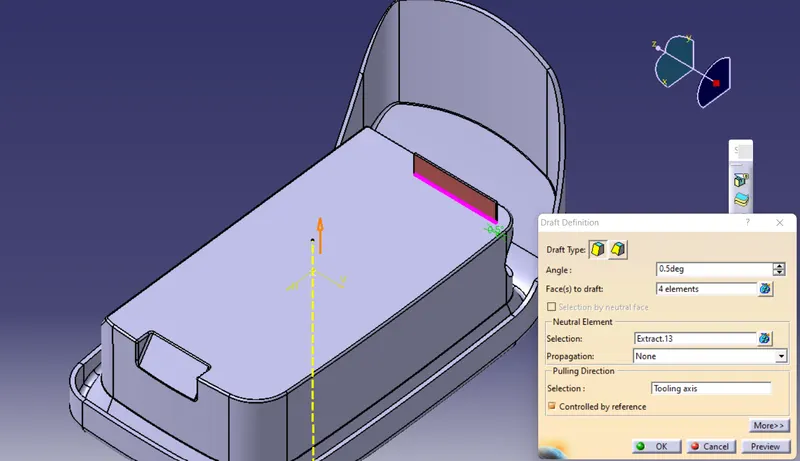
After drafting measure that top surface is greater than 0.75mm.
Now give the fillets to edges of 0.25mm all sides.
Using design rules similarly creatre another rib with a distance of 2:1 ratio
Y/X=2
Where Y= height of Rib
X= Distance between Ribs
= 12.5/2
= 6.25
this is created in same sketch we used for creating first rib.and now assemble the both ribs to coin holder
Now create an intersection using a XY plane to determine Rib thickness.
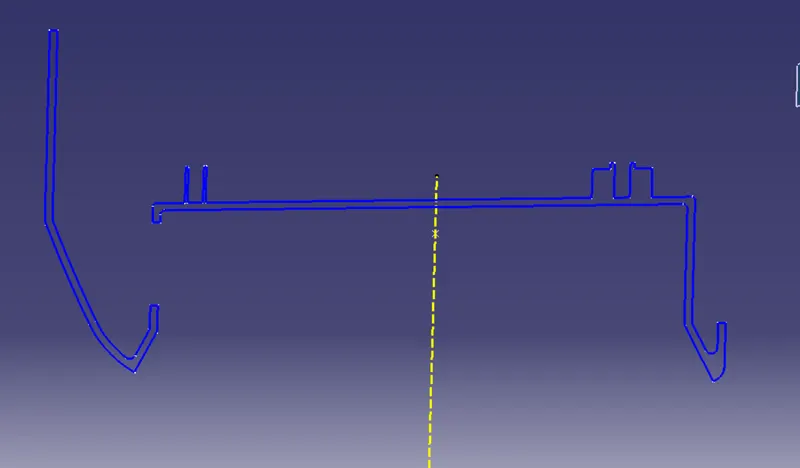
Create a Tritangent circle by selecting Extracted curves and line.
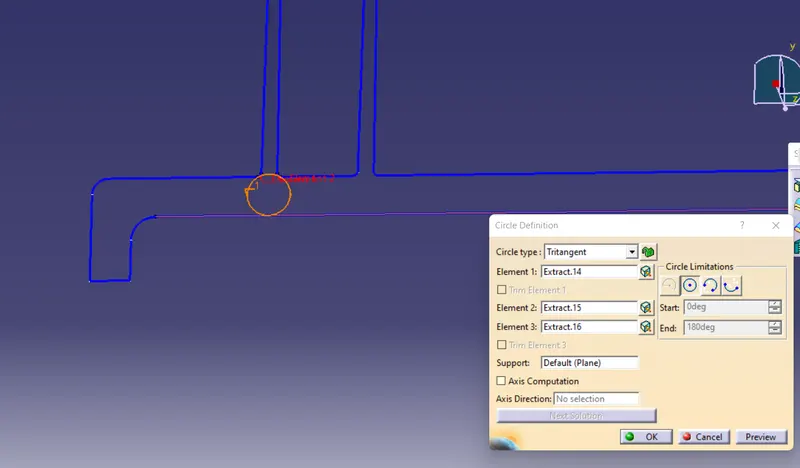
By using measuring tool measure height ,distance and thickness.
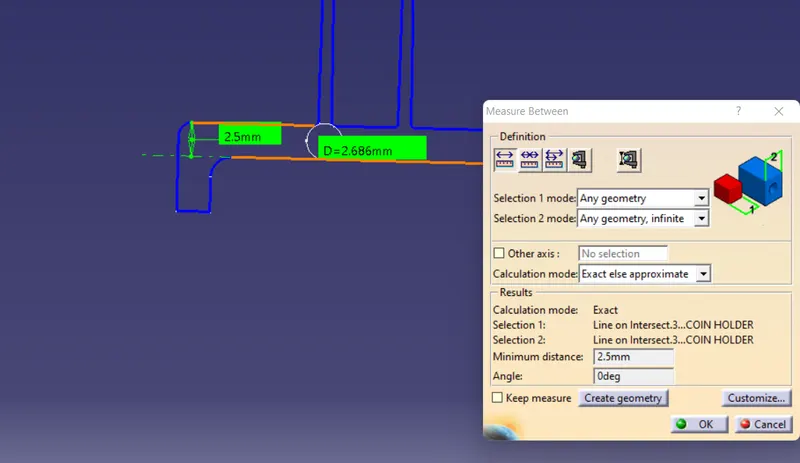
Thus ribs are created according to design rules
DRAFT ANALYSIS:
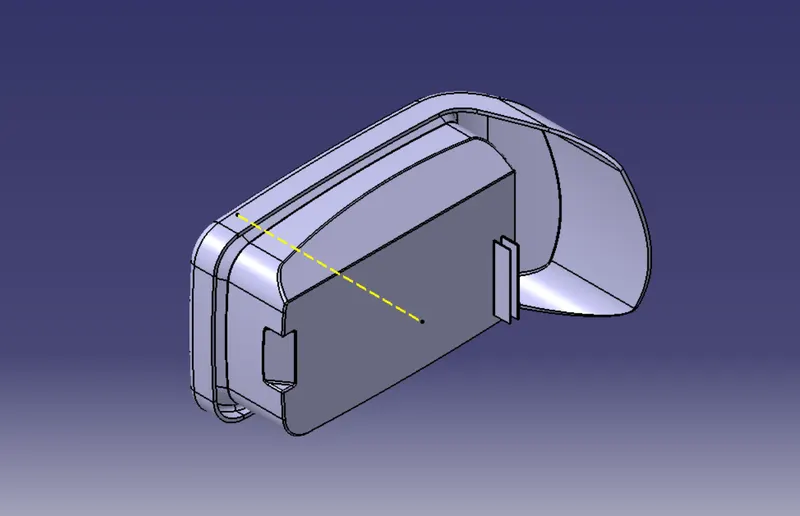
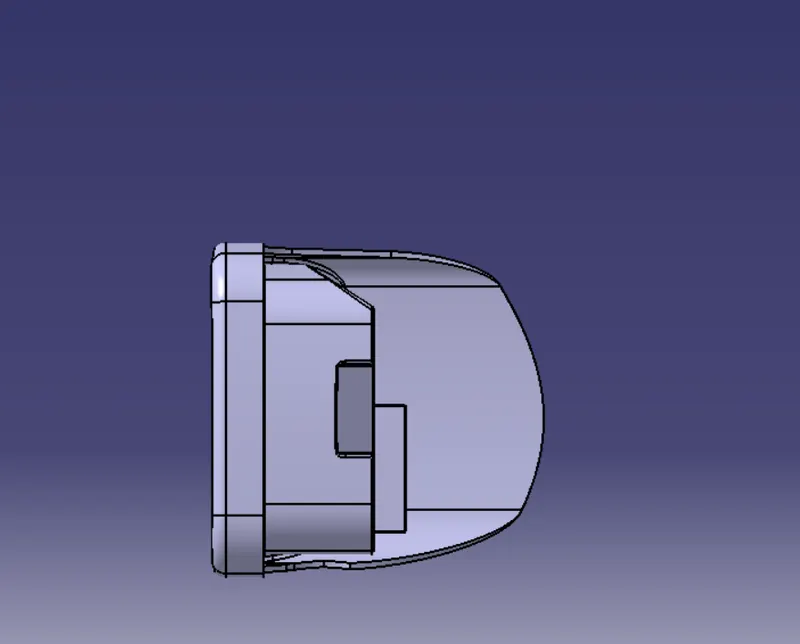
To perform draft analysis on the model: Go to menu bar > Analysis > Feature Draft analysis. to give draft direction use the compass and align Z-axis of it with tooling axis. Once it properly aligned , lock the draft direction. A red point shown on the screen ,select class A-surface and it will show us the current of the model . then go to display tab on draft analysis and select the first option under it colour scale and it will show draft value .set the value to 3 deg under the colour scale variat and press ok.here analysis can be done in two ways quick analysis and full anaysis we choose quick analysis.
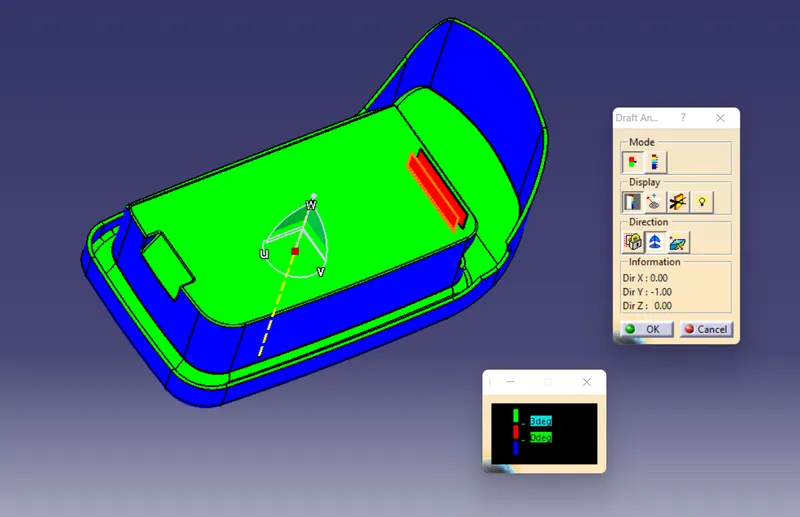
Here draft analysis shows
- The Green colour is drafted walls above 3 degree.
- The Red colour is drafted walls above 0 degree.
The analysis shows the drafted walls of Coin holder are above the par of 3deg which is permissible to manfacture in injection modeling. except some surfaces which are to modified and we can see ribs are above 0 deg draft angle.