Week 9 - Attachment Feature Creation - Challenge 1
Project Tiltle : ATTACHMENT FEATURE CREATION
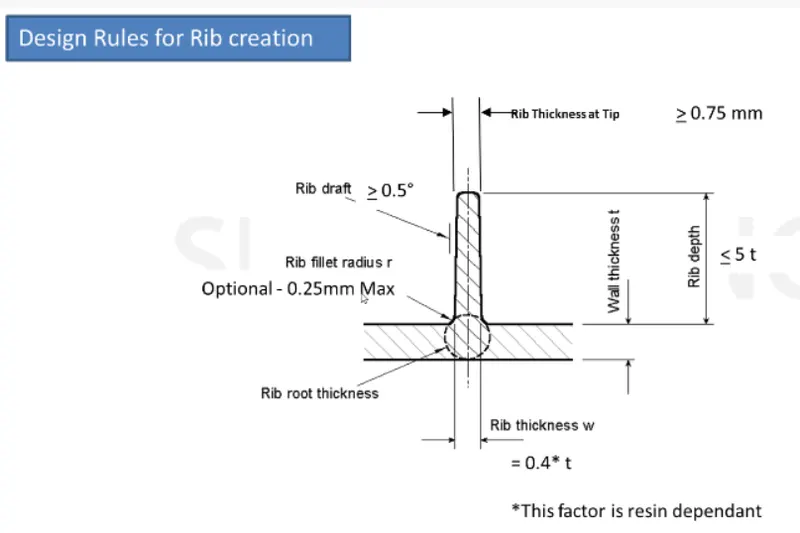
AIM : To create rib for the center console coin holder considering the design rules.
PROCEDURE :
Firstly open the coin holder using the open command
Rib :-
- To create a rib first extract the base surface of the coin holder.
- Create a positioning sketch draw a line, constraint it and define it as an output feature.
- Extrude the output line using extrude command.
- Go to part design, create a part body and assign thickness to the extruded line.
- Draft the thickned rib With an angle of 0.5 deg.
- After drafting, measure that the top surface is greater than 0.75mm
- Now given the fillrts to the edges of 0.25mm all sides.
- Assemble the rib body with coin holder.
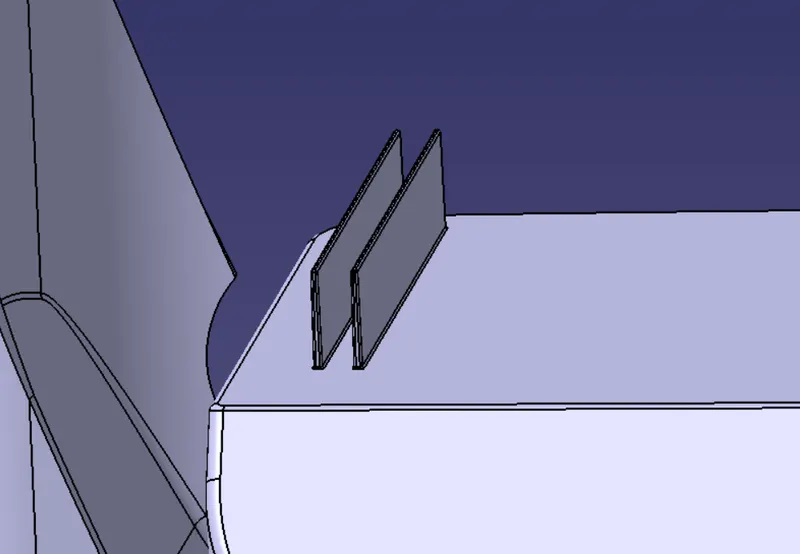
- simillary create another rib with a distance of 2:1 rario the created rib.
Using formula
Y/X=2 (as per perference from the video)
Height of ribs Y=12.5
Distance between ribs X=?
X=12.5-2
Y= 6.25
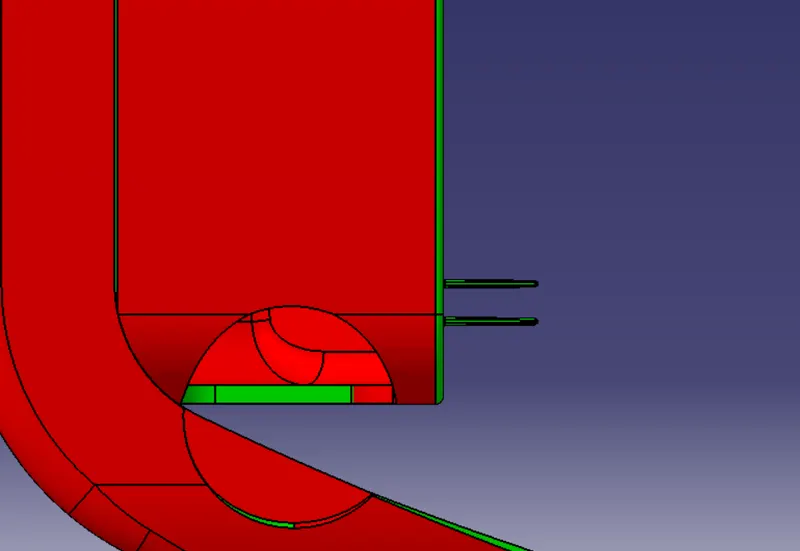
- Now create an intersection using a YX plane to determine the rib root thickness.
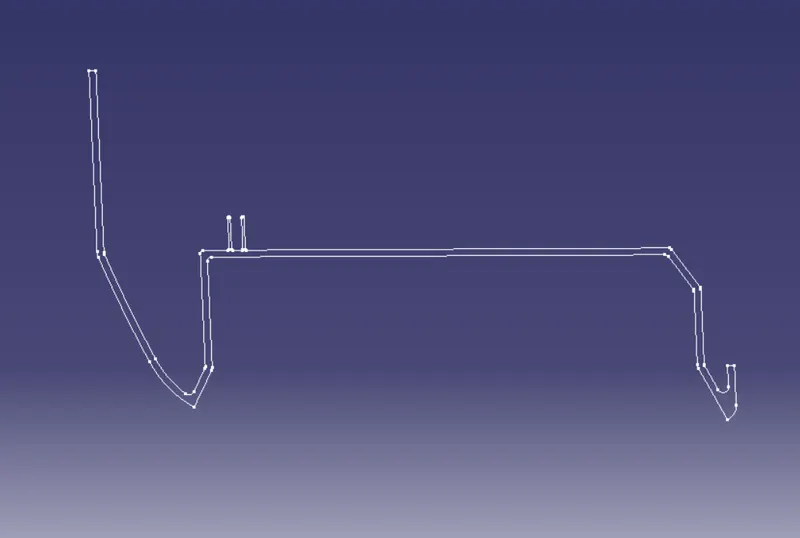
- Create a tritangent cricle by selection the extracted curves and line.
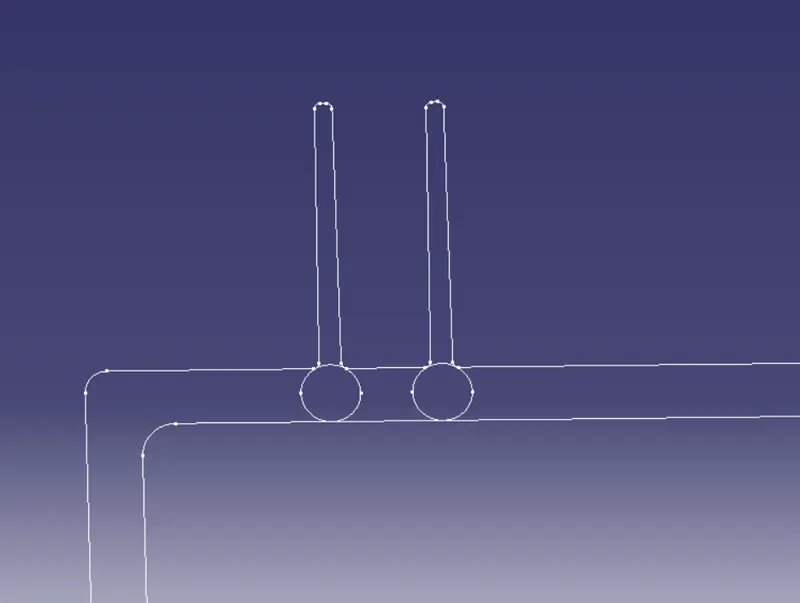
- By using measuring tool measure the distance, height and thickness.
Draft Analysis :
- After the outer features rib are created go to insert select analysis and click on feature draft analysis
- Select on the compass position on the tooling axis
- Click on the body to see colour scale.
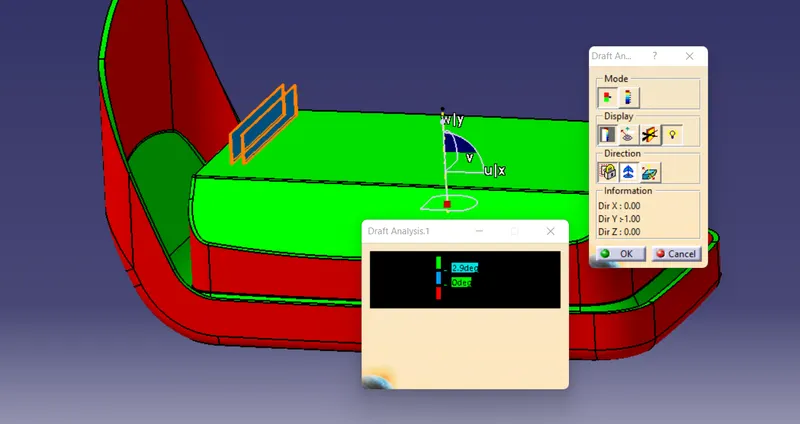
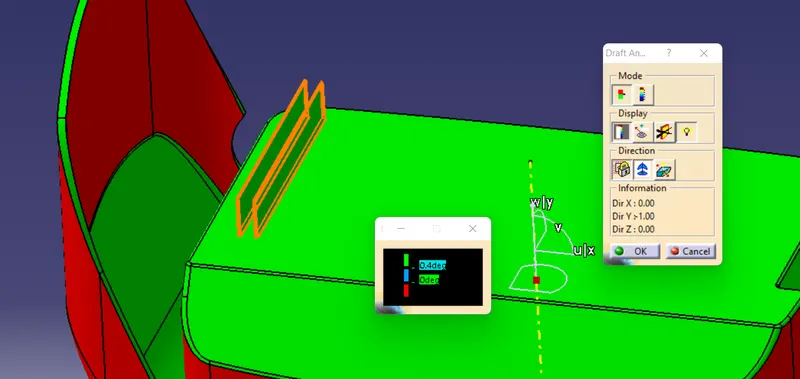
VIEWS OF RIB CREATION ON COIN HOLDER :
- Front View
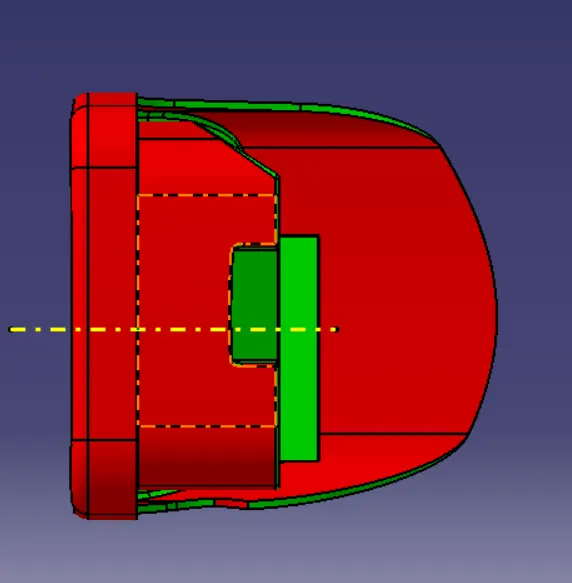
- Back View
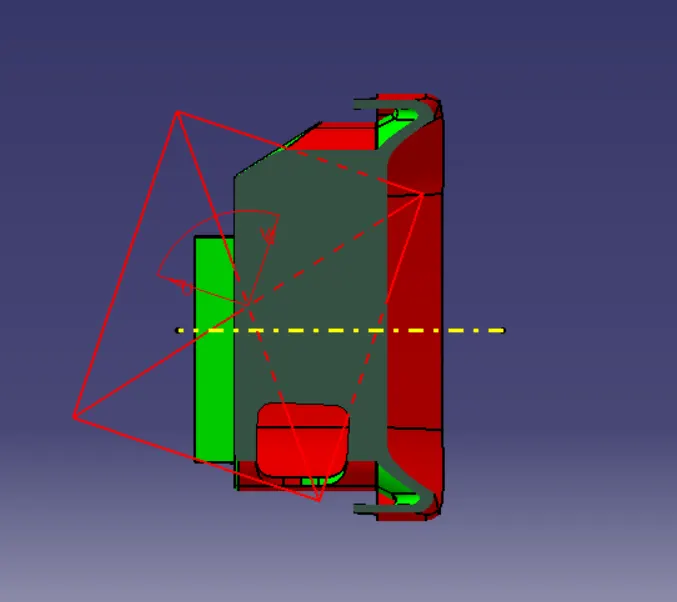
- Left View
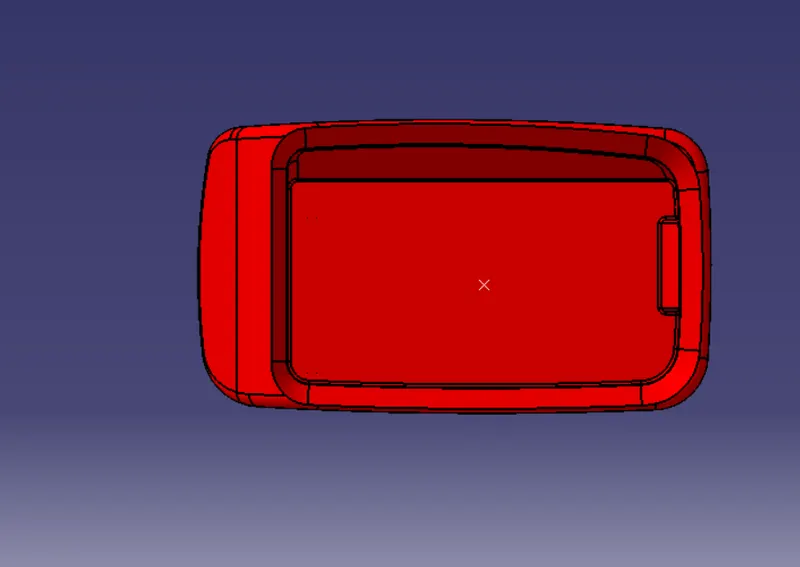
- Right View
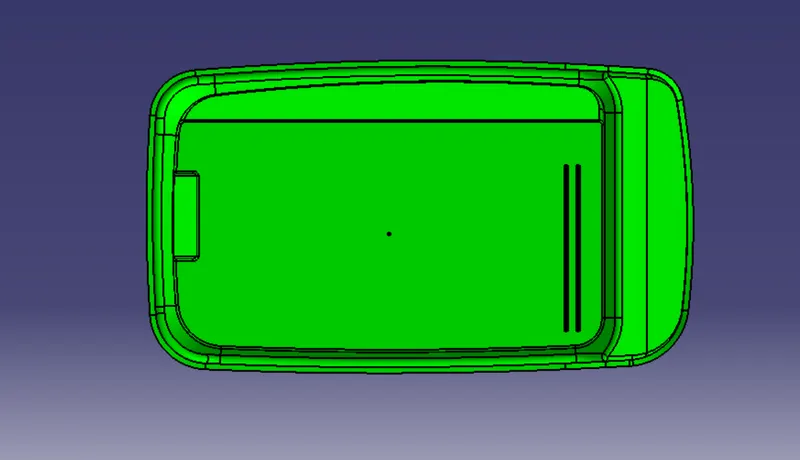
- Top View
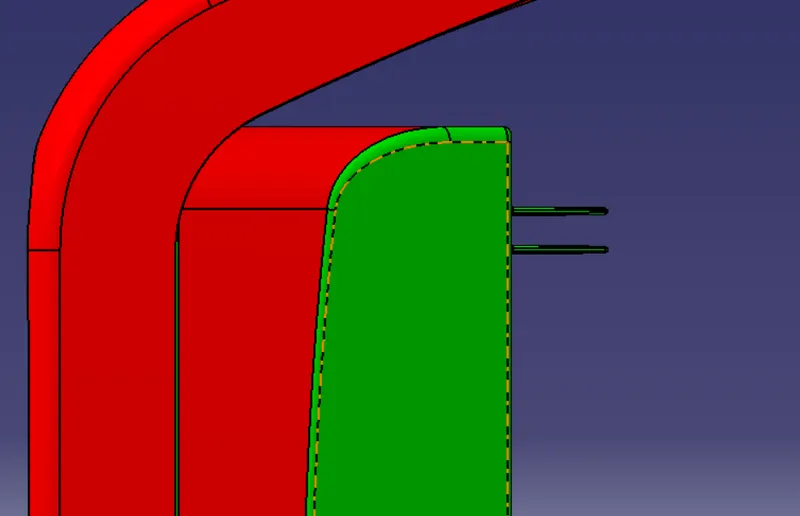
- Bottom View
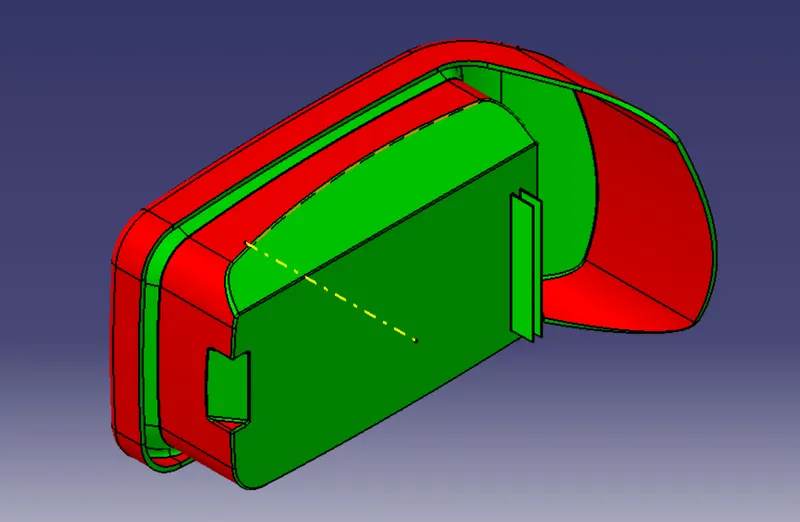
- Isometric View
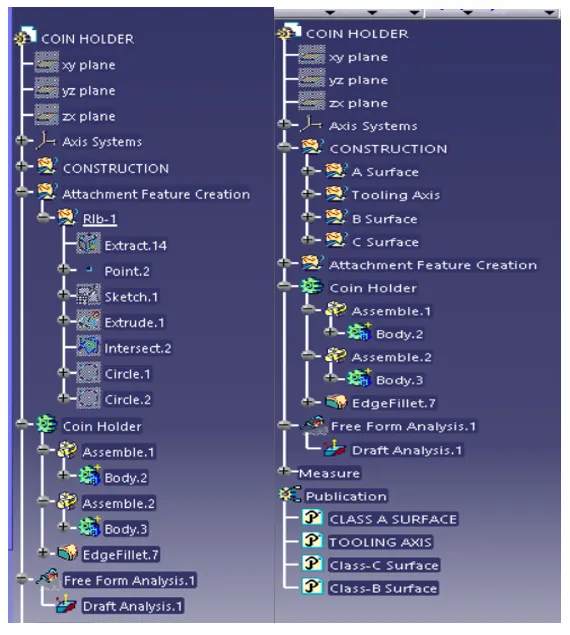
Design Tree Structure :