Advanced Sheet Metal Design Using NX Cad Challenge_1_Casing Design
TITLE OF THE PROJECT :- Advanced Sheet Metal Design using NX cad Challenge_1_Casing Design
OBJECTIVE :- To design a sheet metal casing design as per dimenstions by using NX cad software.
INTRODUCTION :-
- Sheet Metal Design :- NX Sheet Metal Design provides the design professional with a complete set of tool to efficiently create and manage sheet metal parts based on the knowledge of meterial processes. NX Sheet metal design tools information, enabling the model to represent both the formed component and flattened blank shapes.
DESIGN METHODOLOGY :
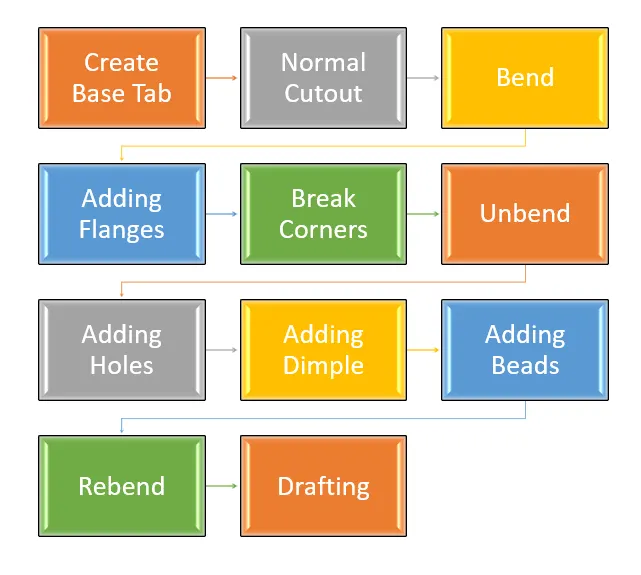
DESCRIPTION :
SKETCH : It is abasic of any design.
TAB : Tab is used to create base feature of a sheet metal.
FLANGE : It is used to create a extended part of a sheet metal.
UNBEND : Unbend is used to unbend the sheet metal taking any one face as a stationary face.
REBEND : Rebend command is used to rebend the sheet metal.
DIMPLE : This feature is used to create pitch up or pitch down surface.
BEAD : It is used for giving strength to the sheet metals.
IMAGES
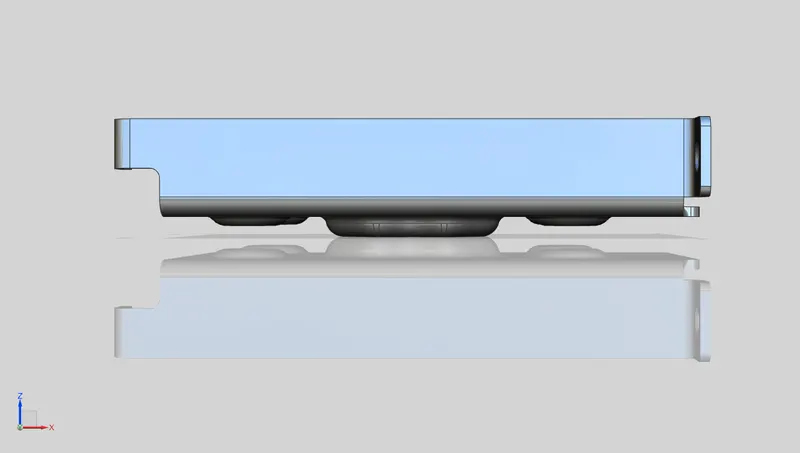
- Front View of Casing
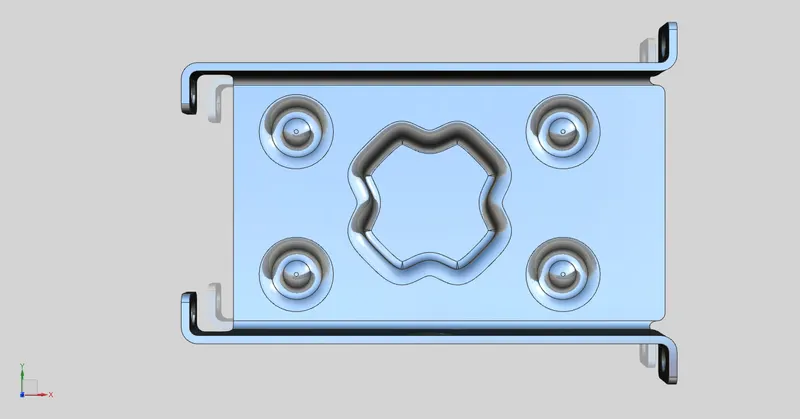
- Top View of Casing
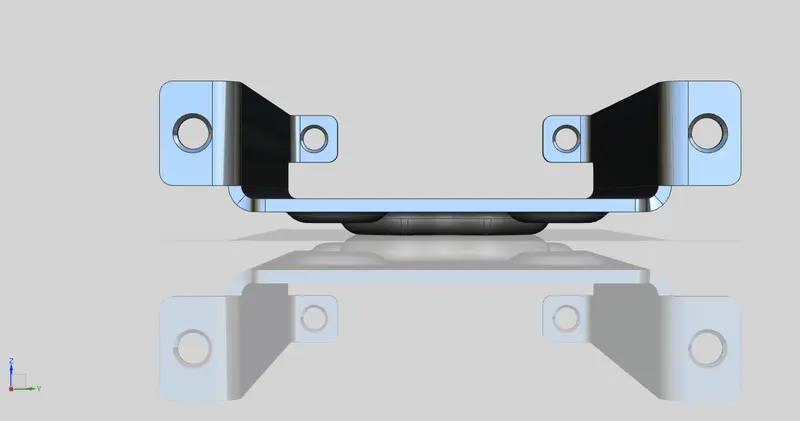
- Rightside View of Casing
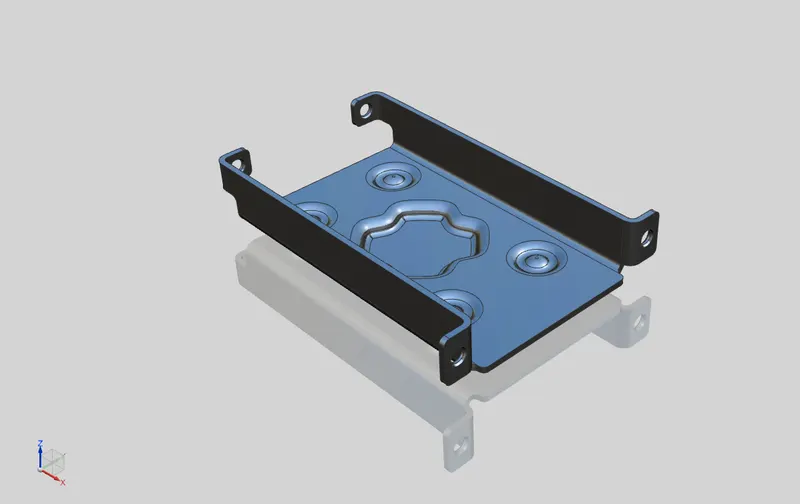
- Isometric View of Casing
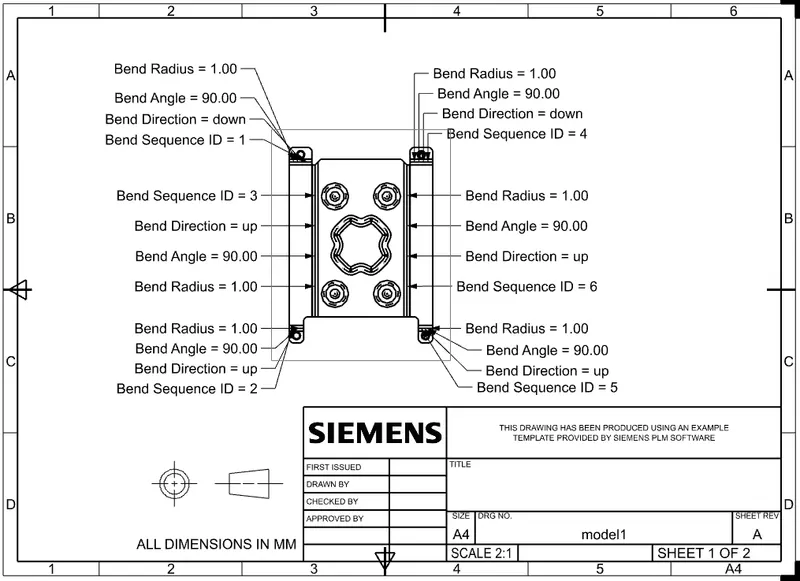
- Drawing Sheet
CONCLUSION :
The sheet metal casing design is created as per dimenstions by using NX cad software. In this challenge i have learned how to use basic features like Tab, Bend, Flange, Break Corner, Dimple, Unbend, Rebend, Holes, and Bead.