Week- 8 - Solid meshing
Week- 8 - Solid meshing
For the given Rear view mirror component, check for the geometrical errors and mesh the Surfaces with the given 2D element Quality criterias given below.
|
S.No |
Quality Criteria |
Value |
|
1 |
Target/Average length |
1 |
|
2 |
Minimum Length |
0.5 |
|
3 |
Maximum Length |
2 |
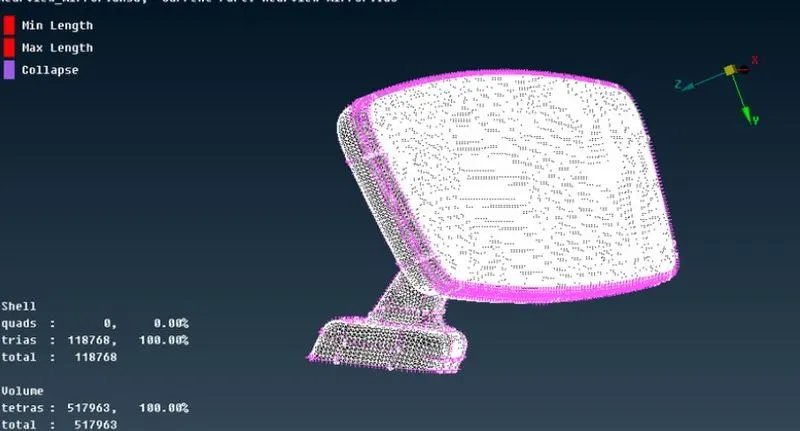
Use tetra elements to mesh the Volumes defined in the model and check for the below quality after Volume meshing.
|
S.No |
Quality Criteria |
Value |
|
1 |
Tet collapse |
0.2 |
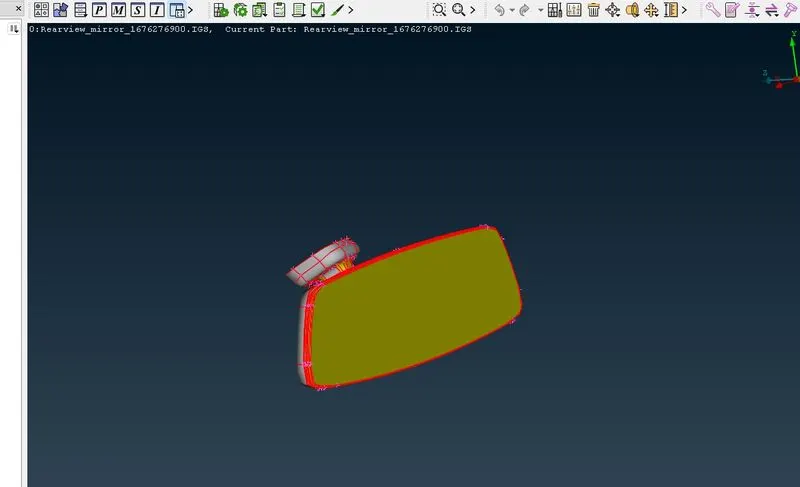
For the Given Rear View Mirror CAD geometry, we need to clean it, fix it , mesh it and volumetric mesh it.
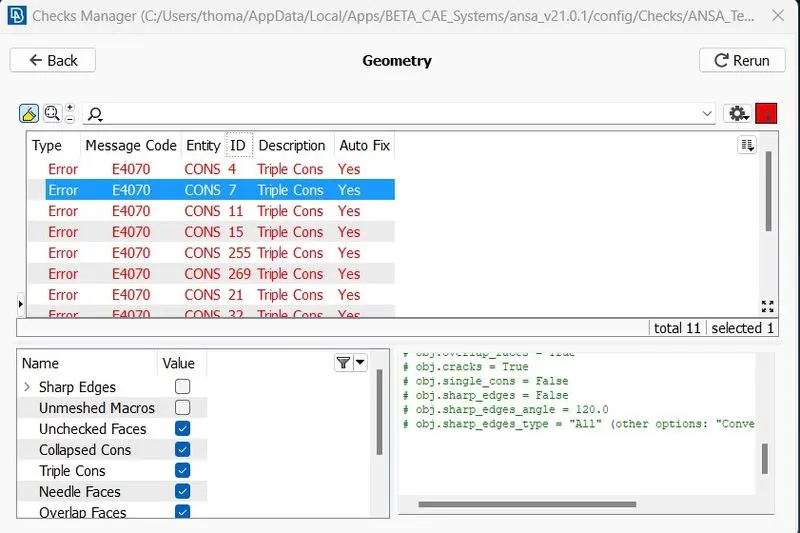
First we need to do a geometry checkup and we saw a number of errors, out of most of them are automatically fixable.
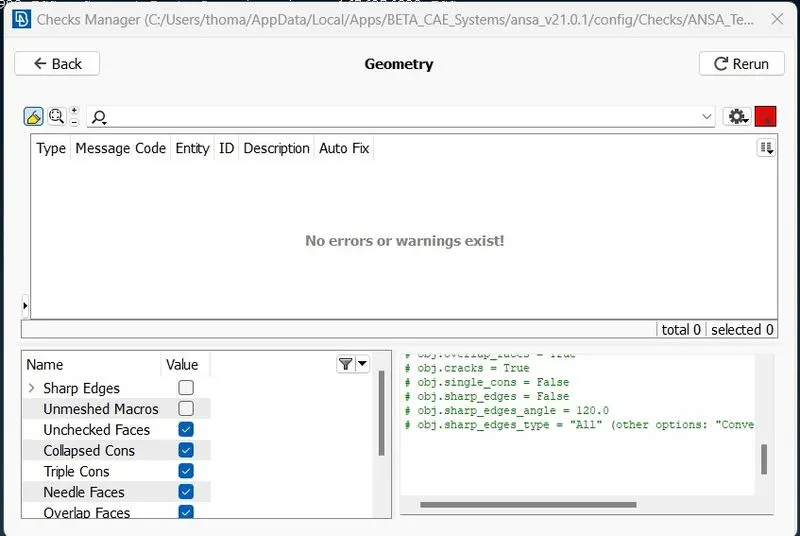
All the errors are fixed and is now ready for meshing.
Mesh Generation
First we need to set the quality criteria as mentioned in the question,
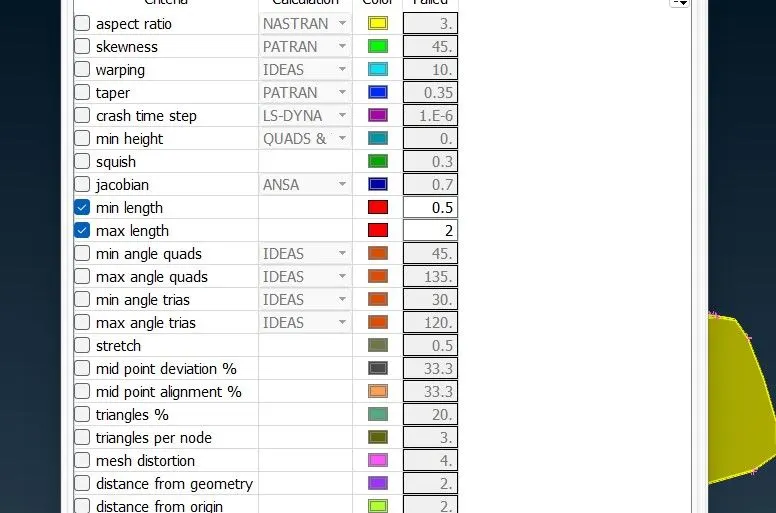
Quality criteria in Solids
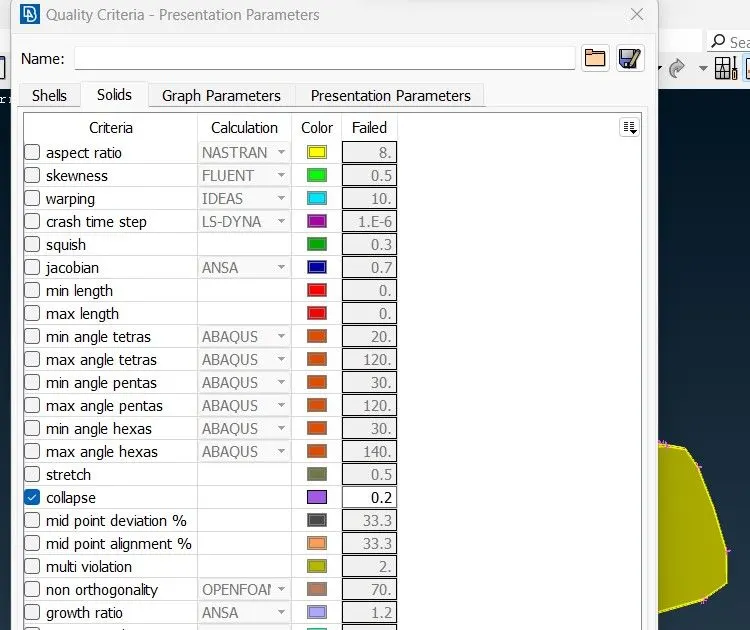
Setting up the quality criteria in the Mesh Parameter
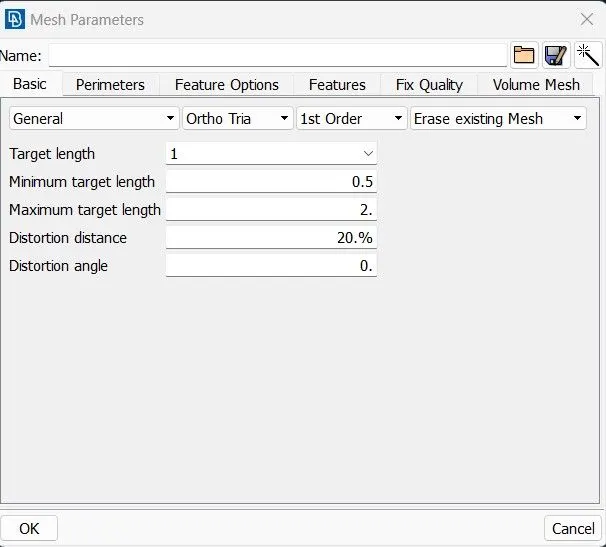
now, we need to set the Length of the perimeters and Macros in the mesh Tab and it is set to 1mm for a refined mesh.
Now we need to start meshing, for the flat surfaces out there we use tria type mesh and for curved planes or surfaces we use ortho- tria mesh type.
Ortho-tria Mesh
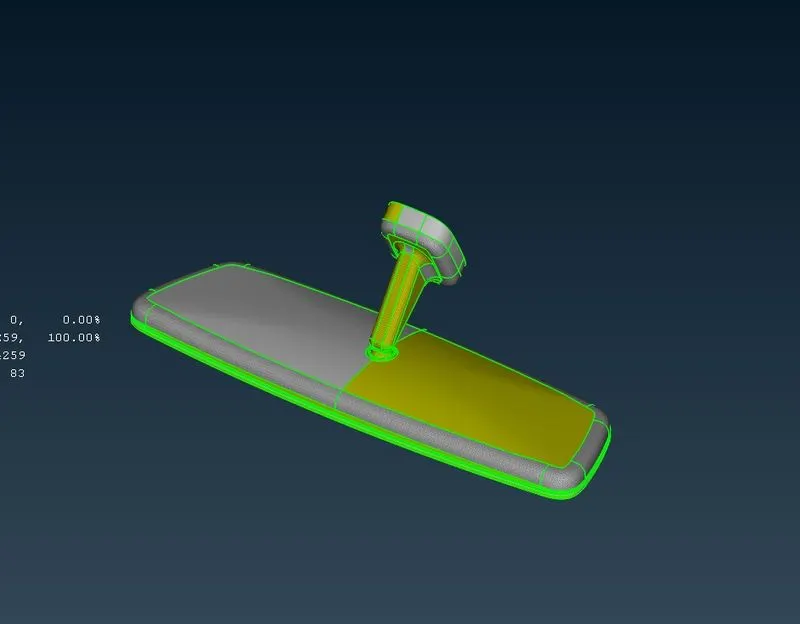
fully Meshed geometry
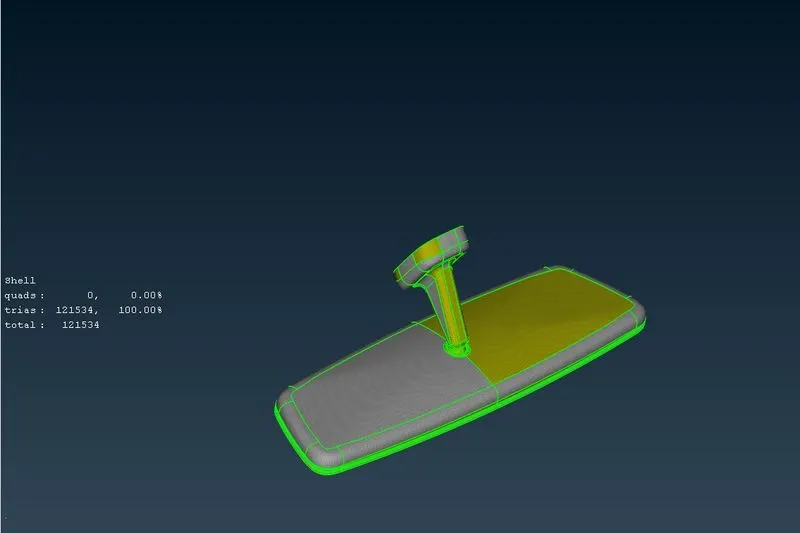
Now we need to turn on the quality for any kind of errors, we saw many faces with errors and it then fixed manually using "reconstruction" tool , now the geometry is clean and is ready for volumetric meshiing.
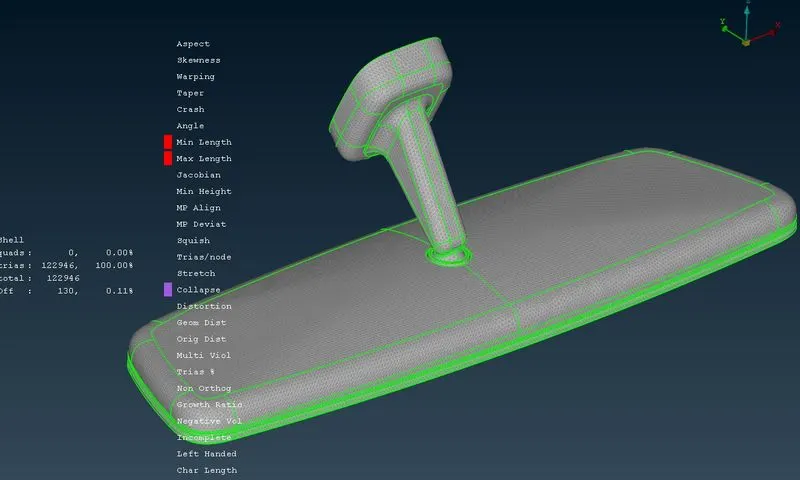
Volume Meshing
Volume Meshing is done by using the define option in the volume mesh tab.
Volume Mesh > Volume > Define > Manual > *Select the components and middle click*
then the solid property is created.
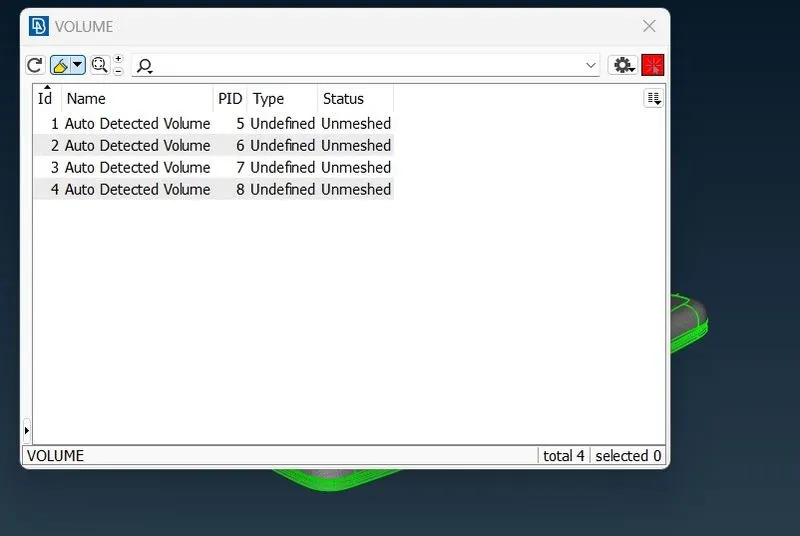
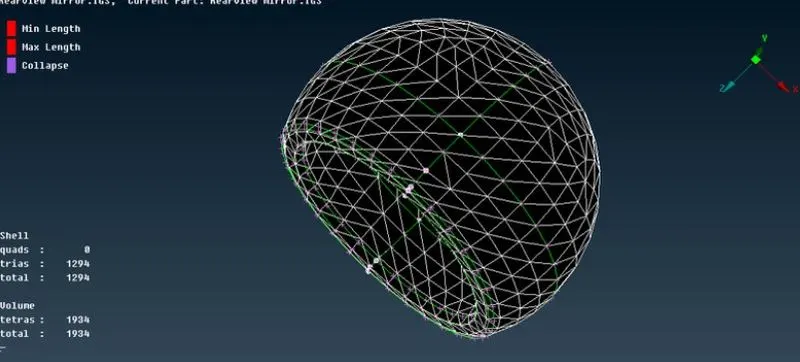
Solid meshing can be performed with some meshing algorithms available in the software like Tetra FEM or Tetra Rapid, there by the volumetric meshing is done.
Thank you