Week - 8 - Morphing
MORPHING
AIM:
The main aim of this project is to perform the basic morphing technique for a Hand rest plastic component and sheet metal component.
GIVEN:
CAD MODEL
MODEL 1:
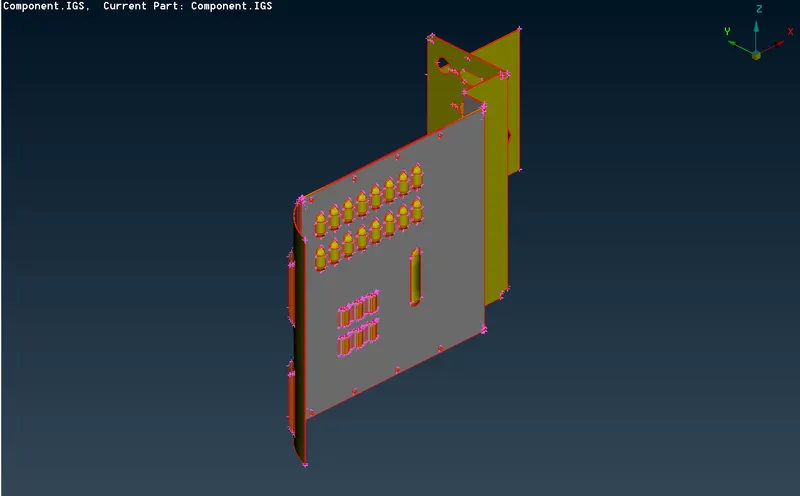
MODEL 2:
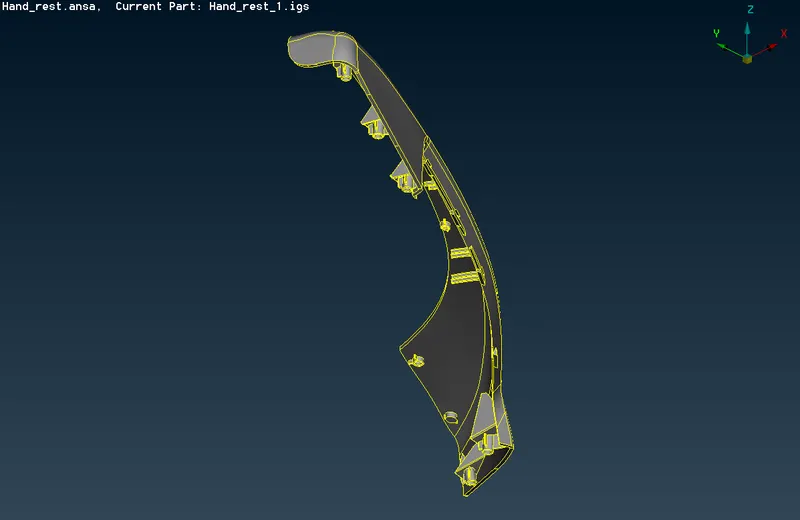
PROCEDURE:
- Import the CAD model File_open_Component.igs
- Check the geometry and clear the error manually and automatic fix.
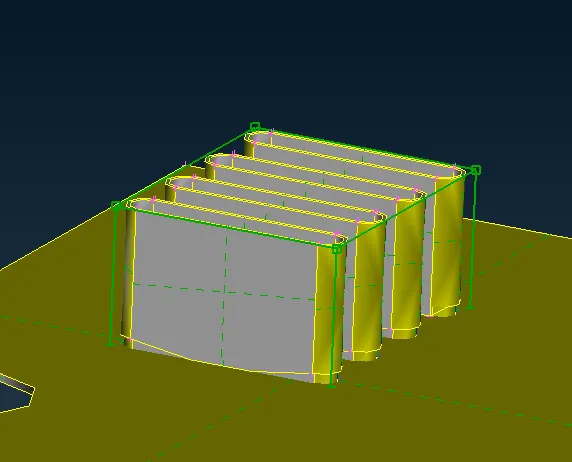
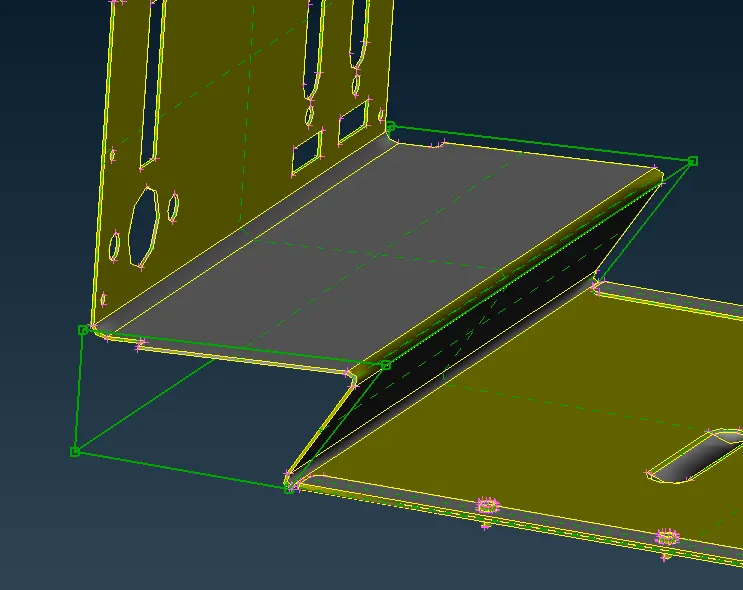
For morph go to Morph modules create a new box for moving the surface in respect to coordinates.
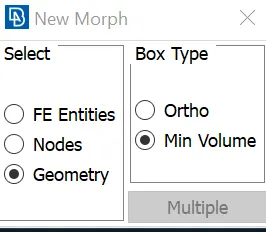
After selecting the surface to morph go to Box morphing_move
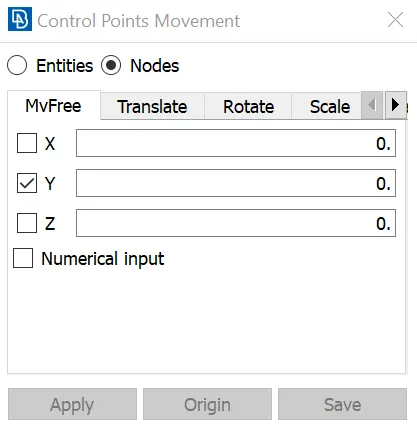
Change the shape of the surface as per need.
MODEL 1:
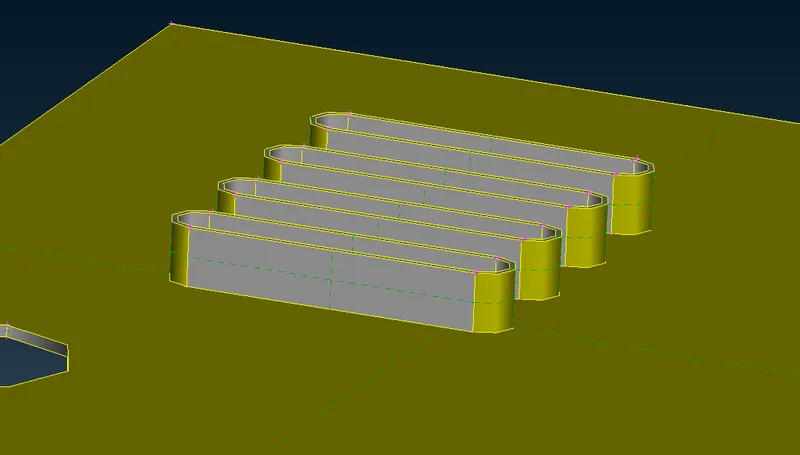
BEFORE MORPH 1
AFTER MORPH 1
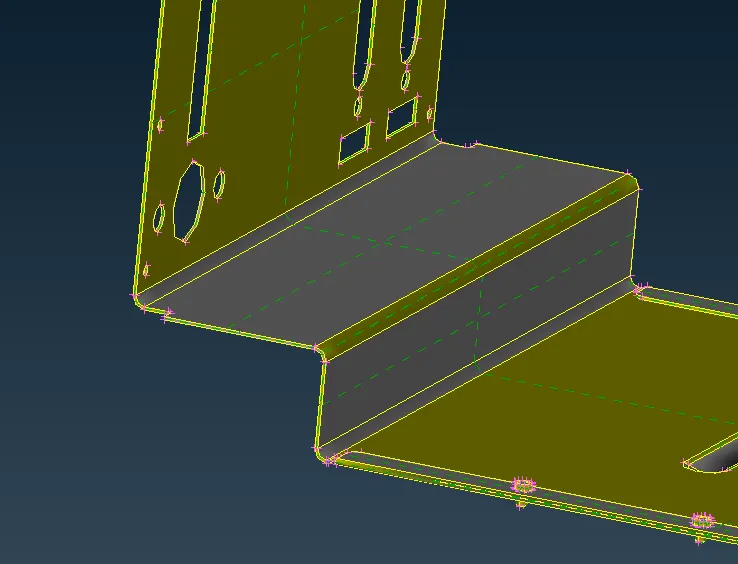
BEFORE MORPH 2
AFTER MORPH 2
BEFORE MORPH 3
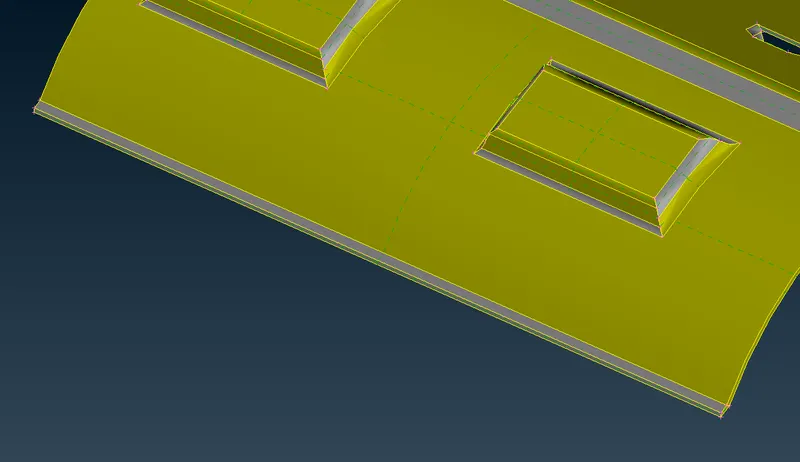
AFTER MORPH 3
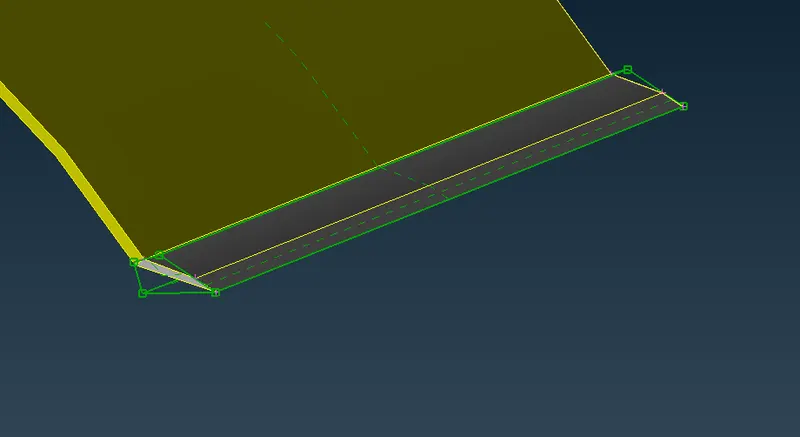
MODEL 2:
BEFORE MORPH
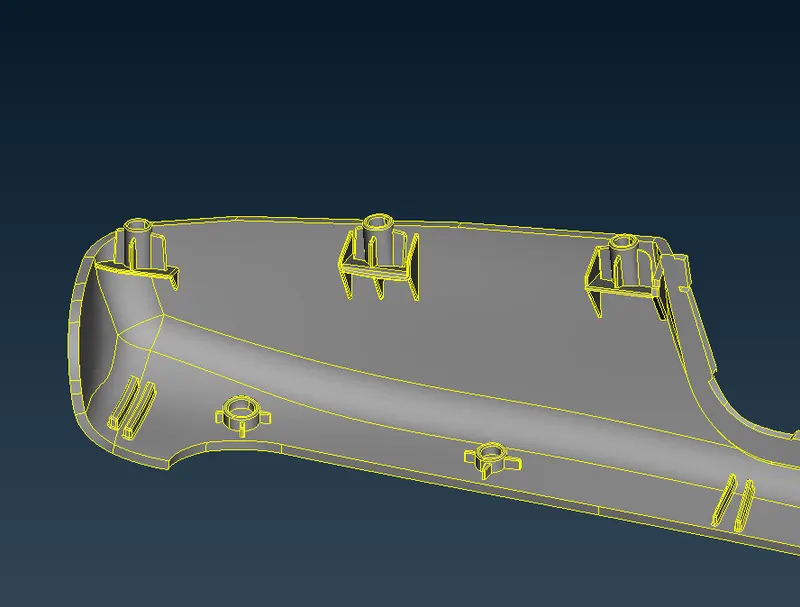
AFTER MORPH
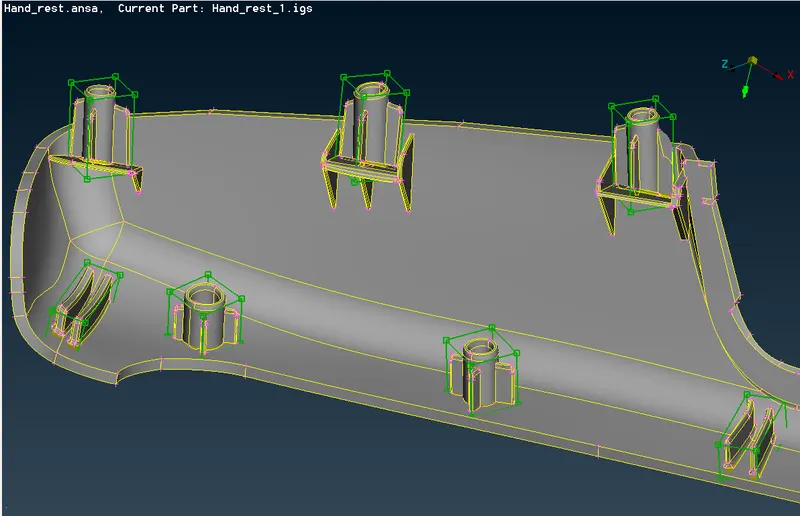
LEARNING OUTCOME:
- Understood the basics of morphing in ANSA
- Learnt about how the industries like Honda,maruthi suzuki applied this morphing techniques in designing a new model car from thier existing models.
- This morphing is not only used in car models but also in changing the shape of FE model to reduce stress concentration in a particular region.
CONCLUSION:
Hence the basic technique of morphing has been practiced in this challenge for a sheet metal and a plastic component.