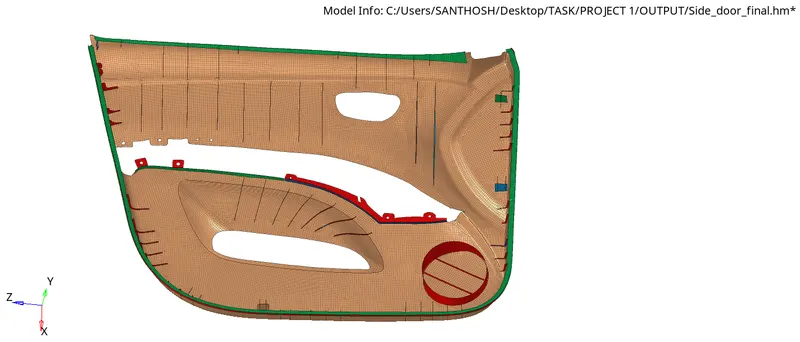
Week 12:Project-1-Meshing of Door Inner Panel Challenge
MESHING OF DOOR INNER PANEL
AIM:
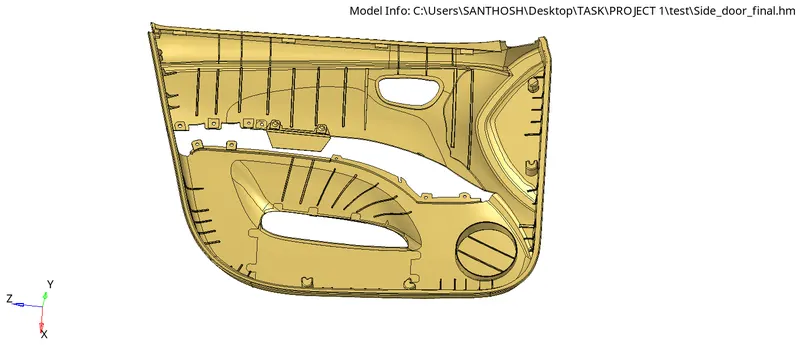
To generate midsurface and geometry cleanup for the given model.Mesh the model with low tria concentration and proper mesh flow.The model should pass all the given quality parameters.Finally assign thickness for variable thickness areas.
GIVEN:
MODEL:
GIVEN QUALITY CRITERIA:
Target Element Length = 4 Units
| S.N | Quality Criteria | Value |
| 1 | Aspect Ratio | 5 |
| 2 | Skewness | 45 |
| 3 | Warping | 15 |
| 4 | Taper | 0.5 |
| 5 | Min. Length | 2 Units |
| 6 | Max. Length | 6 Units |
| 7 | Min angle Quad | 45 |
| 8 | Max angle Quad | 135 |
| 9 | Min angle Tria | 20 |
| 10 | Max angle Tria | 120 |
| 10 | Tria % | 10 |
PROCEDURE:
STEP 1: Import the model by selcting Files_Open_Model
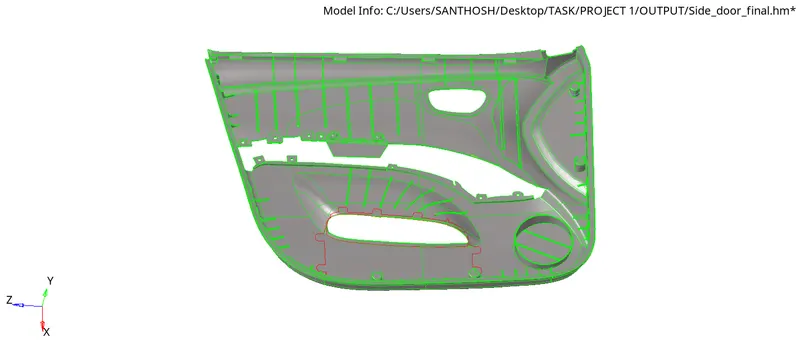
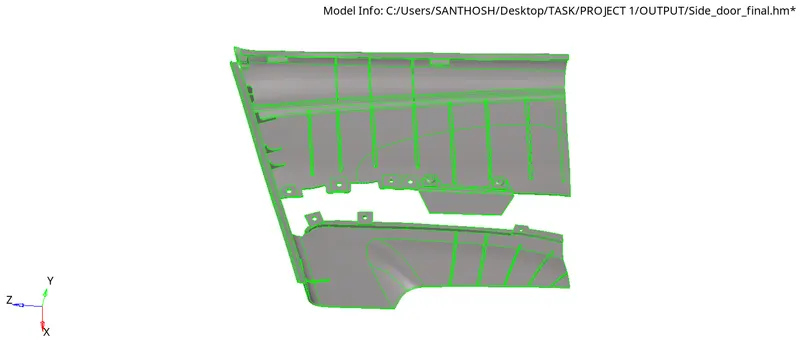
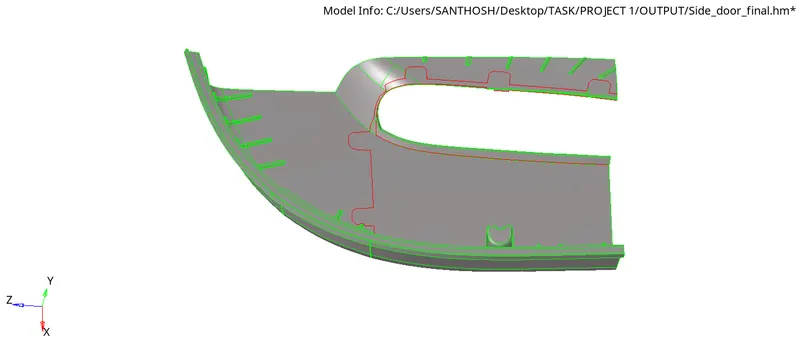
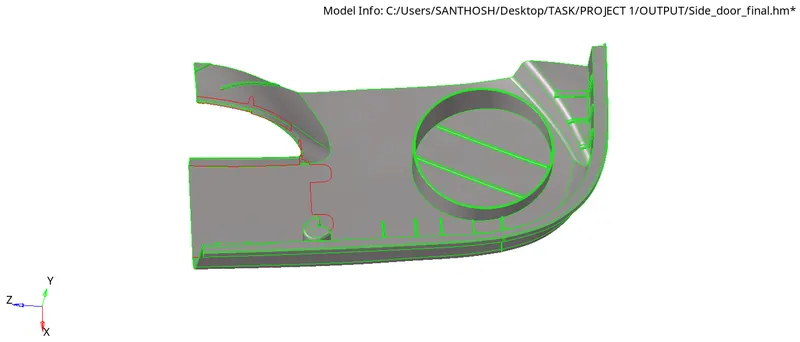
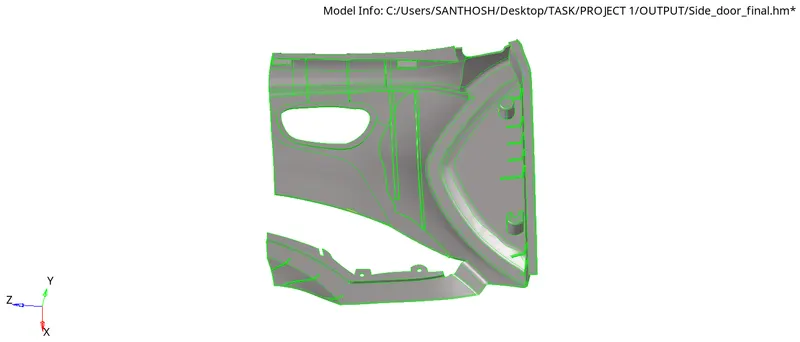
Spliting the imported model into four component so that It will be easy to work
By going to surface edit and selecting trim with surfs/plane
choose the surface and split with axis and select Base point

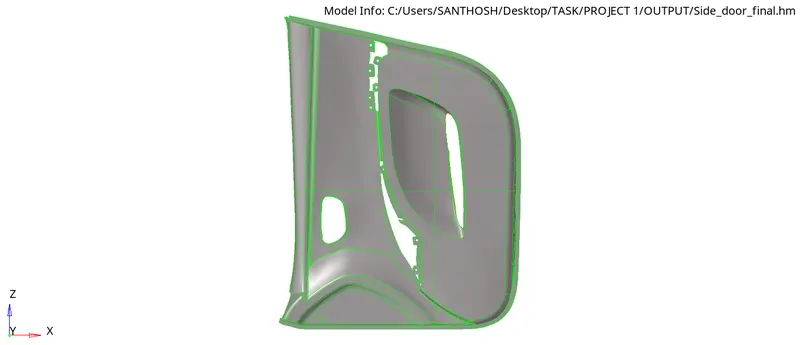
COMPONENT 1:
COMPONENT 2:
COMPONENT 3:
COMPONENT 4:
Cleanup the Geometry where we find error in the model by using the Quick edit option given below:

For extracting Midsurface manually we have to find the distance between the surface

After finding the distance go to surface edit and offset the surface

Another method by going to automidsurface in Geom panel,Select the first surface in side1 and another surface in side 2

MIDSURFACE 1:
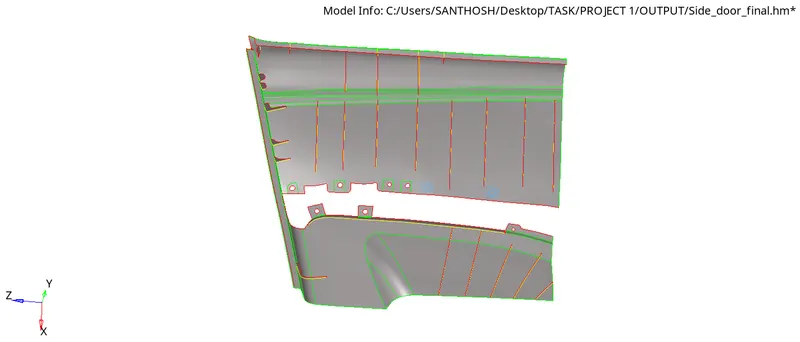
MIDSURFACE 2:
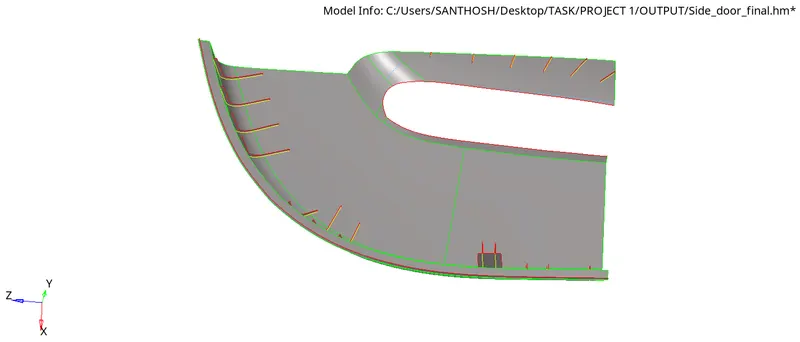
MIDSURFACE 3:
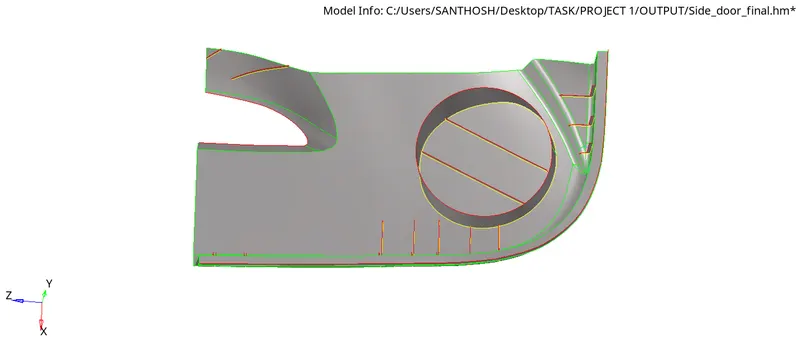
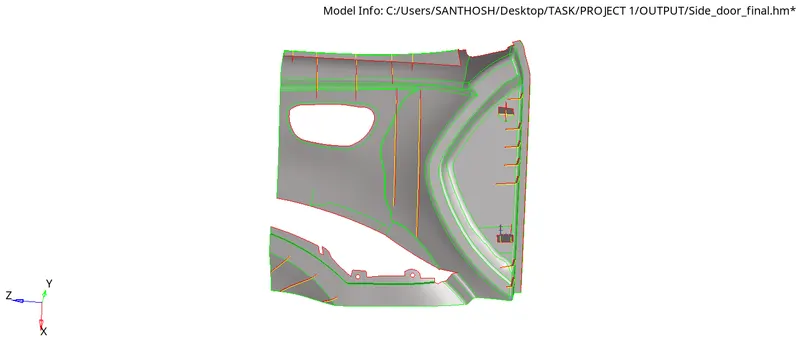
MIDSURFACE 4:
For 2D mesh Go to 2D panel and click on Automesh

Select the Surface with element Size 4unit as given Start the mesh
After Mesh each and every component the output of Meshing are shown below:
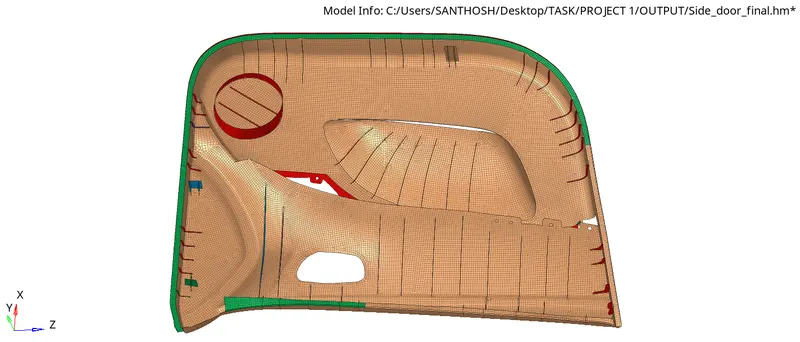
Go to 2D panel and click on Quality index check the Quality error in the model
Quality parameters have been Update in Criteria file seetings and saved
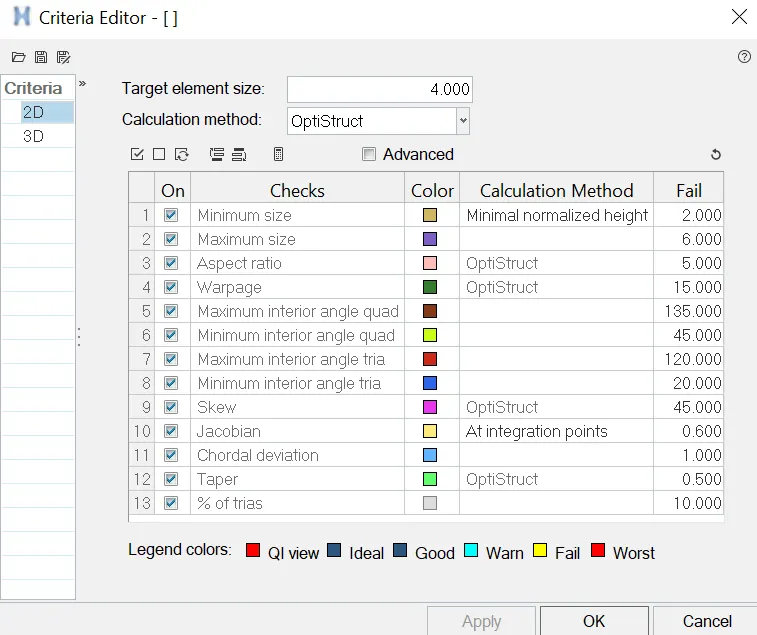
To clear and pass the quality parameters follow the below steps:
- Remesh the element that are failing
- Select element optimize,drag tria element and place node option in quality index for clearing the error

Align the node that are not placed in line

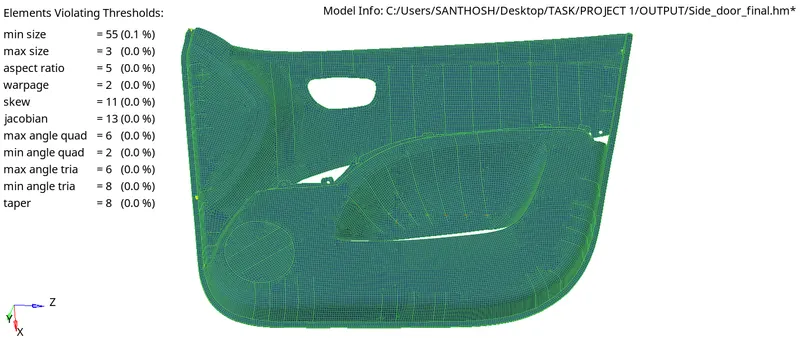
Final quality check that are update after clearing the error
Assign thickness for component based on various different thickness measured by creating property for each thickness
After assign property for various thickness:
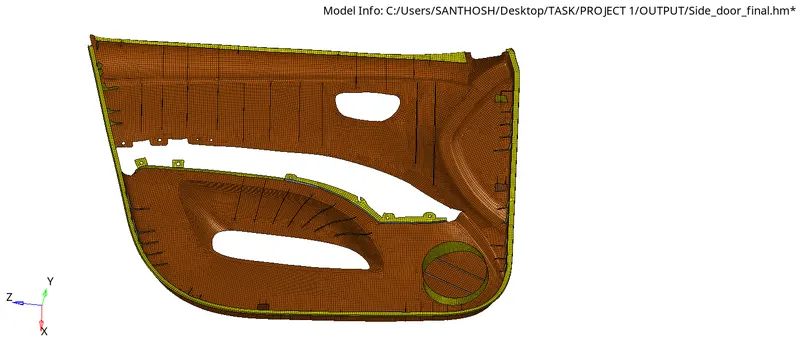
FINAL OUTPUT: