Week 12:Project 2-Meshing of Rear Wheel Holder challenge
PROJECT 2: MESHING OF REAR WHEEL HOLDER
AIM:
To generate midsurface and geometry cleanup for the given model,mesh the model with low tria concentration and proper mesh flow.The model should pass all the given quality parameters.
GIVEN:
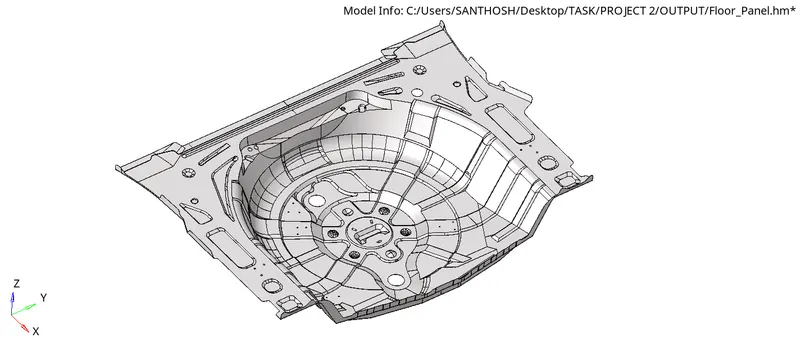
QUALITY PARAMETERS:
Target Element Length = 5 Units
| S.N | Quality Criteria | Value |
| 1 | Aspect Ratio | 5 |
| 2 | Skewness | 45 |
| 3 | Warping | 15 |
| 4 | Taper | 0.5 |
| 5 | Min. Length | 2 Units |
| 6 | Max. Length | 8 Units |
| 7 | Min angle Quad | 45 |
| 8 | Max angle Quad | 135 |
| 9 | Min angle Tria | 20 |
| 10 | Max angle Tria | 120 |
| 11 | Tria % | 10 |
PROCEDURE:
STEP 1: Import the model by selcting Files_Open_Model
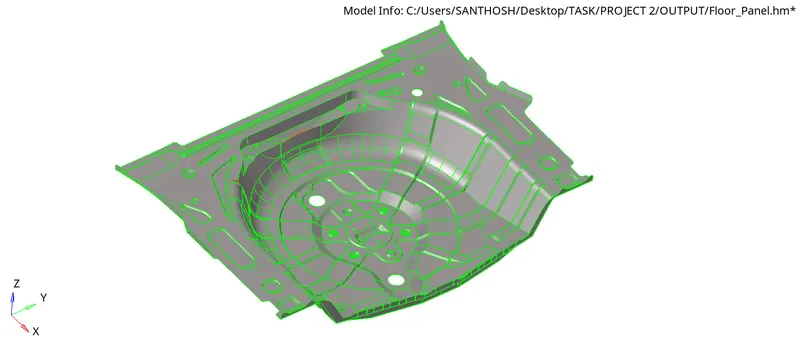
Cleanup the Geometry where we find error in the model by using the Quick edit option given below:

To clear the free edges inbetween the surfaces Go to Geom_Edge Edit and replace the moved edge to retained edge

For extracting Midsurface manually we have to find the distance between the surface using the option below:
Geom_distance

To extract Midsurface there are two ways:-
METHOD 1:
Geom_Midsurface
Select the surface to extract midusurface with extraction option as offset+planes+sweep

METHOD 2:
Geom_Surface edit
Select the surface by any one side to offset and extract the midsurface

MIDSURFACE OF THE GIVEN MODEL :
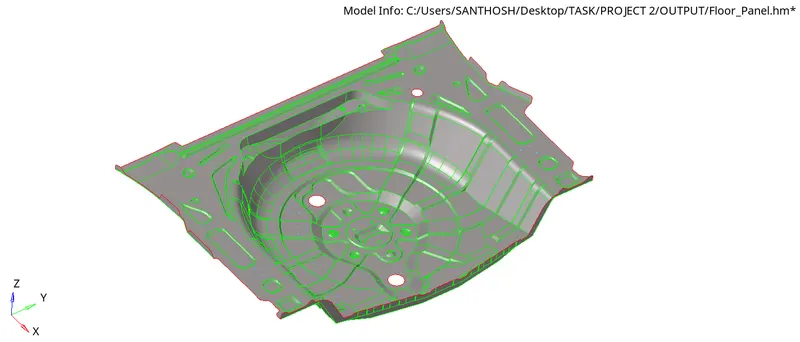
After extracting midsurface we have to start the mesh
For 2D mesh Go to 2D_Automesh

Mesh has been done and the output of 2D mesh are shown below:
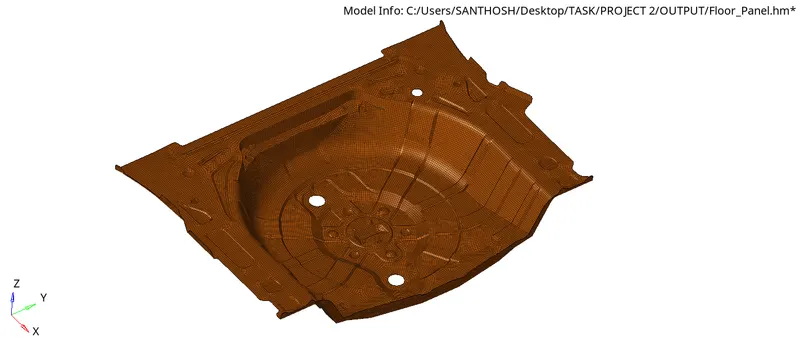
We have to check the mesh quality by Going to 2D_Quality index
To clear the error in mesh quality use the options below:

Also remesh the element to get a proper mesh flow
The output of clearing the quality failure are shown below:
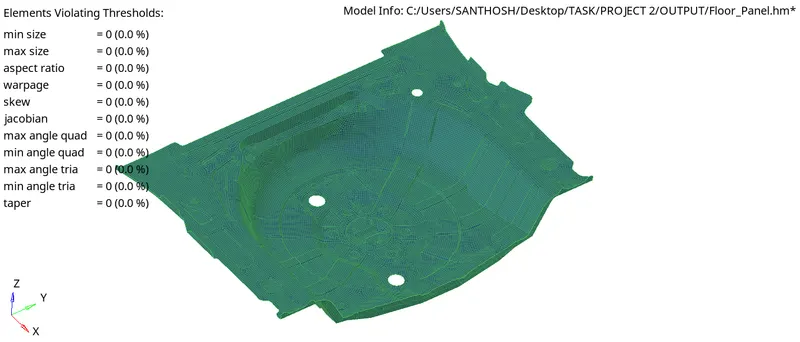
FINAL OUTPUT:
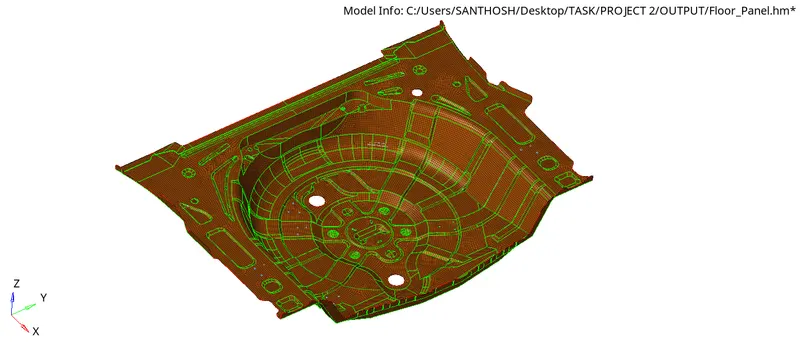
CONCLUSION:
The model has been cleaned up the geometry and extracted midsurface properly. 2Dmesh are done with proper mesh flow and low tria element, and finally the model has passed all the given quality parameters.