Week - 8 - Morphing
Objective : To MORPH the given model to desired shape using ANSA.
Methodology :
- Import Model.
- Geometry Cleanup.
- Morph the model.
Procedure :
Step 1 : Import the given model onto the ANSA graphical user interface.
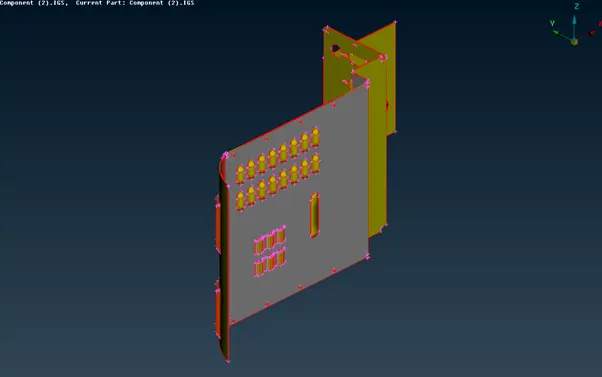
Step 2 : Do topo on the model and check for geometrical errors. The geometrical errors can be resolved either by automatic or by manual methods , which ever resolves issue appropriately that method is used.
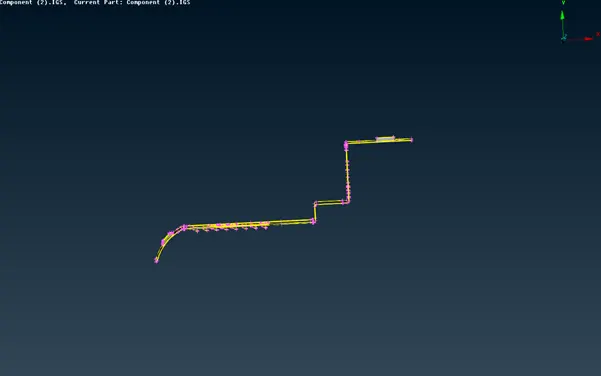
Step 3 : After the geometrical errors of the model is cleared , it is then processed to morphing by switching to Morphing module.
- Morphing menu which is completely integrated with ANSA’s work interface and doesn’t require any additional module installations or licenses. The functions of the morphing menu can be used to efficiently re-shape both finite elements or geometry based models.
- The function of morphing is to change the shape or design terminology of a model without any numerical inputs.
- It gives the engineer freedom to change the model to the extinct where the model can be simulated and validate the result.
- In the morphing module create boxes from boxes module buttons using “new” option.
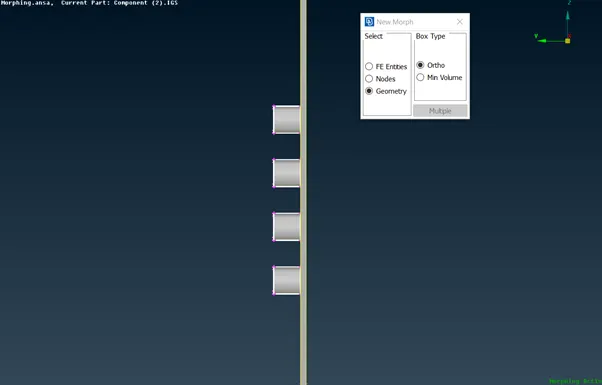
- The box creates nodes which can be selected to alter or change the shape of the model.
- The nodes can be moved using “ Move” option from box morphing module buttons.
- There are many ways of morphing and free morph method is used to morph this model.
The shape of the model is changed as shown below.
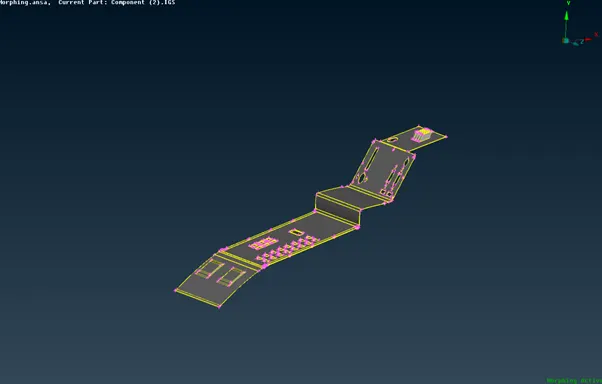
The Height of the dog houses and ribs in hand rest model is changed.
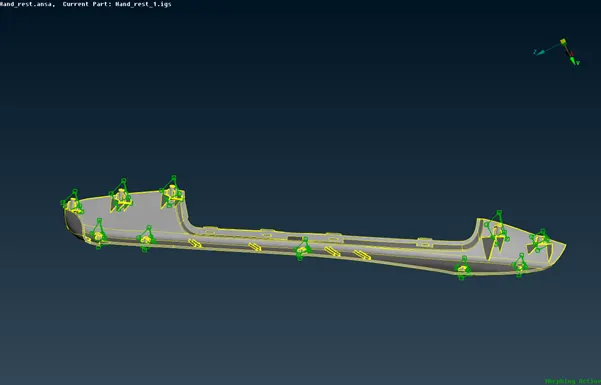
Step 4 : The created boxes are deleted when the shape of the model is changed
Conclusion : The model’s shape is changed to the desired shape.