Week 12 - Project-1
Side Door Plastic Part
Objective : To mesh the side door plastic part of a car to the given quality criteria.
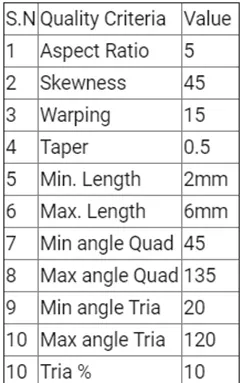
Procedure :
Step 1 : Import the given model onto the hypermesh graphic window
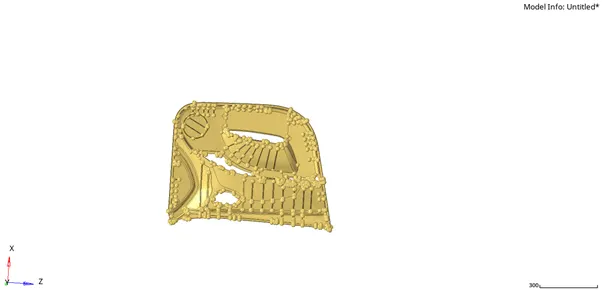
Step 2 : Check if the model consists solids in it. Delete the if present.
Step 3 : Perform Topology cleanup. The topology cleanup was done manually.
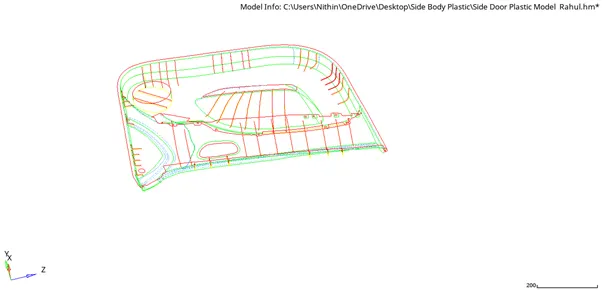
Step 4 : Extract the mid surface of the model. Due to the complexity of the model the extraction of mid surface was done manually.
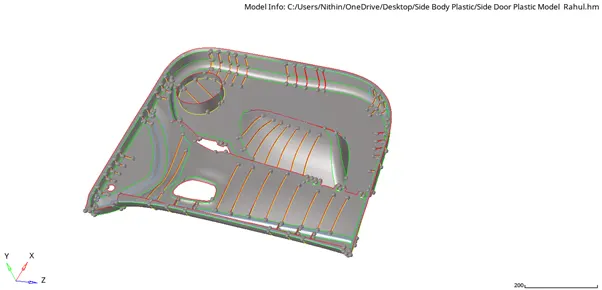
Step 5 : The ribs and other components of the were defeatured using the defeature option from geom menu page ( the defeaturing is done to delete the fillets with very low thickness). The Surface fillets option is used under the defeature page.

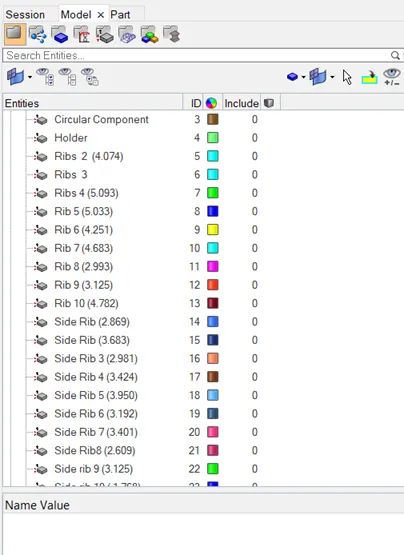
Step 6 : The components of the part were also extracted to the mid surface and put into the different collectors. The components were then attached the model using surface extend option

Step 7 : Start to mesh the components of the part. The target element size was kept at 4.
Step 8 : After the completion of the mesh. Use the quality index , element cleanup and also re mesh options to get better quality of the mesh.
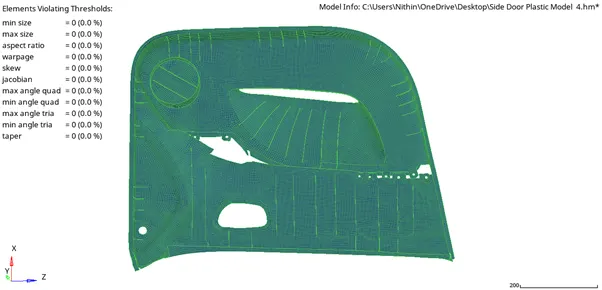
Note : criteria. Some of the meshed elements of the ribs were projected using project option from the tools menu
Step 9 : The ribs and other components were also meshed to the given quality page.
Step 10 : After the completion of the mesh the free edges were deleted.
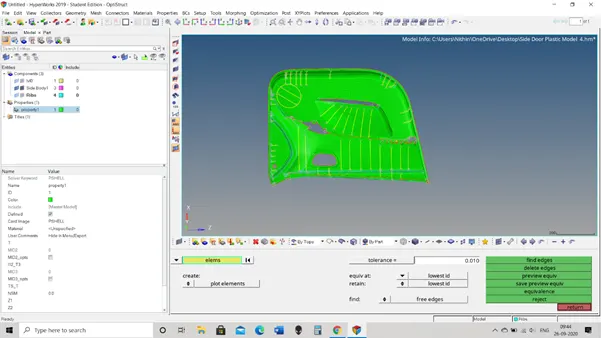
Step 11 : The components were given property according to their thickness in the parent geometry
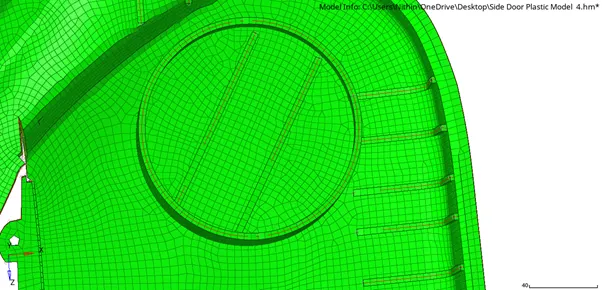
Detailed 3D representation of 2D elements.
Result : The property is meshed to the given quality criteria.