Week - 8 - Morphing
MORPHING
AIM
To modify the given cad data using the morphing module in Ansa.
PROCEDURE
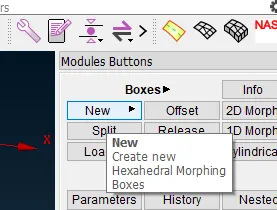
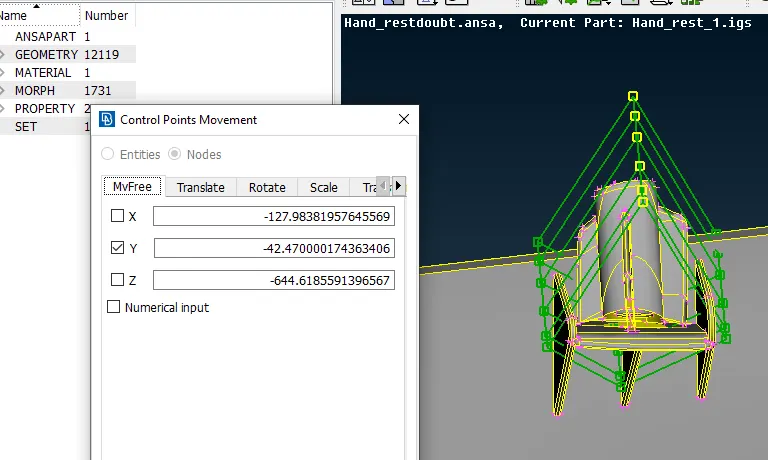
- To create a new morphing box we go to the morph module and select new under boxes.
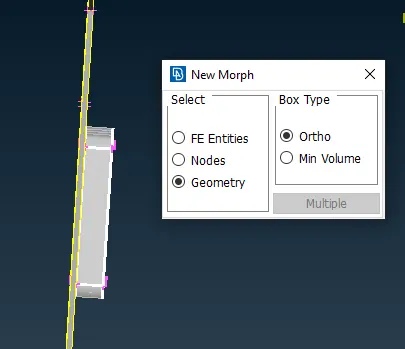
- Then we select the features that we need to morph and middle-click as shown.
- Once the morphing box is formed we select move under box morphing to make changes to the entities inside the morphing box.
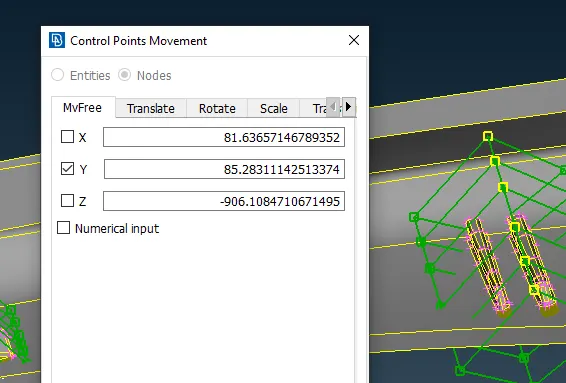
- Under the nodes option, we enable just y-axis movement to increase height and increase the height appropriately.
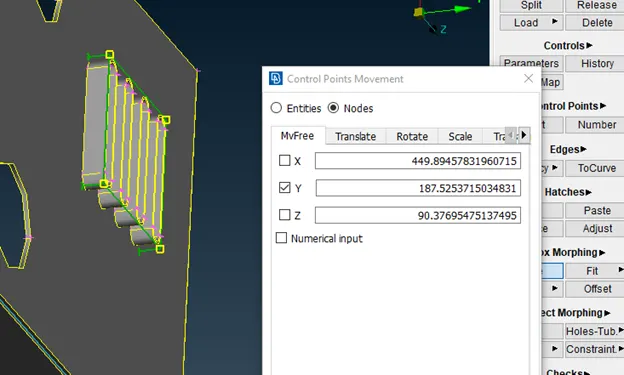
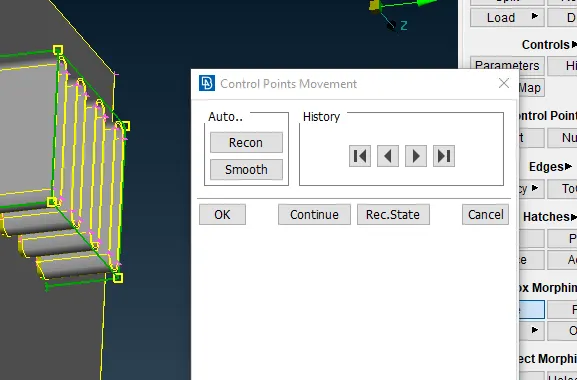
- Similarly, morphing boxes are created for other regions as well to make changes to the geometry.
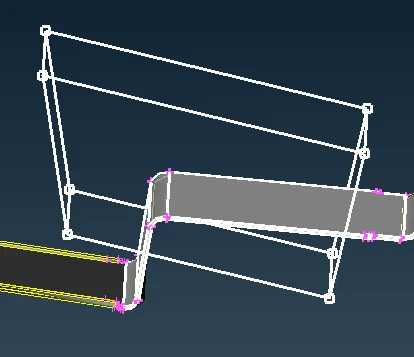
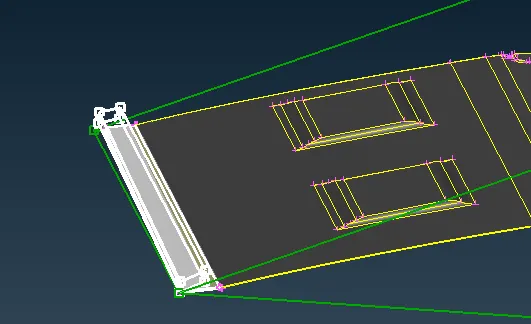
- The model after these features was changed is shown.
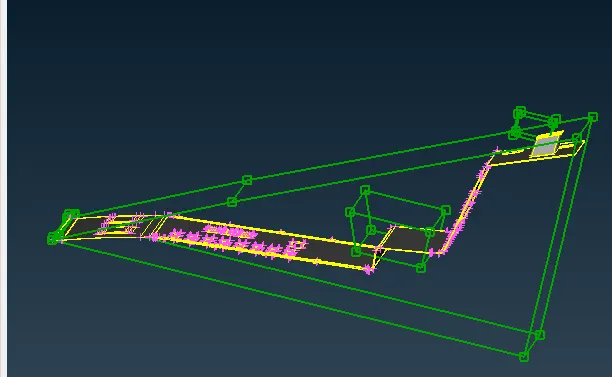
- The morphing boxes may be deleted using the delete option after morphing is completed.
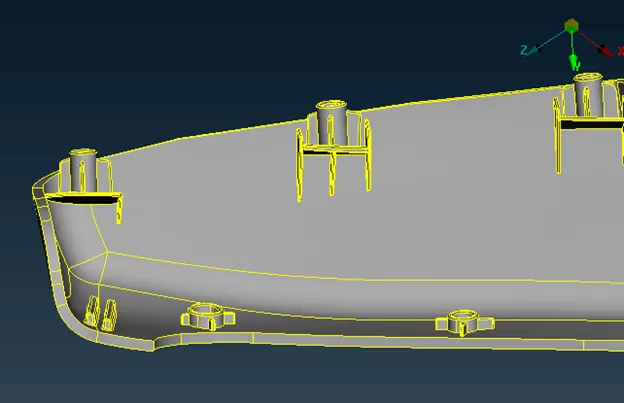
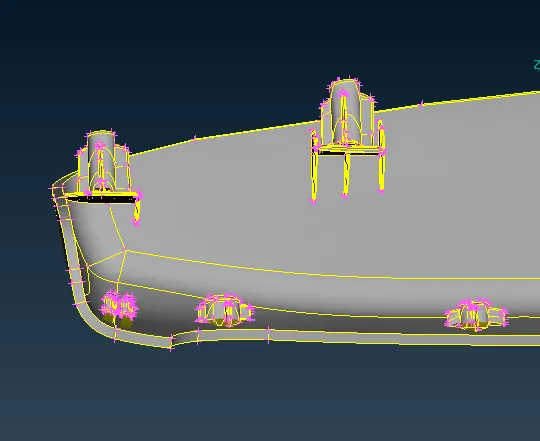
- The model before and after changes is shown below.
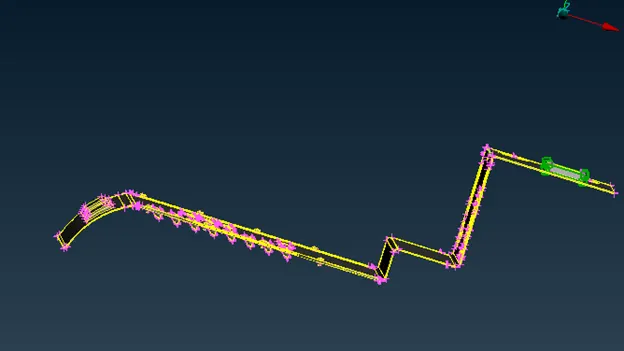
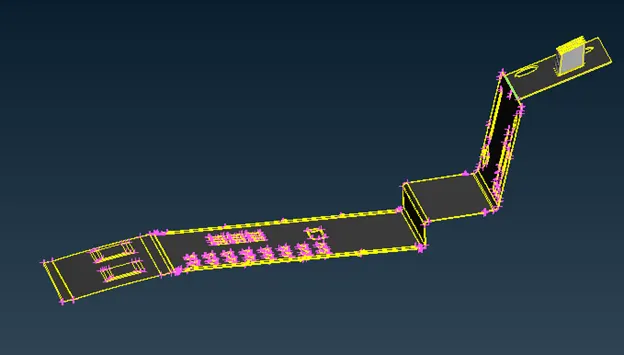
- In the second model, we are required to increase the height of the doghouse and ribs.
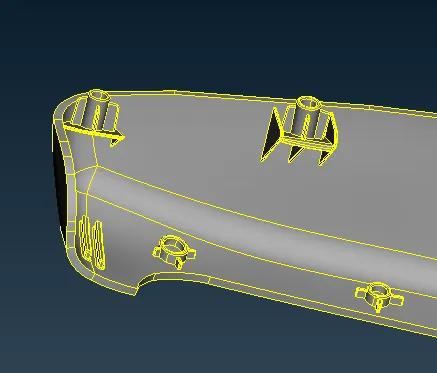
- Like in the previous model we create morphing boxes for these features.
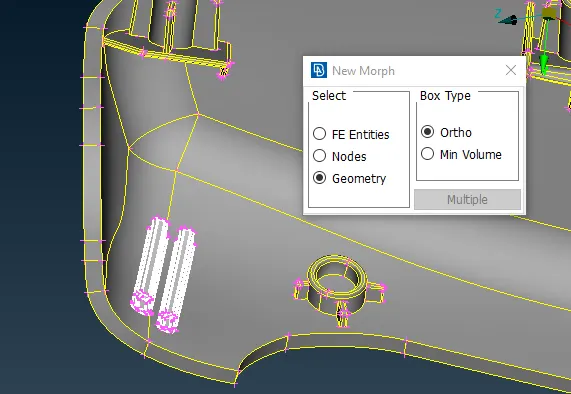
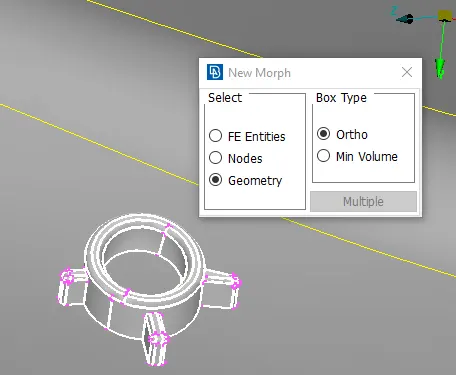
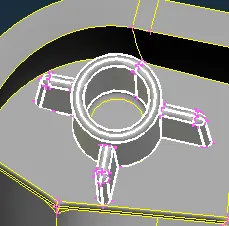
- We can use the split option in the boxes module to create more nodes to make finer adjustments.
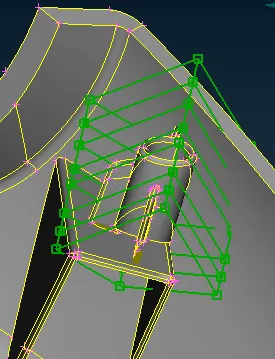
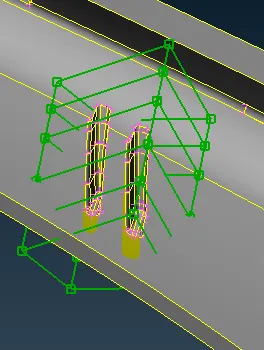
- In the case of the ribs and doghouses, We select the middle nodes and move them along the y axis to increase the height.
- The model before and after morphing is shown
MORPHING
- In Mesh morphing, the solid or shell mesh or the volume mesh complete with boundary conditions can take a new shape by just updating nodal positions. This means that the topology of the mesh (nodes count, cells count, connectivity) stays the same. Only the x,y,z coordinates of the nodes in the part of the model undergoing a shape modification are updated.
- Mesh morphing can be used for different purposes: create shape parameters (i.e. change a length, an angle a thickness), move onto a new known shape (i.e. as manufactured, as designed by CAD), move onto a shape predicted by the CAE solution.
- Creating shape parameters with mesh morphing is faster than creating a parametric CAD model
- Morphing is an excellent tool to make small/large changes to the geometry/fe model for evaluation and can save a lot of designer time.
- A popular example would be the case of hatchback and sedan car models for Honda between amaze and honda brio.
- Another example is the Suzuki swift and ford Figo, Etios Liva and Etios, Hyundai i10 and accent.
Reference
- https://www.designnews.com/design-hardware-software/mesh-morphing-explained
Learning Outcomes
The following skills were learnt and practised during this challenge.
- Morphing basics
- Box morphing
- Moving entities using the move command.
- Splitting morph box
Conclusion
The basic morphing practices were performed on the given models and their geometry was modified accordingly.