Week - 8 - Morphing
Week - 8 - Morphing
AIM: To morph the given models
PROCEDURE:
Practice model:
* Import the practice model and give a topo and a geometry cleanup
* Switch to morph module and create a new morph for that part.
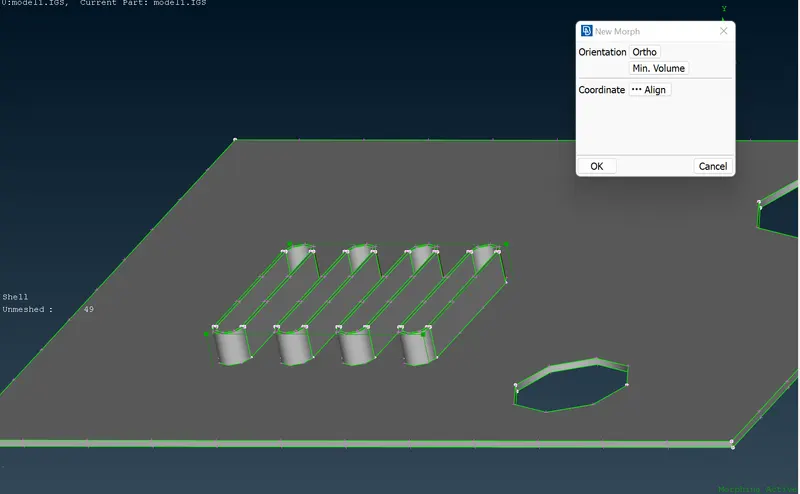
* In GO-CHECK, select 'IN' as a status and click on finish.
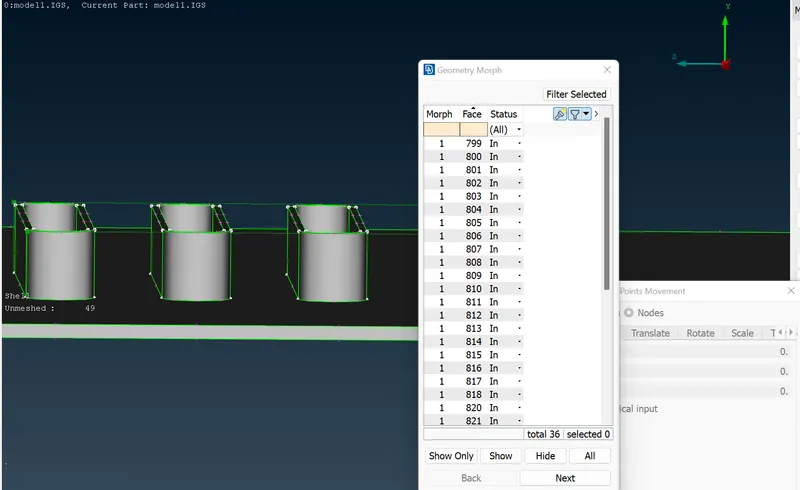
* Then we can morph according. We can morph freely or using co-ordinates.
* The part has been morphed along the Y-axis.
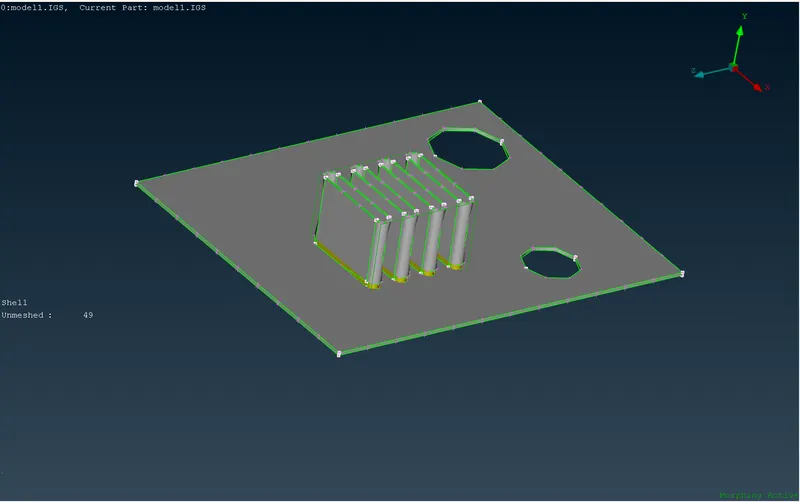
Morphing on the Armrest:
* Import the practice model and give a topo and a geometry cleanup
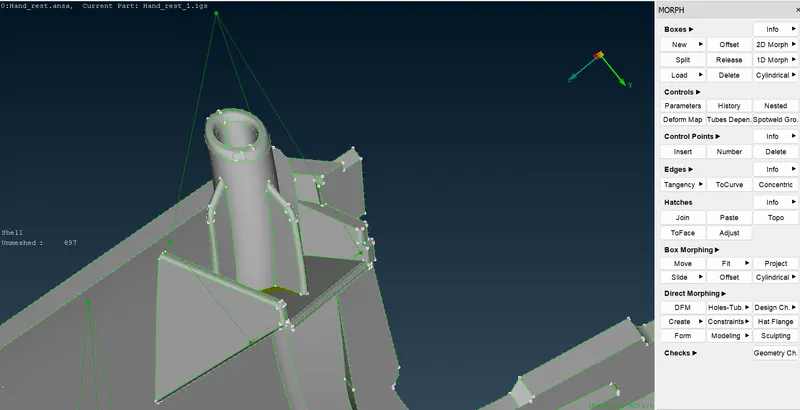
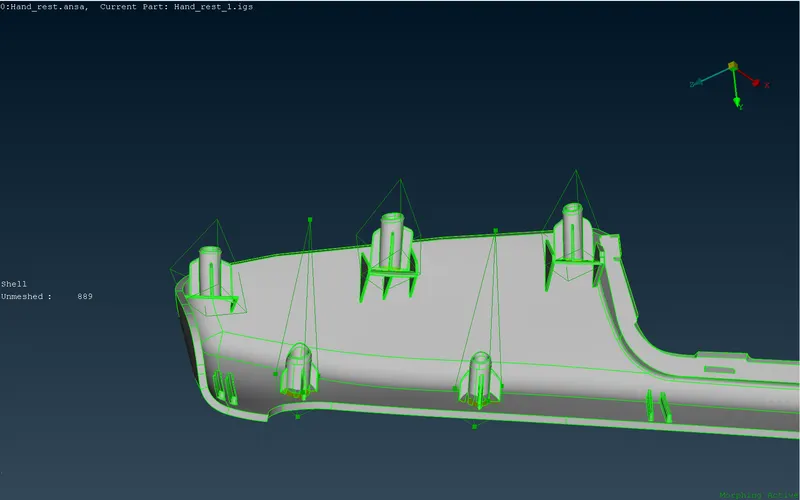
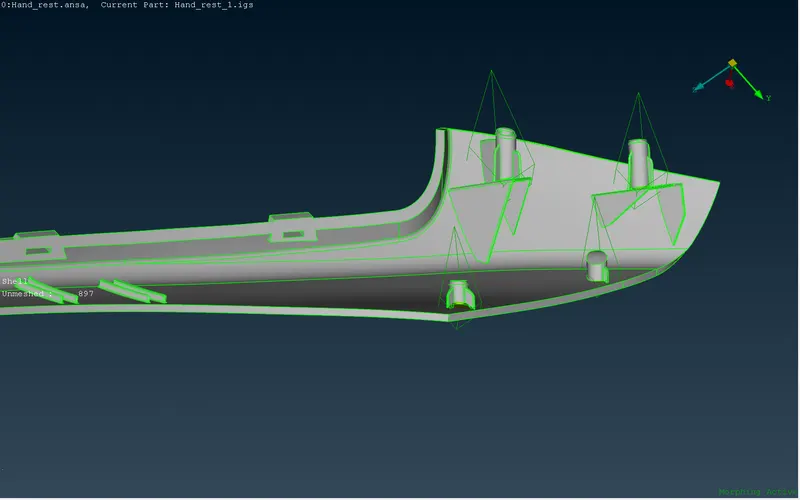
* Switch to morph module and create a new morph for the Dog House and the Ribs on the model.
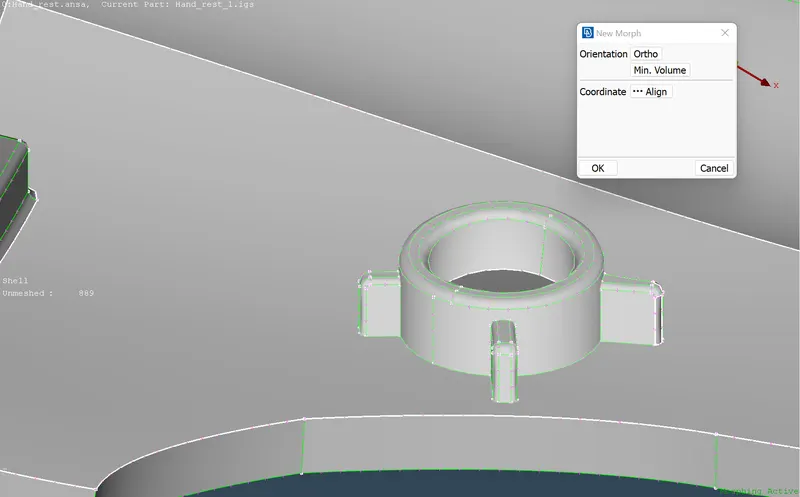
* A box is created after creating a new morph
RESULT:
The morphing on the Doh House and the ribs are done.
LEARNING OUTCOMES:
* Using the morph module for the first time and practicing morping
* Creating a new morph and making a box around the selected part of the model.
* Selecting suitable nodes for morphing the part.
* Using move command, learned how to morped area freely and using coordinate values.
CONCLUSION:
* Practiced morphing in two different models and got an idea on the morphing concept.