Week - 8 - Morphing
Morphing:
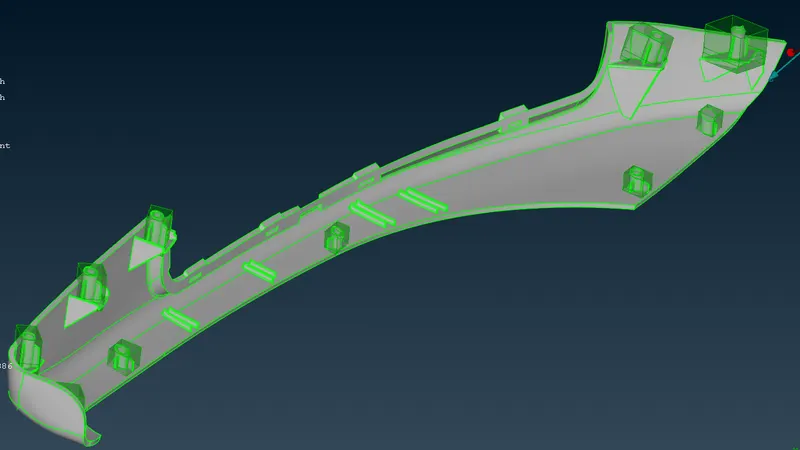
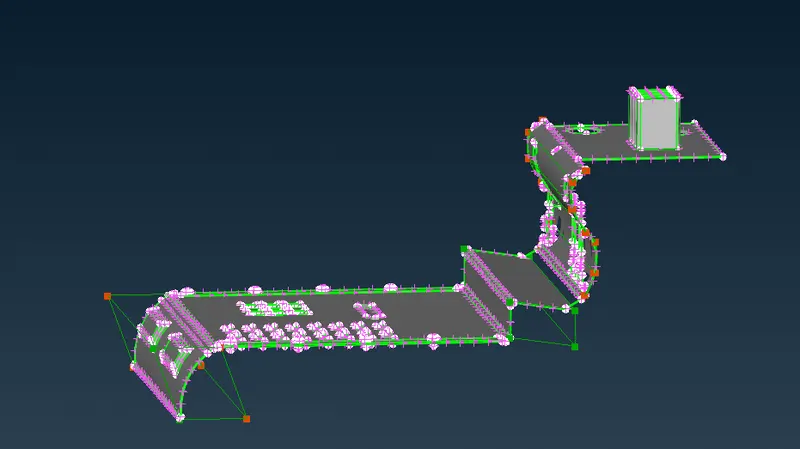
I used morphing to increase the size and shapes of various structures within the models.
Steps:
- Hexahedral morphing boxes are created with the help of Boxes > New option
- Align the boxes with the help of Align feature within the New option if necessary.
- Split the boxes into smaller boxes to localize morphing with the help of Boxes > Split option.
- The control point(s) is/are selected in the Box Morphing > Move option.
- the points can be moved freely or according to the three axes
Industrial Use:
Morphing can be particularly helpful to make changes on an already existing model wihout replacing any part of the model. It has the advantage of closely controlling certain dimensional parameters of the base model. The CAD doesn't even need to be modified to bring about changes. Everything can be done on the FE model itself. Which is really helpful and time saving as the mesh is already carried forward. A little reconstruction or smoothening will improve the mesh where changes were done. These are some of the advantages and usefulness of Morphing feature.