Week - 4 - 2D meshing for Plastic components
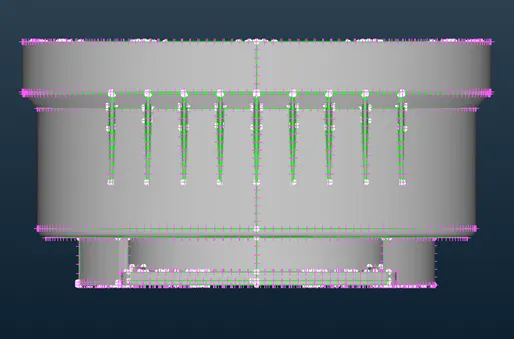
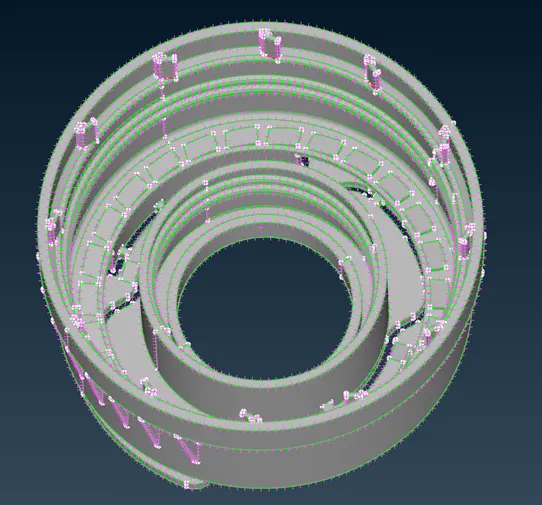
Aim: to mesh the given model of bottle cap.
Objective:
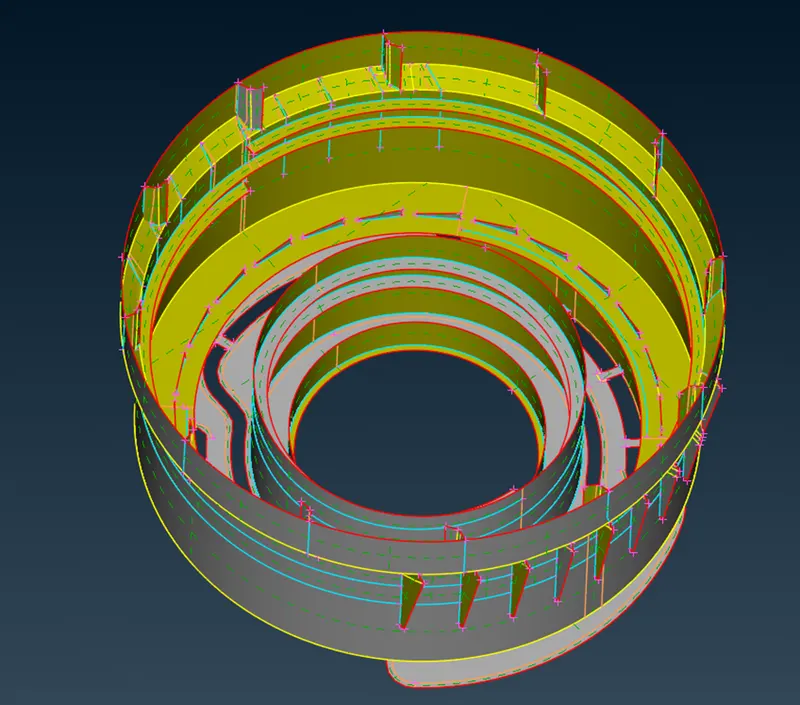
- Create the mid-surface of all the components
- Check for geometrical errors
- Generate mesh for the mid-surface
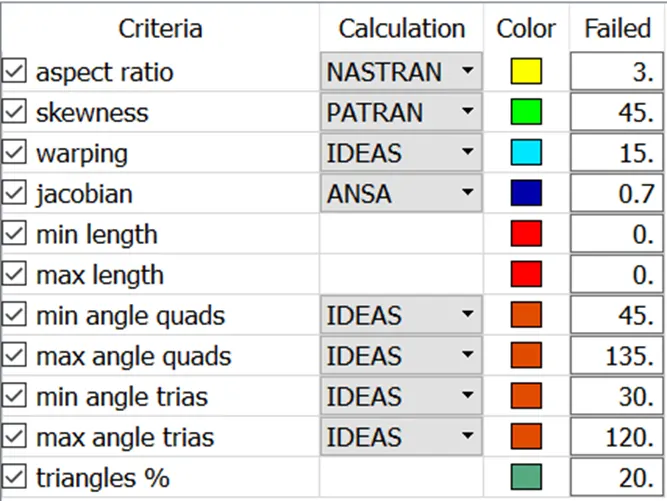
- Maintain the given mesh element quality criteria
At first the mid-surface is generated using the Faces > Offset or Faces > Mid Surface > Skin option. After checking the thickness of the model, the offset distance is determined. Apart from that Faces > Middle > Single option was used for ribs. Repeating features were copied with Transform > Copy > Rotate option.
Geometry clean-up is done after that using the Checks > Geometry option, where a list of all the geometry failures is given. The failures can be addressed manually or the Fix option can be called to eliminate the issues automatically.
The quality criteria for the mesh element are set.
After that additional Cuts/Cons are supressed or toggled from flat surfaces to make the mesh flow better.
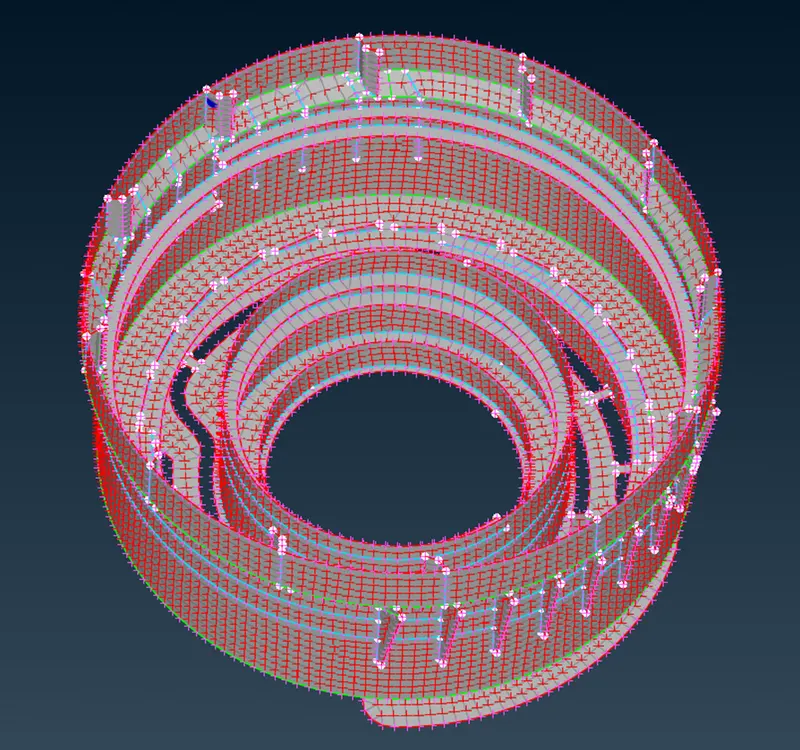
Then the meshing (Mesh Generation > Best) is done and the Shell Mesh > Reconstruct option is used in certain places where the mesh flow is irregular. Additionally, Elements > Split and Grids > Paste option was used occasionally to improve mesh quality.
After meshing is done, some symmetrical parts were mirrored to complete the model.
The PID view of the mid-surfaces:
The meshed mid-surfaces:
Conclusion:
This exercise was really insightful on the basics of ANSA. The mesh flow can be better. I did face problems on how to get rid of triple cons and improving mesh flow in the fillet area.
File: Uploaded in the portal.