Week - 8 - Morphing
Aim :
To learn and morph the given components by using ANSA software.
Objective :
In this challenge we go through the option Morph and morph the given component model as it asked to be morphed.
Theory :
We use morphing option to do a slight change in the existing component and the alterations can be done on the design geometry and meshed model with elements on the surface. Doing morphing is a time saving process to do small changes in the existing components.
We may have seen lot of things similar to each other with small changes with different name card for it. Those things are done through morphing process. By doing this we save lot of time and effort in doing the same which is already existing.
In automobile sector we have seen more cars and bikes with different versions of it but will be similar to the existing one with very few changes
The best example is mobile phone in market where many mobiles will be same in design and changes in processor but with different model names.
Procedure :
- We import the model to the graphical workspace.
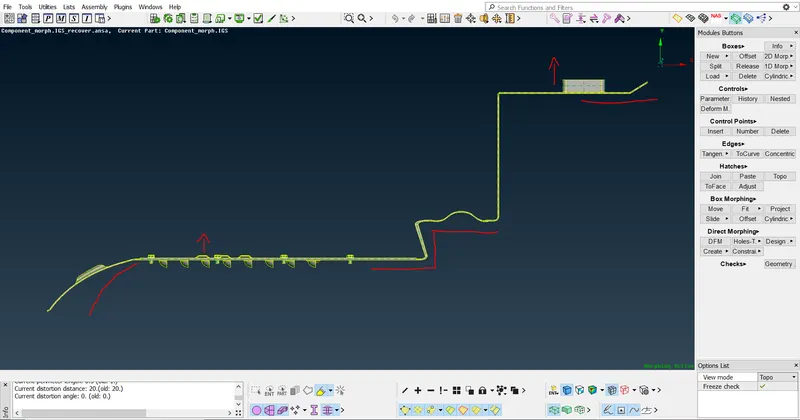
- Here it is asked to morph the elements by moving the set of handles.
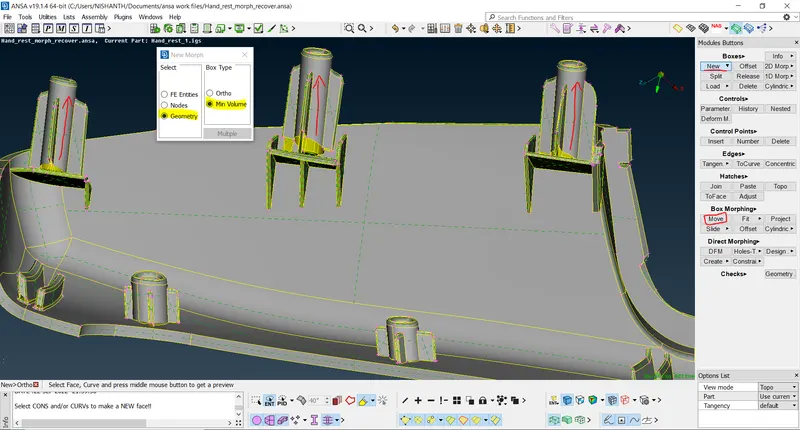
- After importing the given model we create Boxes for a reference using New – surface – handles will be created.
- We select all the surface and place it in handles to move the surface.
- From there we do splits according to requirements of moving the surface.
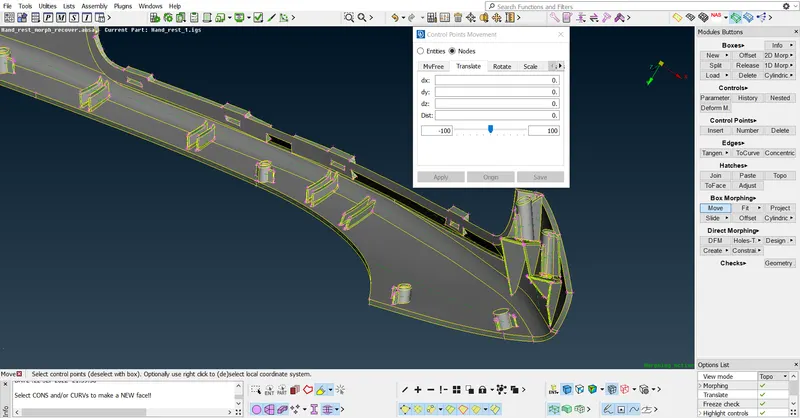
- By using the option morph we drag the elements and place it as per the requirements.
Given component :
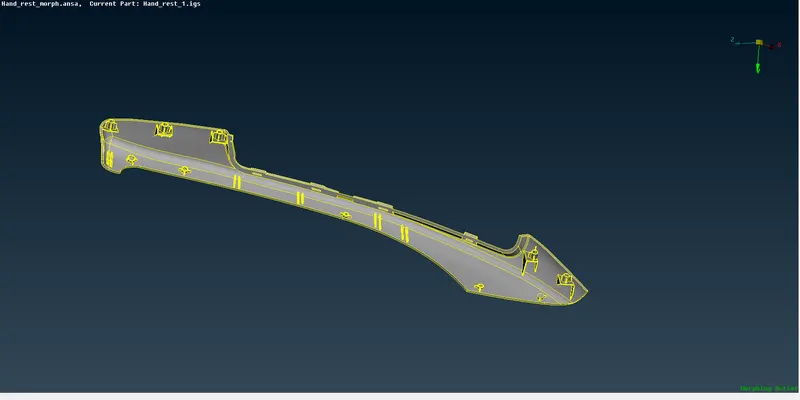
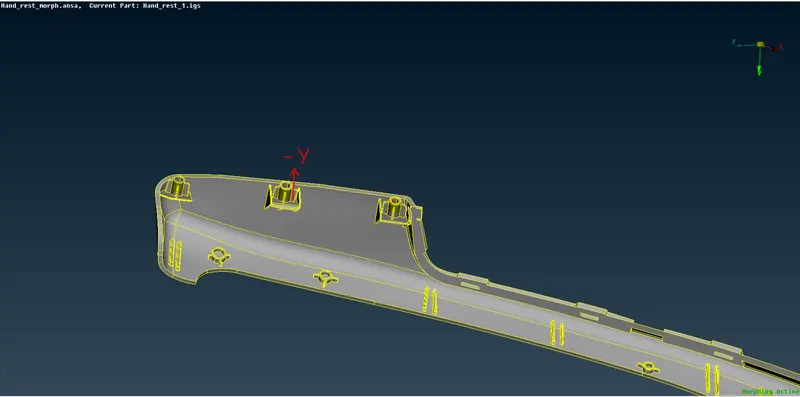
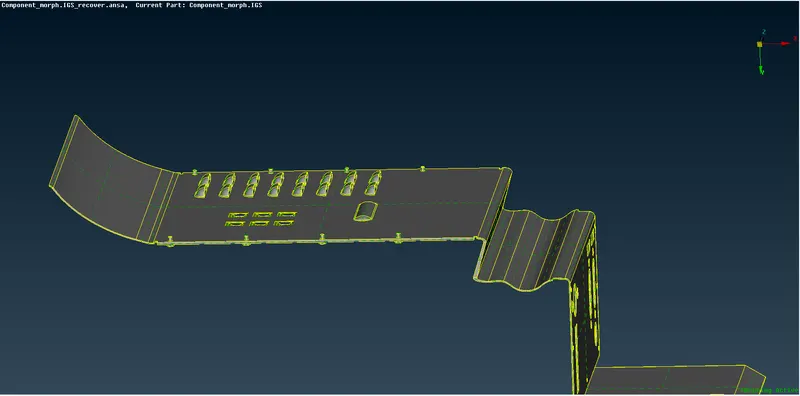
Worked component :
Model 1
Result :
By working on the ANSA morph menu and different options in it we learnt about it and morphed the given model as per the changes required in the model by using ANSA software.