Week - 8 - Morphing
AIM
In this challenge, There will be two models.
- Practice the Morphing techniques in the given Model-1.
- Perform morphing for the Model-2 and Increase the Height of the Dog houses and Ribs.
Morphing.
Morphing is a design change terminology or used to change the design or shape of any component without any numerical inputs.we can use morphing both in CAE and FEA.Morphing Technique is mainly used for Design optimization. It has become an integral part of the process of structural design optimization in various CAE disciplines. The morphing requirements can vary from simple transformation of design feature to very complex interaction of various design optimization parameters. Unique combination of ANSA functionalities and strategies developed using insights gained by working on various client processes provide a robust platform for design optimization applications in various fields. Automation and morphing tools last mile usability has been further extended to provide easy to use and simple to understand techniques. These advanced techniques allow engineers to gain better insight for improving product design. Many of such solutions have been provided for setting up complex optimization model set-ups and are being used by major automotive OEM’s.
Domain (Box) Morphing
Domain or Box Morphing is preformed via boxes that are created around a particular part or assembly that the user intends to morph. The movement of the Morphing boxes control points defines the morphing operations on the entities inside the Morph box. This type of Morphing can be applied to both FE and Geometry based models.
PROCEDURE
- Import the CAD Model 1 in ANSA Preprocessor and check the geometry by using check manager.
- Fix the errors that shows in geometry check up.
- Remove the triple cones and unwanted hot points and apply topo to whole geometry.
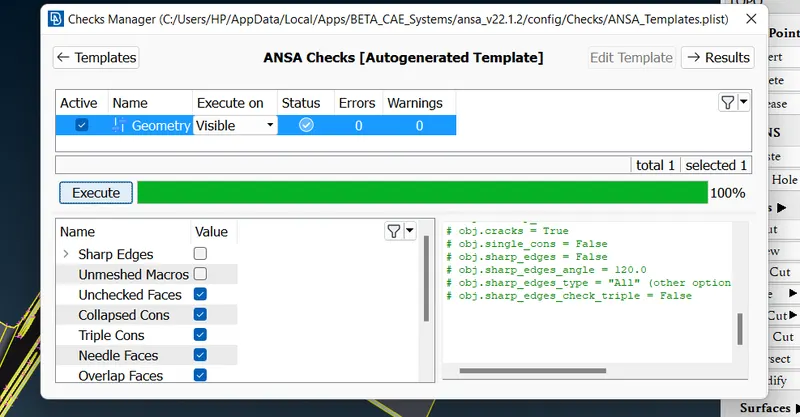
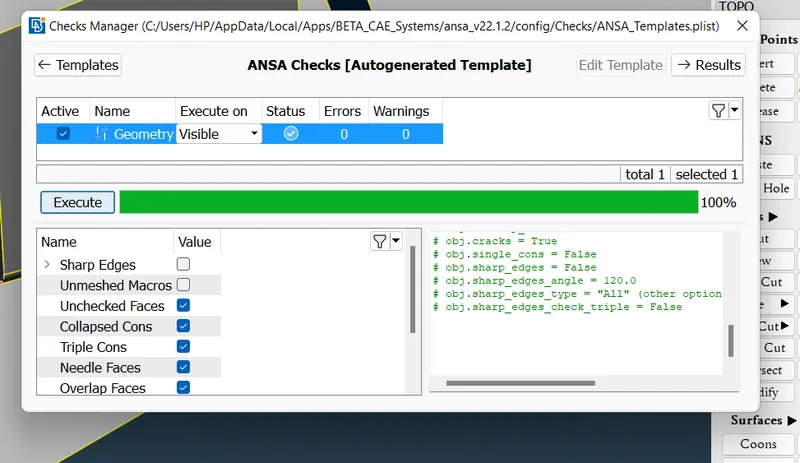
- Geometric check of Model 2 as shown below.
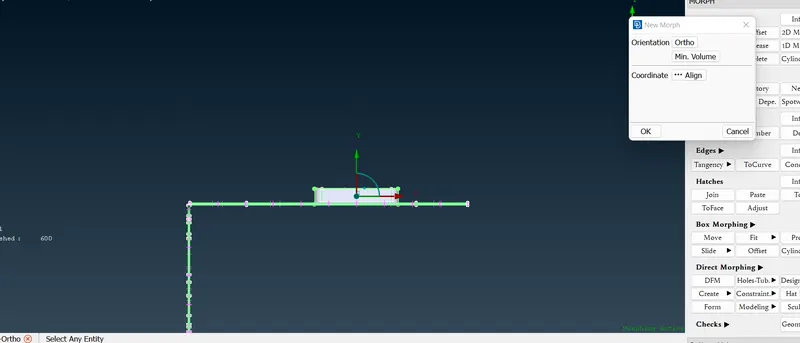
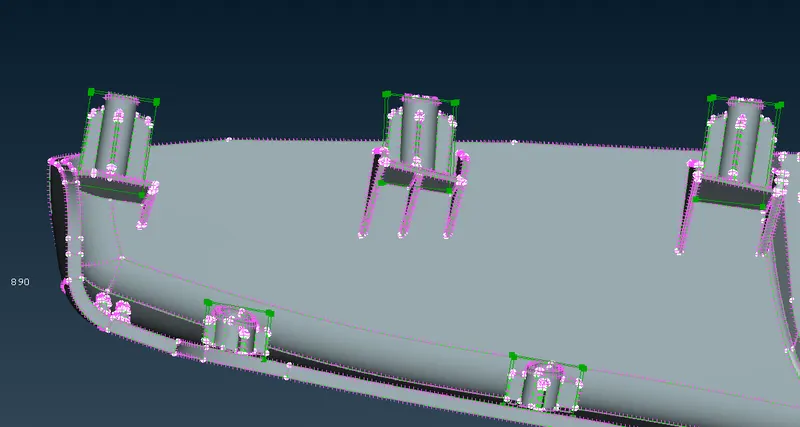
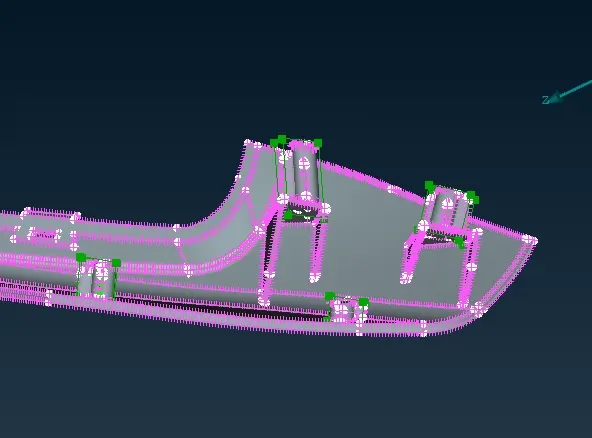
- Here we are using Box Morph, so go through the following steps Morph>New>Ortho>Select the part
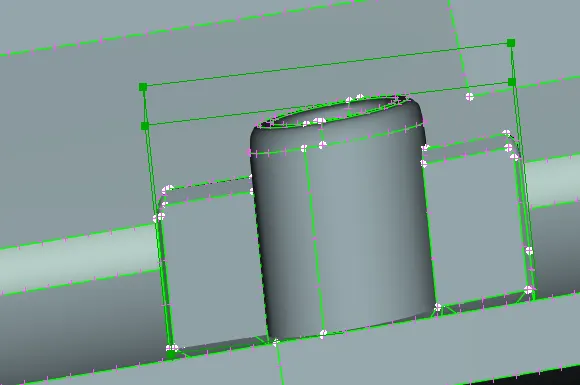
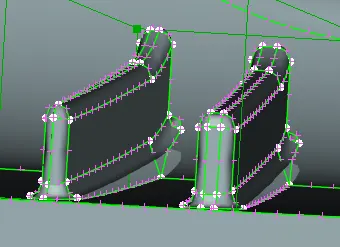
- After creating the box, we can change the height or shape by using the Move tool (Morph>Box Morphing>Move>select the Nodes)
- we can constraint the x,y,z movement in move tool.
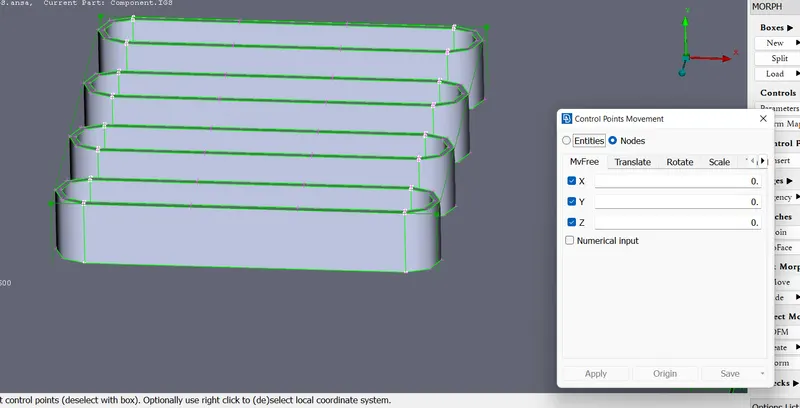
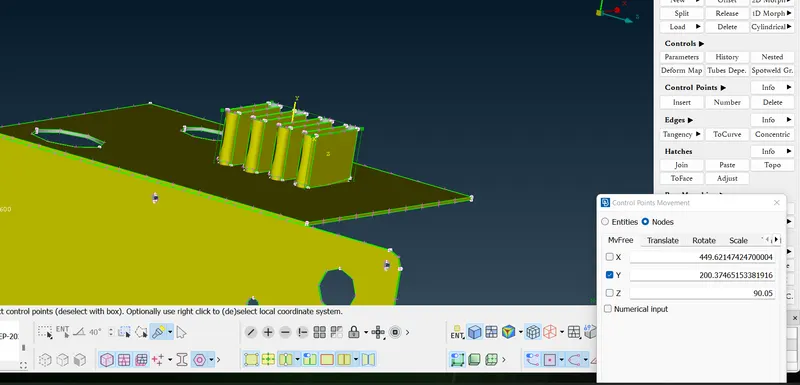
- we can also change the shape of any part by using above method.
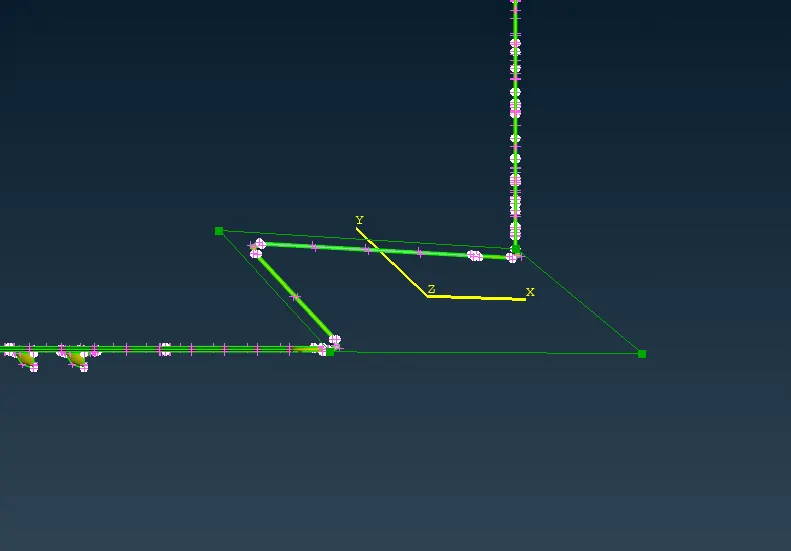
- We can use split tool to divide the morph box into different boxes.(Morph>Boxes>split)
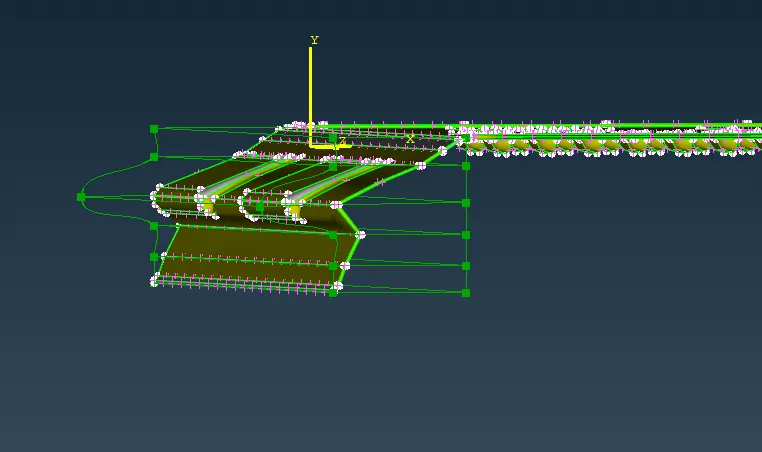
- Also we can change whole geometry by using Box Morphing.
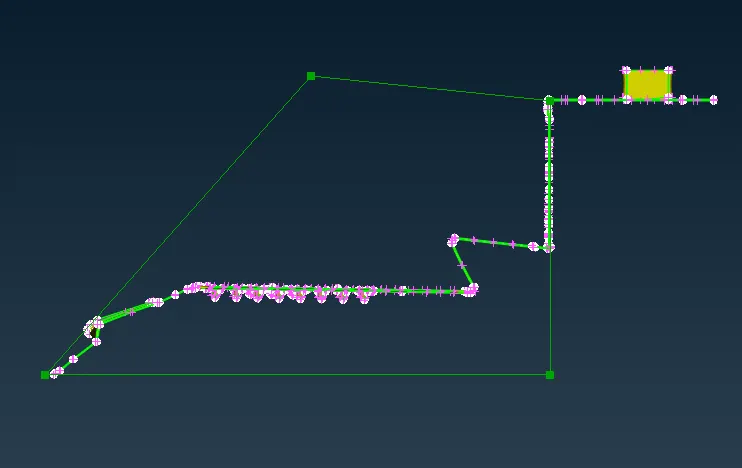
- In model 2, we have to change the height of the Dog houses and Ribs.
LEARNING OUTCOMES
- Application of morphing in automotive industry is to use the base CAD to change the vehicle model to different passenger class vehicle (SUV to sedan and vice versa), similarly in aerospace industry morphing is used to apply the design of jets to cargo planes.
CONCLUSION
- Morphing operation has done successfully in the given Models.