Week 3 - 2D meshing for sheet metal
AIM
From the given HOOD MODEL we need to extract mid surface for all compenents and mesh the midsurface with given quality criteria.
|
S.No |
Quality Criteria |
Value |
|
1 |
Target/Average length |
5 |
|
2 |
Minimum Length |
2 |
|
3 |
Maximum Length |
7 |
|
4 |
Aspect |
3 |
|
5 |
Warpage |
15 |
|
6 |
Skewness |
45 |
|
7 |
Jacobian |
0.7 |
|
8 |
Minimum Quad Angle |
45 |
|
9 |
Maximum Quad Angle |
135 |
|
10 |
Minimum Tria Angle |
30 |
|
11 |
Maximum Tria Angle |
120 |
|
10 |
Tria Percentage |
15 |
PROCEDURE
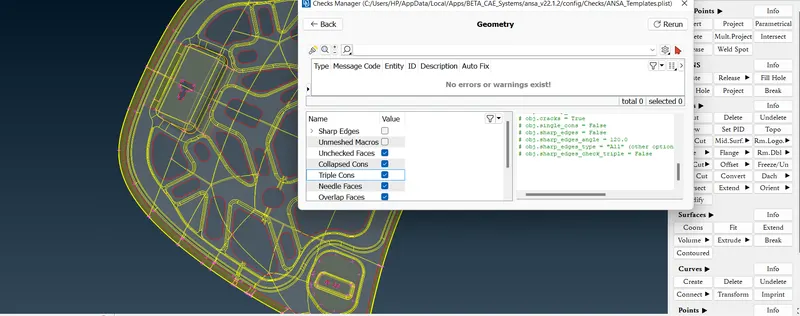
- Import the Hood Model in ANSA Preprocessor and check the geometry by using check manager.
- Fix the errors that shows in geometry check up.
- Remove the triple cones and unwanted hot points and apply topo to whole geometry.
- Save the lock views for each components for the simplicity in midsurface extracting.
- Measure the thickness of each components.
- Next phase is creating the midsurface for each component.There are two methods in midsurface extracting. 1. Offset Face 2. Midsurface skin method.
- In offset face, each face of the model is offseted to the half of the thickness and join the all face of a components by using topo tool in faces.
- Set PID for offseted midsurface and assign thickness to each components.
- In midsurface skin method, we use midsurface tool ,first select all the entities ,mark cross mark where it asks about originel face should delete or not.
- Here we use midsurface skin method for generating midsurface.
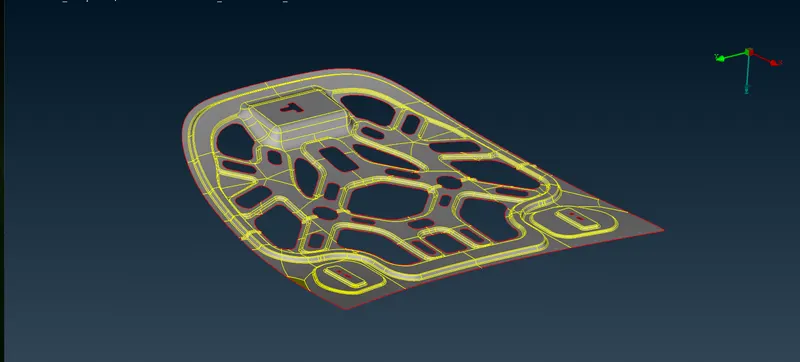
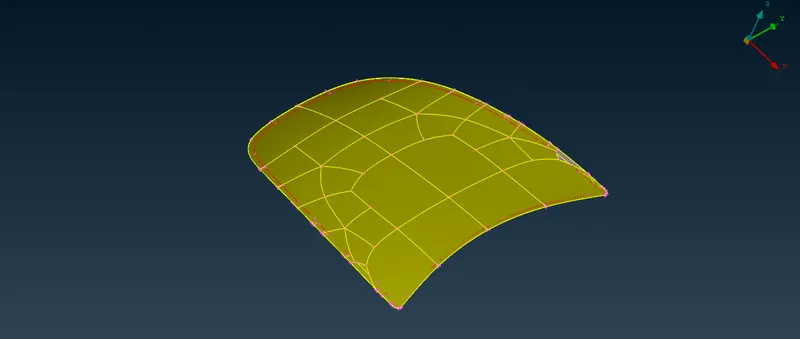
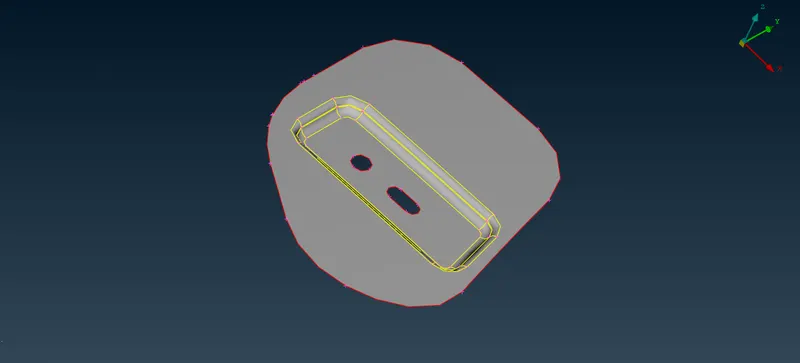
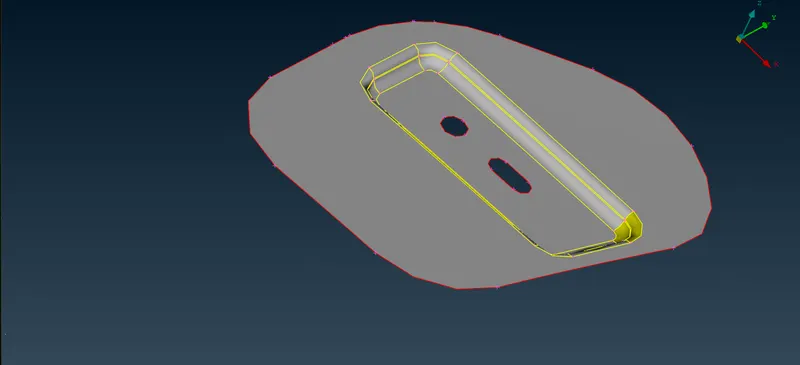
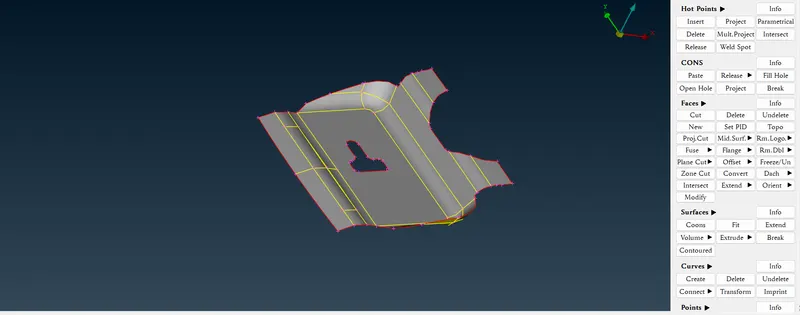
- After the midsurface extraction we need to clear the geometry by deleting unwanted hot points and realesing the cones and apply topo to whole geometry.
- Now we need to mesh the midsurface.So we go through the steps mesh>classic mesh.
- In classic mesh, we have to give element size.So go to the length tool select perimeters and select entities and give element size.(classic mesh>perimeters>length).
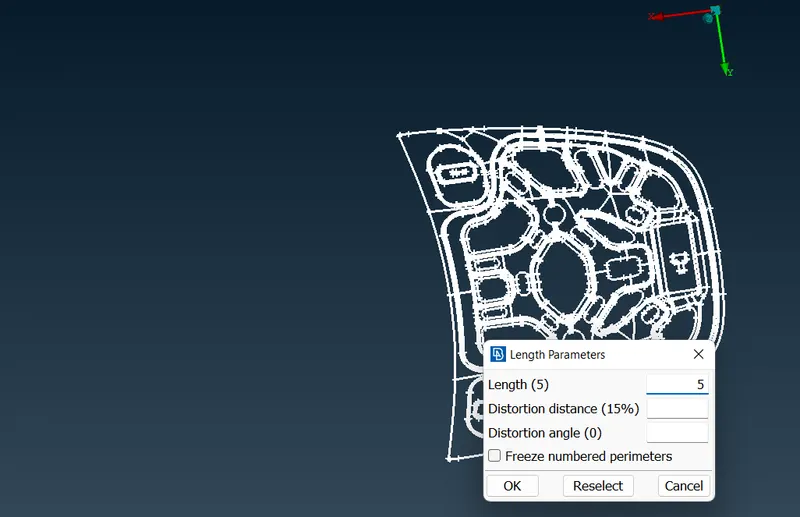
- Check the geometry wheather it contains any part that failure the element size and correct it by deleting the hot points or nodes or delet the unwanted lines.
- In case of some curved area, the element size cannot meet so we should defeature the area by suppress the top and bottom area of fillet region.
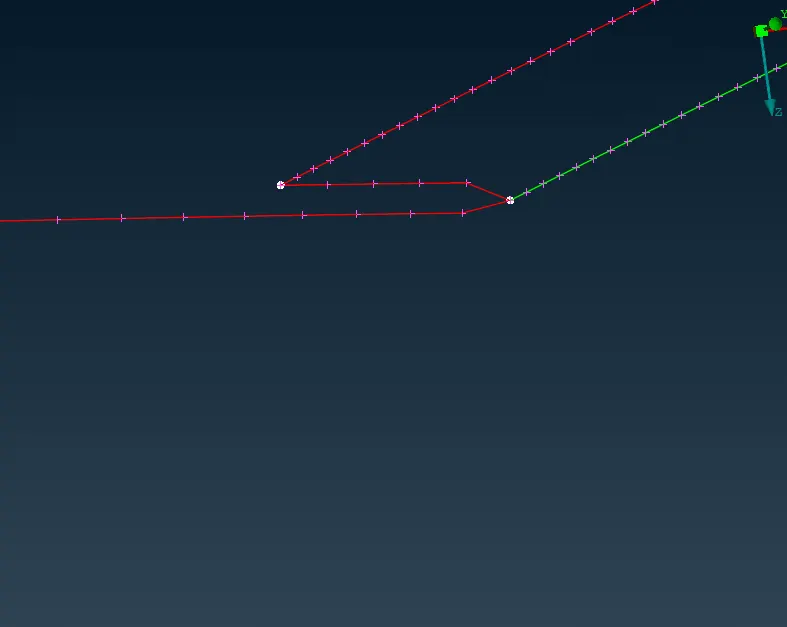
- Keep the number of nodes in holes in even number for proper meshing.we can use (num+/-) tool for this.(classic mesh>perimeters>num+/-)
- Arrange the circular hole in order to come sections of curve parallel to the outside perimeter.(classic mesh>perimeters>slide)
- Mark the holes for not changing their shape.(classic mesh>hotpoints>Mark/Unmark).
- Assign the quality criteria that is given and define the mesh perimeters.(F11-Quality criteria)
- Select Best/Free mesh to generate mesh from mesh generation and select the face and enter.(classic mesh>mesh generation>free/best)
- In mesh flow there are some failure in quality criteria.By using Reconstruct,smooth tools fix the area and maintain minimum no of trias.
- Use split tool to swap,join and create the mesh line to arrange the tria for proper mesh flow.(classic mesh>elements>split)
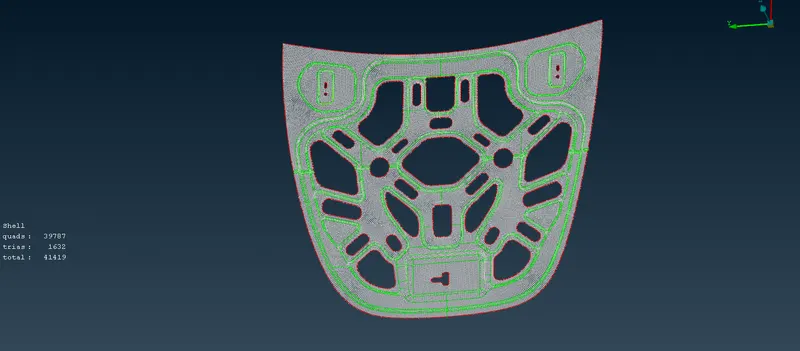
- Since model part 577 is symmetry we can cut the half of the model and do the above meshing procedure in remaining half.After that mirror the part by using transform. Transform > copy > select the entities >symmetry > select default symmetry plane > finish
- .
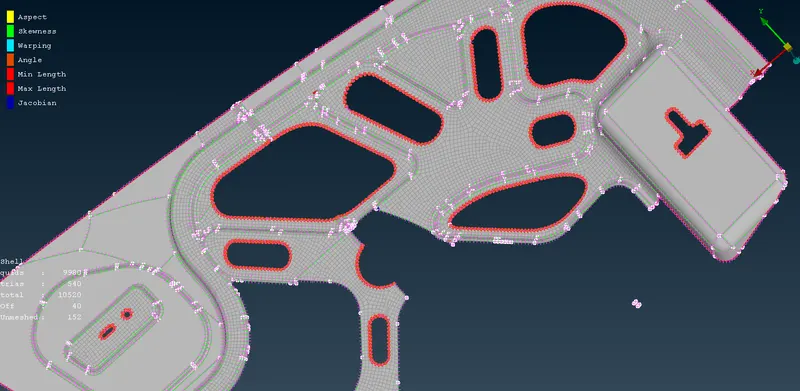
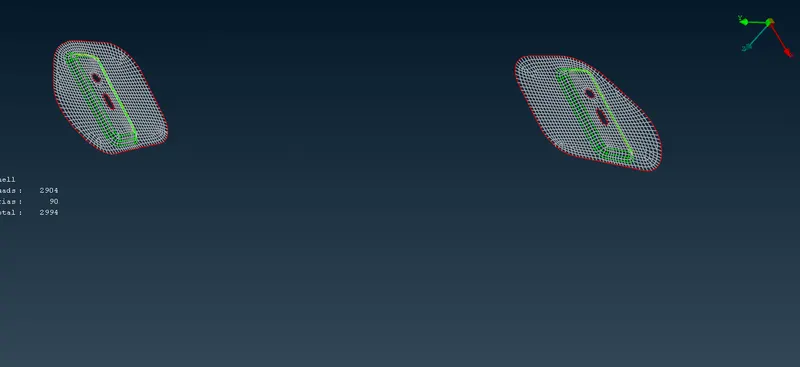
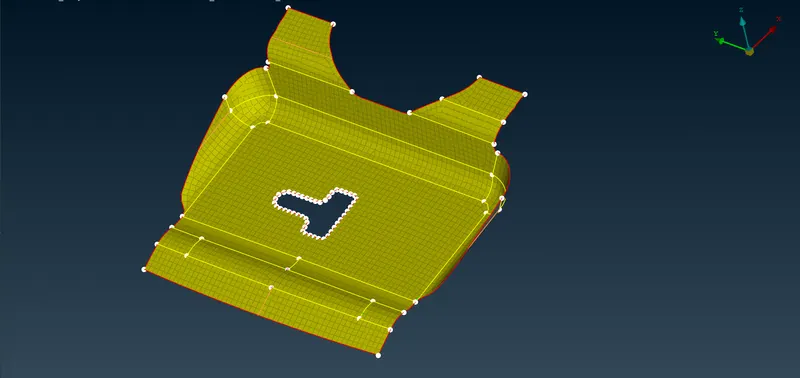
- After the meshing release mesh from the geometry.(classic mesh>elements>release)
LEARNING OUTCOMES
- Two tria element should not come opposite to each other.
- Tria should not contains on the perimeter.
- No Tria elements should be near the holes.
- There should be less Tria concentration
CONCLUSION
The given Hood Model has undergone geometry clean up, mid surfacing and mesh flow with the given quality criteriea.
Meshing algorithms are used to generate collections of grid points, which will determine the accuracy of a CFD simulation. There is a tradeoff between grid density, solution accuracy, and computation time. CFD simulations need to balance solution accuracy and computation time by adjusting the mesh density.