Week- 5 - Solid meshing
AIM
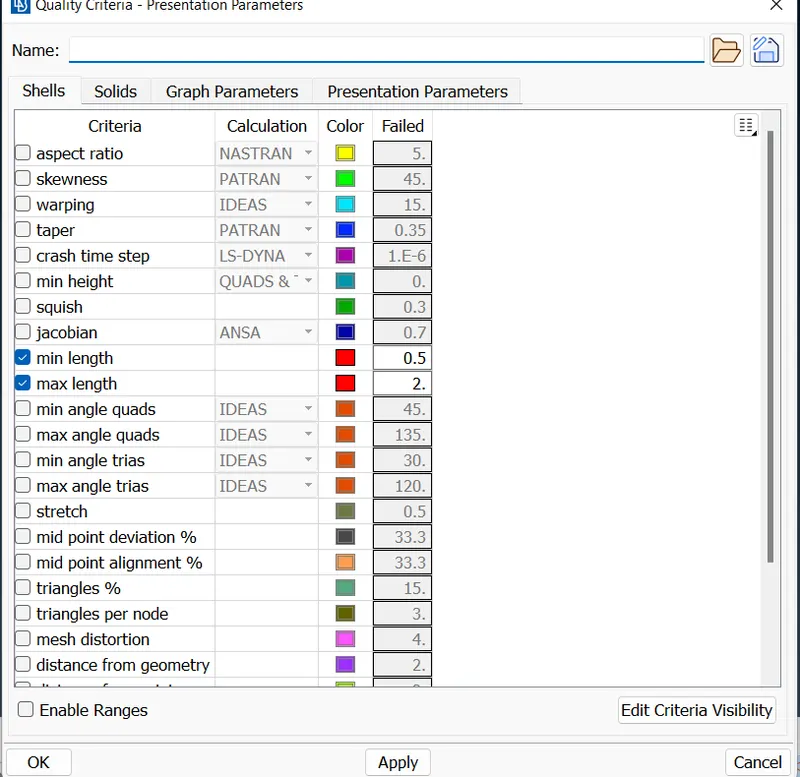
To check the given Rear view mirror component for the geometrical errors and mesh the Surfaces with the given 2D element Quality criterias given below.
|
S.No |
Quality Criteria |
Value |
|
1 |
Target/Average length |
1 |
|
2 |
Minimum Length |
0.5 |
|
3 |
Maximum Length |
2 |
Use tetra elements to mesh the Volumes defined in the model and check for the below quality after Volume meshing.
|
S.No |
Quality Criteria |
Value |
|
1 |
Tet collapse |
0.2 |
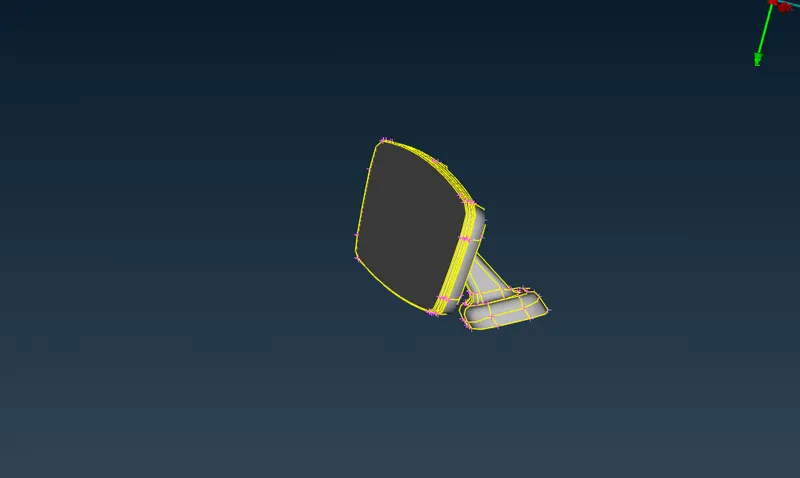
MODEL
PROCEDURE
- Import the Rear view Model in ANSA Preprocessor
- Delet the unwanted hotpoints and apply topo (Topo>faces>topo>select all faces>enter)
- Check the geometry by using check manager
- Fix the errors that shows in geometry check up.(Tools>checks>geometry check)
- Remove the triple cones and unwanted hot points and apply topo to whole geometry.
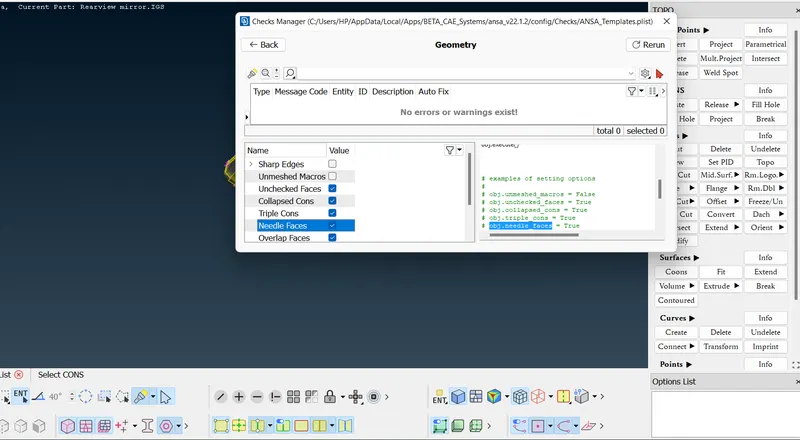
- Here we use solid meshing for this model.Solid meshing used in models having thickness greater than 5mm and solid models
- There are two types of solid meshing.
1. structured mesh :In this meshing contains quads and hexa elements.it has specific pattern and growth rate.
2. unstructured mesh :In this meshing contains tetra element only and it has no any specific pattern.
- Here we use unstructured mesh.
- In solid meshing we need not generate mid surface so first step is to give quality criteria.
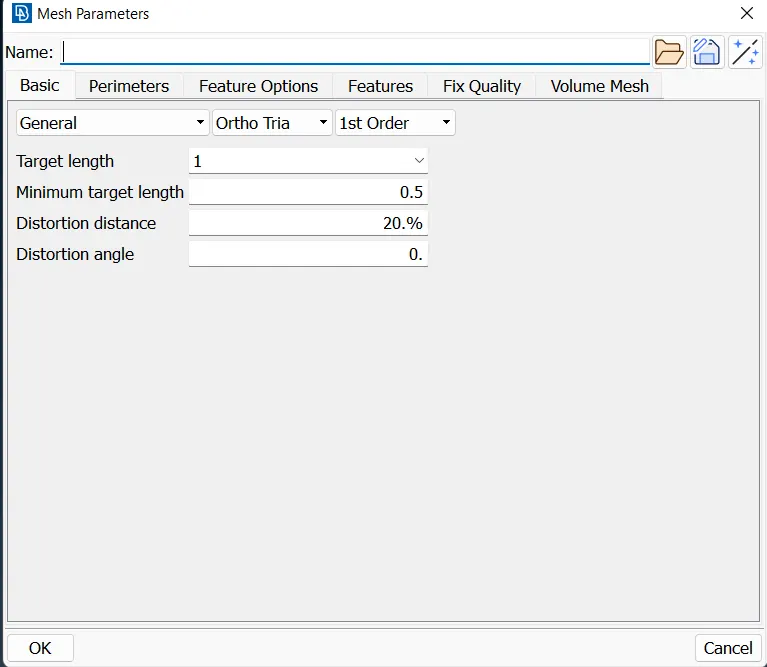
- Apply mesh parameters by giving target length and minimum length and orthotria elements.
- Now we need to mesh the solids.So we go through the steps mesh>classic mesh.
- Here we mesh surface using the spot mesh command with the help of both ortho trias and normal trias on the surface.
- ortho trias are used in curved surfaces, fillets and normal trias are used on the flat areas.
- Select spot mesh to generate mesh from mesh generation and select the face and enter.(classic mesh>mesh generation>spot mesh)
- In mesh flow there are some failure in quality criteria.By using Reconstruct,smooth tools fix the area
- By using Move tool we can adjest the position of node of element and fix the quality issue.(classic mesh>grids>Move)
- Use split tool to swap,join and create the mesh line to arrange the tria for proper mesh flow.(classic mesh>elements>split)
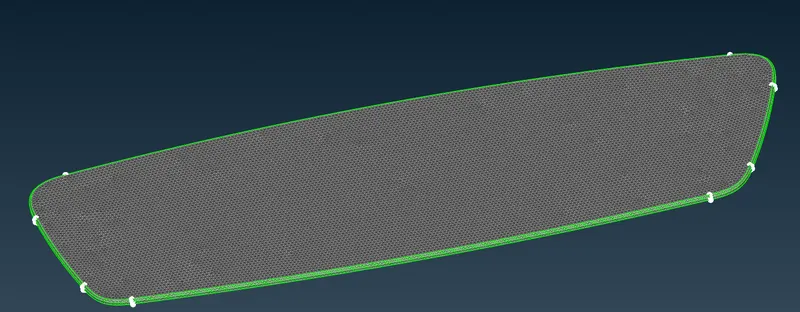
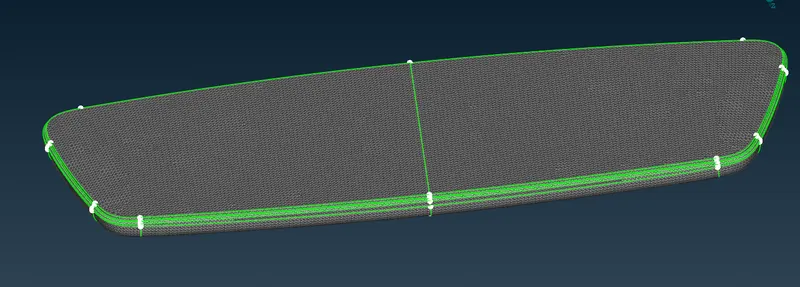
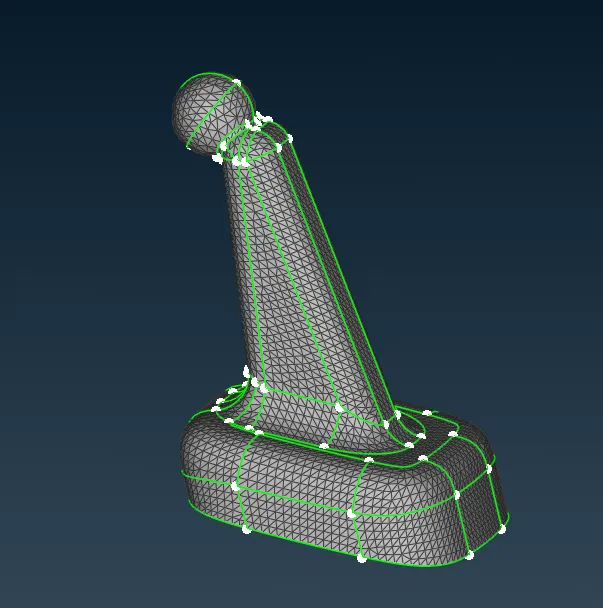
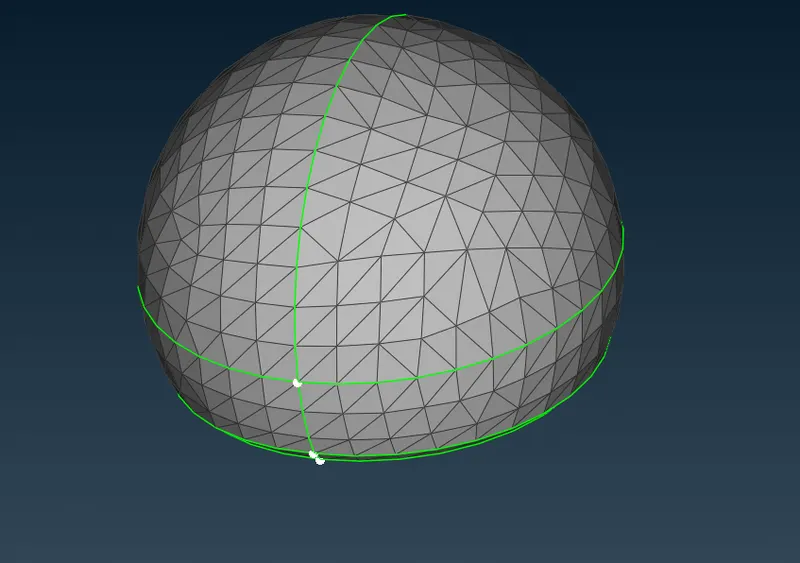
- After the surface meshing next phase is volume mesh.we can go through the following process mesh>volume mesh
- Volume meshing is the process of giving the volume for the given model.
- Next step is define the volume by using the tool define in volume mesh (mesh>volume mesh>define)
- ANSA automatically detect the model and define in the list.
- we can edit the properties in the list and add the mesh algoritham (mesh>volume mesh>list)
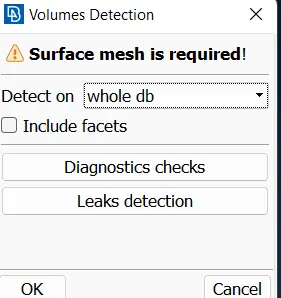
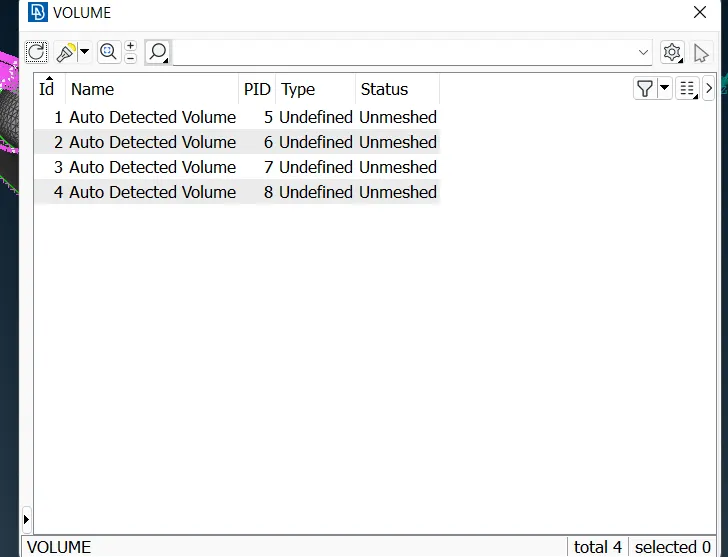
- Here there are four bodies in list.remesh the given bodies with Tetra FEM algoritham(mesh>volume mesh>list>remesh)
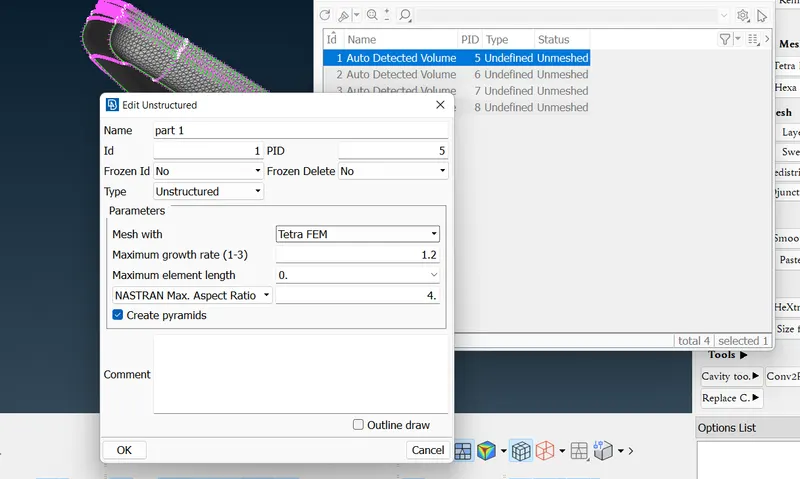
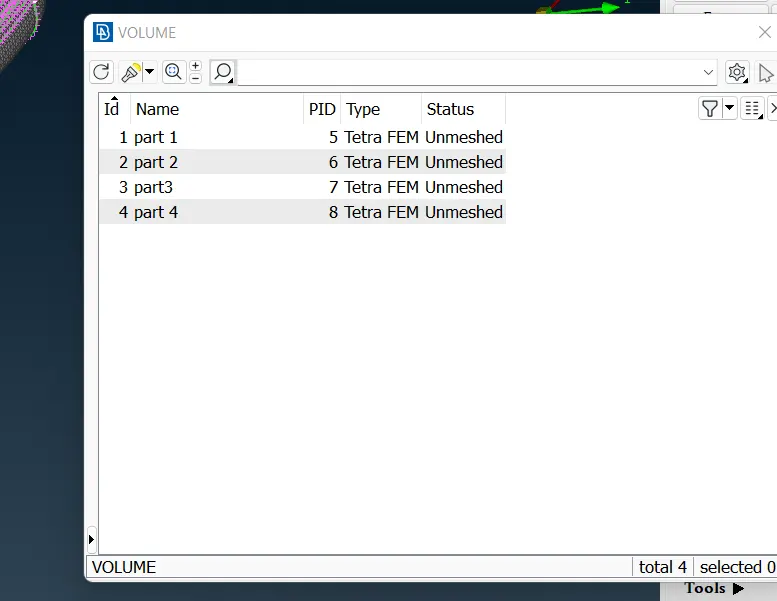
- After the volume mesh enable the collaps in quality criteria and give the values upto 0.2.
- Solve the quality criteria by using move tool in grids (mesh>classic mesh>grids>move)
- Release the mesh from geometry through the following steps(mesh>volume mesh>Release)
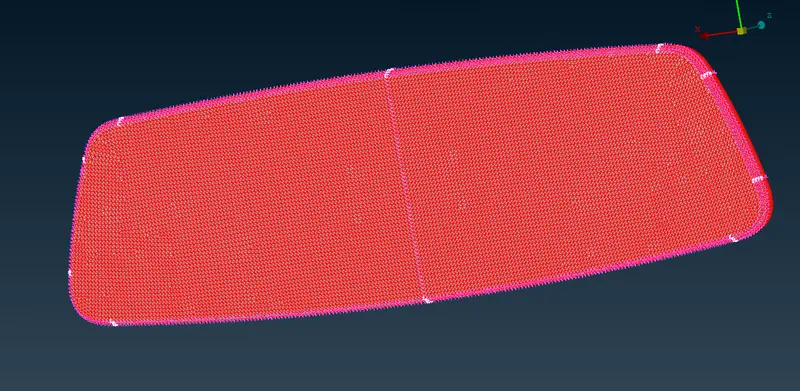
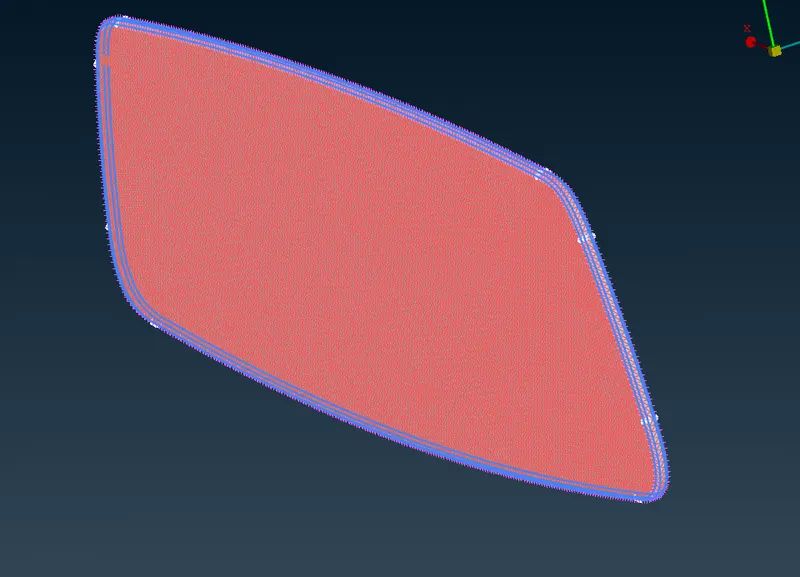
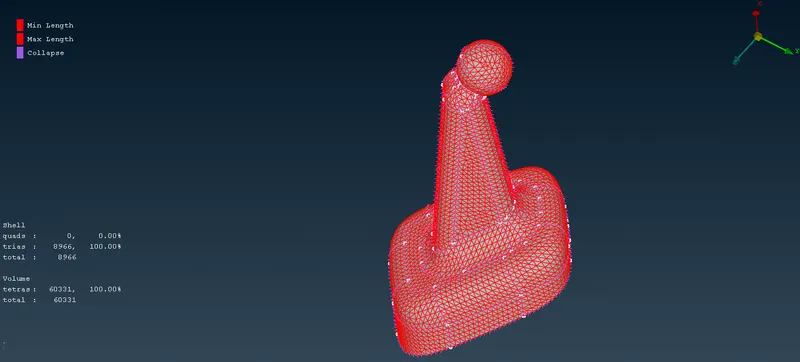
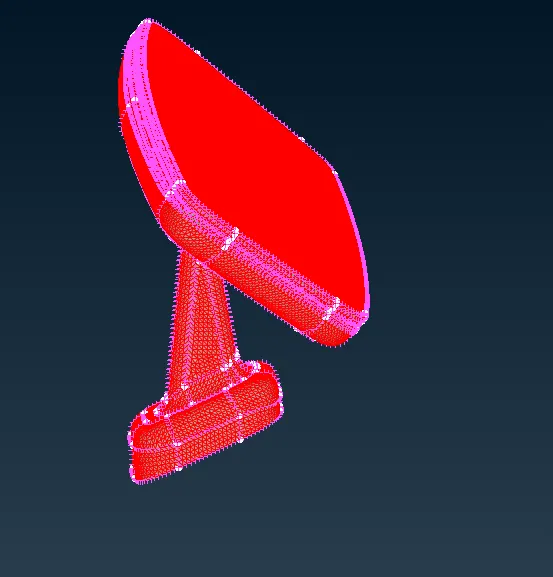
- we can use tetra rapid algoritham for volumetric meshing
LEARNING OUTCOMES
- Learn about different types of meshing algoritham in solid meshing
- Learn about usage of ortho trias and normal trias
- Ortho trias mainly used to fetch the curved areas and normal trias used in flat areas.
- Learn how to generate volume mesh for solids
- Different types of mesh Tetra rapid and Tetra FEM.
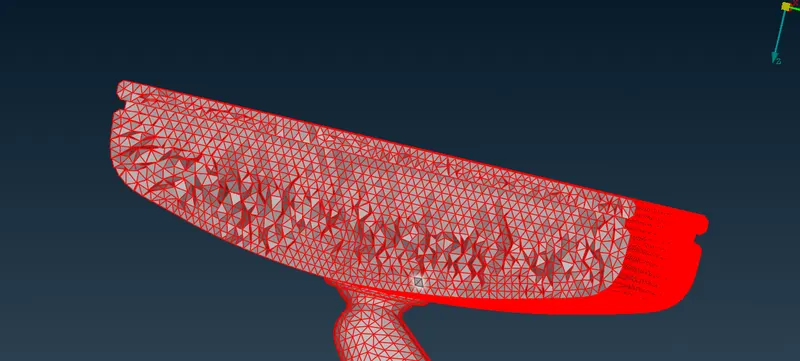
- For unstructured mesh tetra elements are formed not in uniform way. it has an unstructured shape.
CONCLUSION
The given Rear view mirror component, check for the geometrical errors and mesh the Surfaces with the given 2D element Quality criterias given
and generate the volume mesh with tetra fem and tetra rapid mesh algoritham and check the collapse uup to the value 0.2