Week - 8 - Morphing
OBJECTIVE: To perform morphing operation on the given components.
CAD MODEL IMAGES:
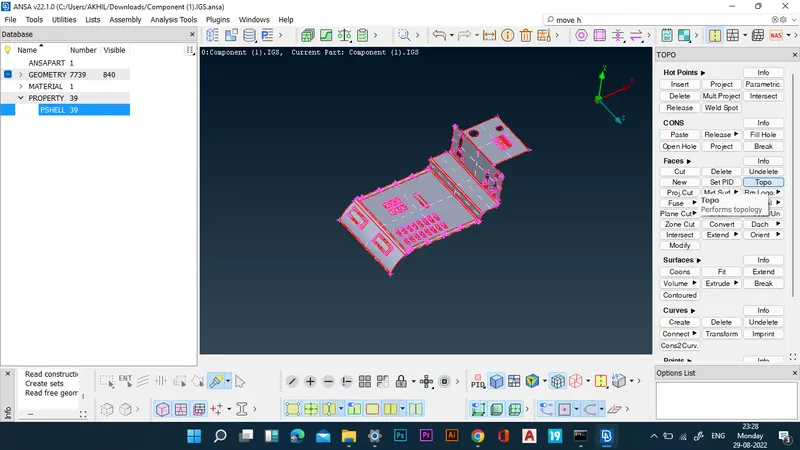
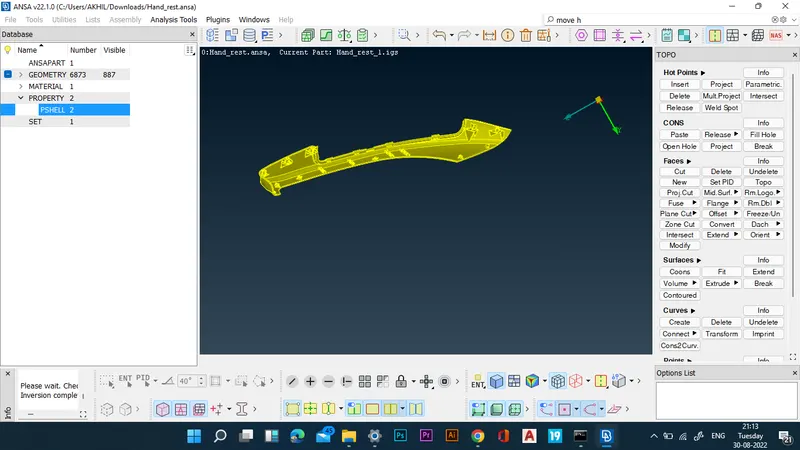
PROCEDURE:
MODEL 1:
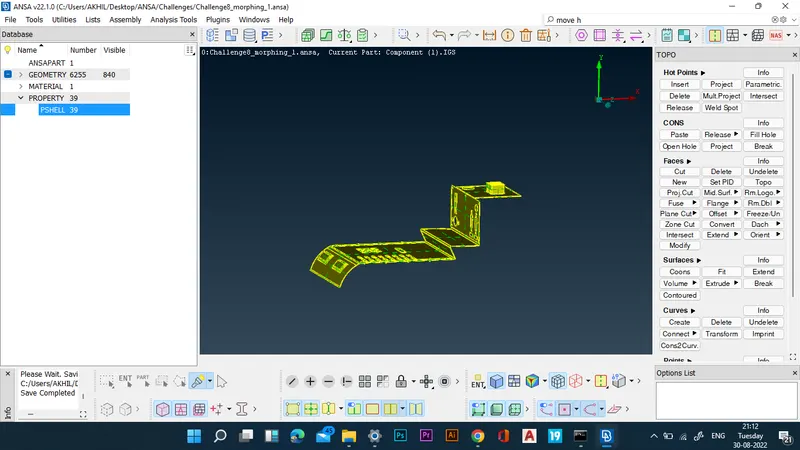
- The given model is imported by the open model command.
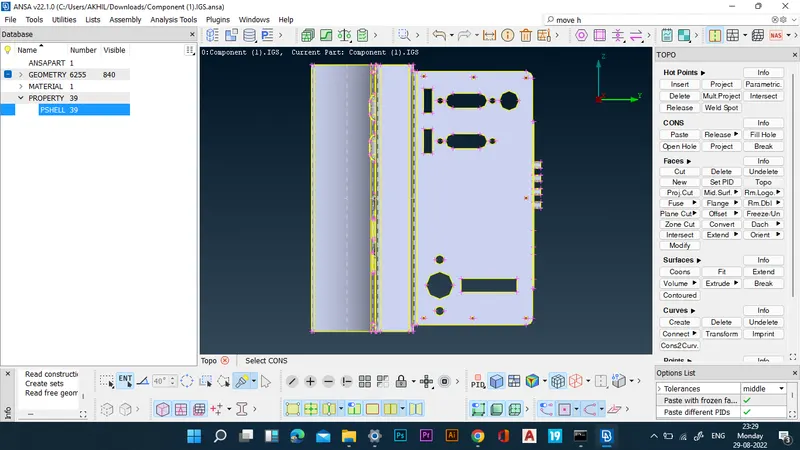
- The model is checked for geometrical errors first.
- Now the morphing boxes are created for the various regions from the morphing deck.
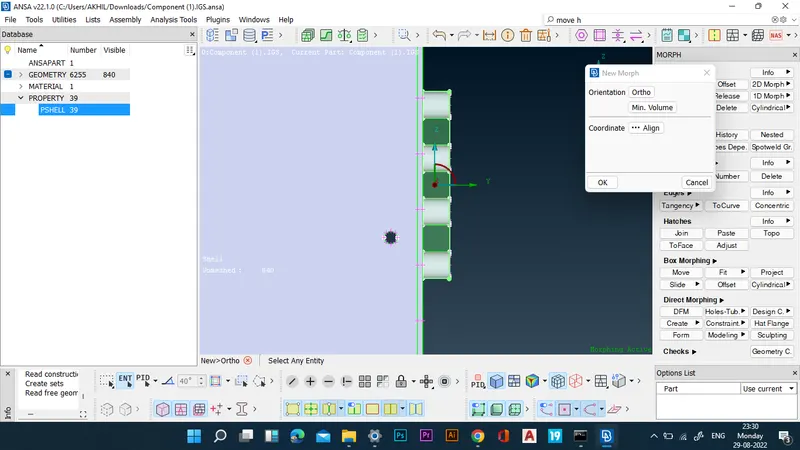
- Now the height of the region is increases through move command.
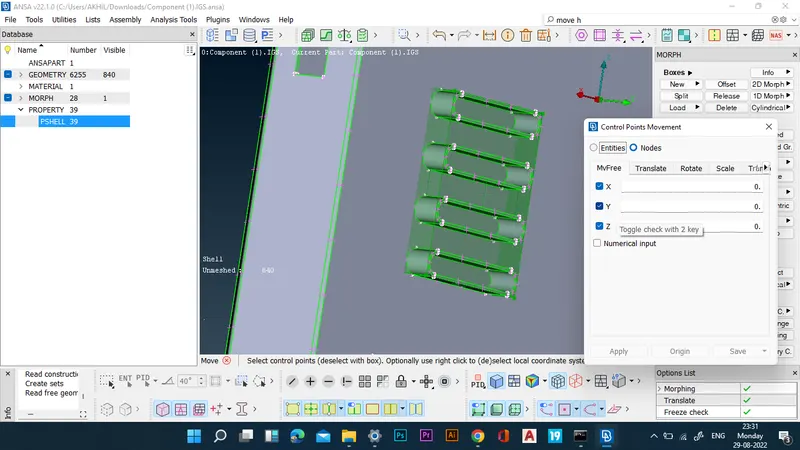
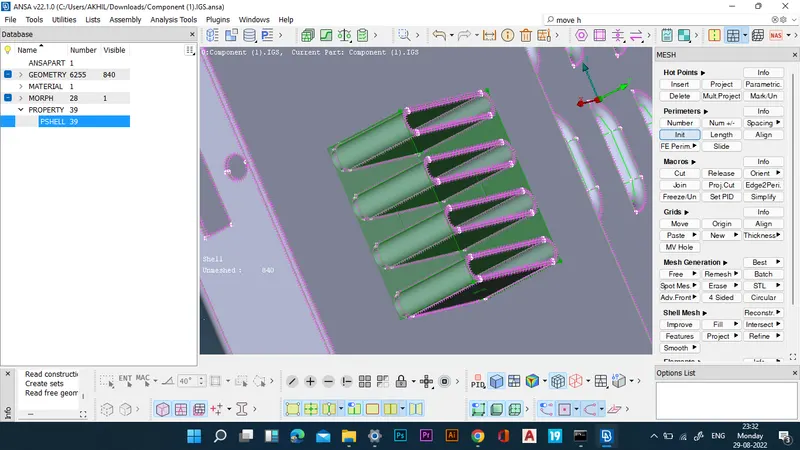
- The same procedure is followed to morph the other regions.
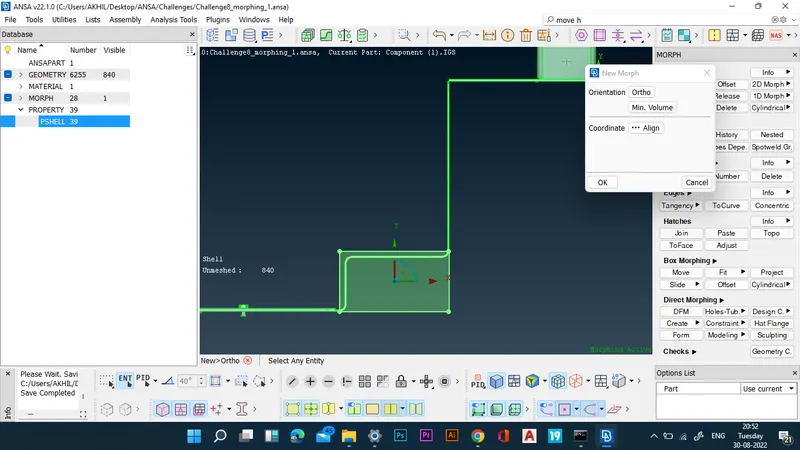
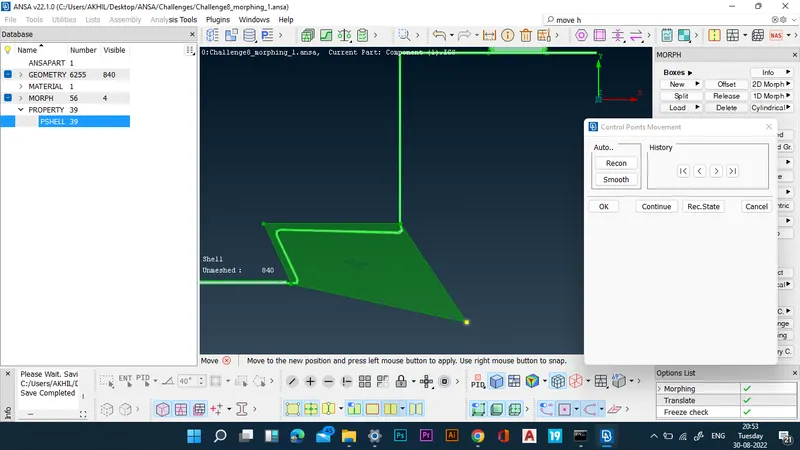
- Once morphing is completed, the morph boxes made are deleted.
MODEL 2:
- The given model is imported by the open model command.
- The model is checked for geometrical errors first.
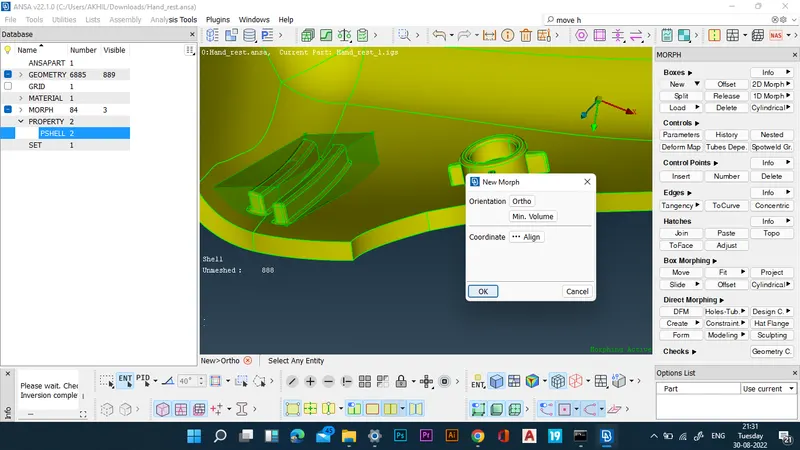
- Now the morphing boxes are created for the various regions from the morphing deck.
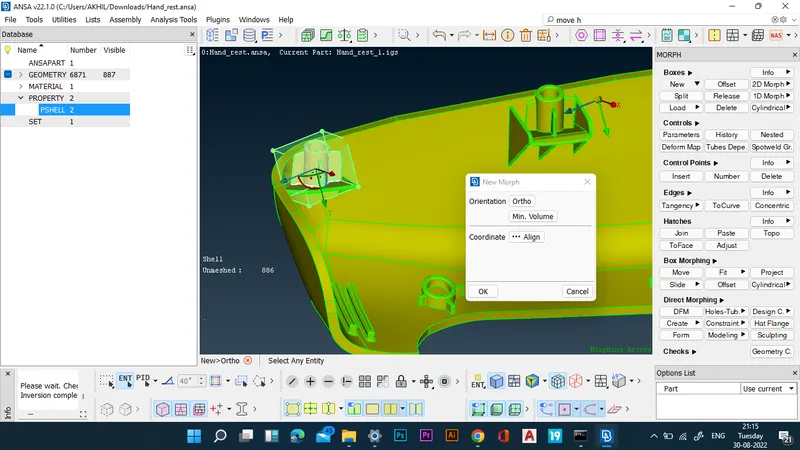
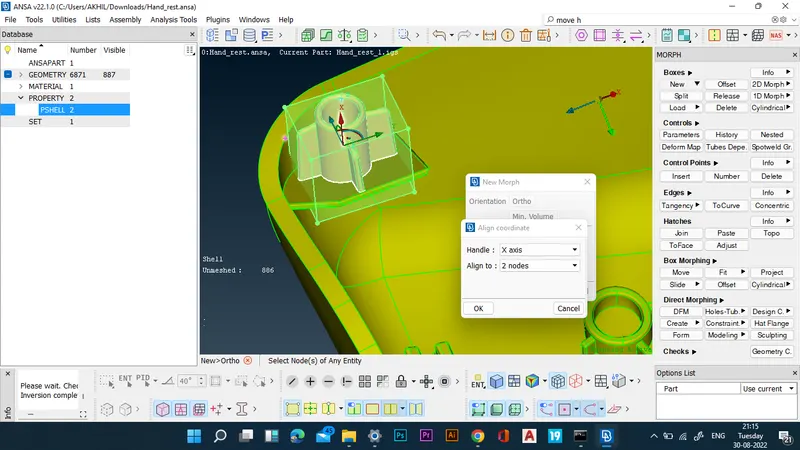
- The morphing boxes are then aligned according to nodes of the entity.
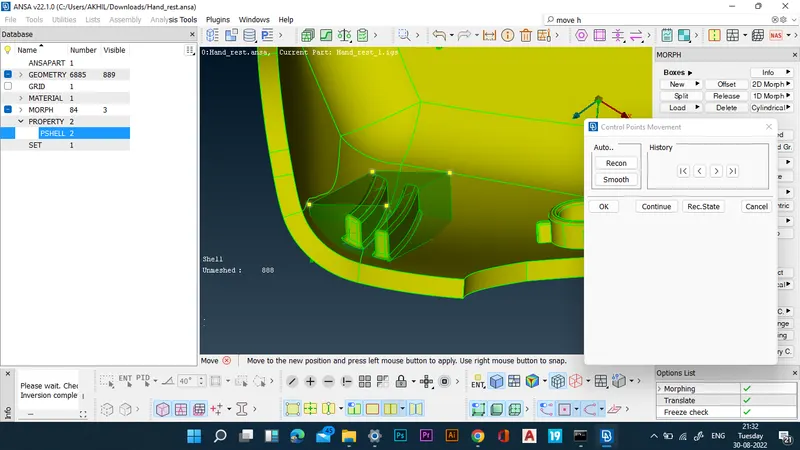
- Now the height of the region is increases through slide command.
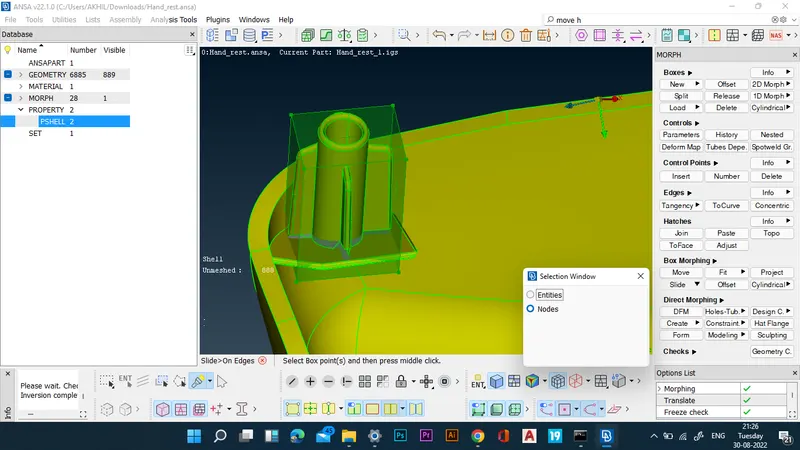
- The same procedure is followed to morph the other dog houses.
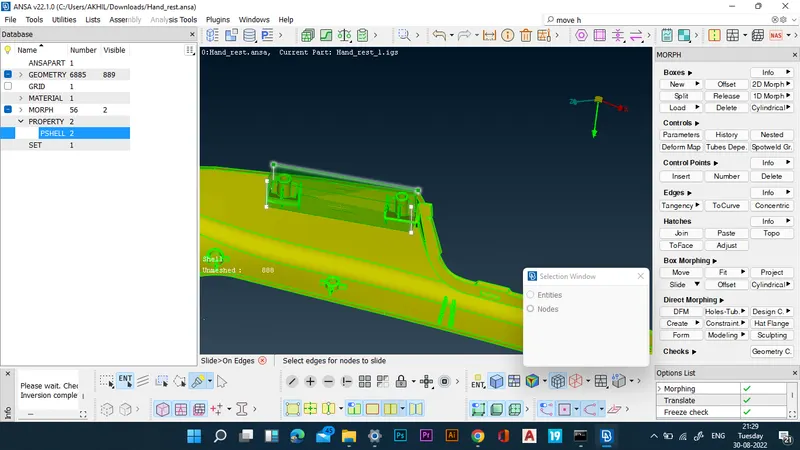
- Now morph boxes are created for the ribs.
- The height of the ribs are also increased by slide command.
- Once morphing is completed, the morph boxes made are deleted.
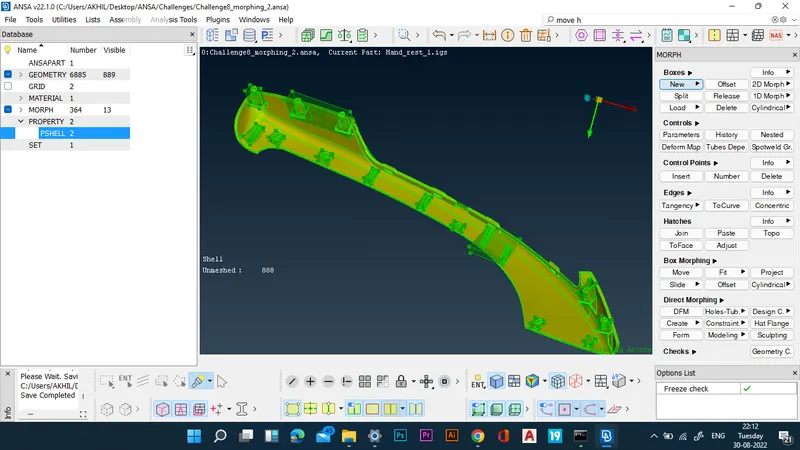
RESULTS: Morphing of the given models is successfully completed.
FINAL CAD IMAGE: