Week - 8 - Morphing
Ansa July live batch 1
Aim: in this challenge we have to do morphing using Ansa
Morphing is an adaptation of given shape to a new form. The geometry of a given concept model can be modified to required proportions to create new designs. CAE Morphing allows users to work on the FE mesh directly reducing the time taken to go back to the designer to update the geometry.
Stepwise procedure:
- Firstly, import the model in Ansa
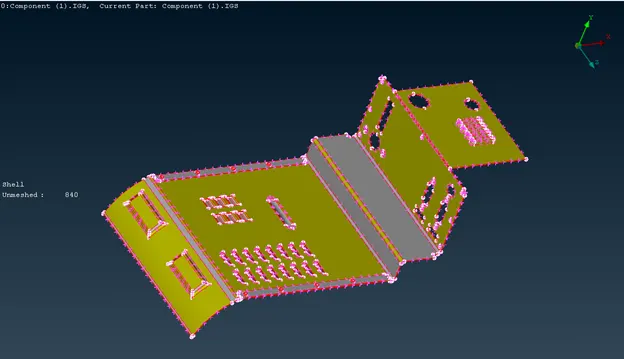
model imprted
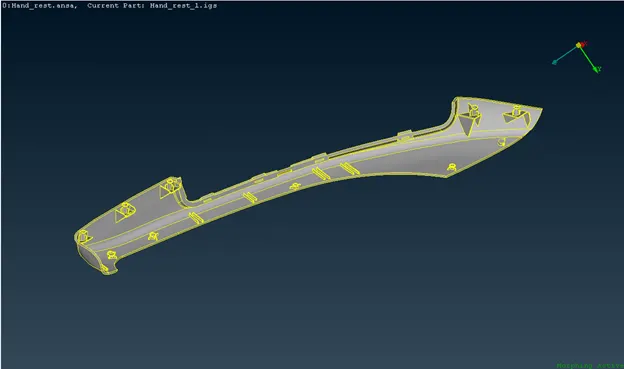
hand rest model
- The next step is to go morph module and create the boxes which we have to changet the geometry
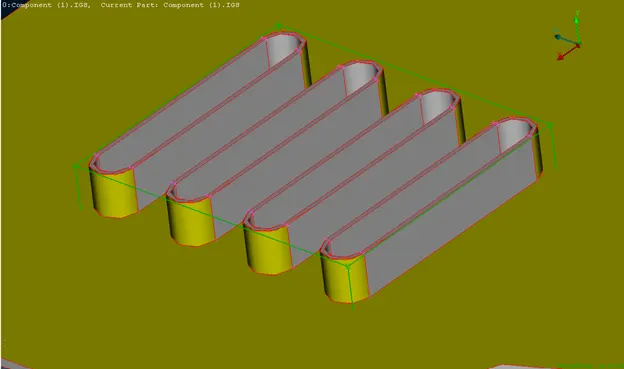
created boxes
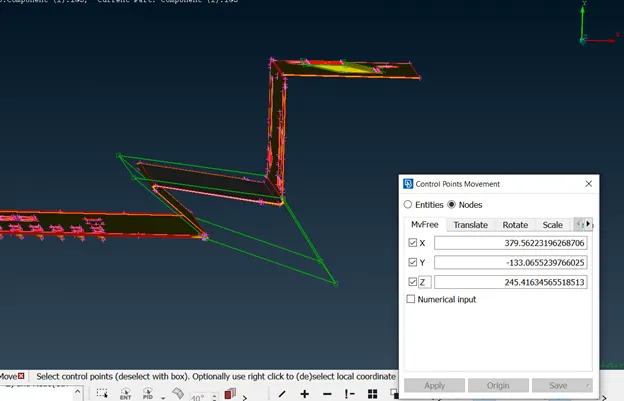
creaded some changes
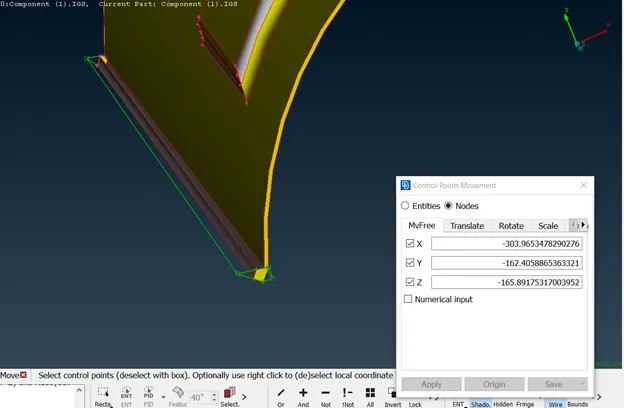
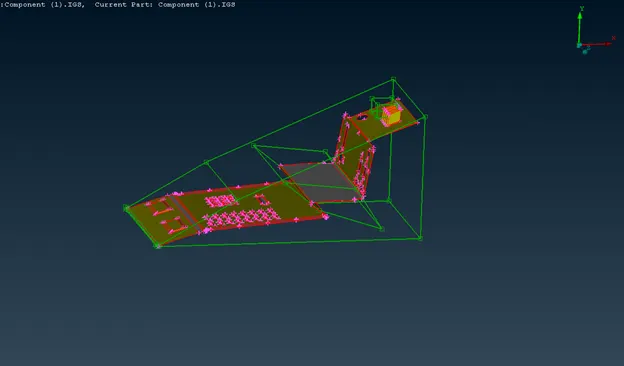
created some changes
- Now we have to take our hand rest model for increases the height of the dog houses and ribs as per the given question
- So that we can use the new box option and move option for increasing the height of those parts
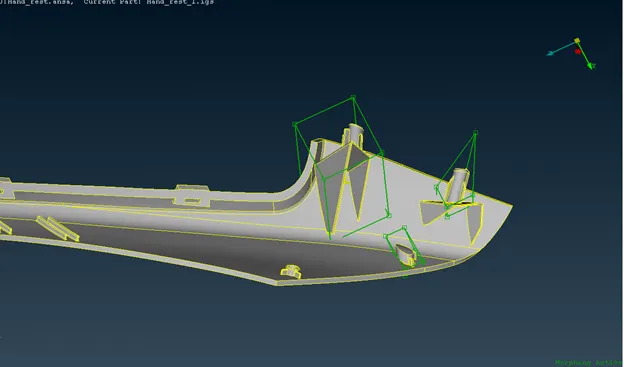
created boxes in ribs and dog houses
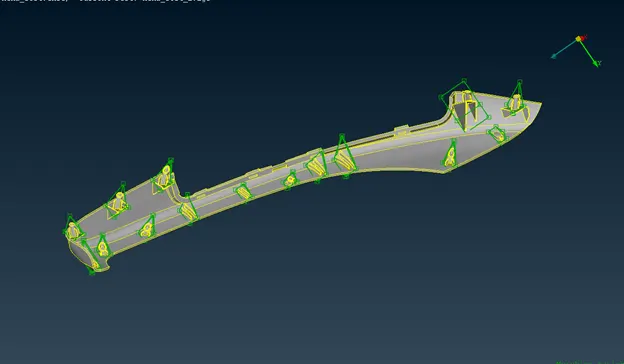
incresed height of ribs and dog houses
Learning outcomes:
In this challenge I had learnt about:
How to do morphing
Uses & applications of morphing.
Morphing is a geometric interpolation technique that is often used by the animation industry to transform one form into another seemingly seamlessly. It does this by producing a large number of 'intermediate' forms between the two 'extreme' or 'parent' forms. Uses of various commands in morph module to modify both CAD geometry models & FE models.
Conclusion: finally we done the changes in the model using morphing method in Ansa.