Morphing
Aim: To perform Morphing to the given model.
Morphing:
Morphing is an adaptation of a given shape to a new form.
The geometry of a given concept model can be modified to the required proportions to create new designs.
CAE Morphing allows users to work on the FE mesh directly reducing the time taken to go back to the designer to update the geometry.
Procedure:
1. Import the model.
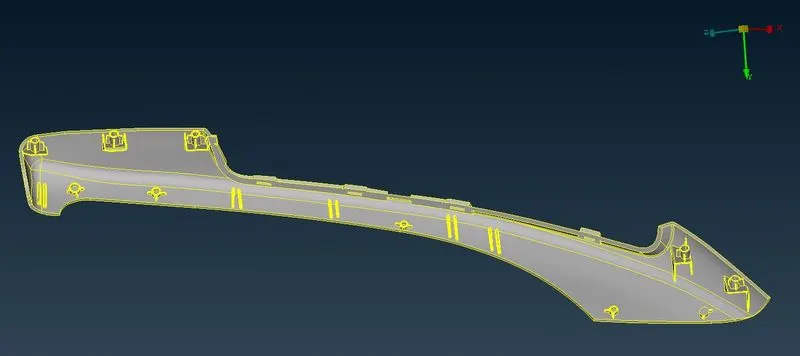
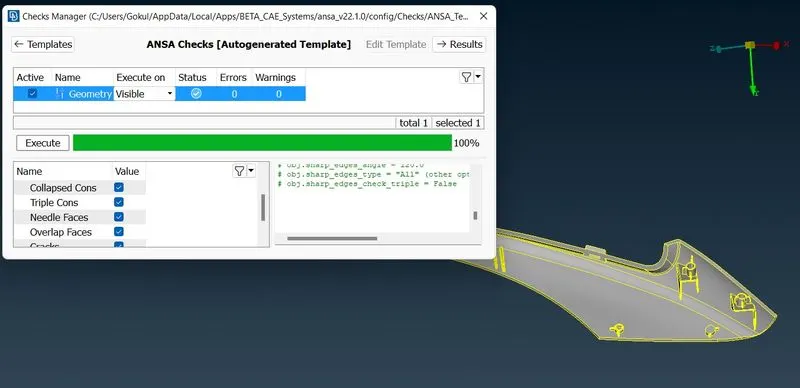
2. Now go for the geometric checks.
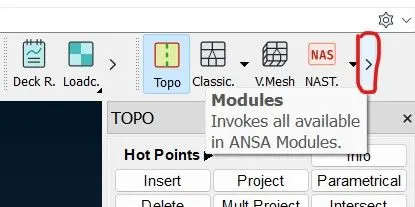
3. Open the Morphing module. It is in the right upside corner.
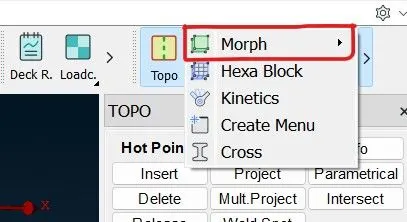
5. Just take a part for an example.
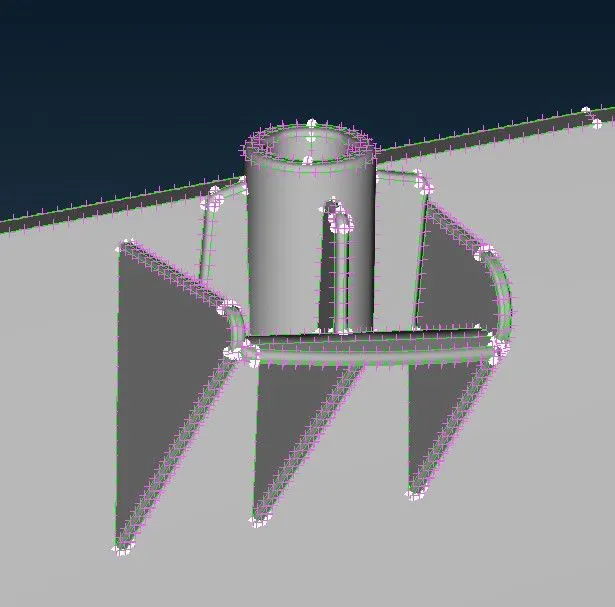
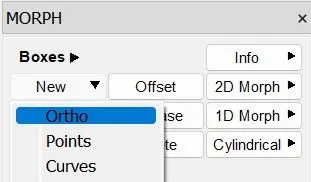
6. In the Morph module in the boxes group open new and select ortho.
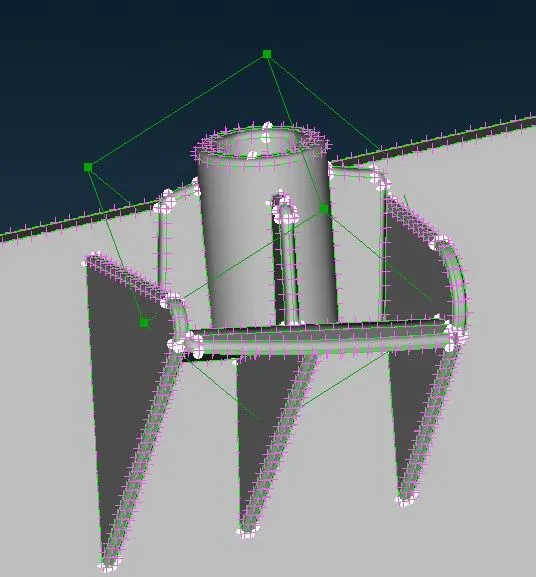
after giving the boxs selection to Ortho and selecting the surface of the model which we have to increase the length, then we can see the control grids have been formed.
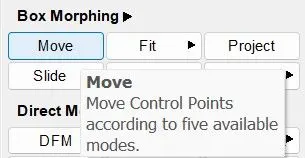
7. Now we have to change the height of that particular part so go to Box morphing and select move
(Morph > Box Morphing > Move )
8. Now select the control grids and drag upwards to increase the size.
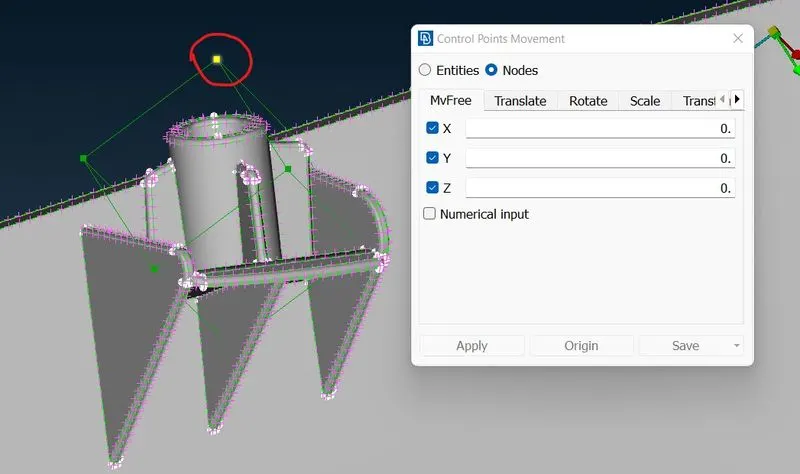
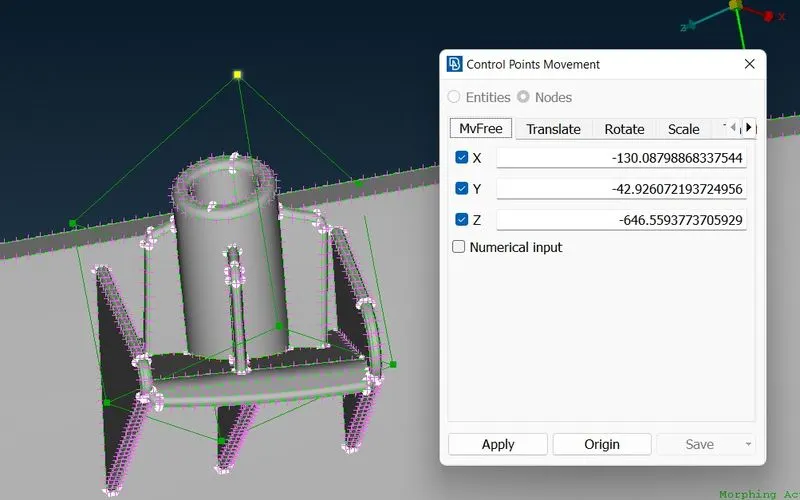
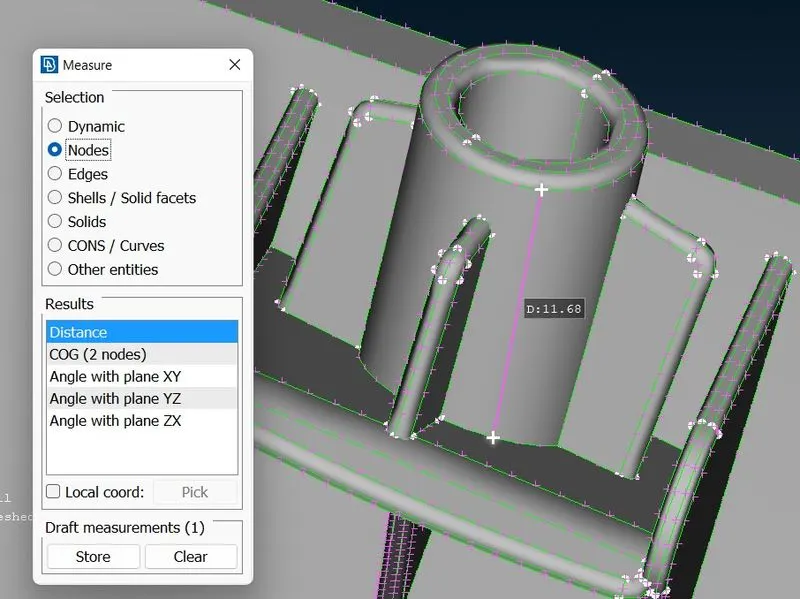
at initial, we can see the length of that cylinder was 11.68mm
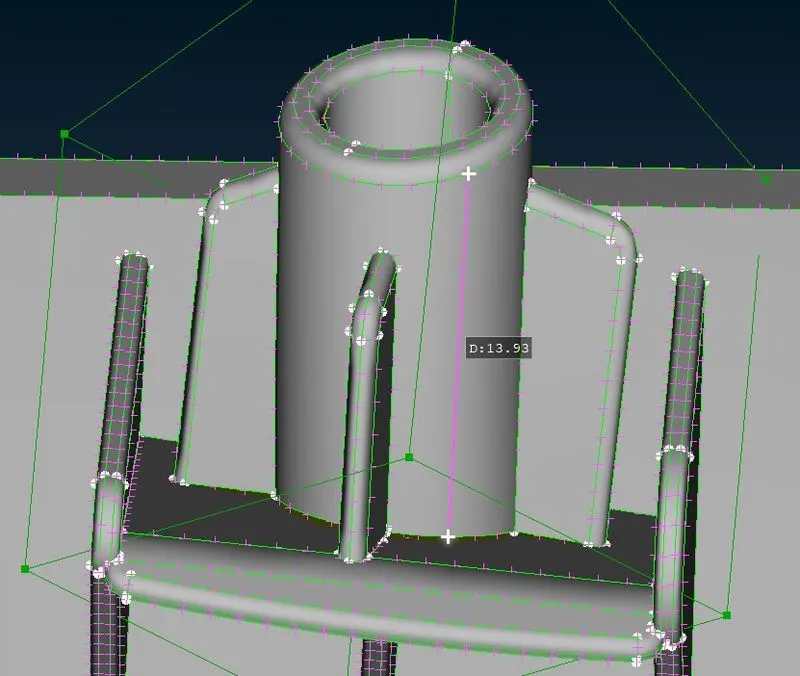
9. After dragging the control gird we can see the length of the cylinder and the ribs which are joined with the cylinder are increased, here the length of the cylinder is 13.93mm.
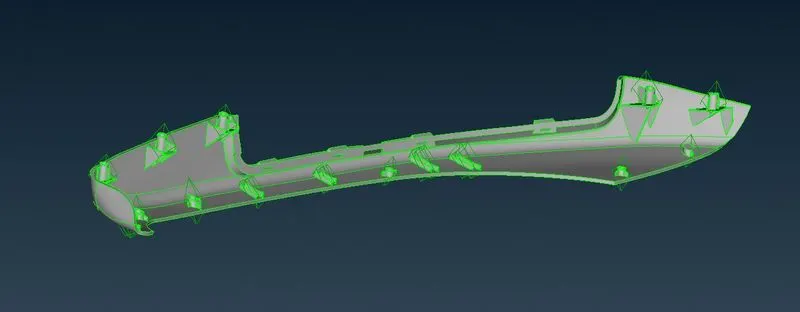
10. The same way does the procedure for all the Dog Houses and ribs.
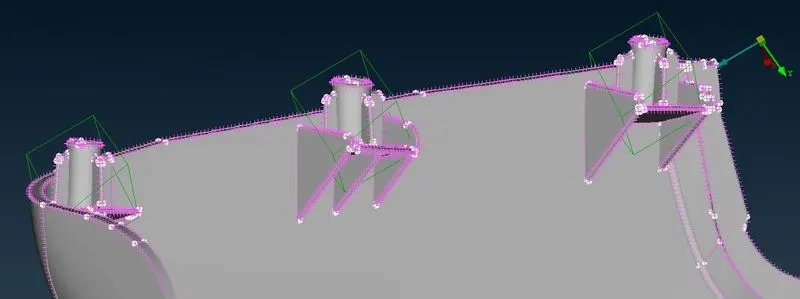
After giving the Box morphing to all the Dog houses and Ribs.
Learning outcomes:
1. We can use the Morphing module.
2. Different tools are used to morph both modules.