5 - Solid meshing on Rearview mirror component
Aim: For the given Rearview mirror component, check for the geometrical errors and mesh surface with the given 2D element Quality criteria are given below.
Procedure:
Give the Quality criteria and mesh parameters values, and here the minimum and maximum values have to be given in the shell
option in quality criteria.
| S.No | Quality criteria | Value |
| 1 | Target/Average length | 1 |
| 2 | Minimum length | 0.5 |
| 3 | Maximum length | 2 |
and in Quality criteria, there is a solids option where we have to give the value of Ted collapse.
| S.No | Quality criteria | Value |
| 1 | Ted Collapse | 0.2 |
1. First give the Cons resolution with providing the length of 1
2. Give the topo to the given component
3. Select the Orientation to the given component.
4. After giving the Cons resolution and top we have to check the Geometry to check whether the error is coming up or not if there are errors then we have to fix it.
5. Now going to the property id we can select the component one by one and mesh it. If we try to do it one by one, it will be easy to observe the errors and we can give the mesh properly.
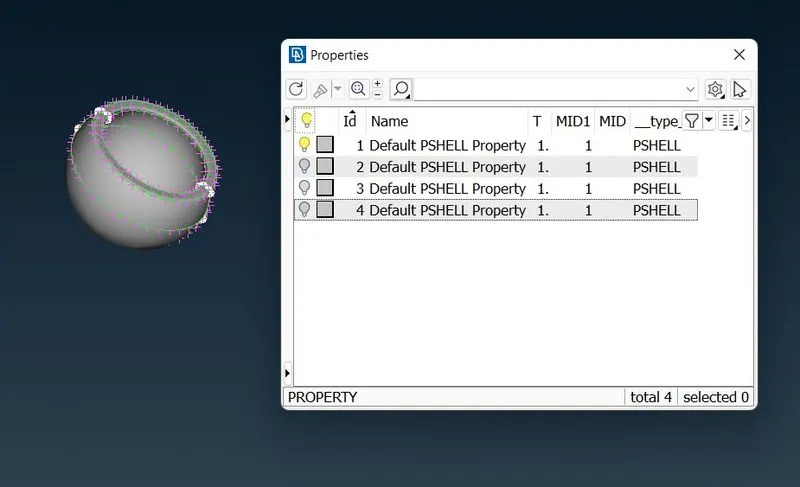
6. Mesh the selected component using the Best option in Mesh Generation Group.(MESH >Mesh Generation> Best)
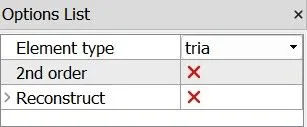
While we meshing the flat surfaces, in the Options List we have to keep the Element type as Tria
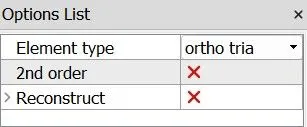
and when we mesh the curved surfaces we have to keep the Element type as Otho tria.
7. Check the quality of the component that we have meshed, if there is any error in quality then use the reconstruction and smooth option in the Shell Mesh group.
8. Then move to the Volume mesh, in the Volume group use the Define option and give the detect on visible. (Volume mesh>Volume>Define)
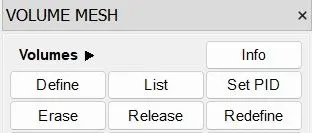
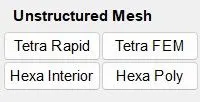
and then use the Tetra Rapid option in the Unstructured Mesh group and select the component. (
Volume mesh>Unstructerd Mesh >Tetra Rapid )
9. This is what it looks like after giving all the requirements.
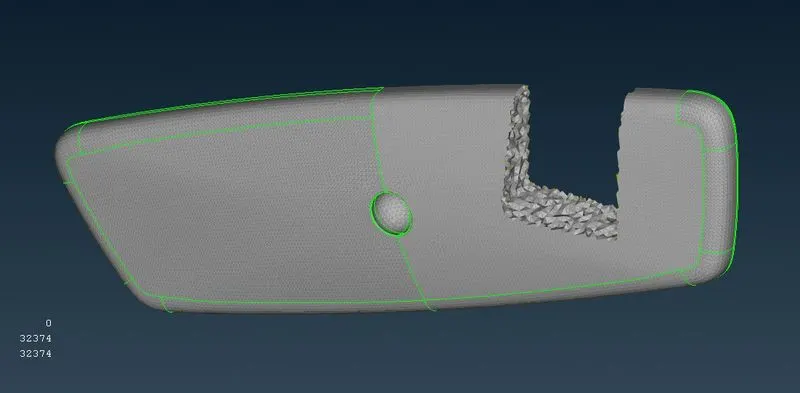
10. Do the same procedure to the next component which is in the Property id, were we already told that select one by one component in the property ID and mesh it for making the work easy and perfect.
Conclusion:
Always check the quality after generating mesh to each component
Learning to do solid mesh
Significance of Ortho Trias and Normal Trias