Week - 8 - Morphing
REPORT ON MORPHING
AIM : To morph the given models and obtain the morphing techniques to be practised for advance morphing.
INTRODUCTION :
ANSA encompasses a full – fledged Morphing menu which is completely integrated with ANSA's interface and doesn't require any additional module installations or licenses. The functions of the Morphing menu can be used to efficiently re-shape both FE and/or Geometry based models.The geometry of a given concept model can be modified to required proportions to create new designs. CAE Morphing allows users to work on the FE mesh directly reducing the time taken to go back to the designer to update the geometry.
DESCRIPTION :
Morphing can be done on various ways. Some of them are domain or box morphing, geometry morphing, direct morphing and parametric morphing. The description of these morphing ways is as follows.
Domain/ Box Morphing
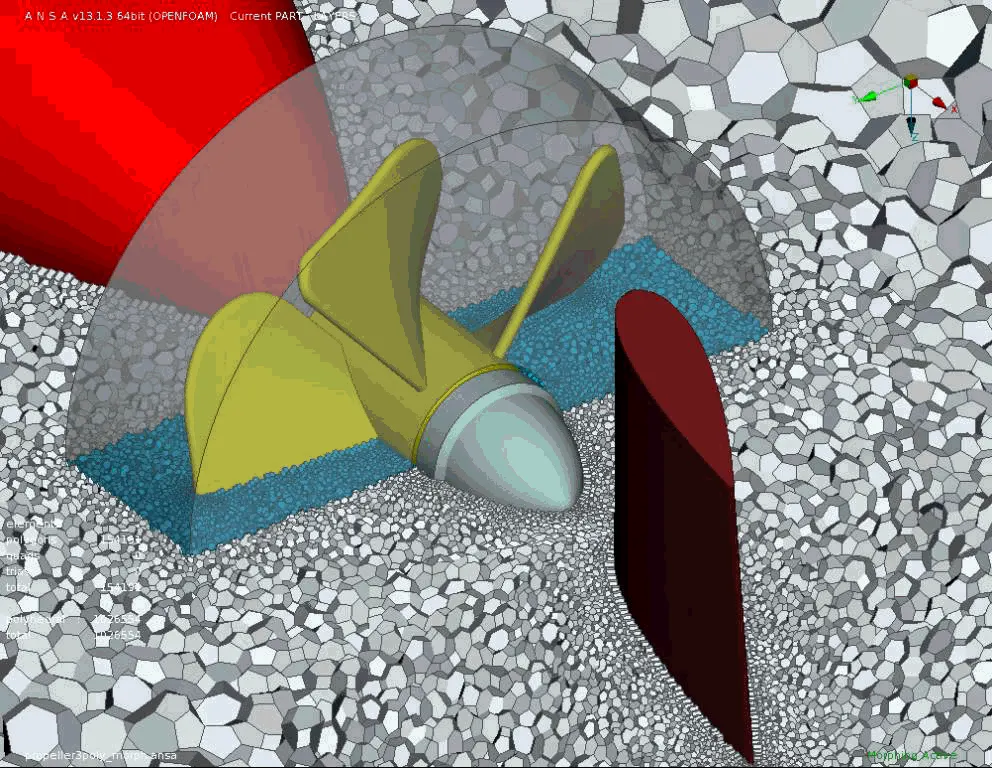
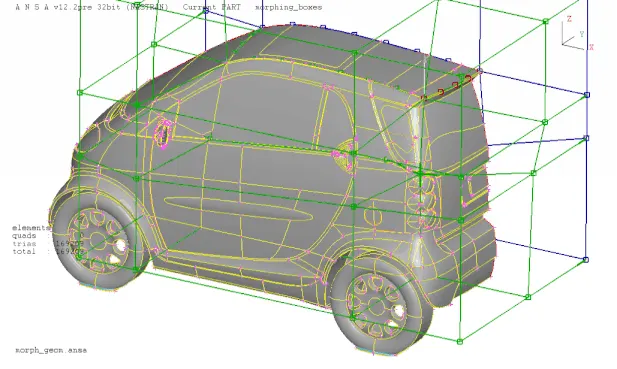
Domain or Box Morphing is performed via boxes that are created around a particular part or assembly that the user intends to morph. The movement of the Morphing boxes control points defines the morphing operations on the entities inside the Morph box. This type of Morphing can be applied to both FE and Geometry based models.
Direct Morphing
ANSA’s Direct morphing features gives the user the ability to efficiently modify a part locally without having to create Morphing boxes. This method is extremely useful in creating local modifications on single parts. Creation of depressions, surface fitting certain FE part features to new target geometry, moving selected features along the contour of a surface and also the ability to freeze (rigid) elements during the morphing process are some of the direct morphing abilities.
Parametric Morphing
The desired morphing actions can be saved as parameters which can be accessed in batch mode. Users can enforce desired shape changes by changing numerical input value for the appropriate parameter. This method of morphing is highly utilized for coupling of the morphing operations to an external optimizer. The scripting capability can be used in conjunction with ANSA’s parametric morphing functionality to deliver faster DOE models.
Geometry Morphing
ANSA brings to the CAE world its ‘one – of – a kind’ tool for CAD geometry morphing. This pioneering concept allows the user to utilize the inventory of all the familiar FE morphing functions to perform equivalent operations in a CAD environment on geometric entities.
PROCEDURE :
Model 1:
- Importing the model to ANSA workspace and do the topo and orient.
Topo Module > Faces > Topo Topo Module > Faces > Orient
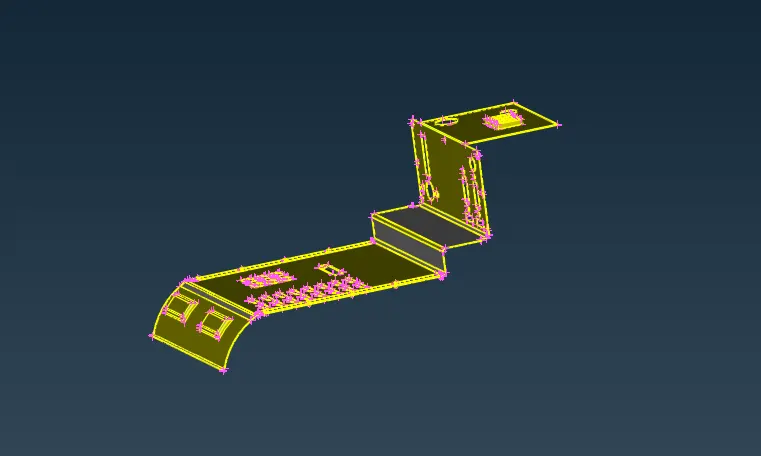
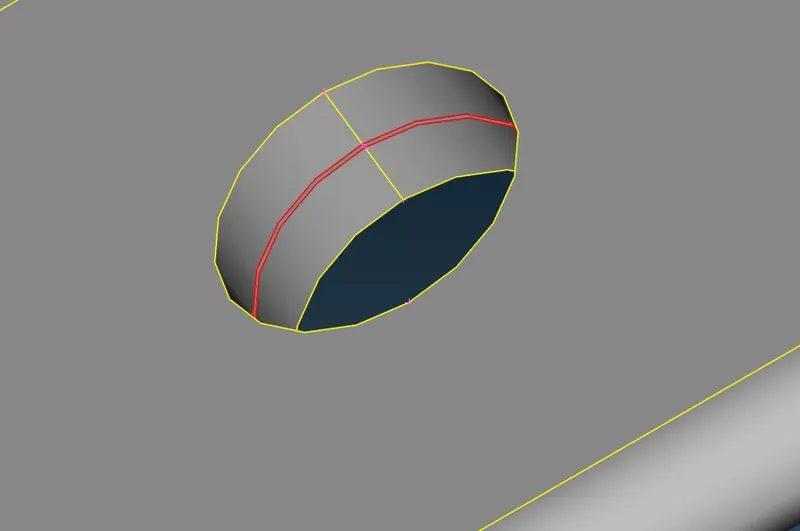
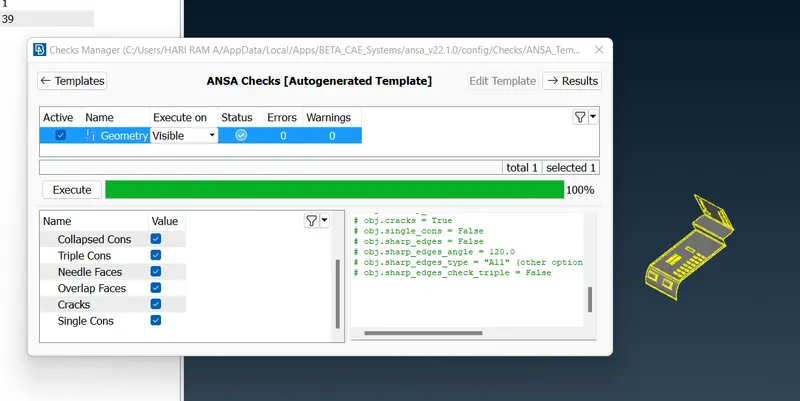
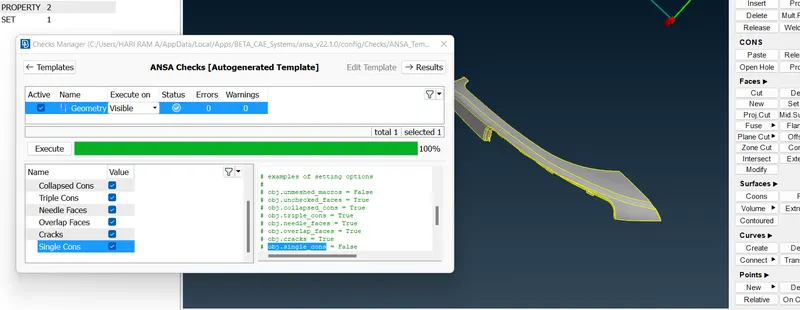
- The geometry check has to be performed to find the errors and to fix those errors.
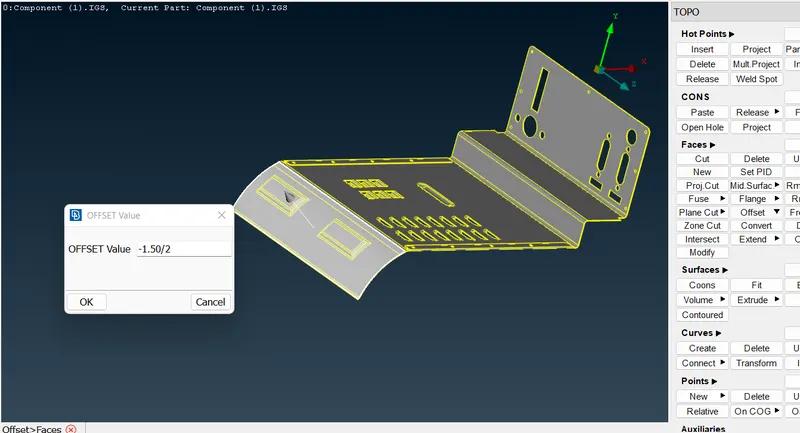
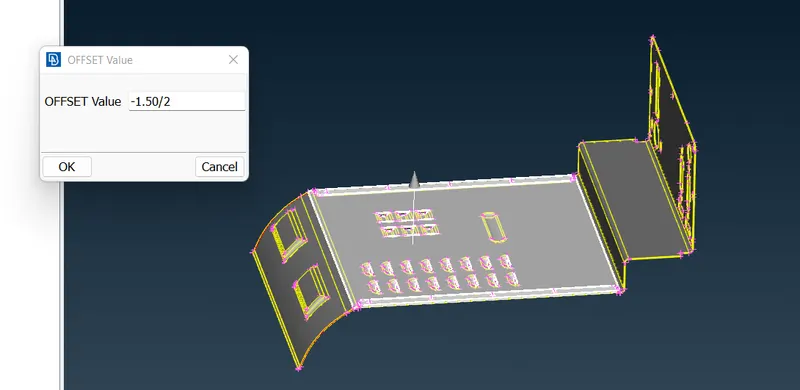
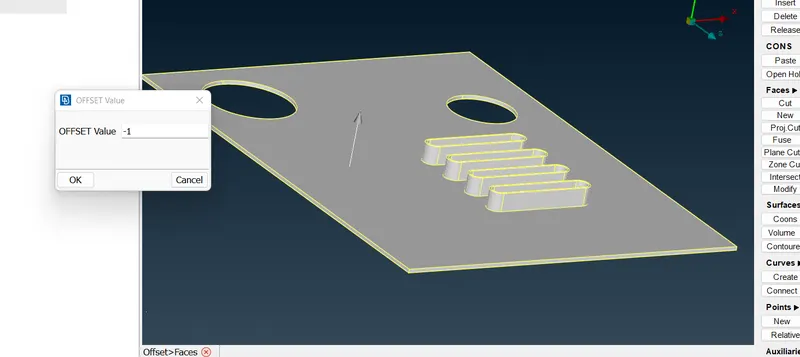
- Length Preset value as 1 is given and extract the midsurface for the faces using offset method.
Topo Module > Faces > Offset
The offset distance varies as the thickness of each face changes. So choose the right direction of offset by changing the sign for the values and select no for delete surfaces tab.
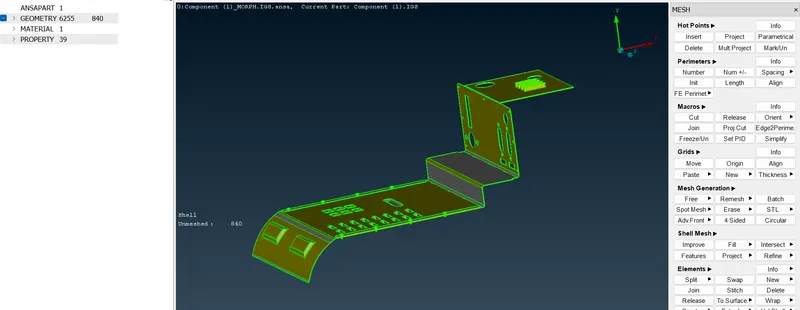
- Meshing should be done using the right mesh parameters and the quality criterias. Change to hidden mode inorder to view the off elements in the mesh after meshing. The off elements can be reconstructed using reconstruct option and smooth option.
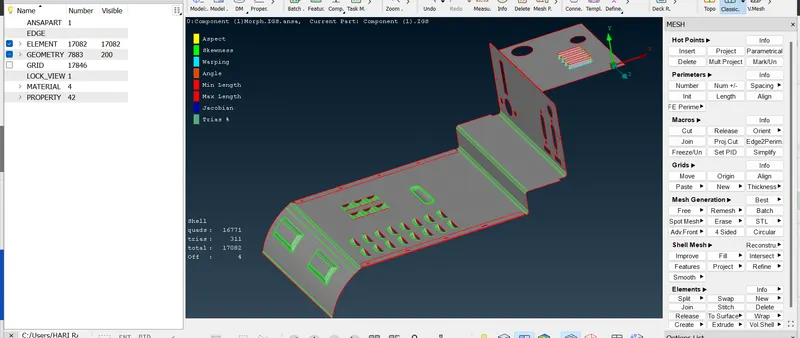
- The thickness can be assigned for respective faces by creating new property in the property tab.
- Morphing can be done by changing to morph module . In morph module various options like new, move, box are present.
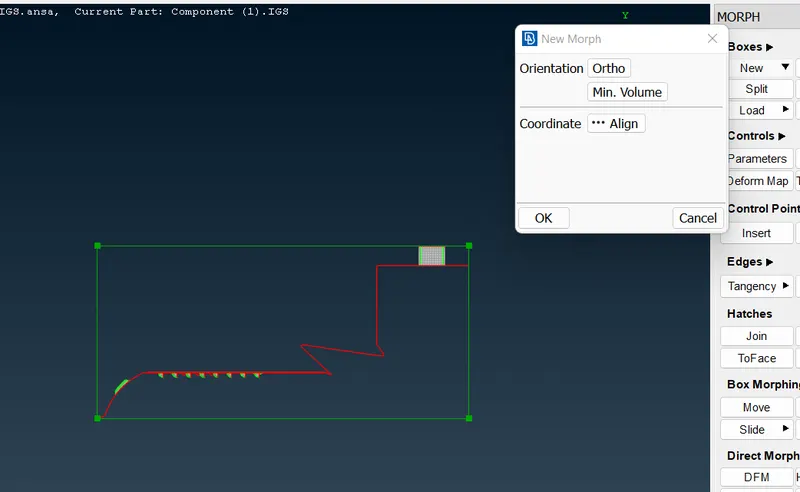
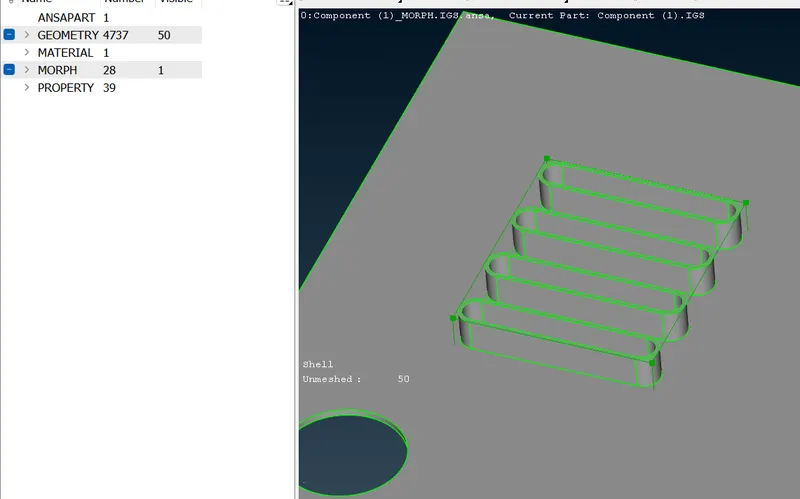
- Morphing can be done in the various features also whole body as well. Here firstly the feature is going to morph.Initially the new box has to be created inorder to select the feature as a box. Boxes > New > Ortho/ Min Volume.
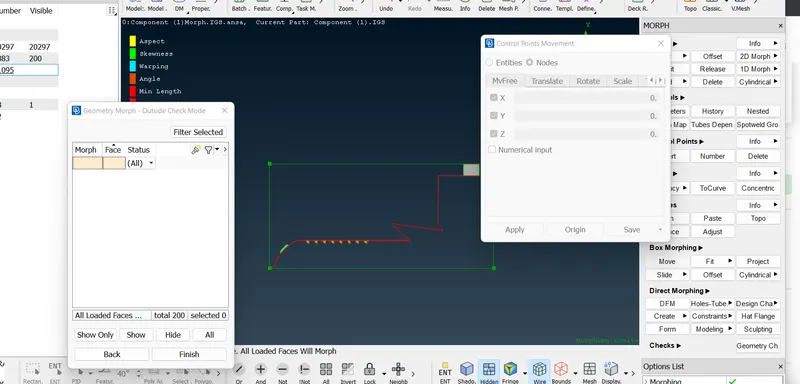
- After box created, the points in the areas where to be morphed should be selected and use move option. In the move option, there is x,y, z selection area where the object to be morphed direction is to be choosed.
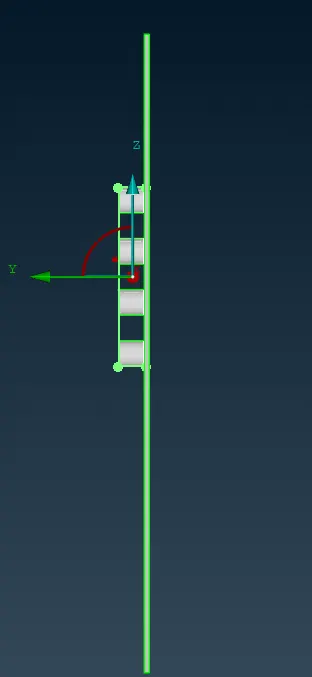
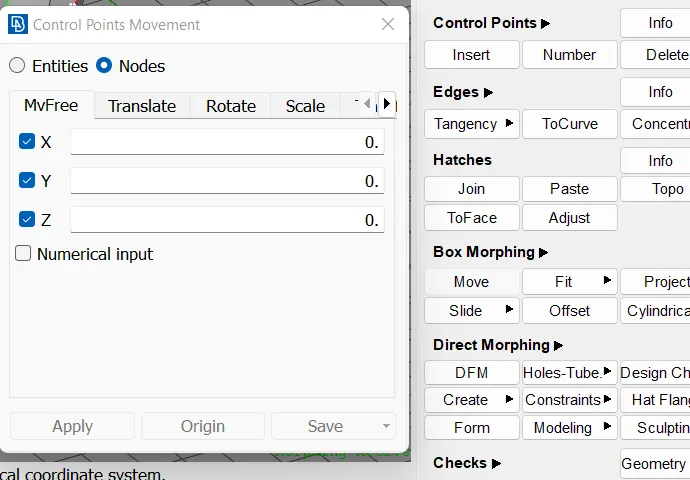
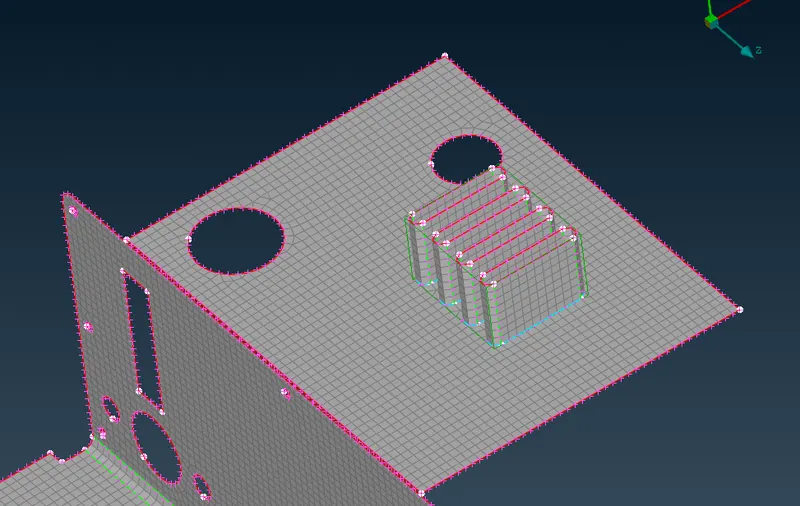
The morphed areas is shown below .
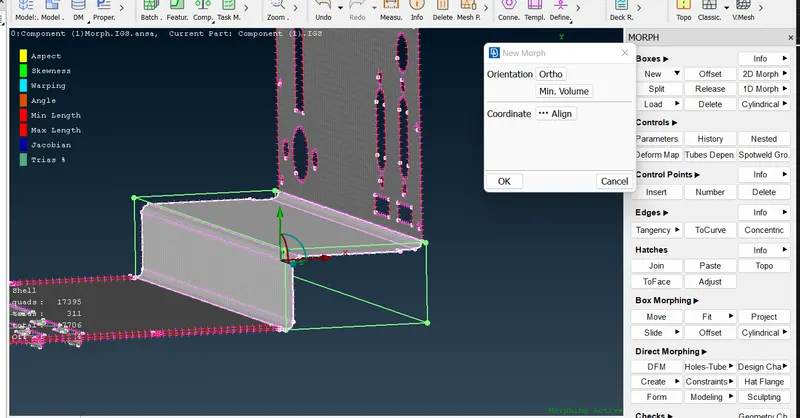
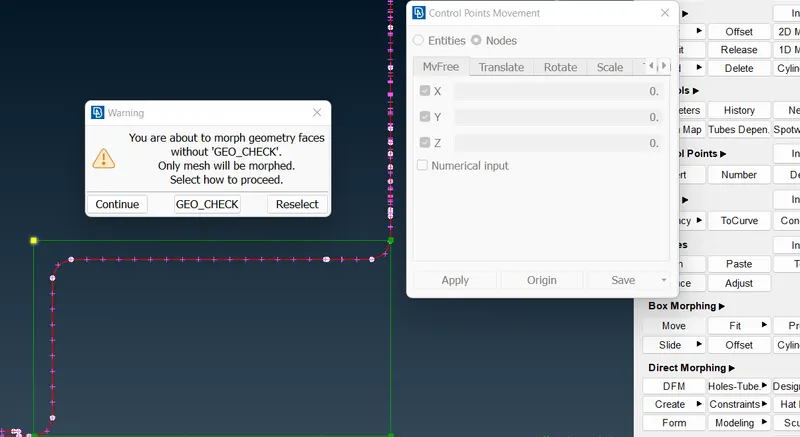
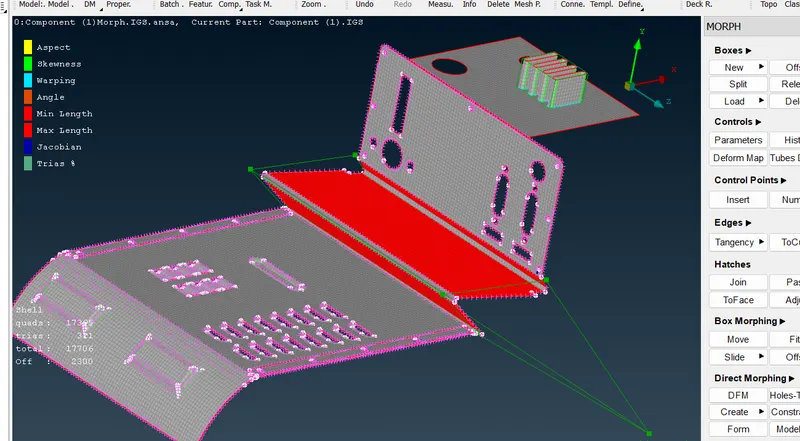
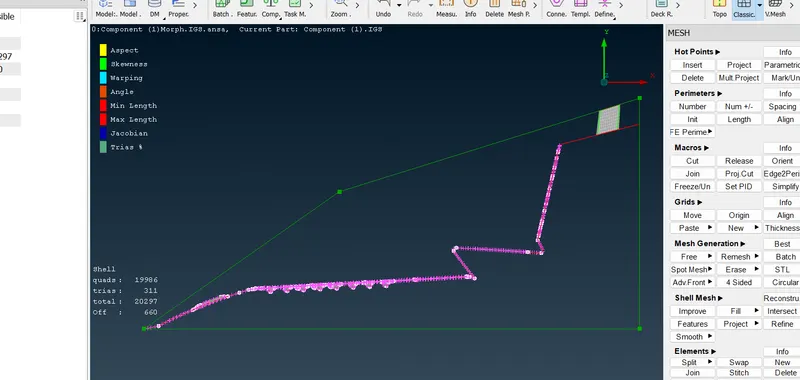
The image to increase the height in any direction is shown below.
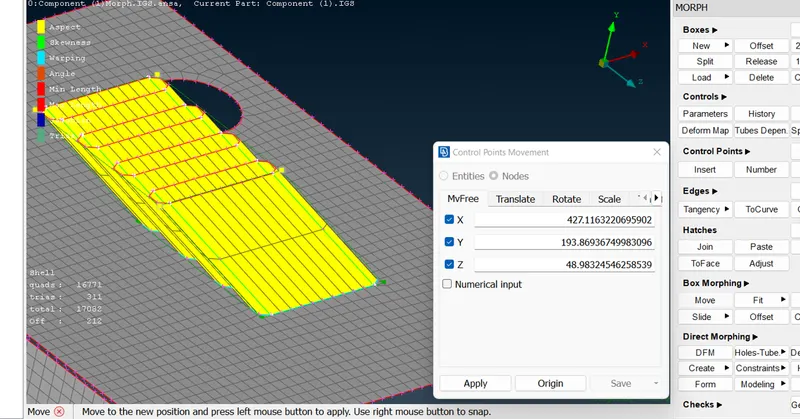
The option coming after morphing in database interface is as follows.
MODEL 2
- In this model also we can do the same operation as we followed in the model 1. The morphing areas here are the dog houses and ribs. These areas should came under the box selection and use move command.
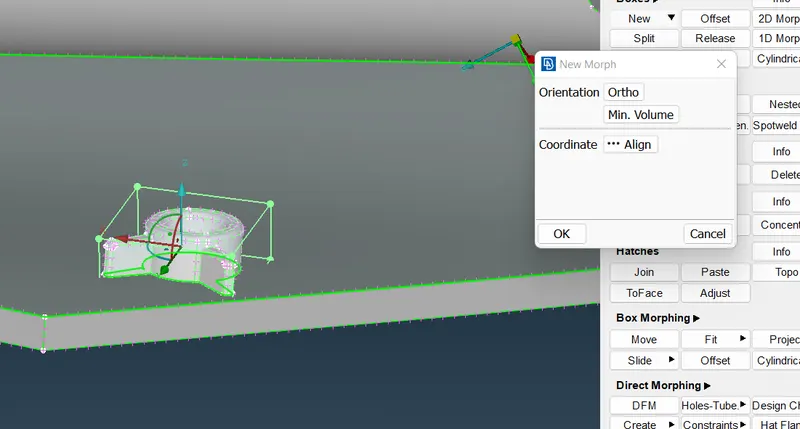
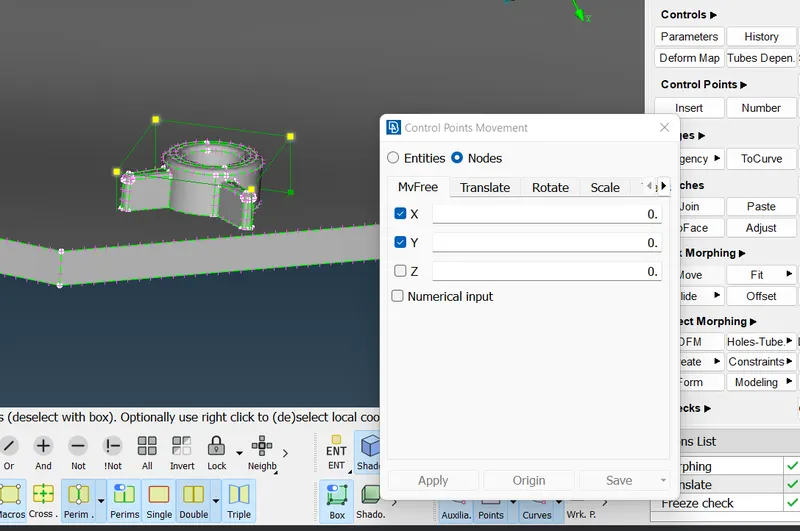
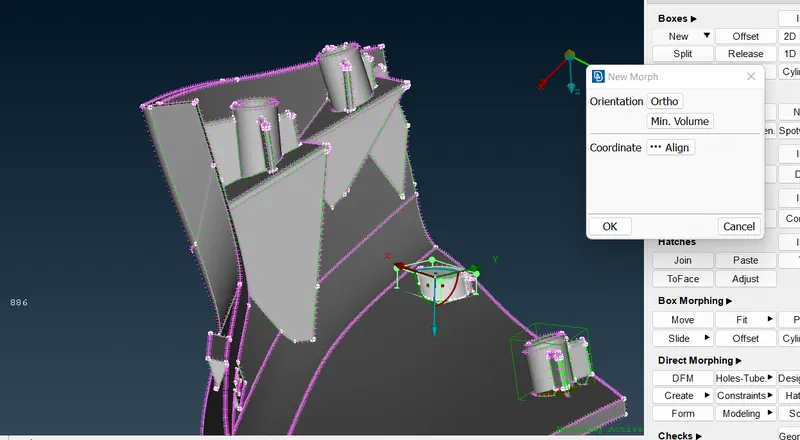
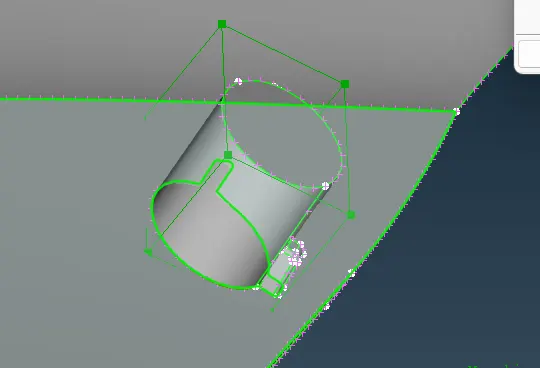
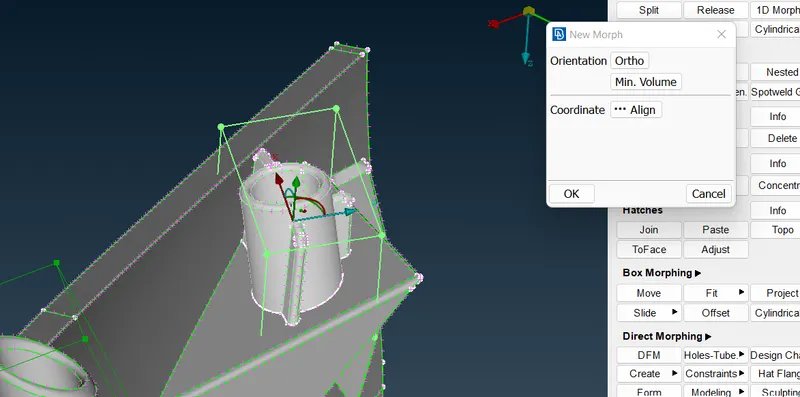
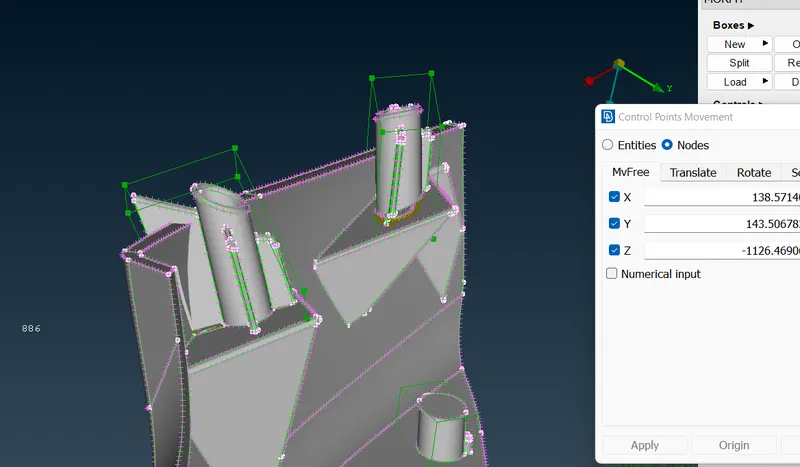
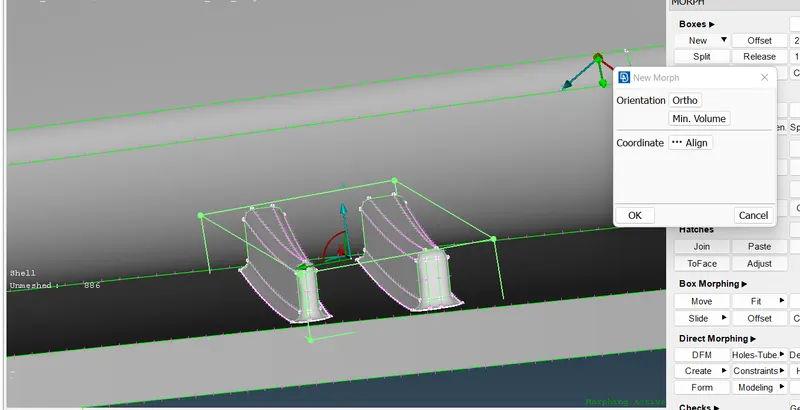
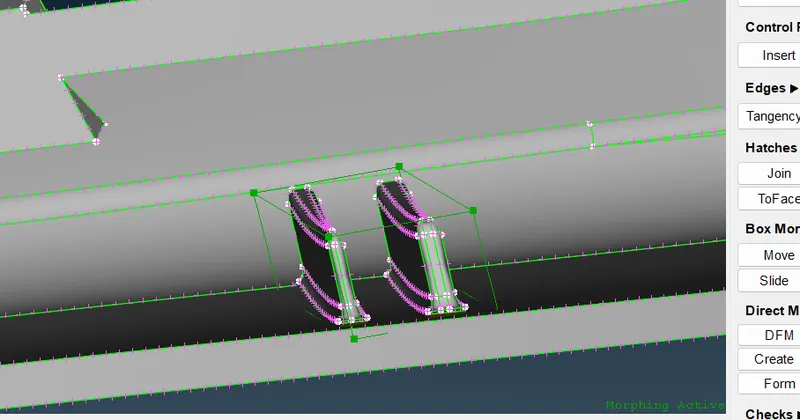
Thus the dog houses and ribs get morphed by increasing the height of the components.
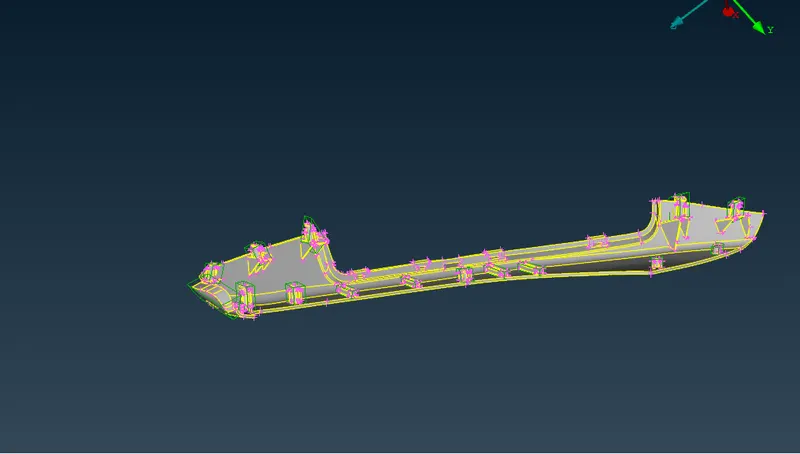
The complete morphing done is shown in the image below.
Applications of Morphing:
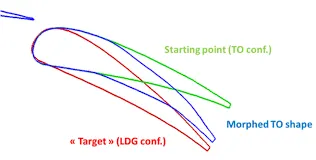
- Most reported morphing studies are confined to aerospace applications and studies conducted specifically for automotive applications are limited. In aerospace industries inorder to have a new look but the time rquirement is less, then morphing techniques will help a lot in creating a new look by altering the design in a small manner.
- In automobile industries, the shapes of the vehicle is to be changed depending on the various characteristics. Inorder to obtain a good result in the analysis and provide a better look , the morphing is to be take place.
- Various components and machine bodies also can be morphed inorder to get a new result.
LEARNING OUTCOMES:
- Learned about the morphing techniques.
- Learned about the various morphing applications.
- Learned about the need of morphing in the present industrial area.
CONCLUSION:
The two models provided for morphing is successfully morphed.