Week - 8 - Morphing
Aim- Perform morphing for the Model-2 and Increase the Height of the Dog houses and Ribs.
Procedure-
1.Open the given model in ANSA.
2.Check for geometrical errors and resolve if any.
3.As we dont need to perform midplaning and meshing, we can proceed to morphing.
4.Go to Morphing deck>Boxes>New>Ortho, then select the geometry on which modifications has to be done.
5.After selecting the geometry, a morph box will be represented along with 3 axes presentation.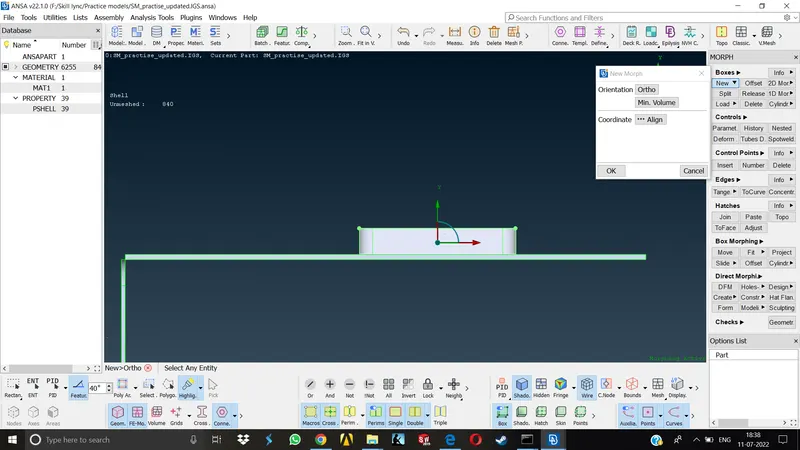
6.On confirmation morph box will be created and we can now select different nodes of this box acoording to the type of change we want to do with the given model.
7.The selected nodes will turn yellow and on conformation, we can now move the selected nodes to the desired direction we want and the geometry will be changed accordingly.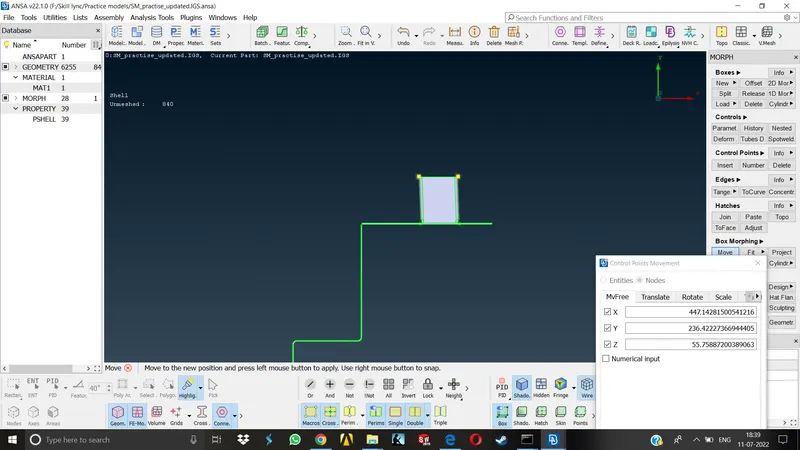
8.To further enhance the selection, we can split the morph box in no.of ways as we want using Boxes>Split command.This will give us a little bit extra control over the modification of parent geometry.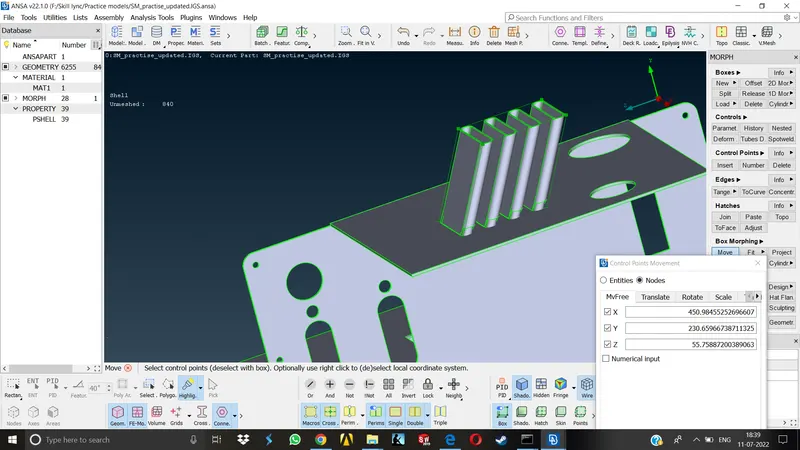
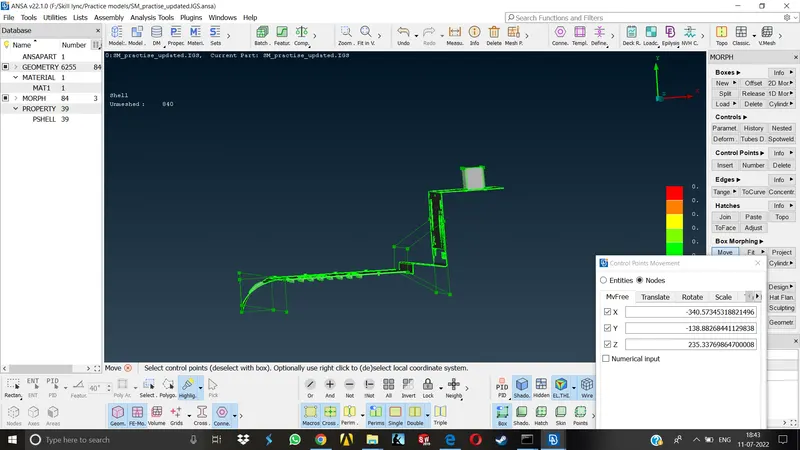
Morphing is generally used for changing the dimensions of a given geometry in ANSA as per requirement. Here we can try some trial and error with the design of the component in order to enhance the design or change it easily.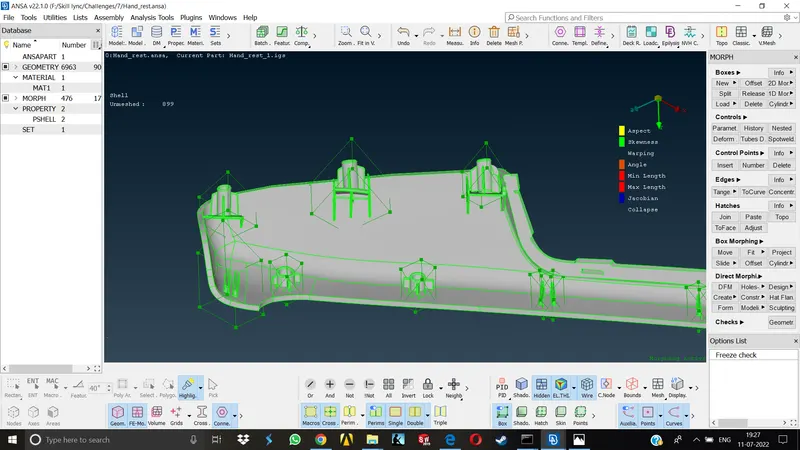
General Applications of Morphing-
1.Automobile Industry-
Morphing is performed to create different designs in particular areas of the automobile keeping most of the design same for eg. There are Hatchback and Sedan class vehicles of almost all the renowned brands which are created using this technique. The Powertrain and seating capacity remains the same , all that changes is the class of vehicle from sedan to hatchback or vice-versa.
2.Aviation Industry-
Here it is used to create different designs for the different airplane wings using same method.
3.Its also used in animation and movies to create differnt types of visual effects.
Learning Outcomes-
Learned how to use basic morphing techniques on basic models.
Conclusion-
Using this technique we can perform a lot of trial and error on the design changes of any given model, create various new design from a single parent design.