Week - 8 - Morphing
Aim:
1. Practice morping the model1
2. Increase the height of dog house and ribs
Procedure:
1. practice morphing the model 1
¬ Initially import the geometry into ANSA and give topology clean up.
¬ check the geometry and clear all the errors.
¬ After that Go to Morph tab - boxes - select the boxes -ortho and create the morph box where you need.
¬ select the area give ok , morph selected go to move option and select the nodes.
¬ Then move the nodes which axis you want.
¬ after move the nodes achive the changes delete the morph box.
Changes 1
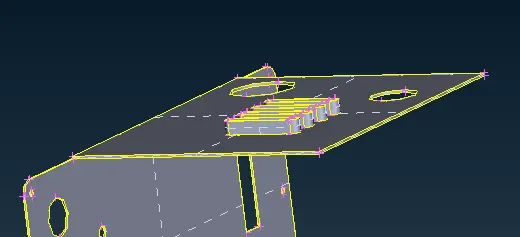
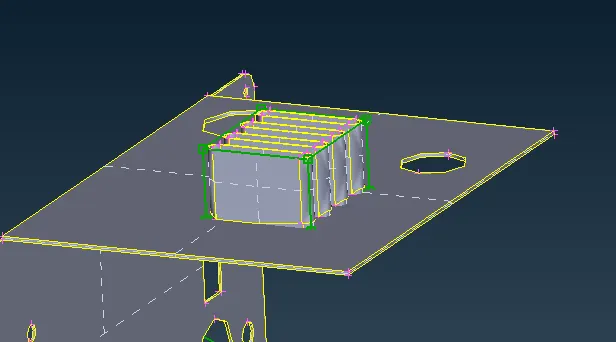
Changes 2
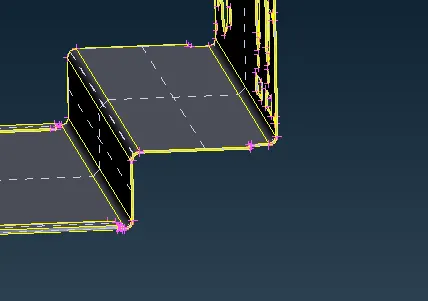
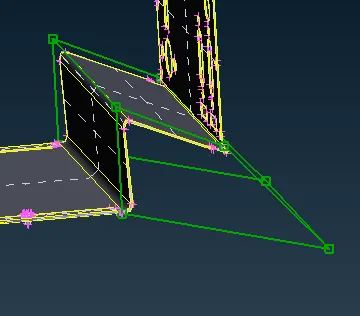
Changes 3
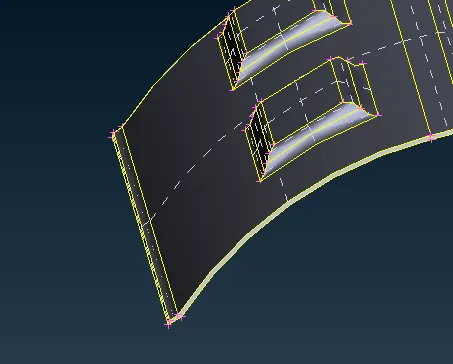
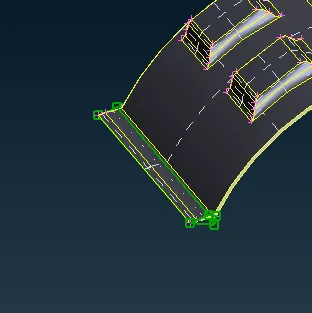
Changes 4
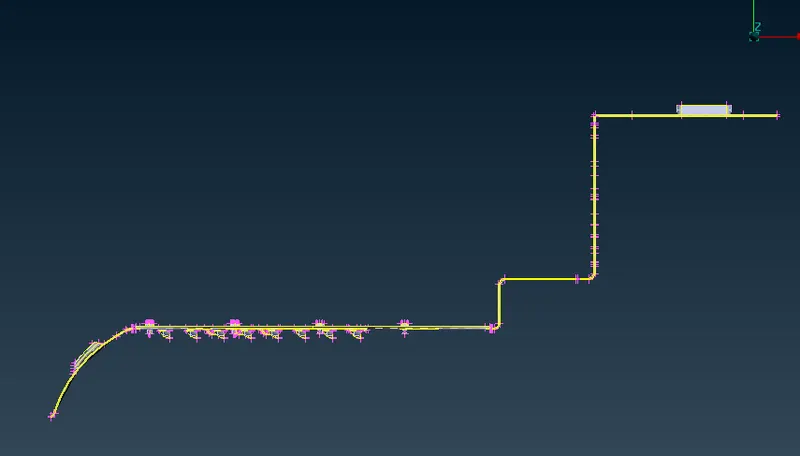
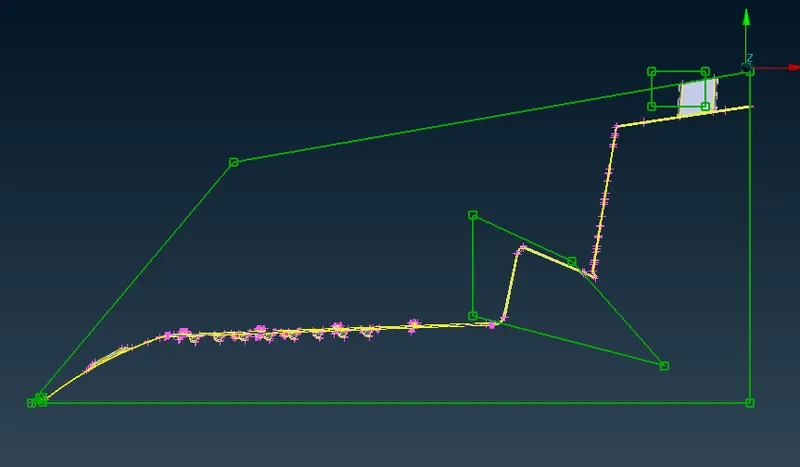
2. Increase the height of dog house and ribs:
¬ Case 2 is also similar to the case 1.
¬ Create the morph boxes and create the morph area and done morphing as do changes above one.
¬ Here we going to change the dog house height and ribs height.
Changes 1
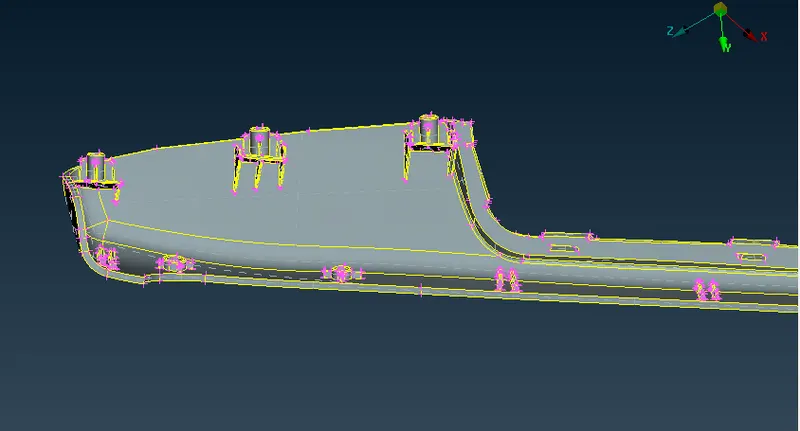
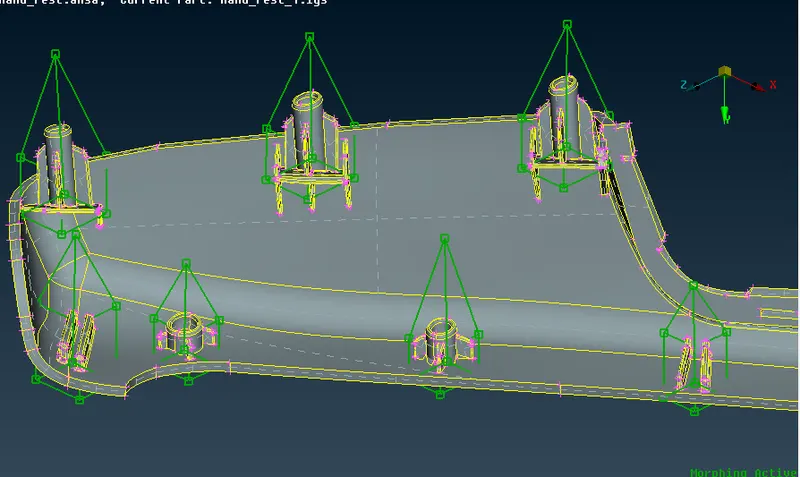
Changes 2:
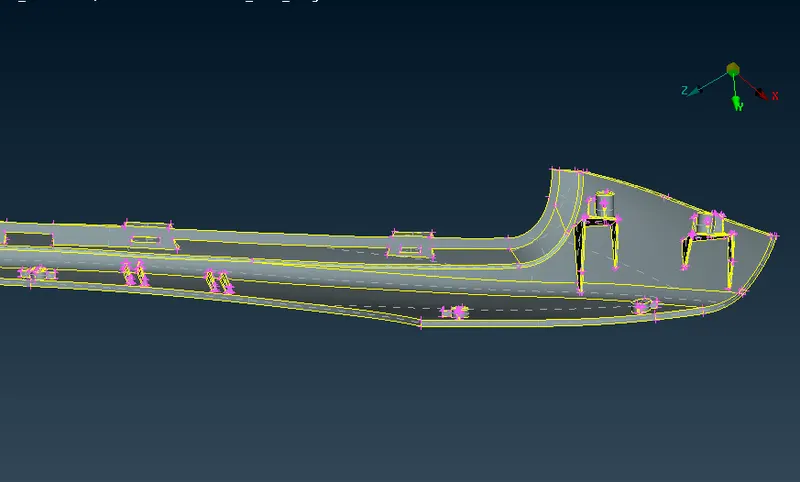
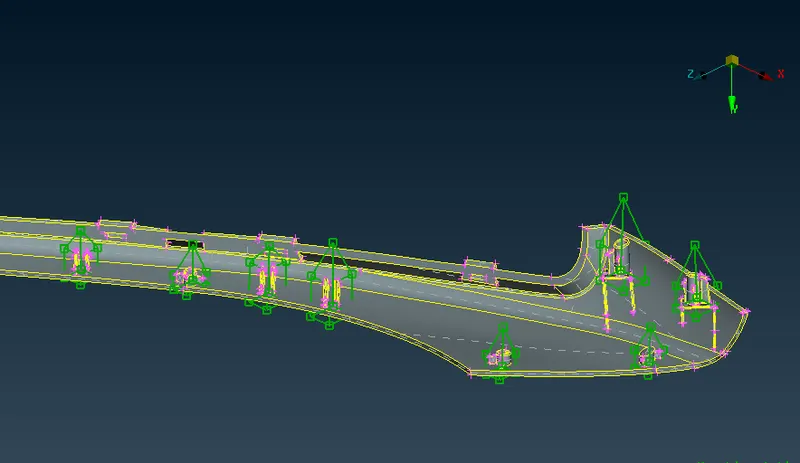
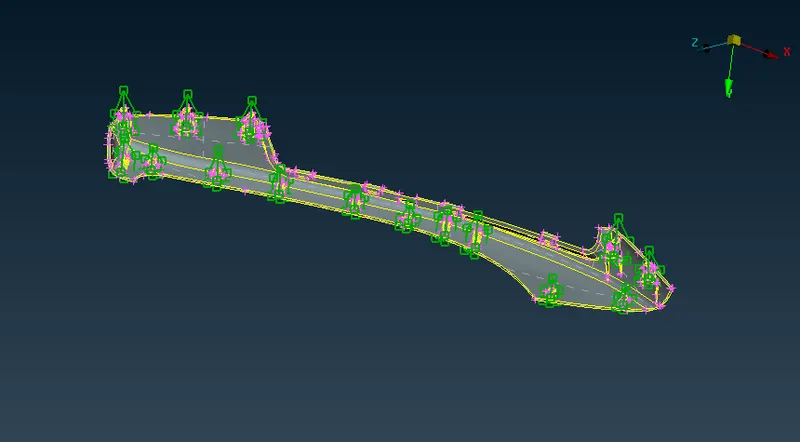
Completed morph:
Learning outcomes:
¬ we can able to chane the components to desired sutiable design changes.
Morphing Application:
¬ Used in automotive industries.
¬ Used in Aircraft industries.
¬ used in weight reduction method.
¬ Used in cost reduction method.
Conclusion:
¬ Model 1 practice changes the height ,length by using morphing is completed.
¬ Model 2 Changing the dog house height and ribs as well completed.