Week - 8 - Morphing
Objective: To perform morphing operation to the given model.
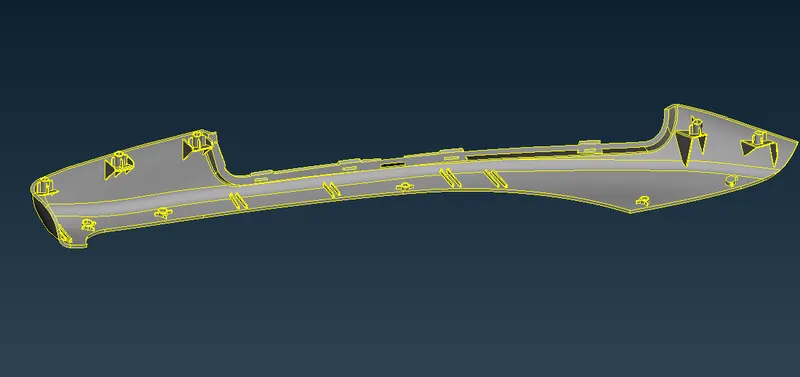
Import the model to ANSA and perform Topo and orient operations.
Perform Geometry check and fix the errors if any.
Goto the morph Tab
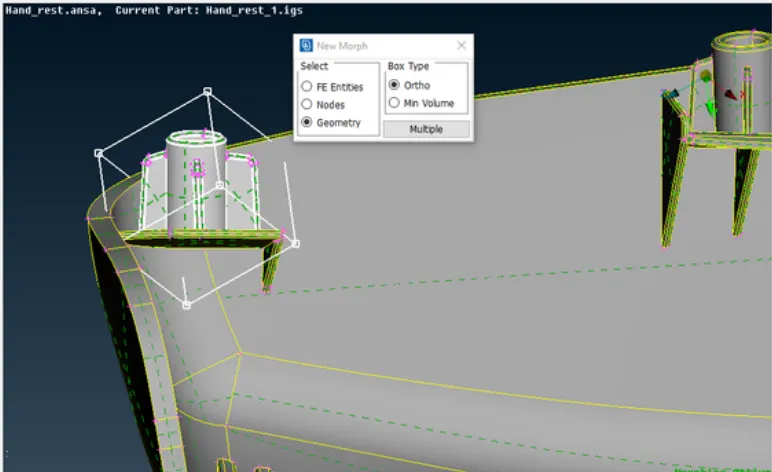
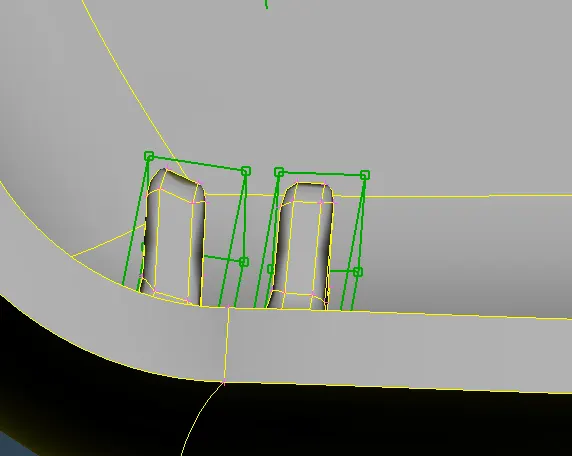
Select Boxes - New - Geometry and select the required macros to create a morph box around those macros.
Select the move tab from Morphing Tab.
Select the nodes that are to be moved and then either move them freely or translate to a specified distance.
After moving the nodes to achieve the desired geometry delete the boxes.
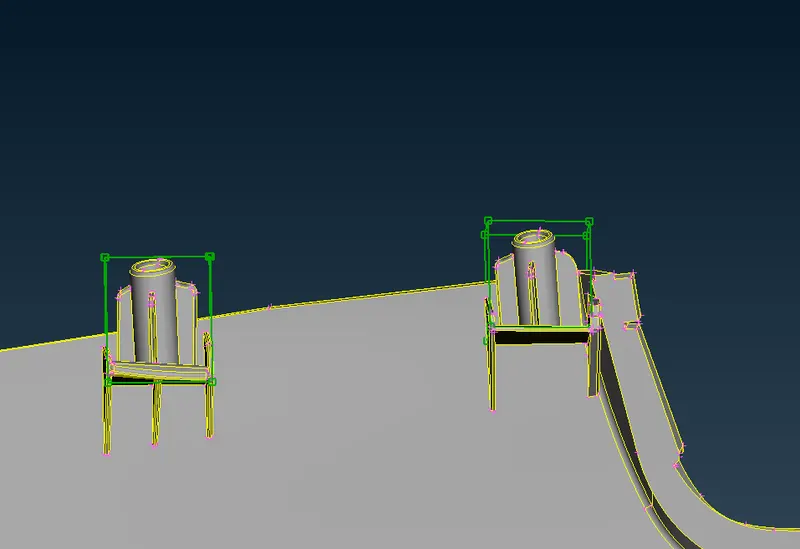
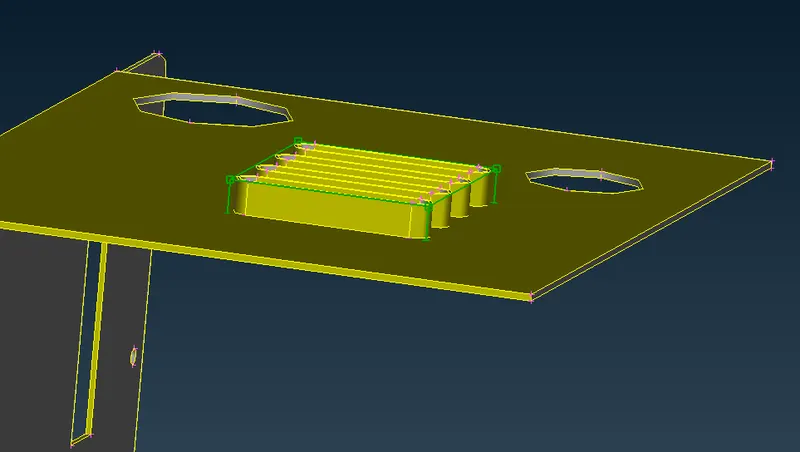
Before Moving the feature.
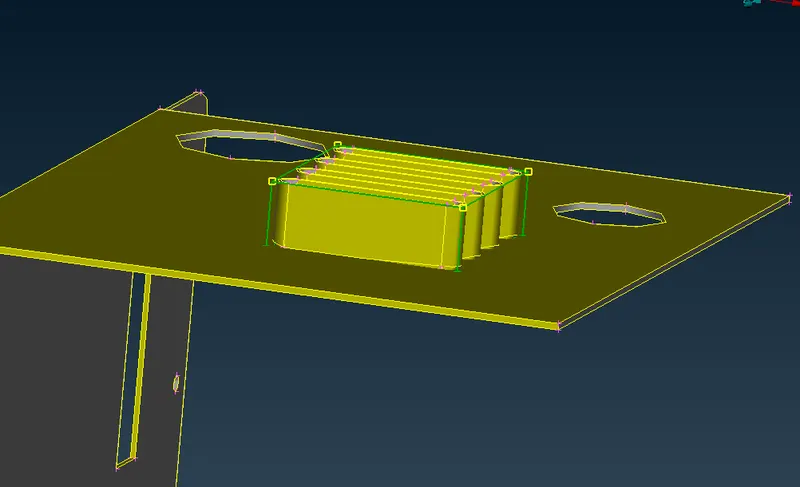
After Feature moved to Y by 10mm
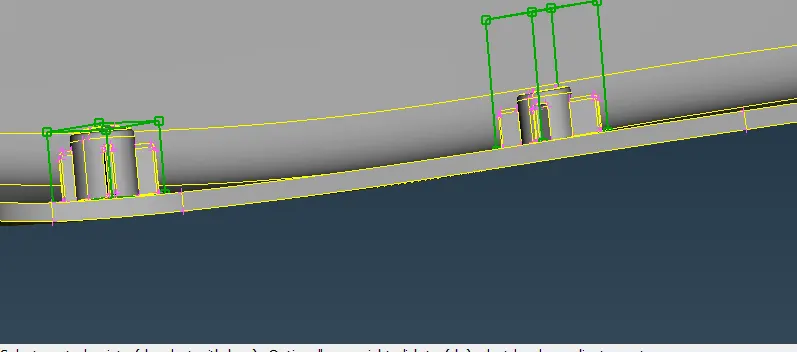
Before
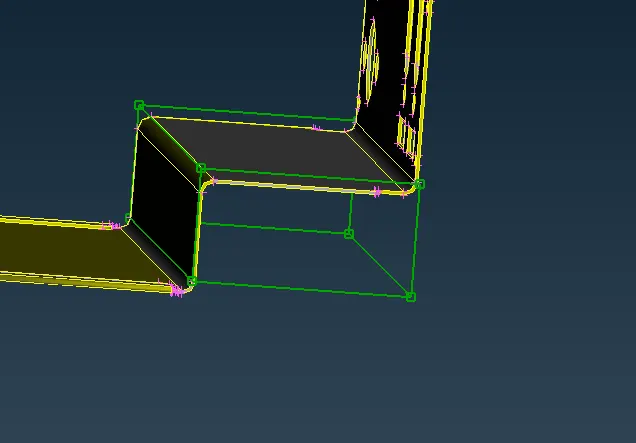
After
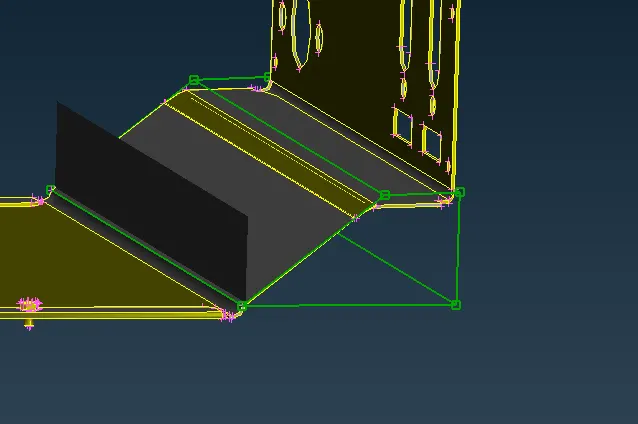
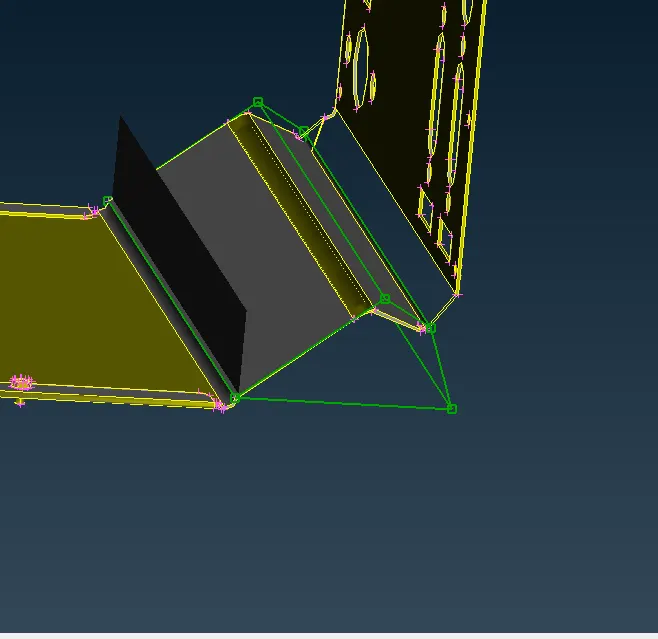
Model:-2 Increasing the Height of Features / Ribs