Week - 8 - Morphing
Aim :To do morphing for the given CAD model using ANSA.
Apparatus : CAD model,ANSA software
procedure :
- The CAD model should be checked with the geomentrical errors in CHECKS MANAGER and fix the errors.
The word morphing is changing the design of the model without any numerical inputs or with any specified value given by the design team.
step :1
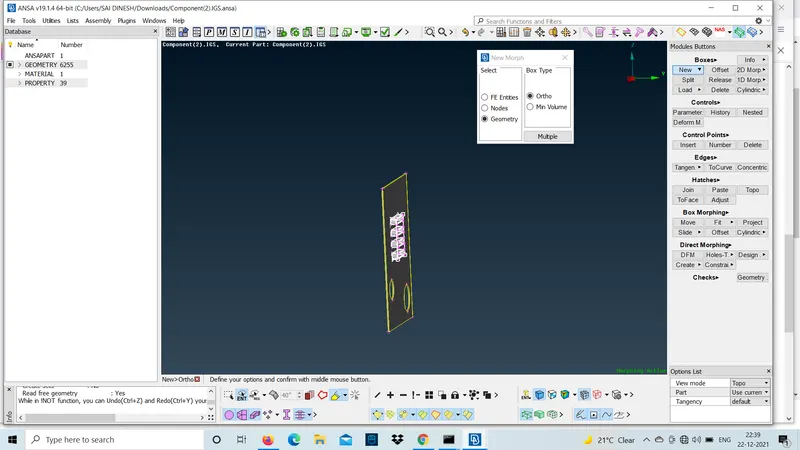
morphing technique is practiced in this model at the fillet region and top circular part.
- select the area to morph by new option under boxes
step :2
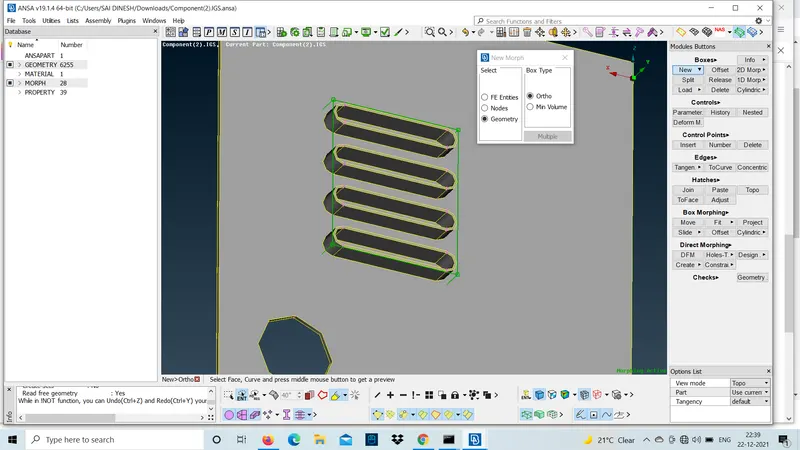
In the selected area green colour line is formed with nodes at the edges.
step :3
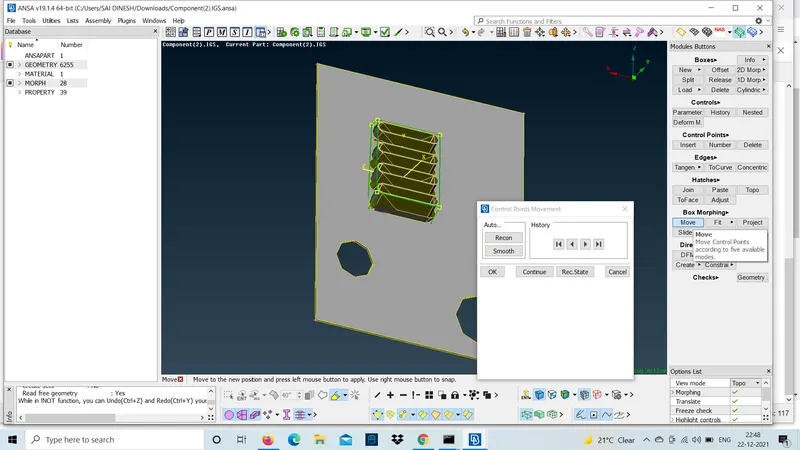
use move option under box morphing to move the control points to the required axis.
- move option has 5 modes of operation like MvFree,translate,rotate,scal etc...
MvFree is used to move the control points in any direction.
translate is used in the situation were the morph is done for one part if the same part is located at some distance we can tranlate the morphed part to that part.so,that the time to morph
that part will be saved.
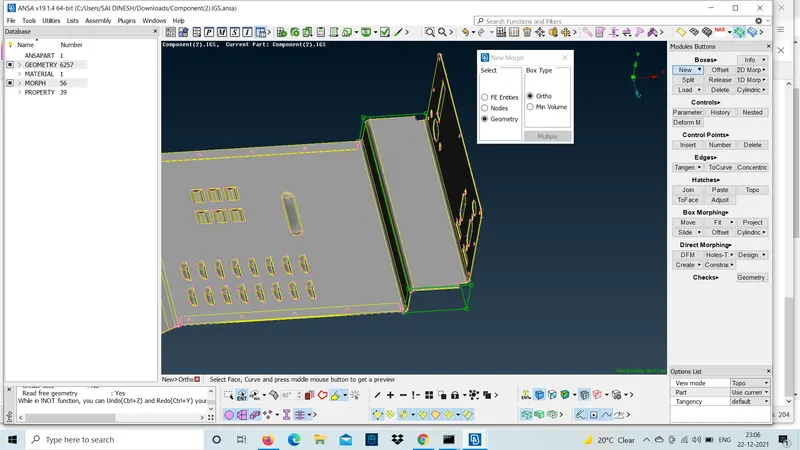
Morphing chamfer region will change the entire shape of the CAD.
step :1
select the area of chamfer for morphing.
step :2
move those control points to the required direction and middle click to confirm.
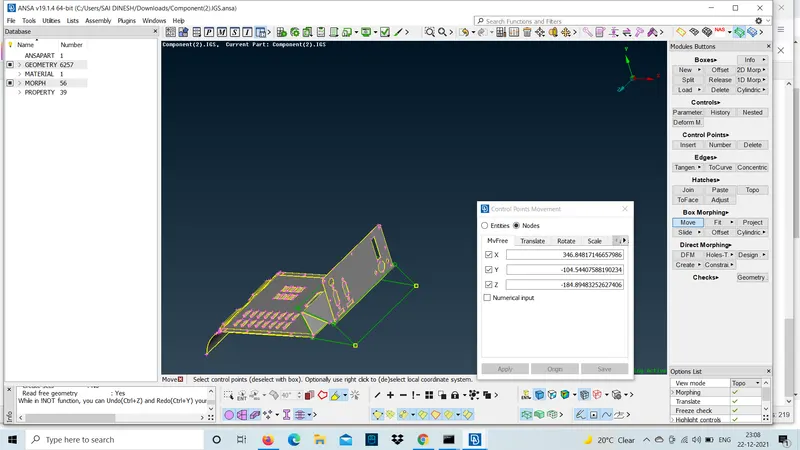
This is the way to morph any given model to change the design of the model.morph can be done to the CAD as well as FE to change the design parameters using the control points.
now ,the morphing is done to the handle rest part. the design parameters of the dog house and ribs are changed by increasing the height of the cylindrers and ribs.
step :1
first check the geomentical errors of the model and fix them and now,shift to morph.
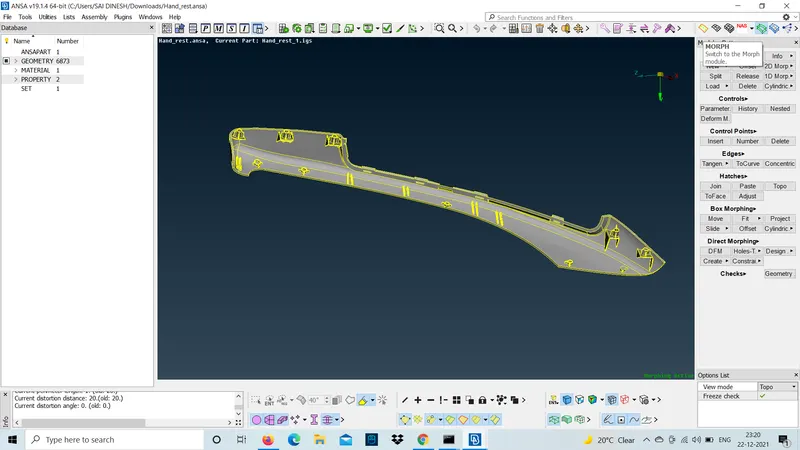
step :2
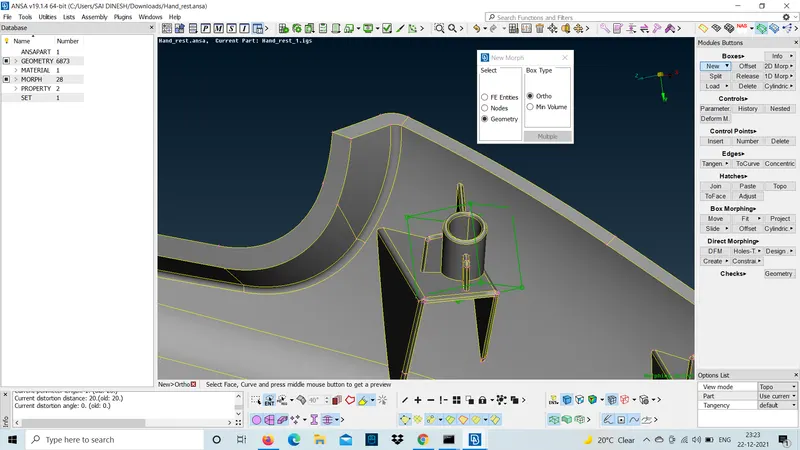
use new option under boxes band select the dog house cylinder and increase the height.
step :3
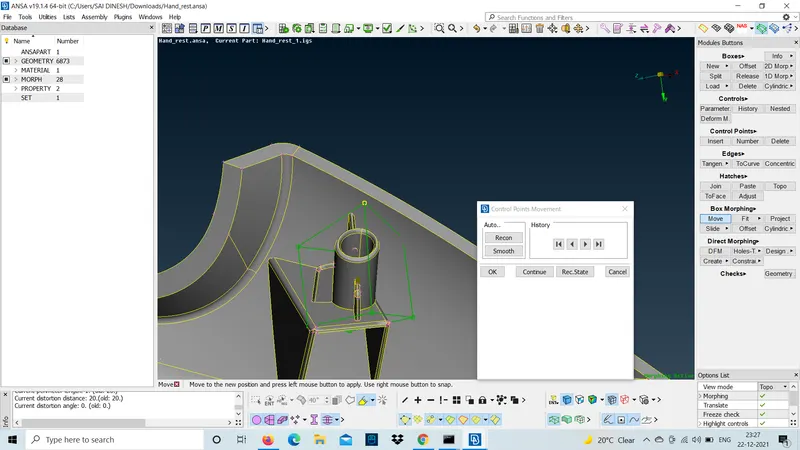
move the control points to increase the height of the cylinder.
step :4
now the ribs should be moved and match with cylinder to make the CAD visual good.
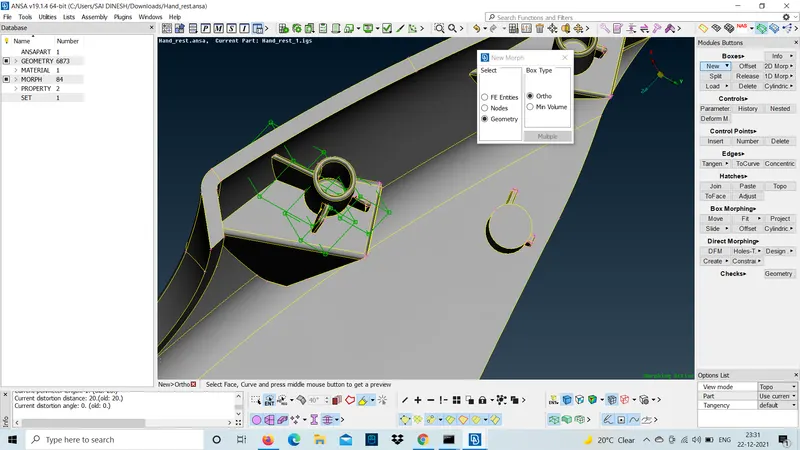
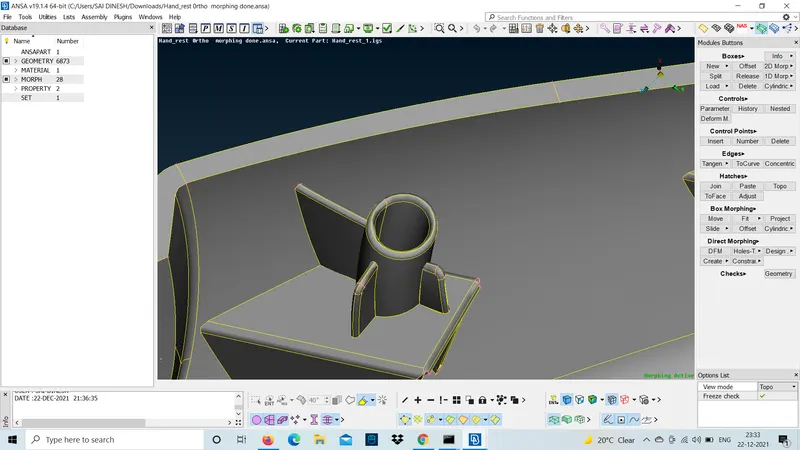
similarly, the same process to the entire dog houses of the handle rest part and submitted.
learning outcome :
- how to change the design parameters of the model using morphing is learned.
result :
changing the design parameters of the model is done using morph control points .