Tool Test-2
Aim :To visualize the 3D mesh for the given CAD model Intake manifold using ANSA SOFTWARE.
Apparatus : CAD model, ANSA software,laptop.
procedure :
- The given CAD model is intake manifold it's a part of a car engine that supplies the fuel/air mixture to the cylinders.
- we should check the geomentrical errors in CHECKS MANAGER and fix them.
- For tria mesh no need of mid-surface.we can directly mesh on the CAD model.
- after,checking the geomentry in topo mode we can shift to mesh mode.
- first,we should mesh at the nut areas, because this area we need to achieve proper mesh flow and also this area undergoes lots of vibration and fatigue loads
step :1
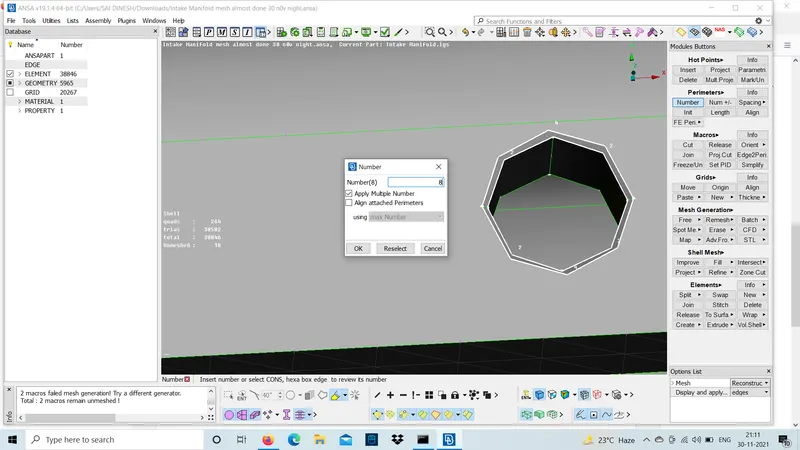
Number option under perimeters is used to split the nut areas into even number of shared edges to get a proper mesh flow.
step :2
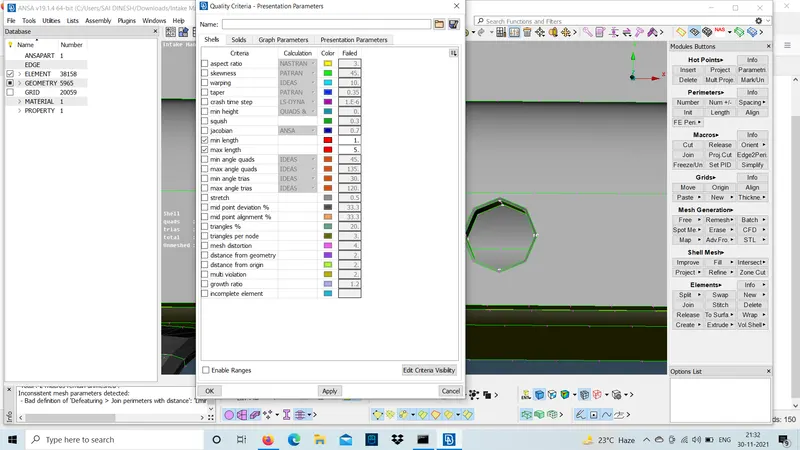
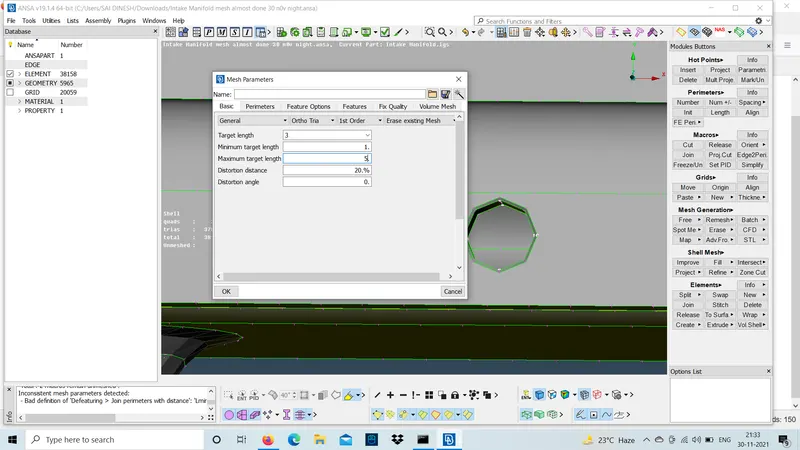
set the quality criteria according to the given catalogue.
step :3
use Batch mesh and mesh the nut regions using ortho tria at some curved areas or critical areas to get a proper mesh flow.
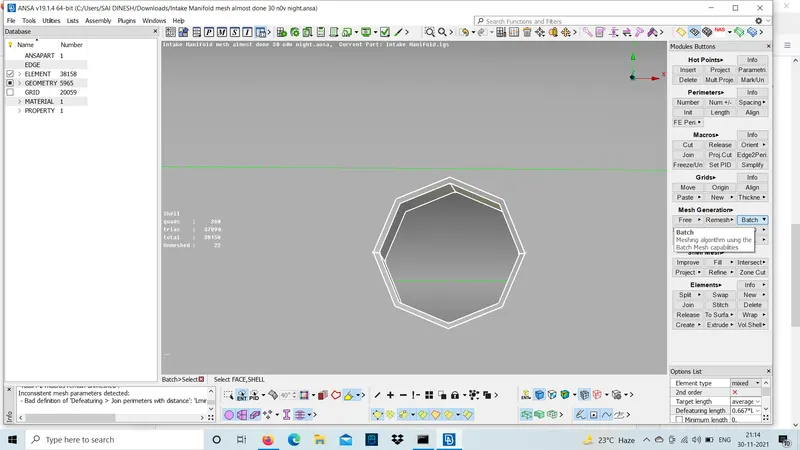
- For tetra meshing this intake manifold 3D models we should use ortho tria mesh at the fillet or chamfer regions and curved regions . similarly,make sure that use tria mesh at flat regions.
step :1
The regions where tria mesh is done using batch mesh or spot mesh as shown below.
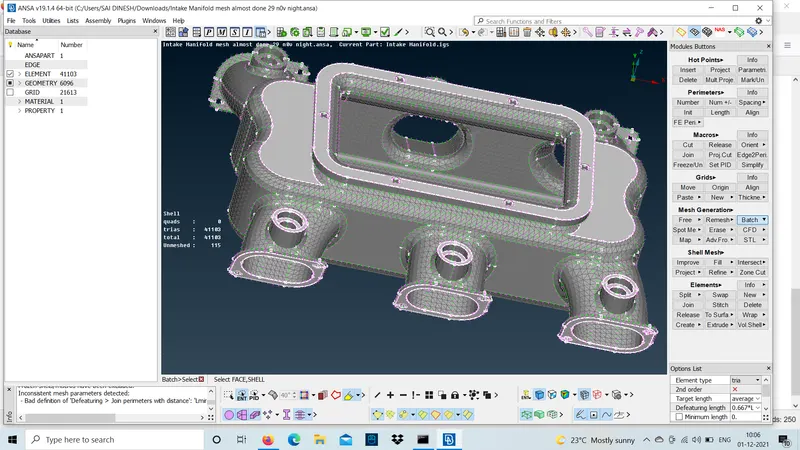
This mesh should be used in the flat regions where the part is applied to more pressure,loads and vibration etc..
step :2
After meshing check the mesh if it is failing quality criteria and try to re-construct and check the mesh flow.
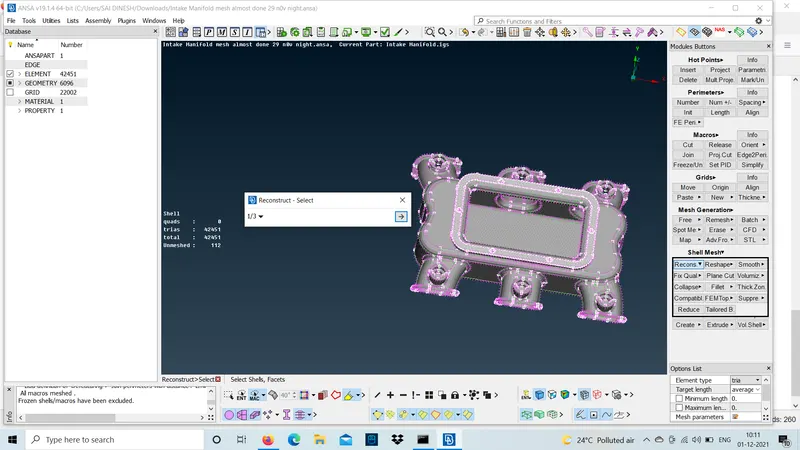
- After meshing the 3D model shift from mesh mode to volume mode .
- In ,volume mode we should define the volume oof the model and mesh the entire model.
step :1
The CAD model will be hollow in the interior area .so ,we should mesh the model interior area with the help of the tool volume mesh .
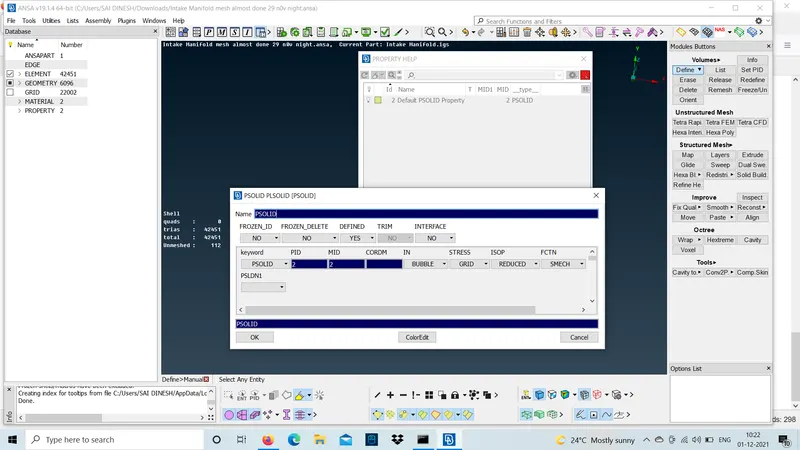
step :2
we should set the quality criteria for volume mesh according to catalogue.Here,we will not consider all the quality criteria because we are meshing the interior region.only collapse should be checked .
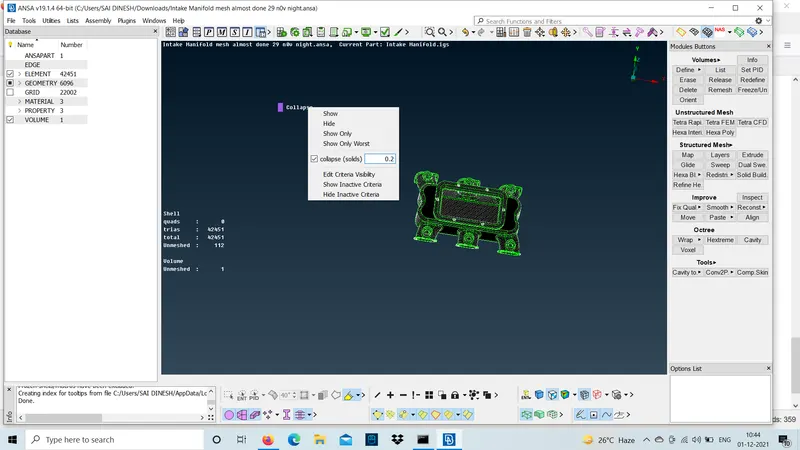
step :3
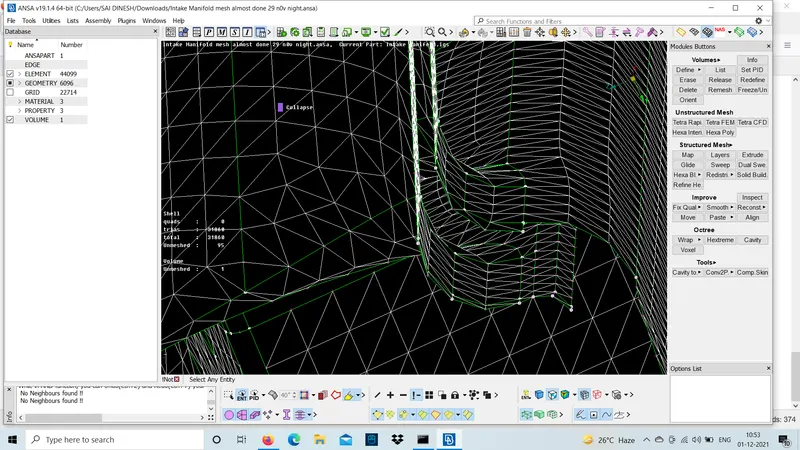
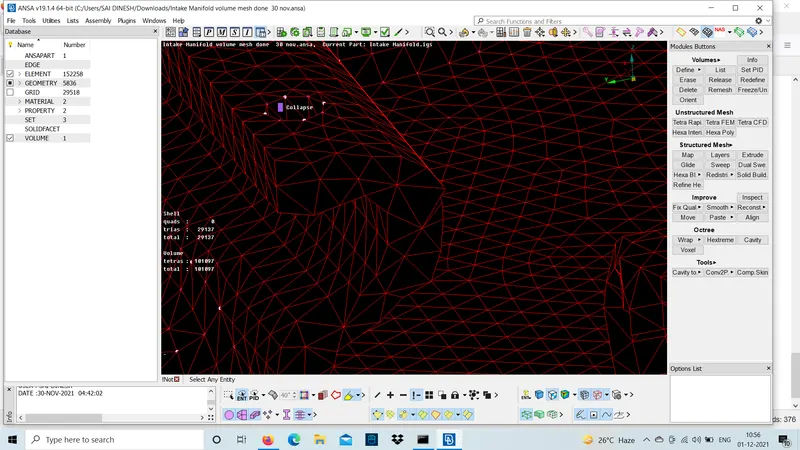
check the region before volume mesh and after volume mesh using tetra FEM.
Before volume mesh After volume mesh
Learning outcome :
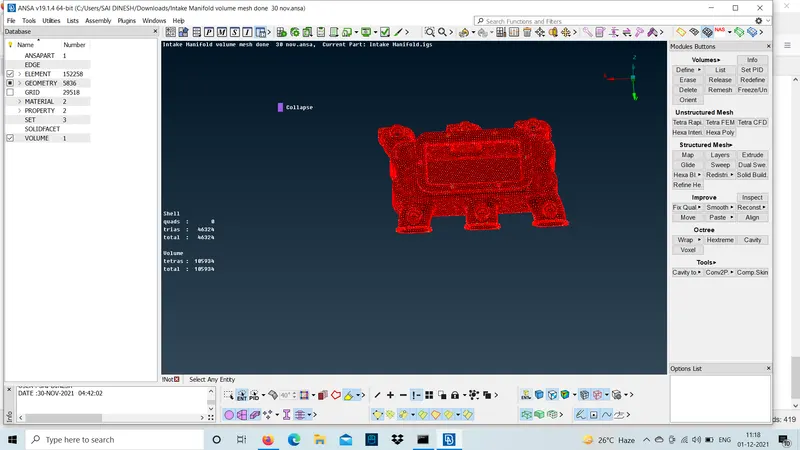
- This is the mesh flow achieved for this model.
- How to mesh 2D models and 3D models .
- How to use ?where to use? ortho tria mesh and tria mesh.
- How to do volume mesh.
conclusion :
The meshing of 3D model intake manifold is done using ANSA.