Week 6 - Creating connection for Rear door
CREATING CONNECTION FOR REAR DOOR
AIM : To connect the FE of the front door by using different 1D elements.
APPARATUS : FE MODEL,LAPTOP,ANSA SOFTWARE.
PROCEDURE :
- First check the gomentry of the FE model in CHECKS MANAGER and fix them in topo mode.
- connections are done for the hole areas because to apply the mass at the centre of the nodes.
- There are so many types of connections. for, this model we are going to use some main connections in ANSA.
step :1 .1 creating of bolt connection.
bolt connections can be done at bolt areas for that we should first creat a COG of the bolt .
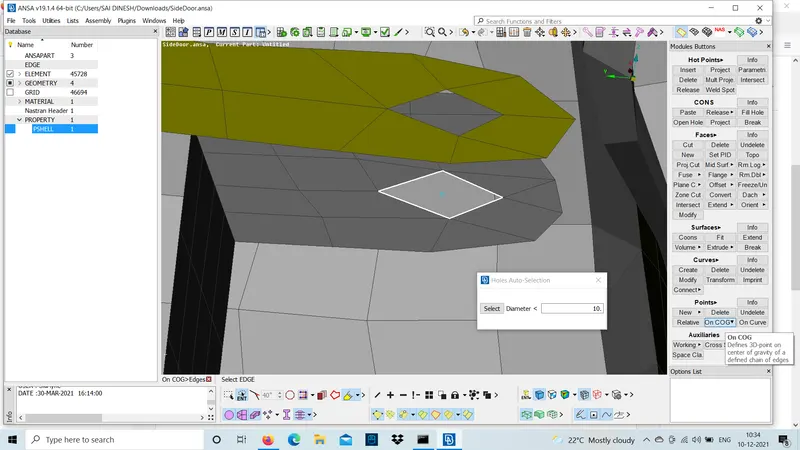
step :1.2
After creating COG convert the COG into 3D point and middle click to bolt connection.
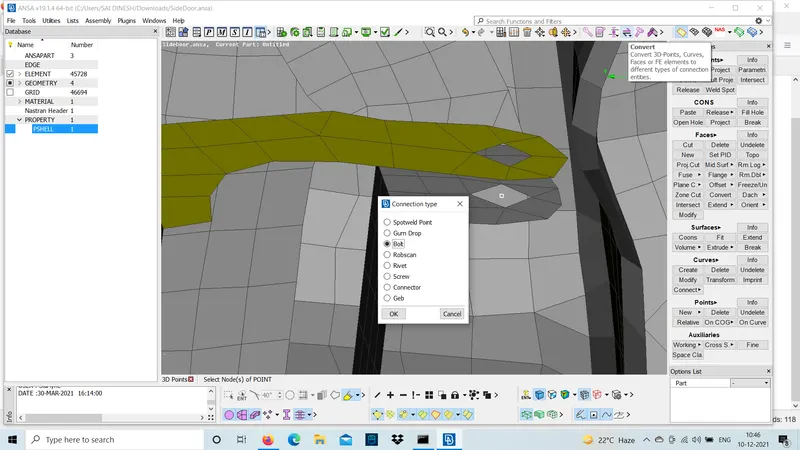
step :1.3
use connections manager and left click on the bolt and connect the bolt by selecting the P1 and P2 of the bolt .
select the FE type as bolt and given some search dist and also we can create connection of the bolt with and without body of the bolt and apply all the conditions of the bolt and realize.
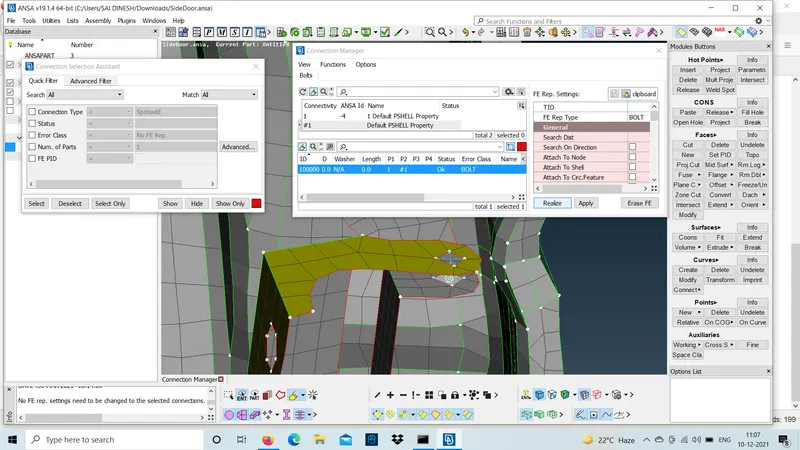
P1 = Thickness of the lower body.
P2 = Thickness of the upper body.
search distance=10
note : the layers of thickness should not be more than P4 will not be approved by ansa.
step :2.1 creating connection at door handle.
door handle is missing in the CAD the mass of the handle will act at the center of the handle .so, we should diploy the connection in such way that the handle mass should be at the centre.
steps to follow to do door connection :
- using RB2 in NASTRAN we should diploy the connection at the two holes.here,the connection is done using RB2 many nodes the slave nodes will be occupied at the boundaries of the holes and the master node will be at the cente of the slave nodes and middle click the coneection will be diployed on the hole.
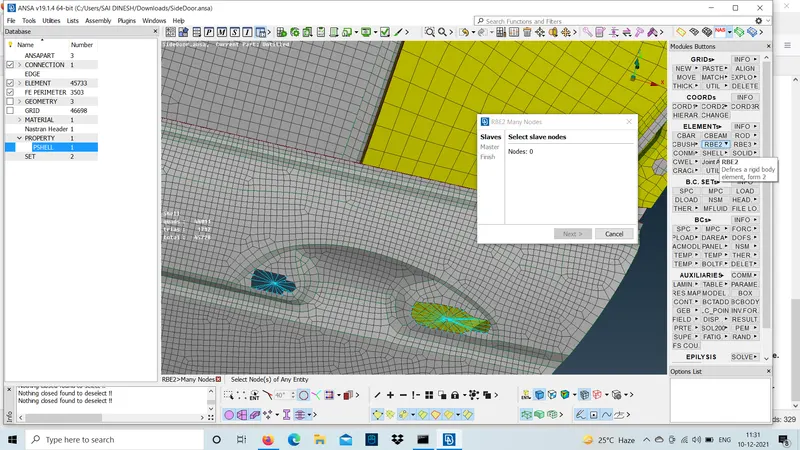
step :2.2
now using RB2 connect the two master nodes of the hole with a master node at the centre.the mass is applied at this center master node.
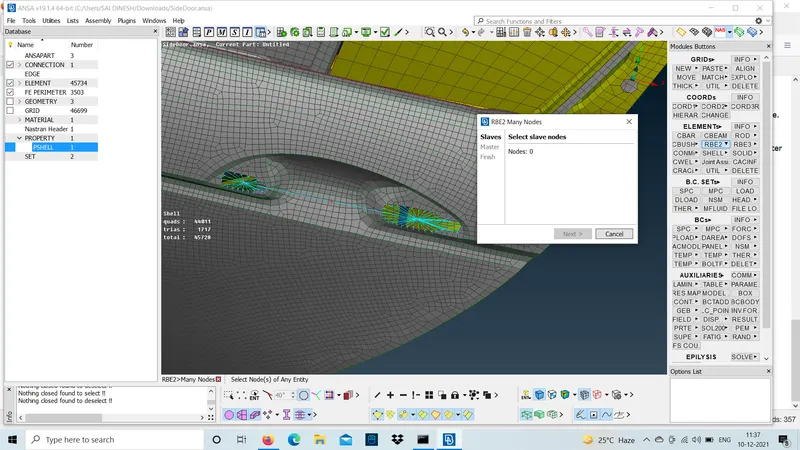
step :2.3
mass will be applied at the center of the handle master node.the values are given below.
K1=0.001,K2=0.001,K3=0.001,K4=10,K5=10,K6=10
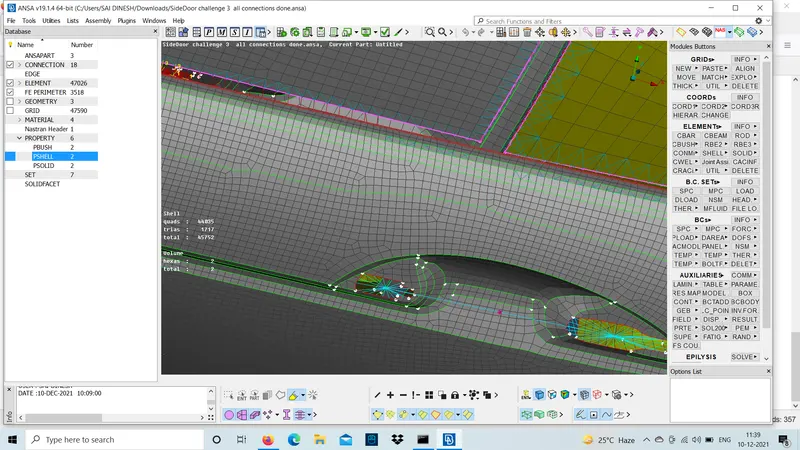
Step : 3.1 connection for the glass door.
if we see in a car the glass and the door is connected with a smooth rubber called wheather strips.this,strips are used to avoid the inner air and outer air to maintain cooling inside the car. so,this is known as wheather strips .
we should create a RB3 CBUSH RB3 connection to connect the glass door and wheather strips.
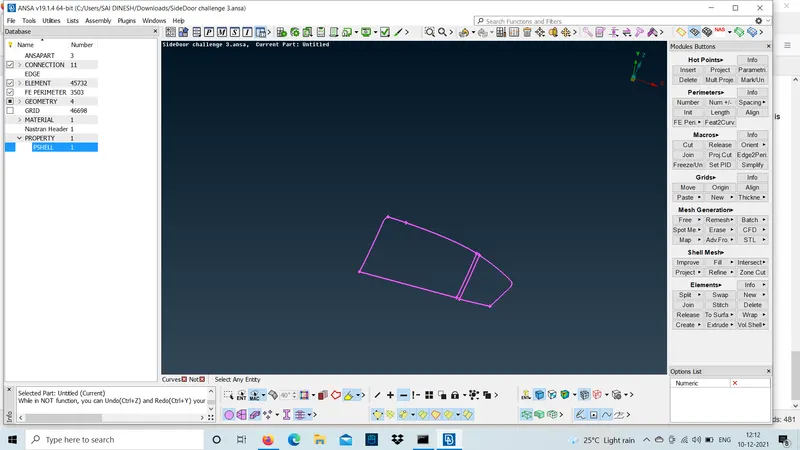
first step is to convert the FE2CURVES in mesh mode under PERIMETERS and select the entire boundary of the glass door.
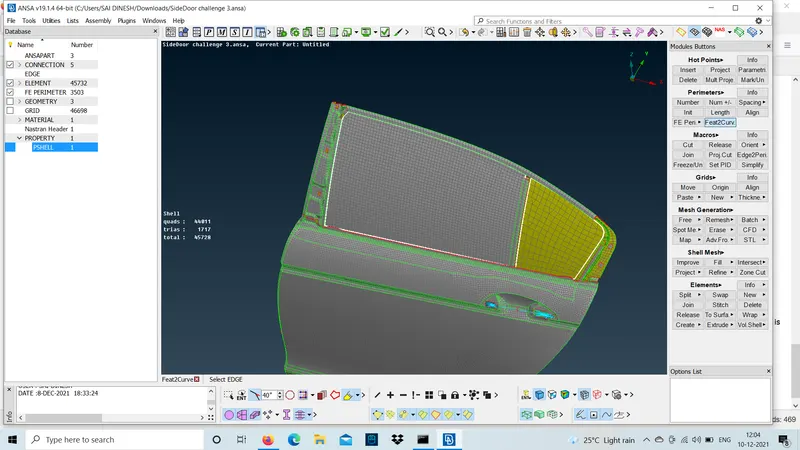
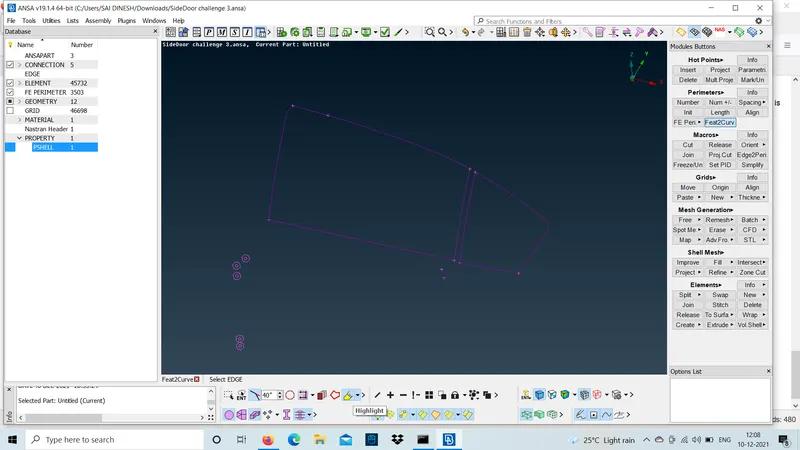
step :3.2
To connect we should convert the curves to spot line .
step : 3.3
use connections manager to create a RB3 CBUSH RB3 and select the p1 and P2
P1-Thickness of lower body.
P2-Thickness of upper body.
given the search distance more because the distance between the strip and glass will be more.
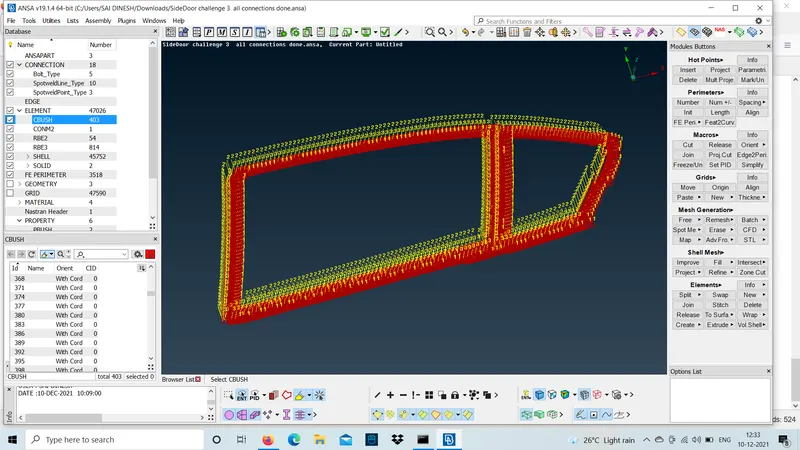
- The CID should be 0 and oriention should be with cord.
- The connection should be done for all holes using RB2 many nodes.
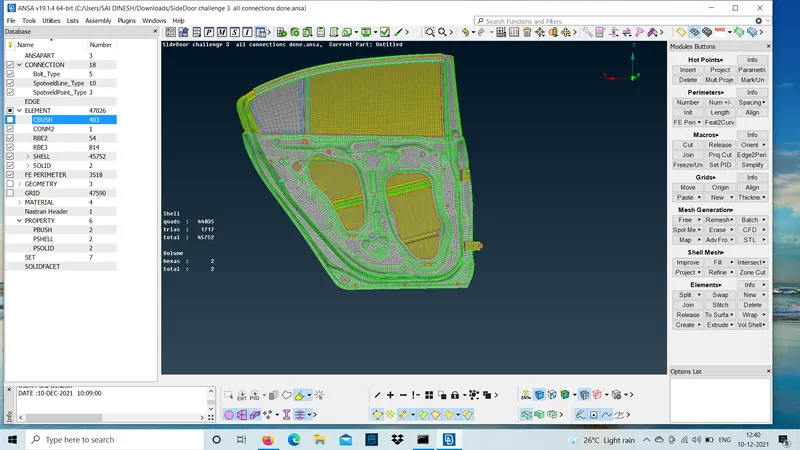
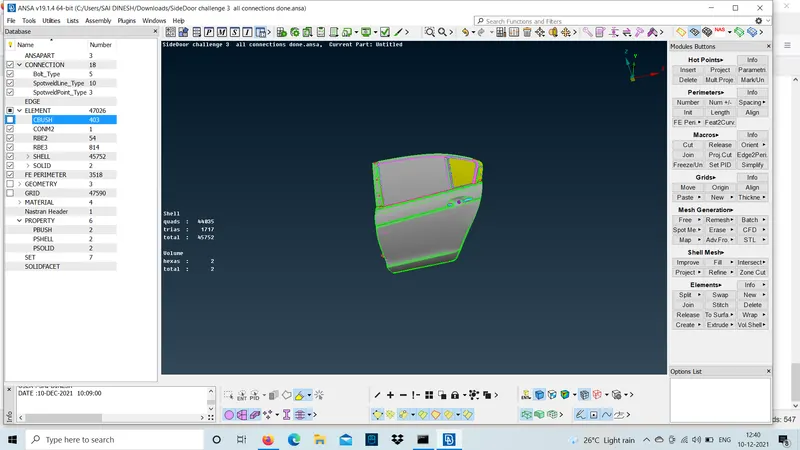
- spot line is used to join the door and the strip. spot weld is the visversa of the RB2 the master node will be in the boundaries and the slave node will be in center.
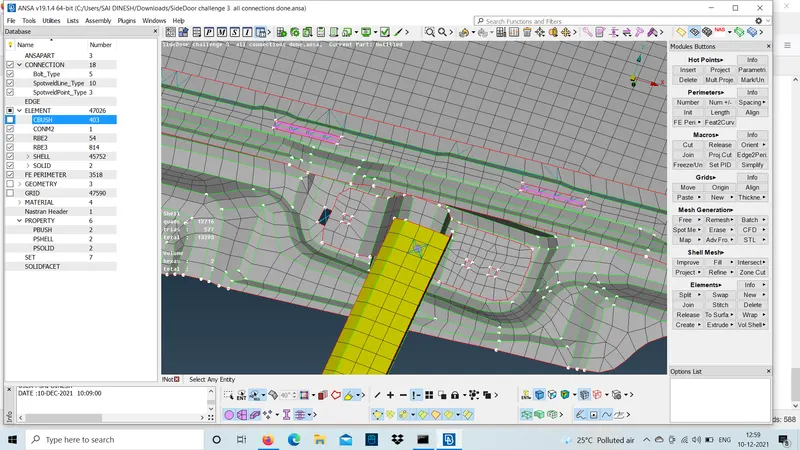
POSSIBLE OUTCOME :
- how to connect at bolt regions .
- how to connect the wheather strips using CBUSH.
- how to connect using RB2.
- how to connect using SEAM LINE and SPOT LINE.
RESULT :
The connection for the given FE model is done using different type of connectors.