Week - 8 - Morphing
AIM: Practice morphing techniques on model 1 and perform morphing on model 2 to increase the height of dog houses and ribs of the component.
PROCEDURE:
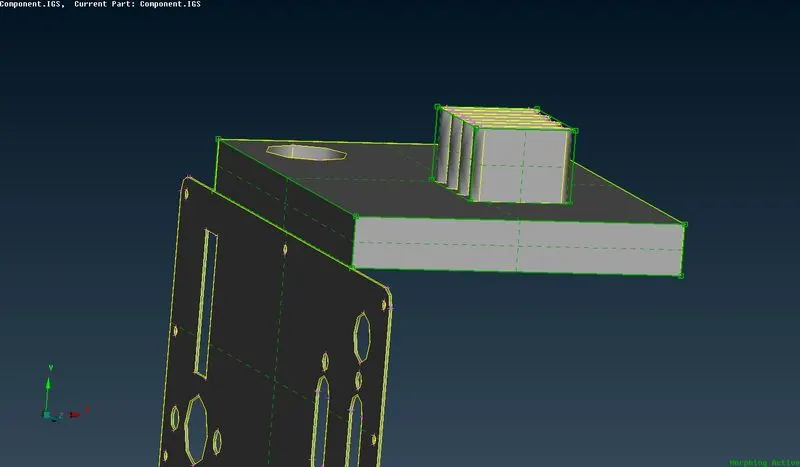
MODEL 1 practice: by using morphing we can increase the thickness of a part as shown in below figure.
first go to the morphing module and select new>ortho opttion from boxes section.
select the entities which has to be morphed and
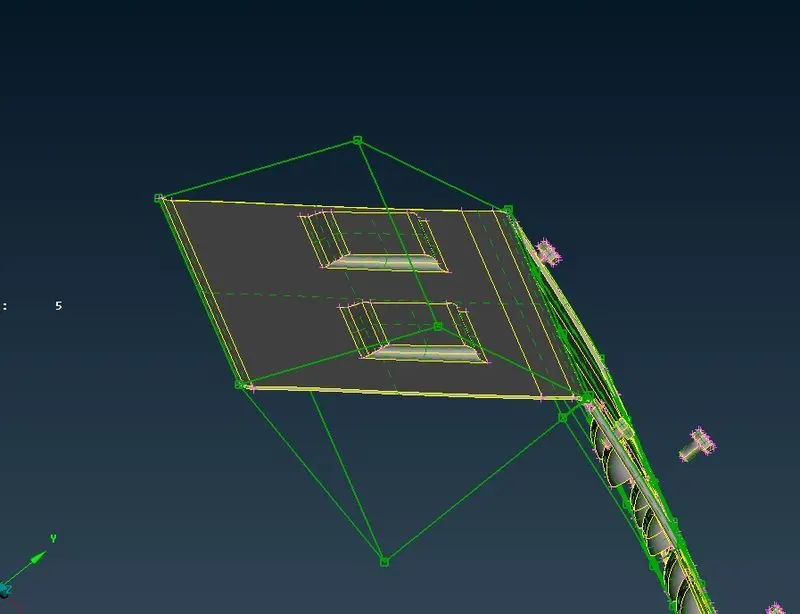
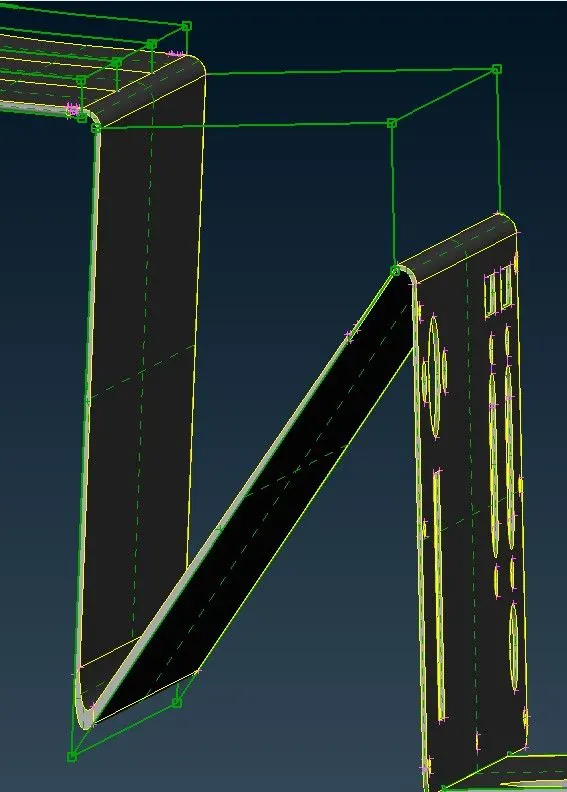
we can change the form of a particular element of the component like curve,bend,straighten as shown in below.
MODEL 2:
Now for model 2 we need to increase the height of doghouses and ribs of the component.
import the model to ANSA and switch over to morphing module.
and select the option new> ortho from boxes section and select the entities to morph before proceeding make sure to select the min volume feature in selection box for better morphing.
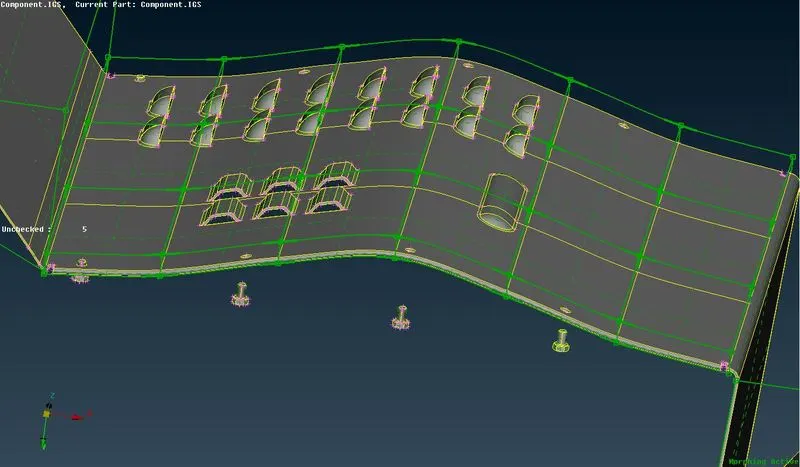
created the morph boxes for all doghouses and ribs as shown in below.
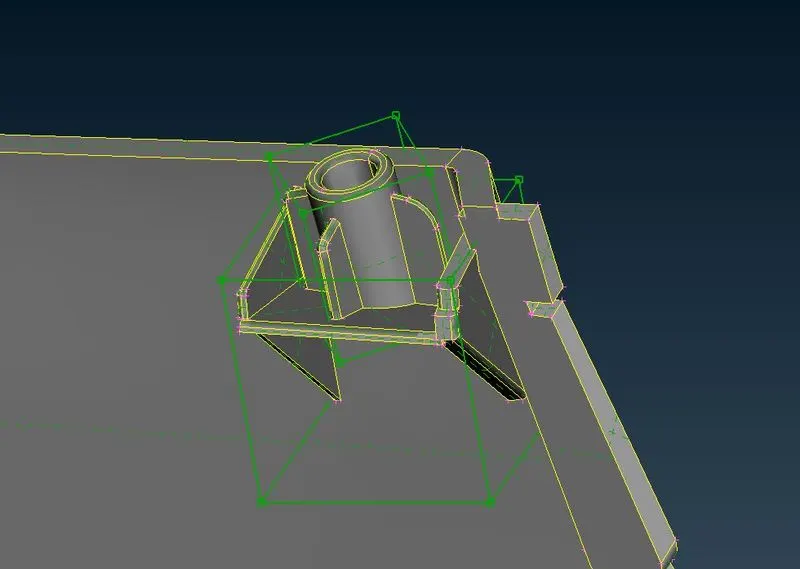
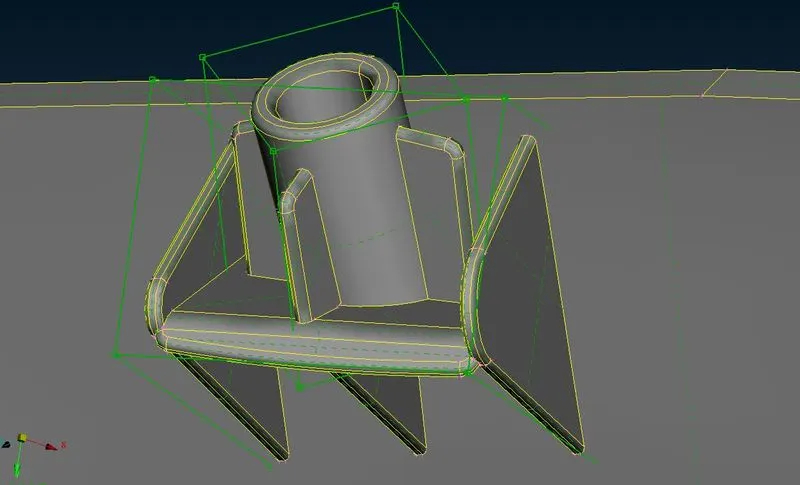
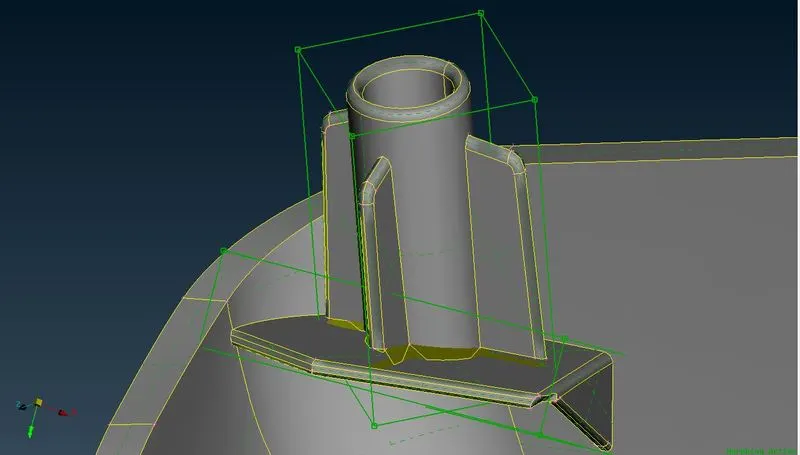
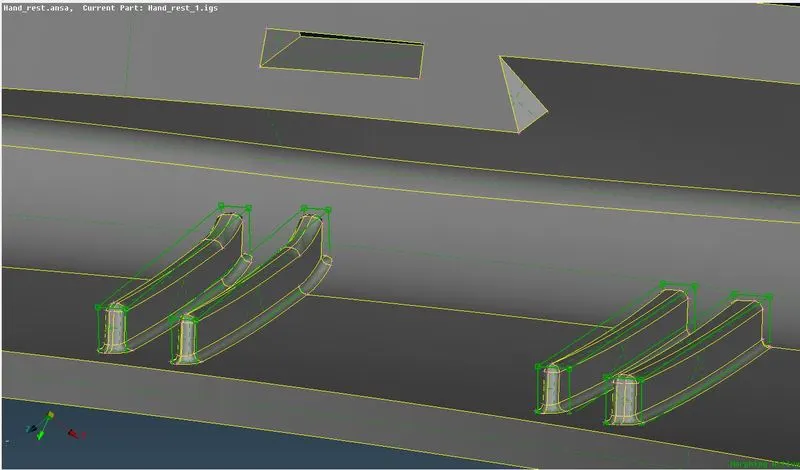
now select the feature move from box morphing and select the box nodes according to the requirement and right click near the box to set a local co-ordinate system for reference to move the nodes and. after displacing the nodes execute the command for confirmation.
In this way I have increased the heights of doghouses and ribs. for contrast refer the pictures below.
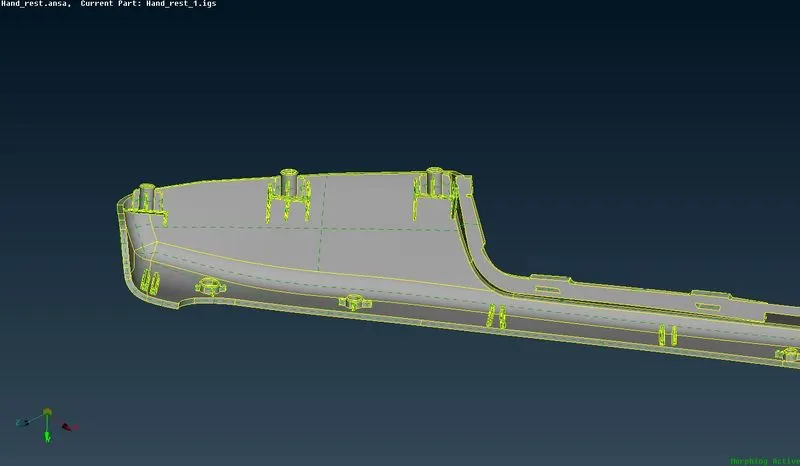
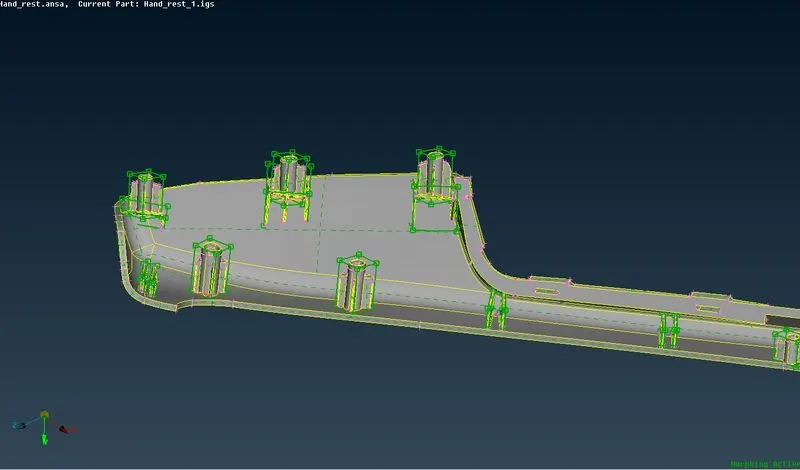
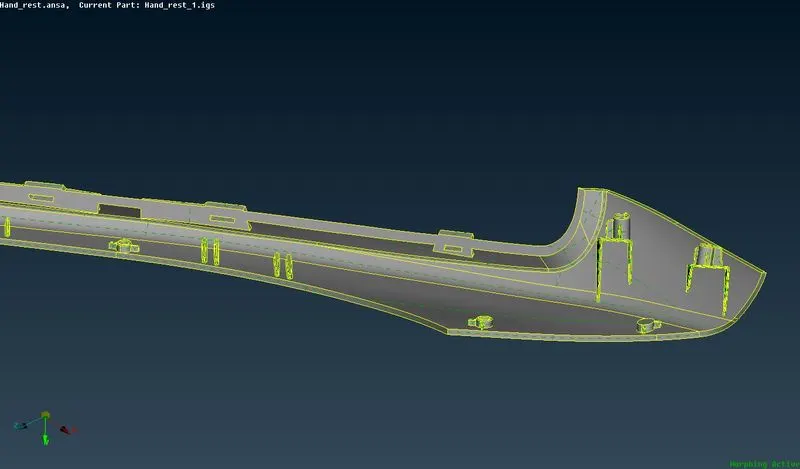
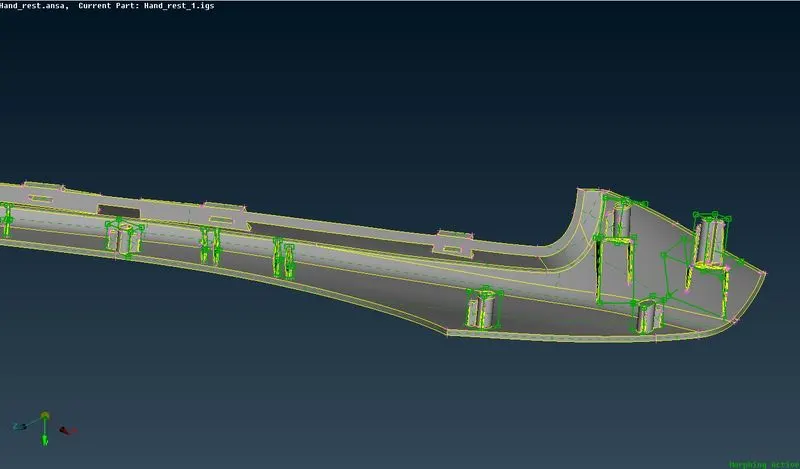
LEARNING OUTCOUMES:
Morphing is a powerful tool to modify a product for pre-processing. Instead of re-doing the CAD and meshing again for modification can use the morphing tool give various adjustment in the same software which saves a lot of time.
not only for automotive sector for converting hatchbacks to sedans but also in various products like smartphones,cycles etc
in the example of smartphones apple phones have two different models like iphone 13 and iphone 13 mini both products look similar but only difference is dimensions. in the case of phone fall test simulations we can use the same FE model for both products using morphing. also in cycles there are sizes like S, M, L which are just scaled models for testing we can use the same FE model for every size testing.
CONCLUSION:
In this challenge I have learned that what is morphing and how it is used. how morphing is powerful tool and where to use it and how to use it. and how it is used in various products.