Week - 8 - Morphing
MODEL-1:
AIM:
To try and perform box-morphing on the given model and understand the concepts and effects of morphing.
COMPONENT:
Given model upon opening in ANSA looked like this.
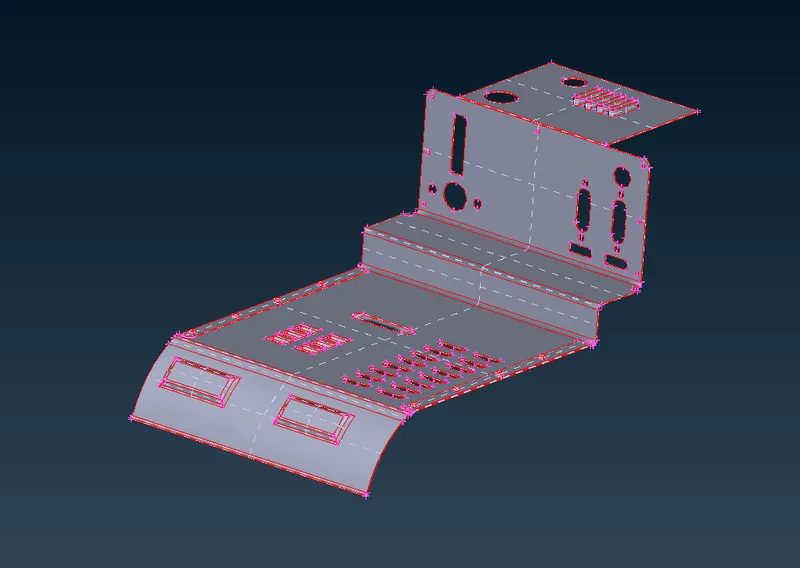
After performing TOPO on the model and removing any Triple CONS, it is
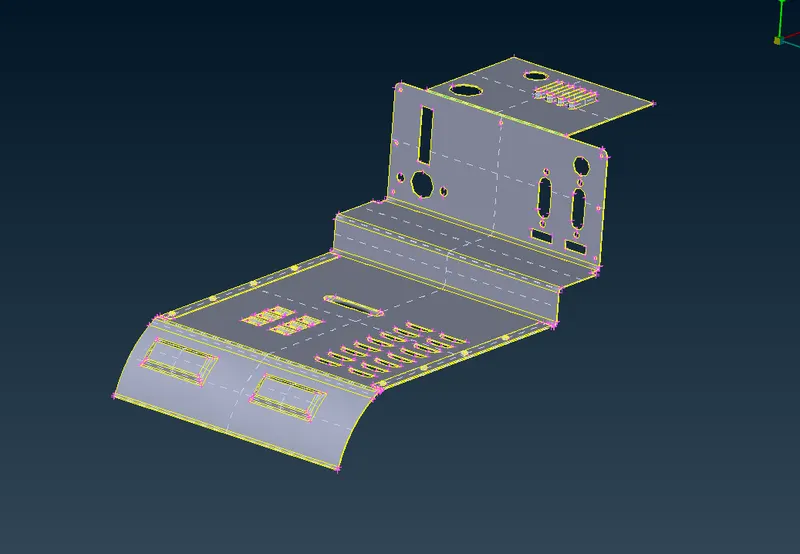
PROCEDURE:
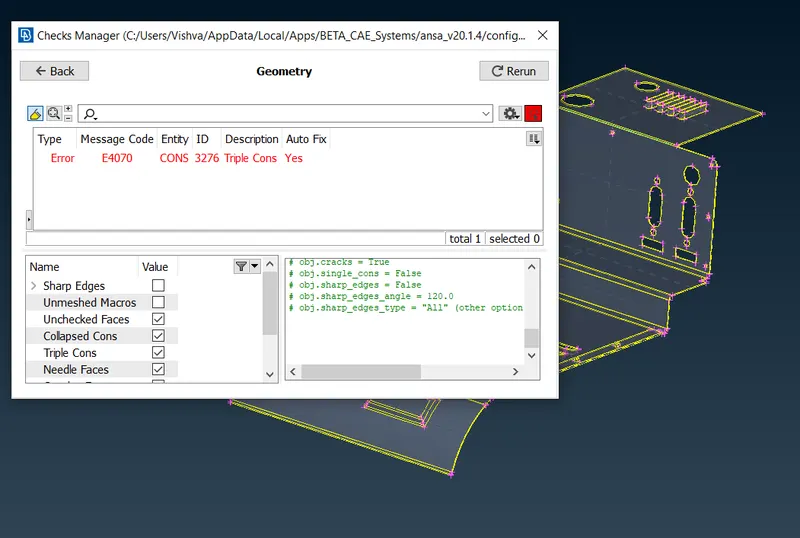
After performing Geometry check and removing possible errors, only one triple con has been left which is at the joint of the two parts in the model ad is unavoidable.
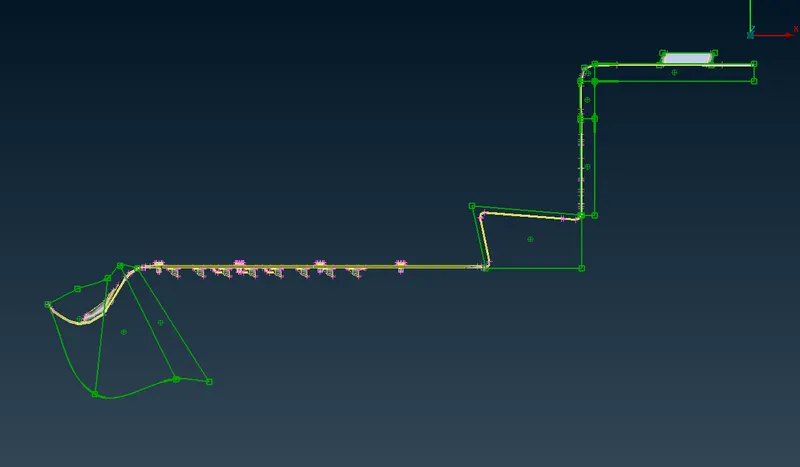
Morph Boxes have been formed using BOXES->NEW at different locations to see the changes and effects morphing has on different features.
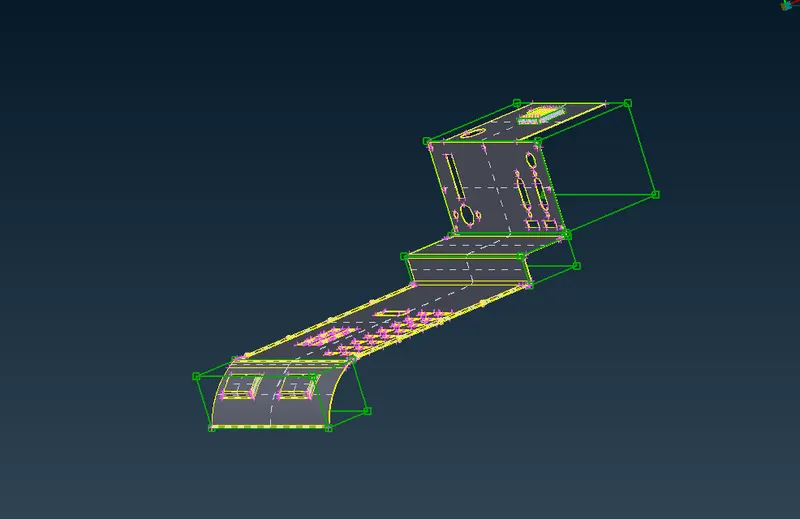
Morphing has been performed at the positions using BOX MORPHING->MOVE.
LEARNING OUTCOMES:
- Able to perform Box morphing.
- Was able to look closely and understand how morphing affects surrounding geometry/entities.
Link to the morphed model has been attached
https://drive.google.com/file/d/1iK2H1gs5uJJI5DME7UCi1-Lk5cD9-D4A/view?usp=sharing
MODEL-2:
AIM:
To perform box-morphing and increase the height of dog houses and ribs in the given model
OBJECTIVE:
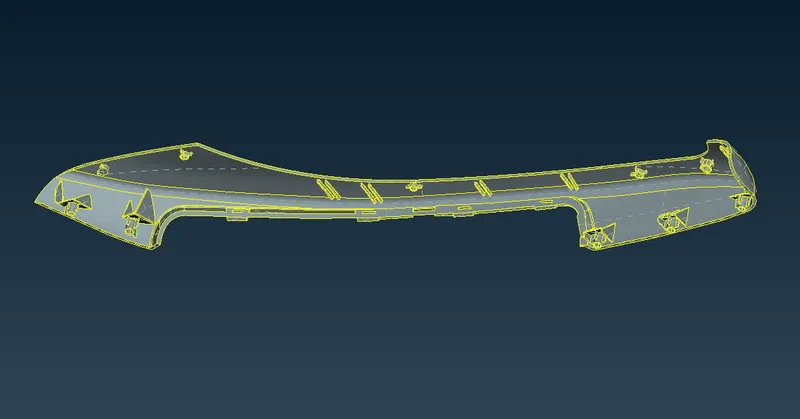
The given model has many dog-houses and ribs. Using box-morphing, height of these features is to be increased without creating and geometrical errors or any imperfections.
COMPONENT:
PROCEDURE:
Firstly, geometry check is performed to see if there are any errors.
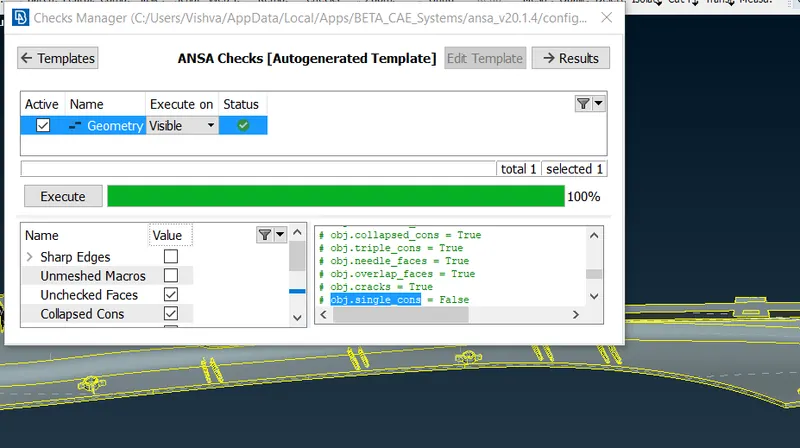
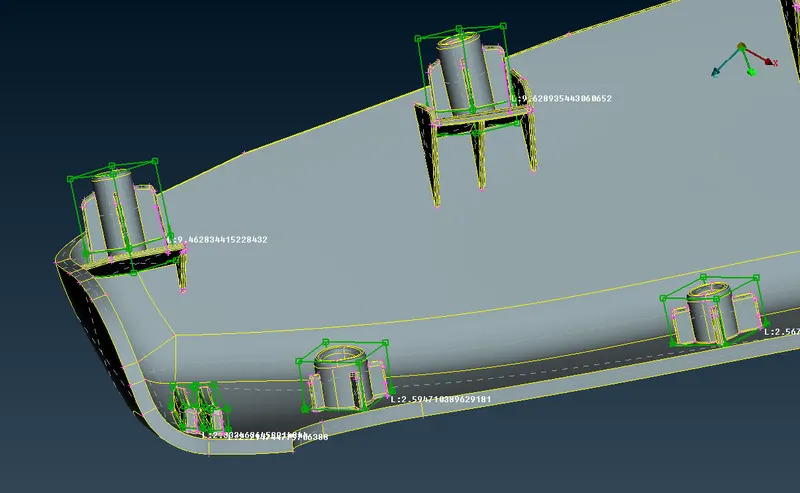
Then, Curve lines are created on each feature using CONS2Curve, so that they can act as a measure for comparision while modifying the height of these features.
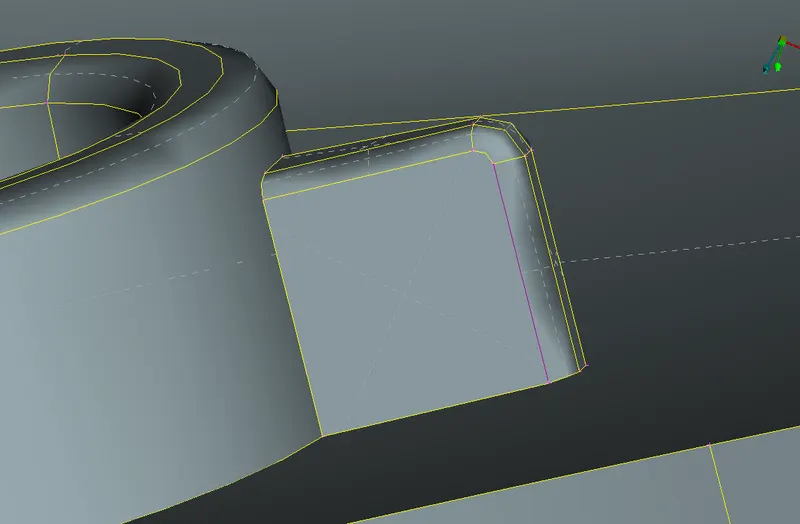
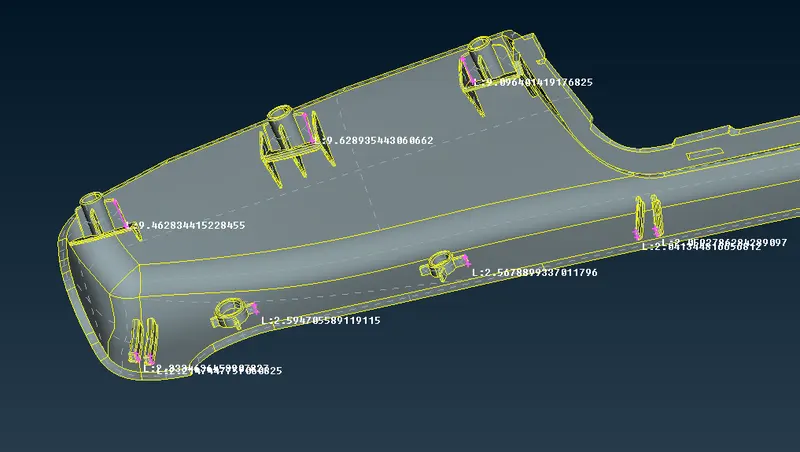
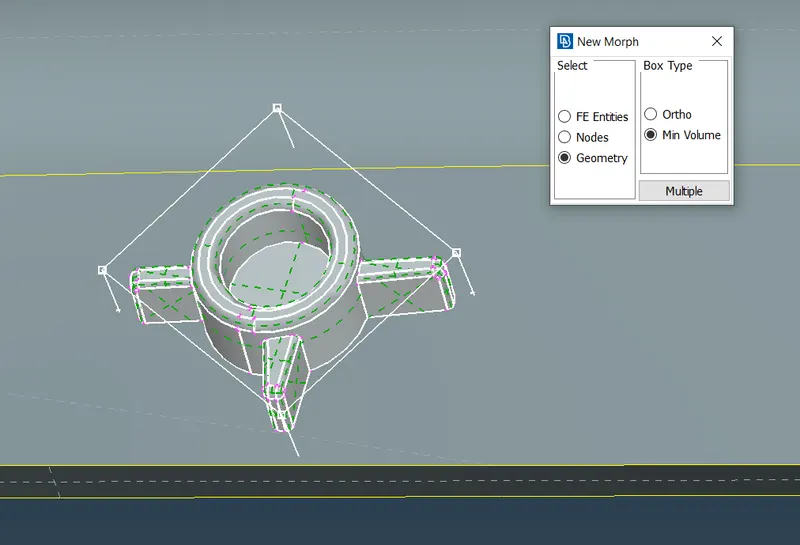
Morph boxes have been created for each feature individually using NEW.
Directly altering the height of these features using MOVE will lead to geometry distortions near the joining of these features with other entities.
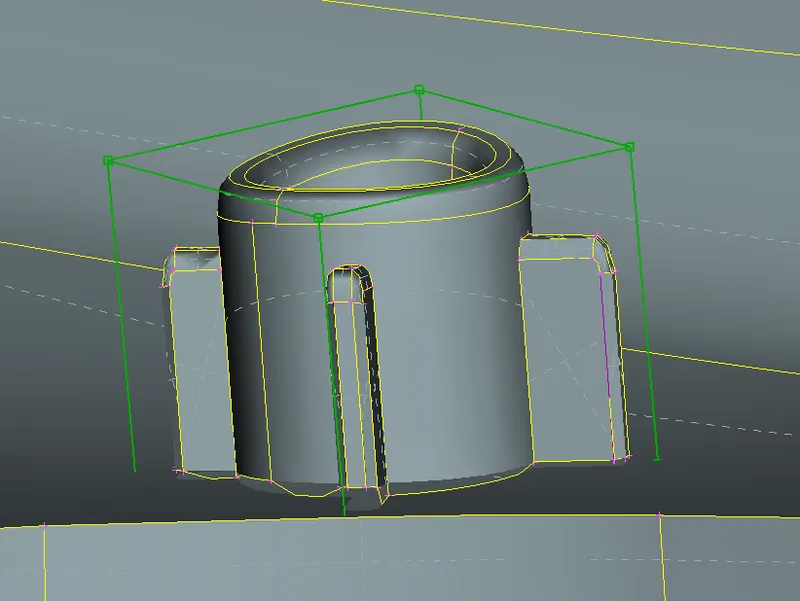
So, SPLIT option is used to create smaller box independent of the connected entities and then the height is altered.
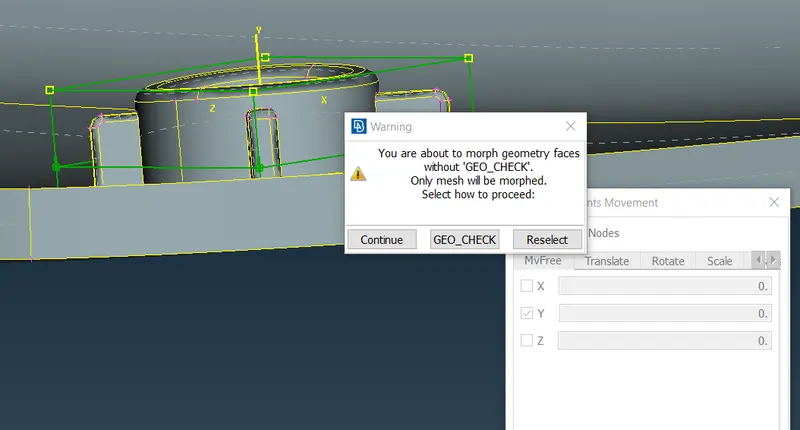
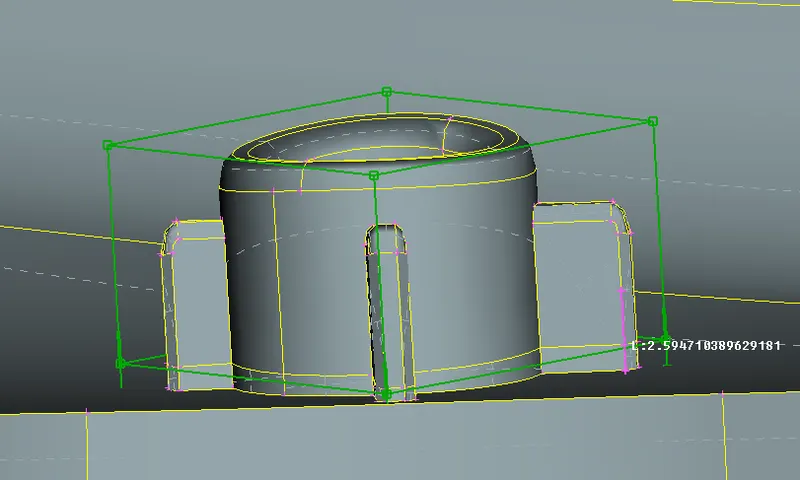
It is observed that for features with joint along the direction of increasing height, similar distortions occur. To avoid them, firstly, smaller boxes have been made and the joining faces have been deleted.
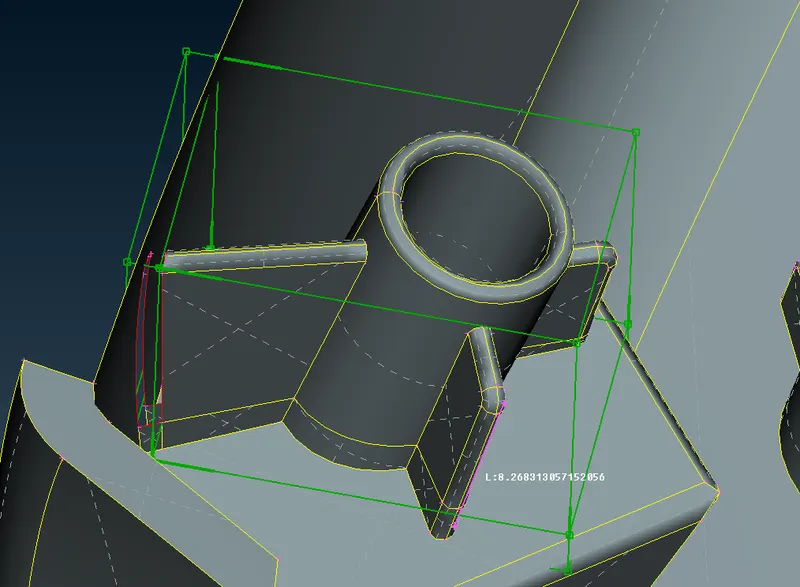
After altering the height, options like FACES->NEW, EXTEND are used to join them back together again.
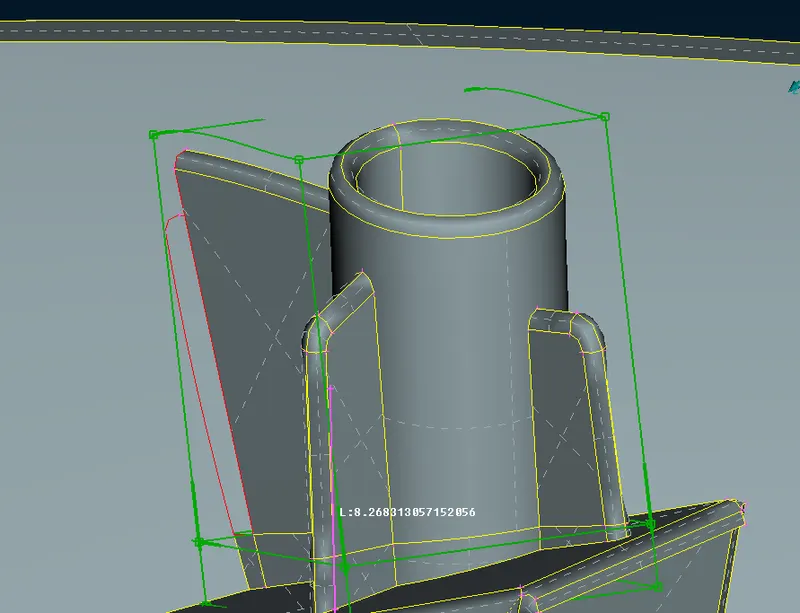
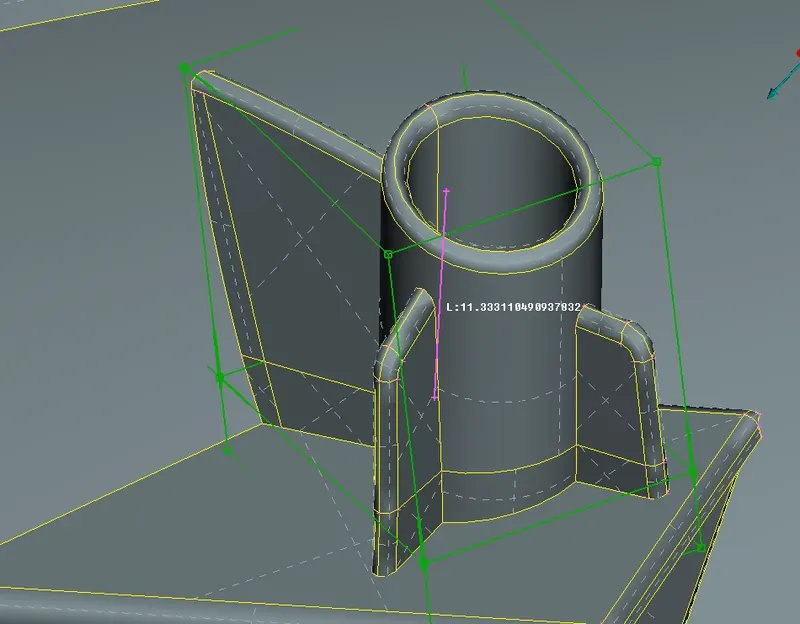
Geometry check is performed one last time to see if there are any geometrical errors created while morphing.
Final Model after changes is
LEARNING OUTCOMES:
- Able to perform Box morphing.
- Understand how morphing affects surrounding geometry/entities.
CONCLUSION:
Morphing module helps in making small to significant changes to the geometry of the model without having to redesign the model. But they have an effect on surrounding entities/joints. So they need to bee kept in mind while morphing.