Week 8 Challenge
1) AIM: To apply the load for the structure modelled in previous excercise.
- from a load case as DL for dead load
- apply self weight
- apply member load of 3 kn/m on rafter
- apply member load of 6 kn/m on the secondary beams
- apply point load of 20 kn at node intersecting inclined member on the top chord
- from the load case LL for live load
- apply member load of 4kn/m on the rafter
- apply member load of 7.5 kn/m on the secondary beams
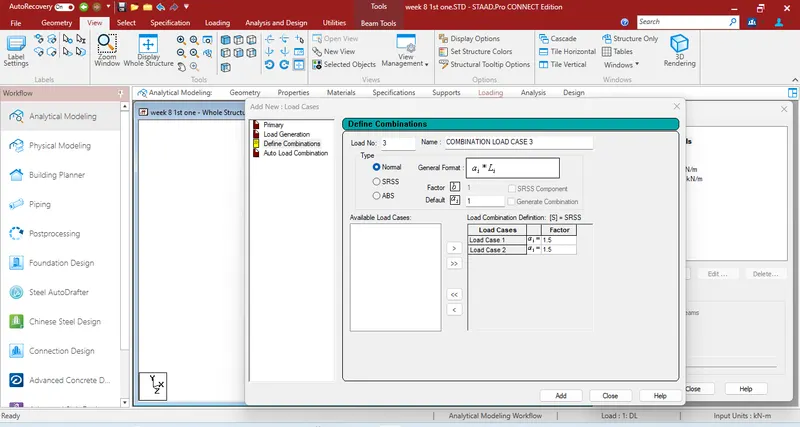
- form load combination 1.5 DL+ 1.5 LL
PROCEDURE:
- Open staad file
- go to loading tab and click on loading tab and add loading case
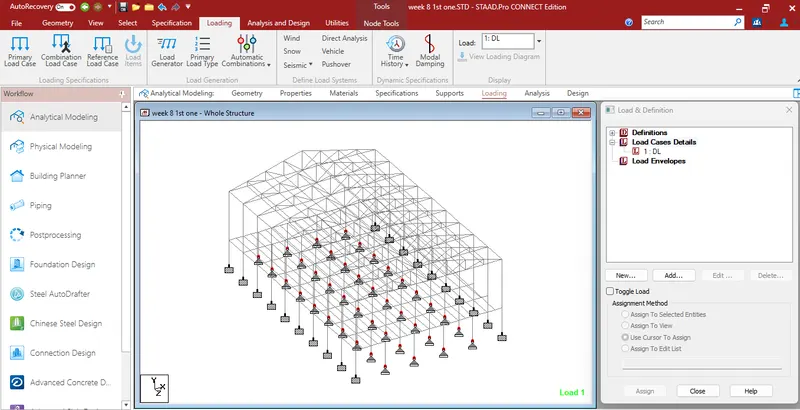
- Select the loadtype as deaqd and give the name as dead load and assign the self weight for different structural elements under this load case
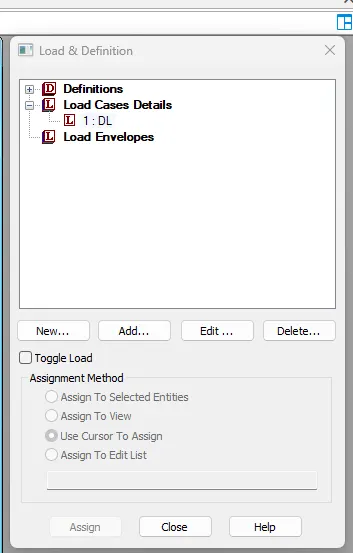
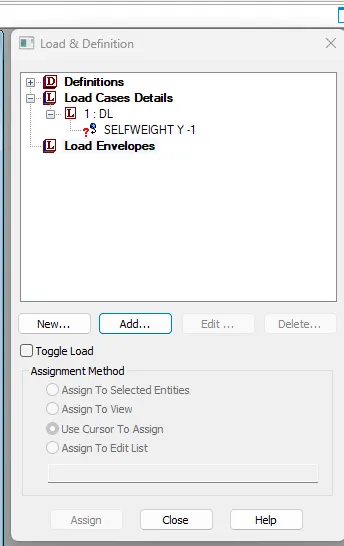
selfweight has been assigned to all structural element
now similarly under the dead load case add 3kn/m member load on rafter
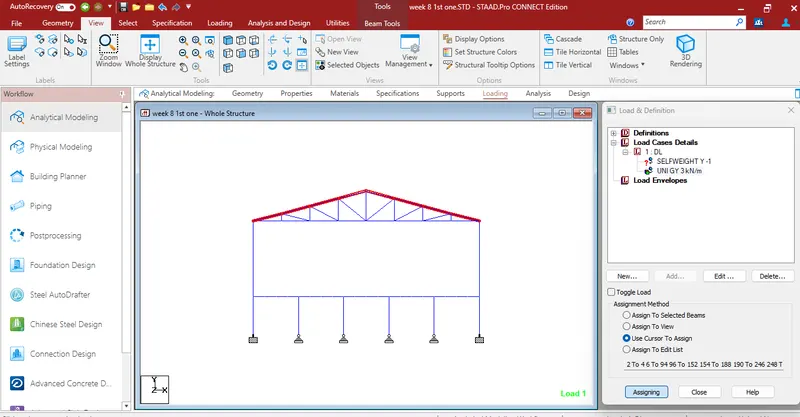
now add 6kn/m member load on secondary beam
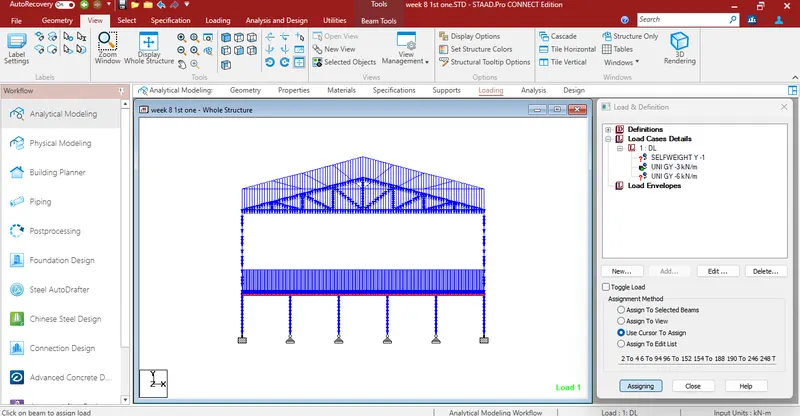
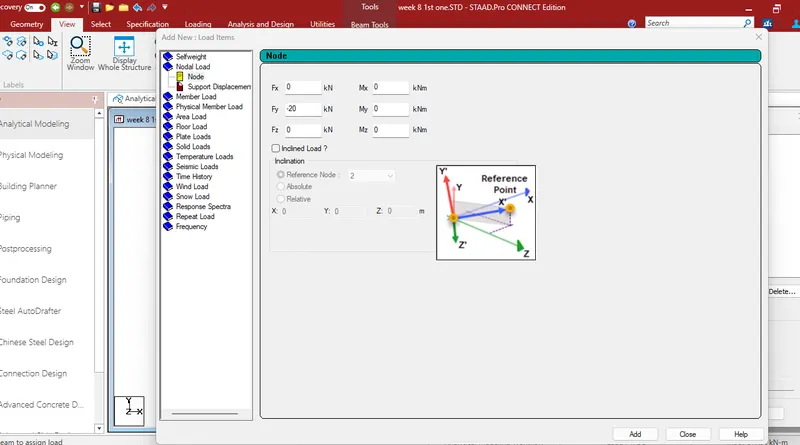
now assign the nodal load of 20kn on point of intersection of rafter and inclined chord
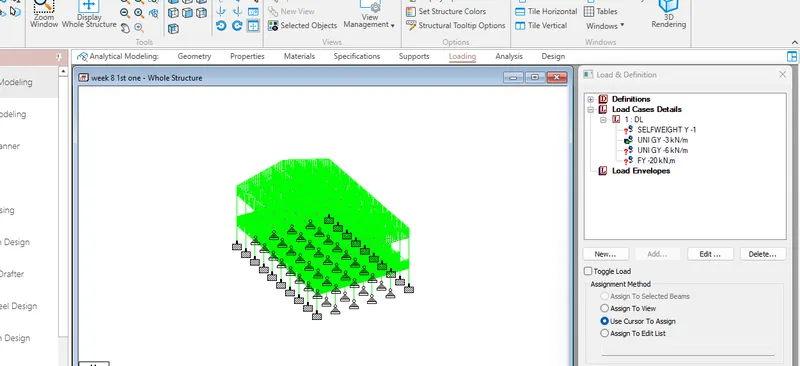
dead load has been assigned
now similarly we create case for liveload and apply the load as shown below given figure
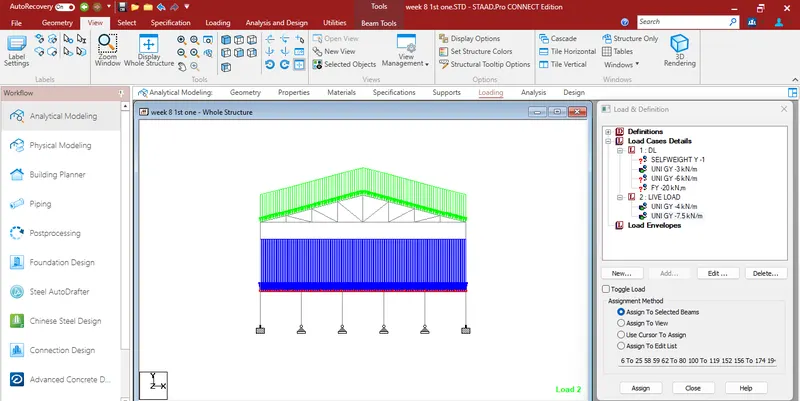
FINAL LOADING DIAGRAM After applying dead load and live load will be as shown in figure
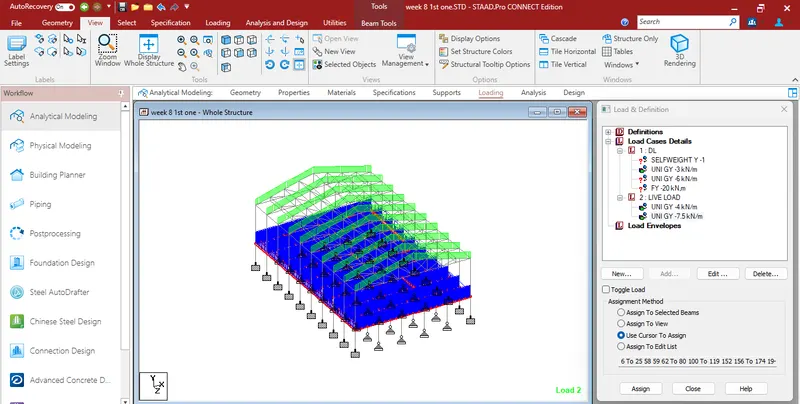
now define load combination of 1.5DL + 1.5 LL as shown in figure
click on add load and the load combination has been added in load case
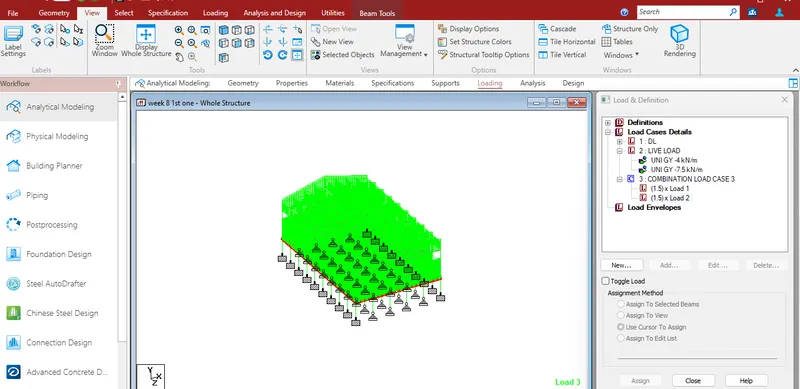
RESULT: All the given Dead load and live load cases has been created succesfully
2)
AIM: to run the analysis and find following results on the member mentioned
- run the analysis
- find the maximum moment in the secondary beam for 1.5DL + 1.5LL case
- find the maximum axial force on the inclined bracing identify the member having the maximum force for 1.5DL+1.5LL case
- identify bottom chord of truss having maximum shear force and maximum moment for 1.5DL+1.5LL case and present the values.
Procedure:
- since loading has been done already ,we will run the analysis
- go to analysis tab , click on last load case and click on define commands
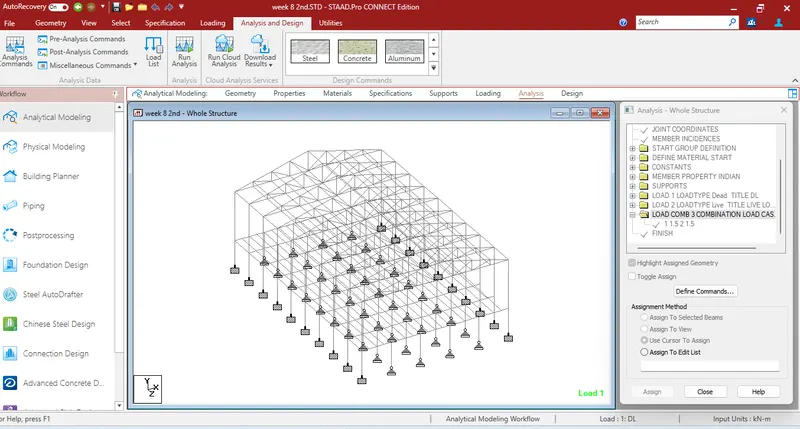
now click on all optionand then click on add
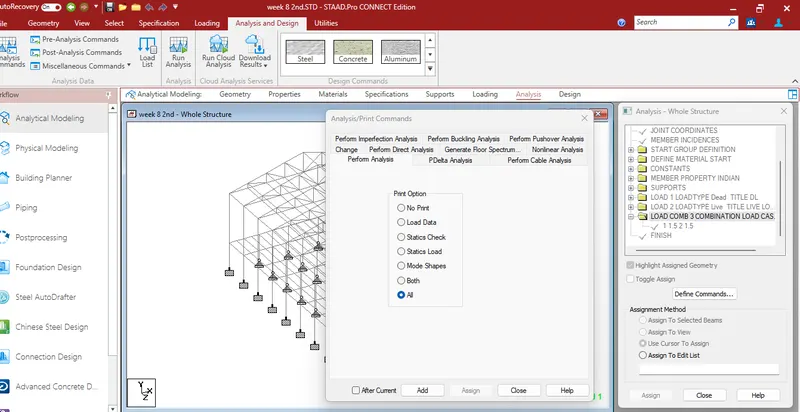
now ,click on Run Analysis on Tab

analysis will be going on and window will pop up after the analysis
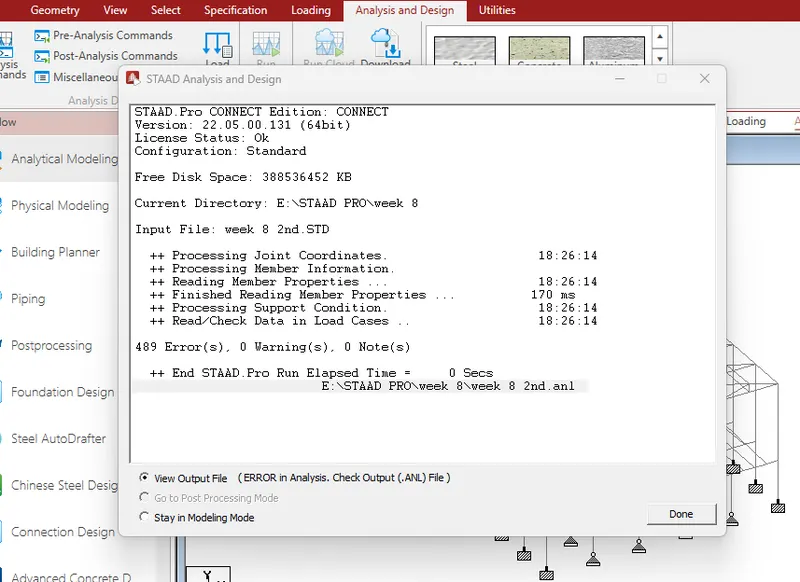
click on view output file to view the results.
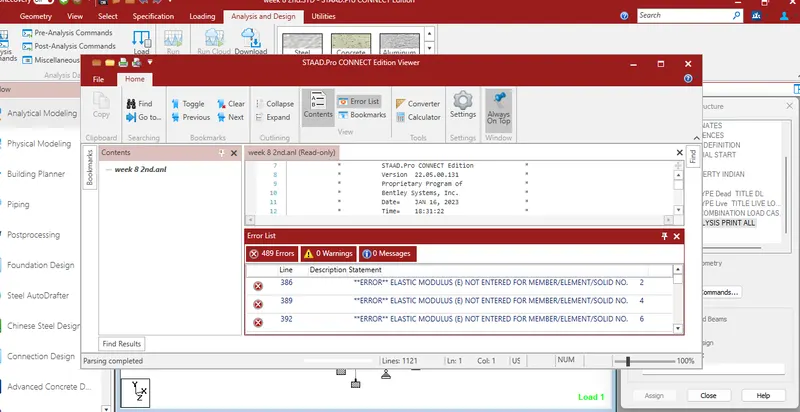
final result of the analysis will be popup in different window as shown below
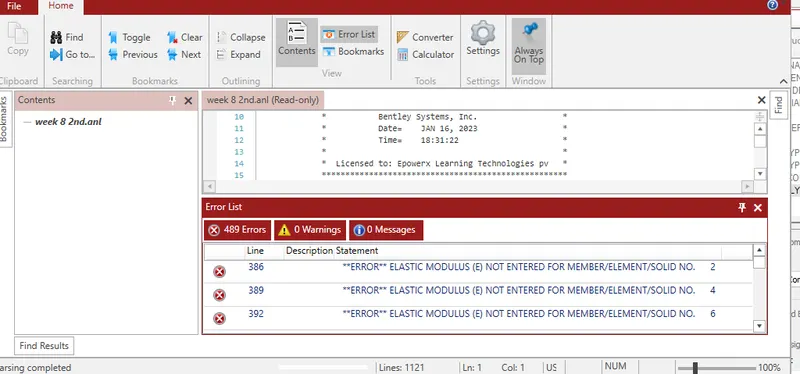
now ,we will find the maximum moment in the seconndary beam for 1.5DL+1.5LL case.
go to post processing option left side.go to view and select on secondary beam to view.
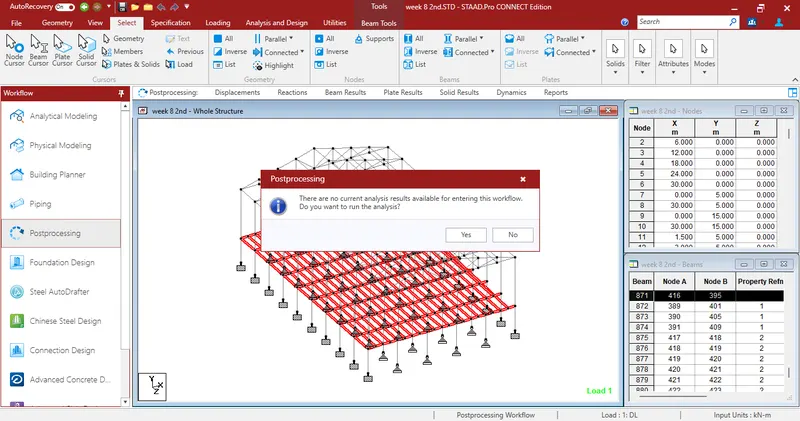
after selecting the secondary beams ,go to result tab and select Mz to view the bending moment diagram.
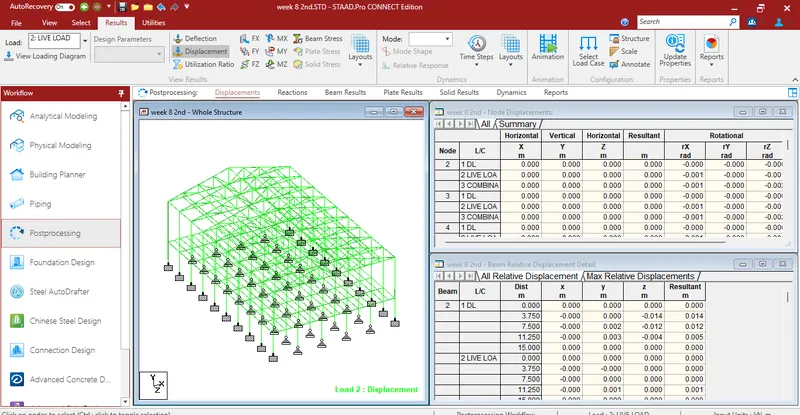
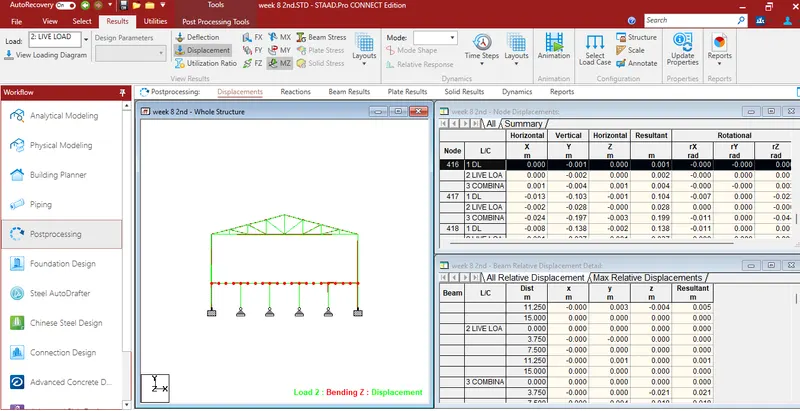
go to annotate option view the maximum bending moment
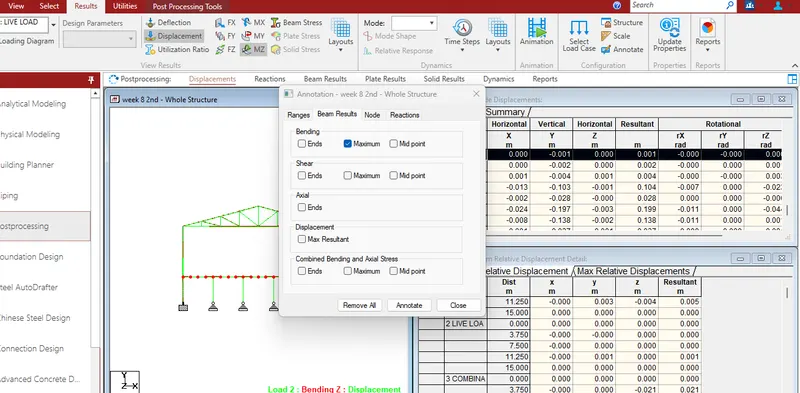
now we can get the maximum values of bending moment as 31.58 kn/m
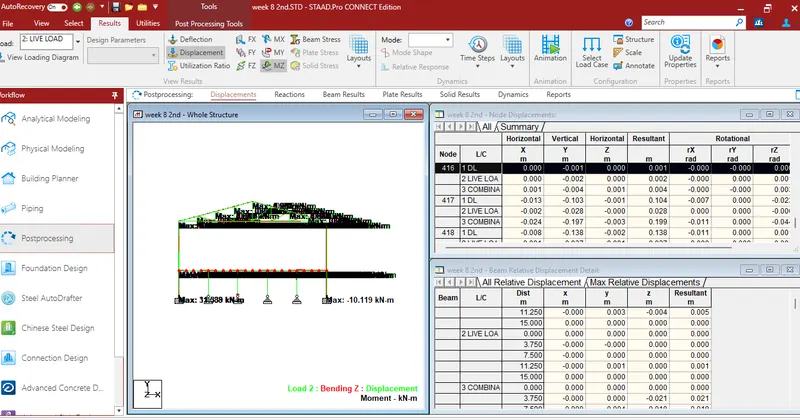
similarly ,we wil now find the maximum axial force on the inclined bracing for 1.5DL+1.5LL case
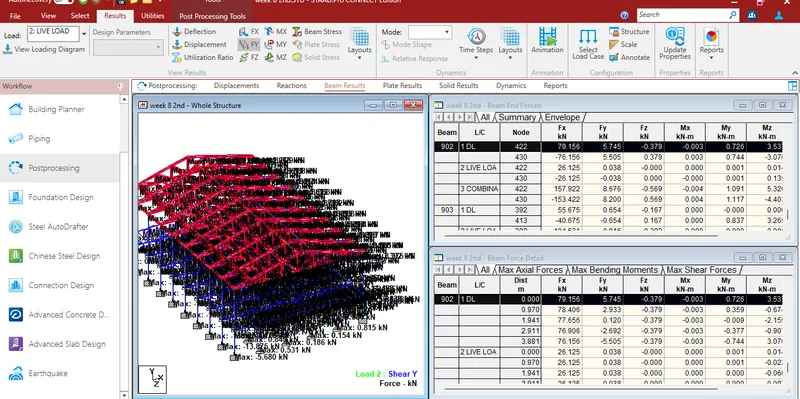
maximum axial force we got as 153.934 kn on beam number 1160 and 1161
now,we can get the maximum shear force and maximum bending moment for the bottom chord of the roof truss as 2.40 kn and 3.925 kn/m
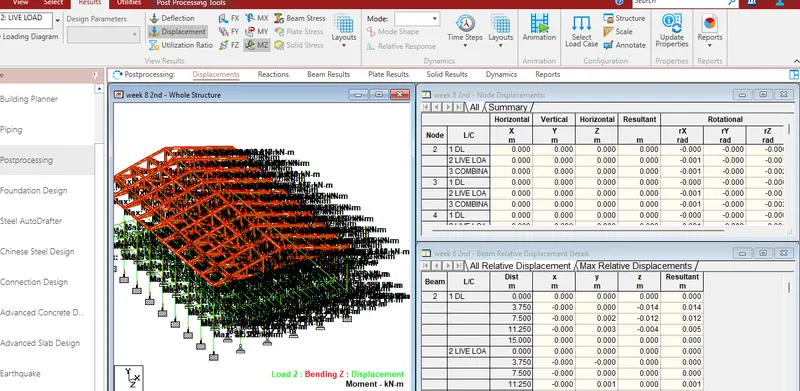
RESULT:
THESE are following results
maximum moment in secondary beam =54.268kn/m
maximum axial force =153.934kn
maximum shearforecand maximum bending momentt as 2.40kn&3.925 kn/m
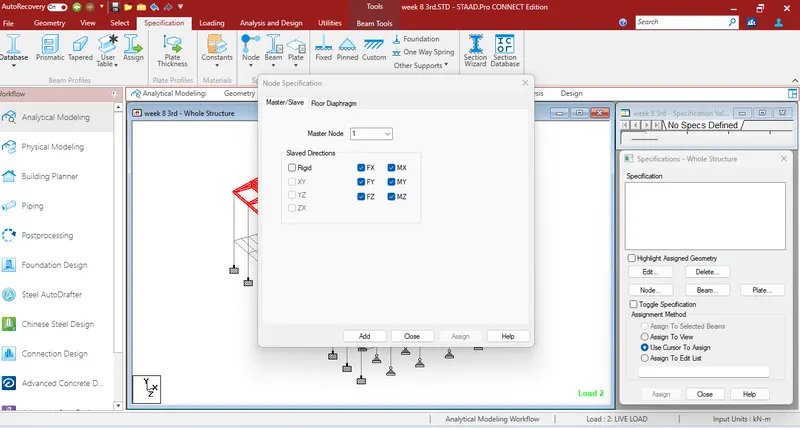
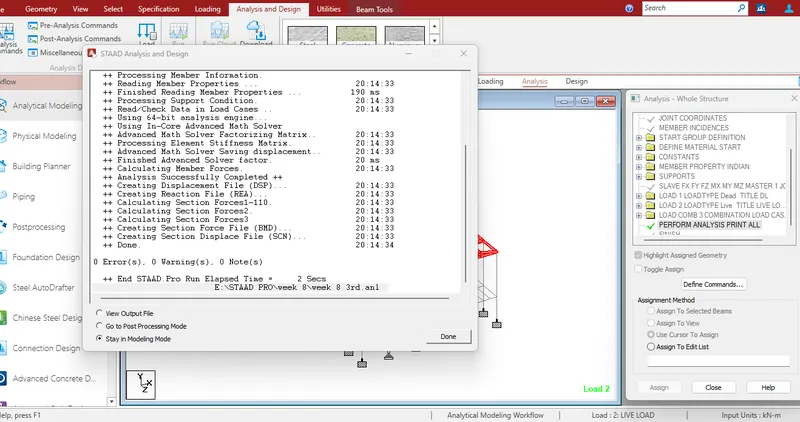
3) AIM: to identify the warnings and fix the same and run the analysis for the given STAAD file
procedure: After running the analysis no warnings messages were displayed as shown in figure
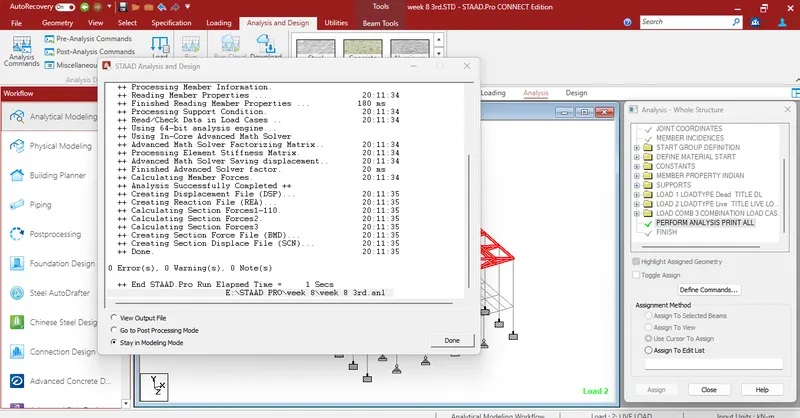
result : analysis has been done no errors found as we already provided the master node
4)
AIM: To apply design parameter for structure modelled for code is 800.2207
effective length Lx ,Ly, Lz for beams,truss elements
effective length factors ky,kkz for columns
apply other design parameters for respective members
procedure:
go to analysis and design tab, select all the structural members and assign steel as the basic matreial
on the right hand side ,select the is 800 code as shown in below figure
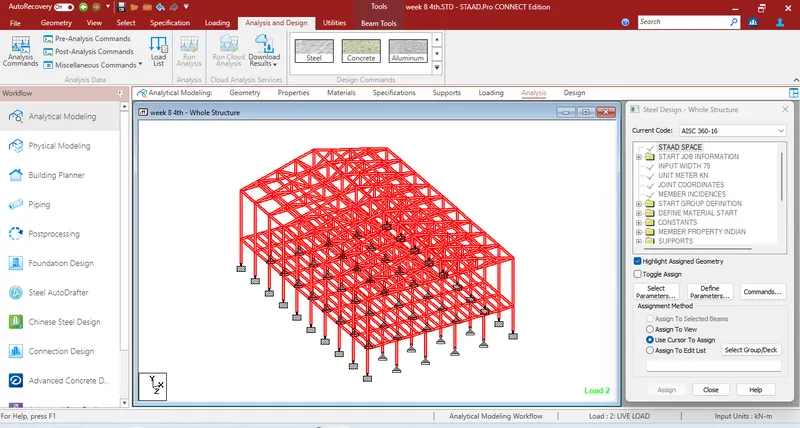
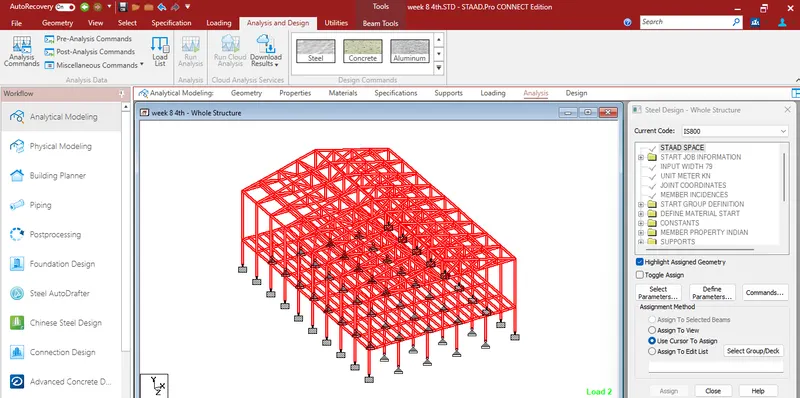
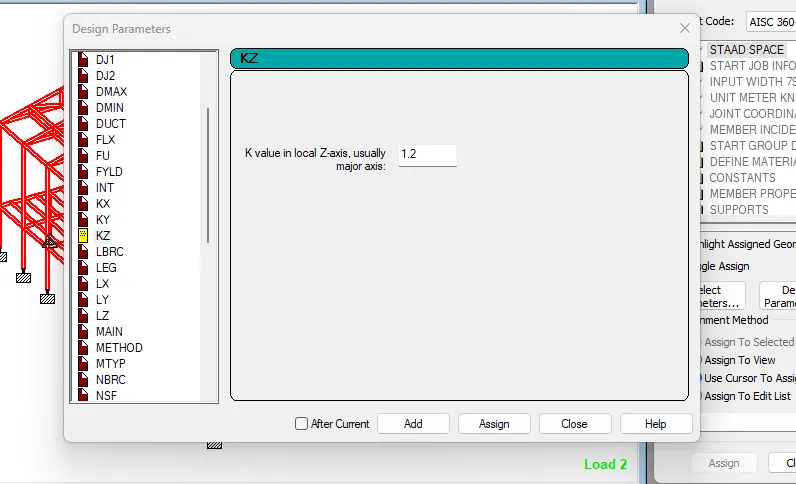
now define the parameter for the like Ly,Lz for beams and trusses and Ky,Kz for columns
now run the analysis and again to see that there is no error
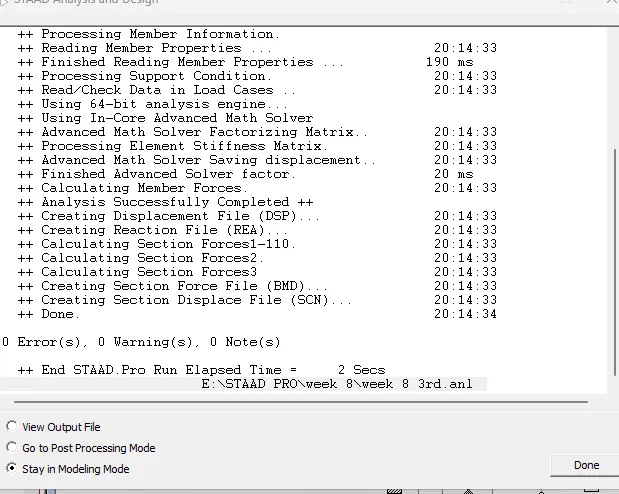
result : the design parameter has been succesfully applied to the model