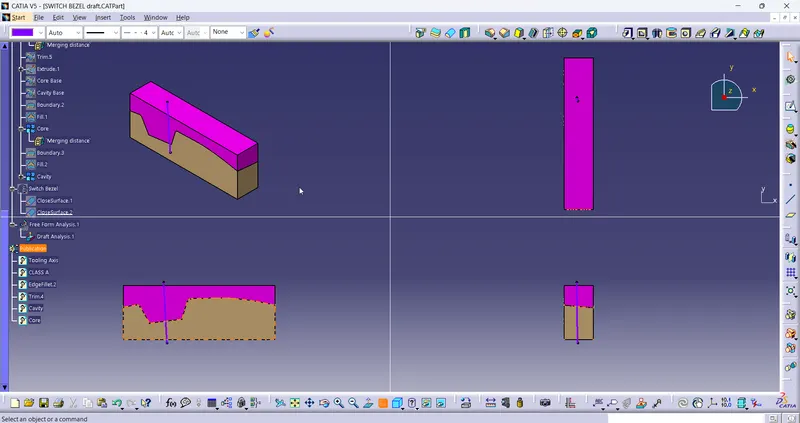
Week 8 - Challenge 6 - Core & Cavity Design
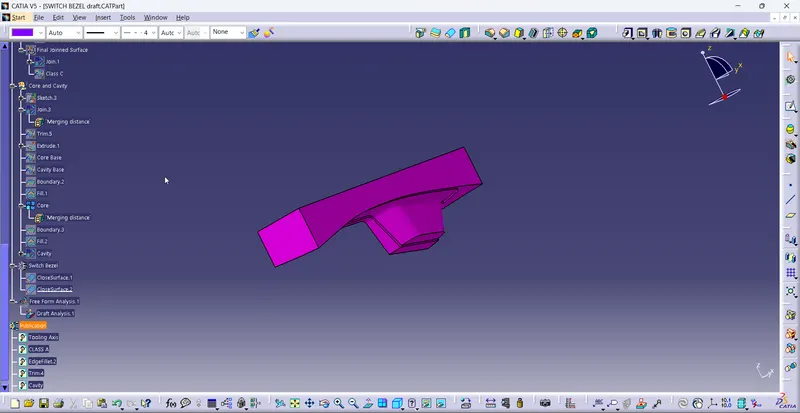
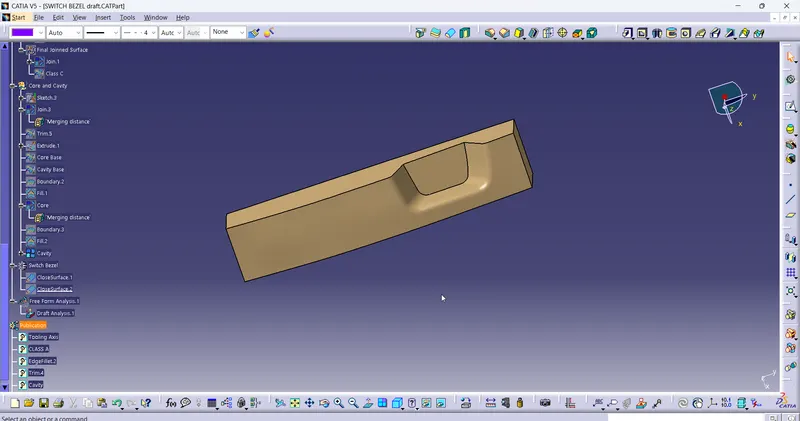
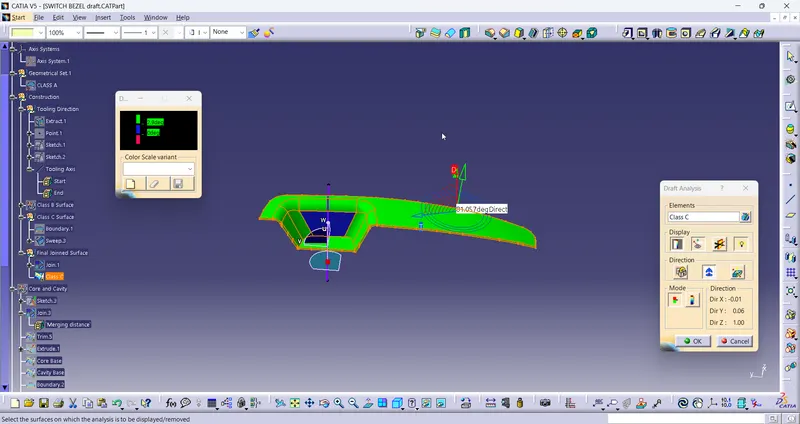
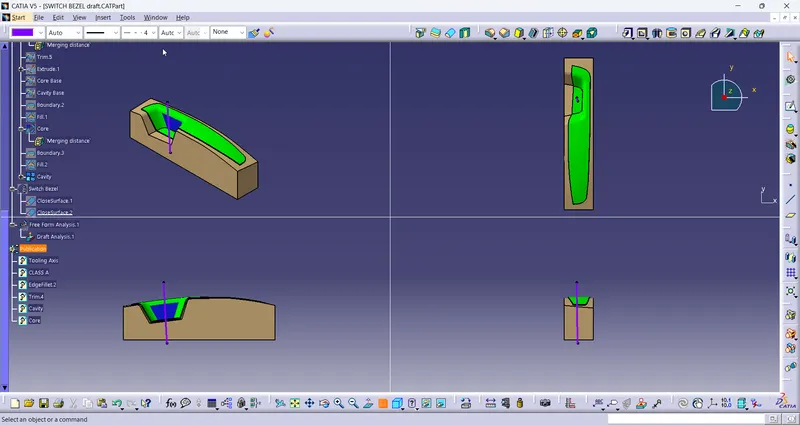
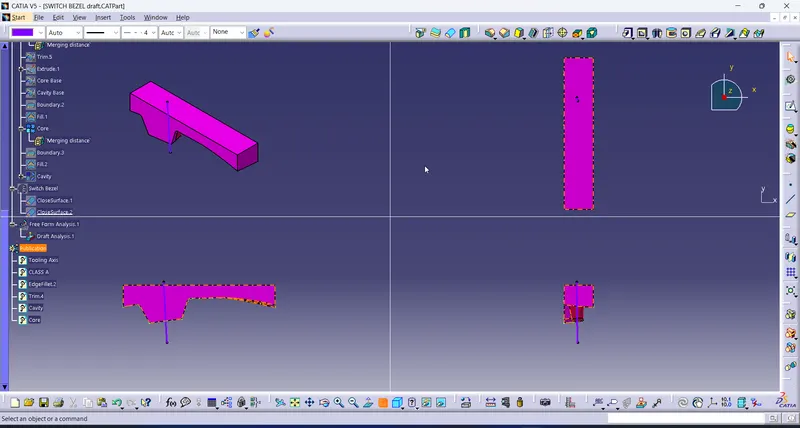
To create the closed body of the switch bezel first the Class A surface is imported, then Class B and Class C surface are made by using the surface tool commands. Few commands like Fill should not be used for creating the surfaces. Finally the closed surface of the Class A, Class B , Class C are made. then the draft analysis for 3 degrees are done on the tooling axis. Once it is cleared then the core and cavity of the switch bezel is done.
Core: It is the part where it has depression in it.
Cavity: It is the part which has progection part.
Parting Line or Surface: This is the line or surface which seperates the core and the cavity of the model.
Primarily the parting surface is taken from the model. It is basically the extrapollatred surface of the Class B surface. Now the trimmed surface of the Class A, Class C and the parting surfaces are accounted to form the core. Before, the rectangle is drawn and extruded which forms the boundary of the core and the cavity. now the trimmed surface and the extruded surface of rectangle are trimmed which forms the core part. the top surface of it is filled to form the closed surface.
now to form the cavity the extruded surface of rectangle is again trimmed with the Class B surface. Now the bottom boundary is filled with surface and joined. thus the cavity is formed.