Week 8 - Challenge 6 - Core & Cavity Design
Report on draft analysis of Class A surface as well as solid model of switch bezel plastic component.
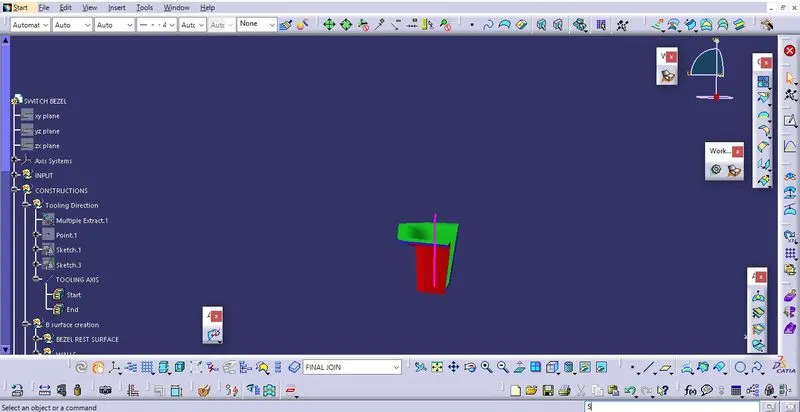
Finding the tooling axis of the component. The tooling axis is nothing but the mould opens or cavity opens. Check the best possible tooling axis. among the three axis z axis is best possible tooling axis.
Creating the tooling axis by bisecting method: First create a bisecting line between two opposite face of the class A surface, now create another line with proper draft angle with the third single surface. After creating both lines again create a line which bisects both line which are formed previously, the resulting line would be our main tooling axis.
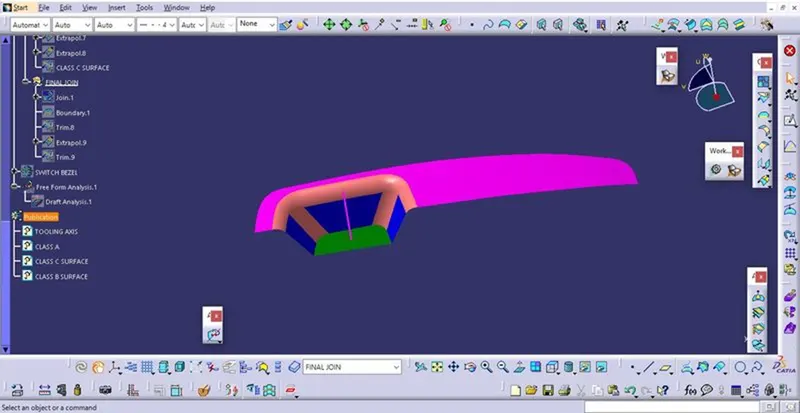
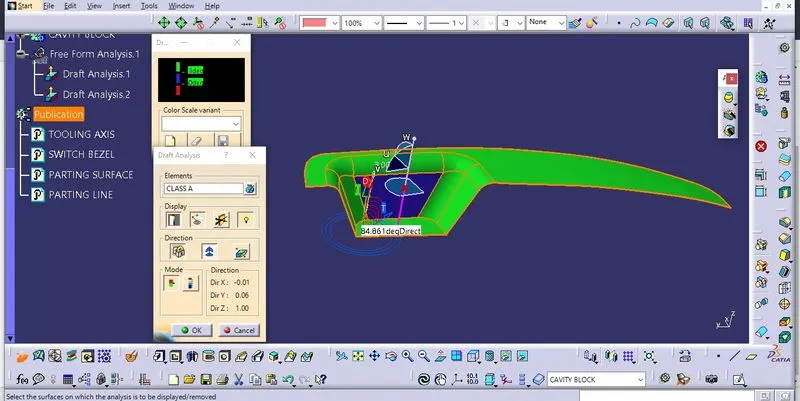
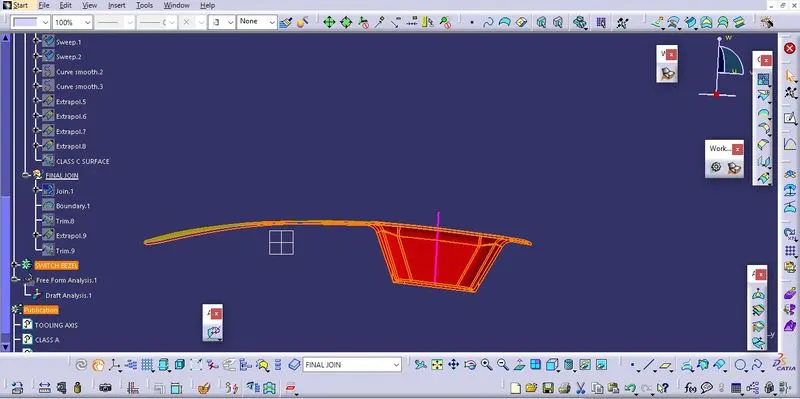
Now perform the draft analysis through the draft analysis toolbar in the bottom. after opening the draft analysis toolbar drag the compass on the tooling axis, click on the lock symbol after compass is aligned
Draft analysis on Class A surface:
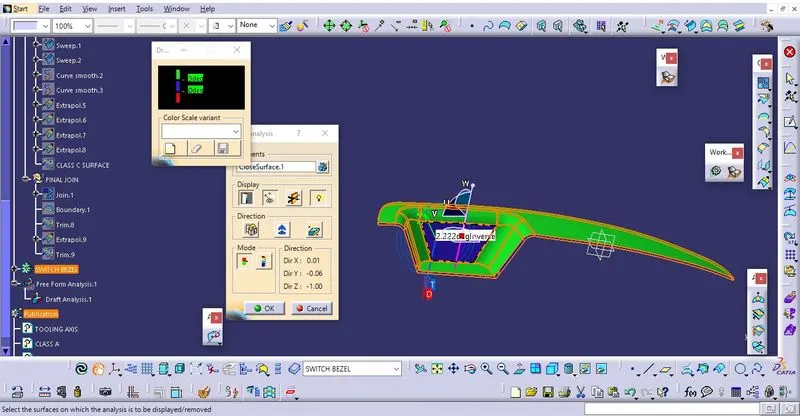
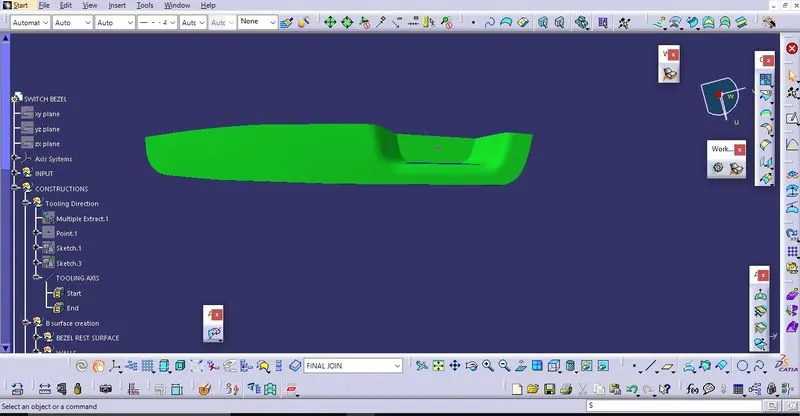
Solid model is created by class A,B and C surfaces, now performing the draft analysis on formed model as shown:
Draft analysis on Solid model of switch bezel component:
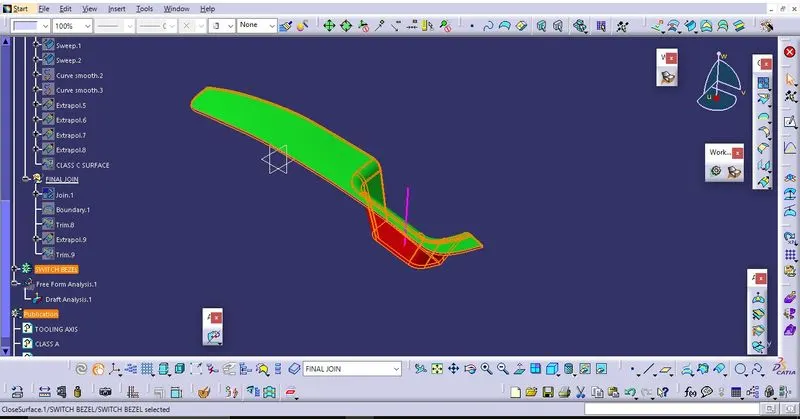
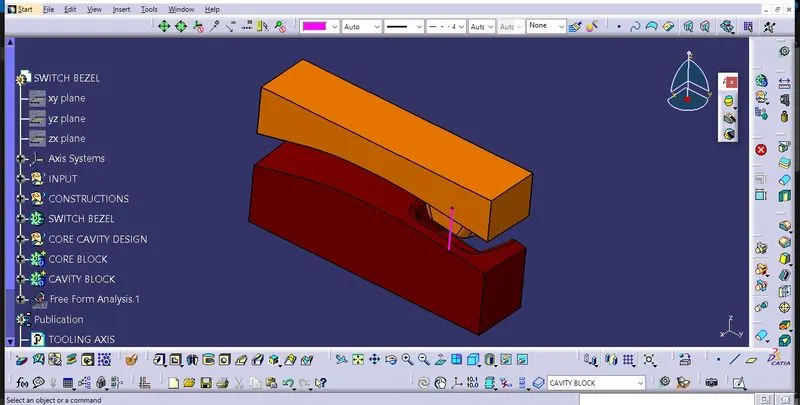
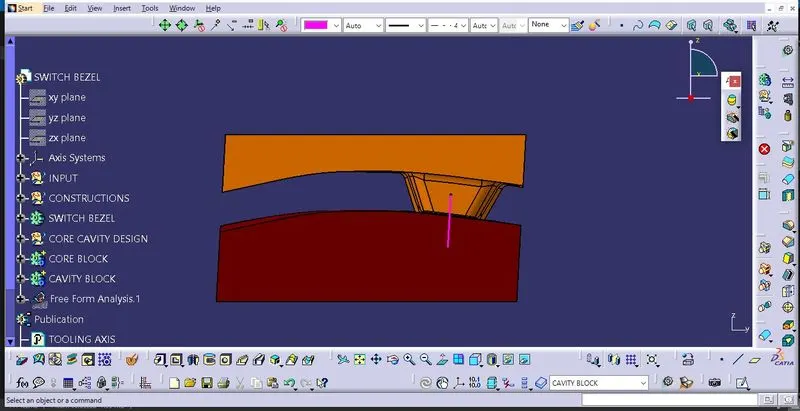
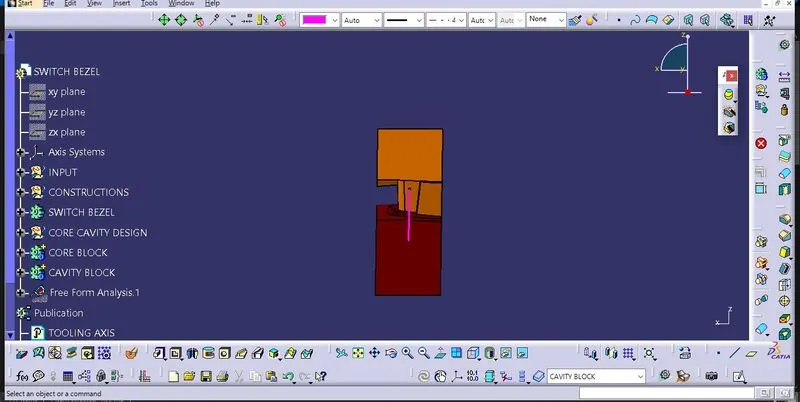
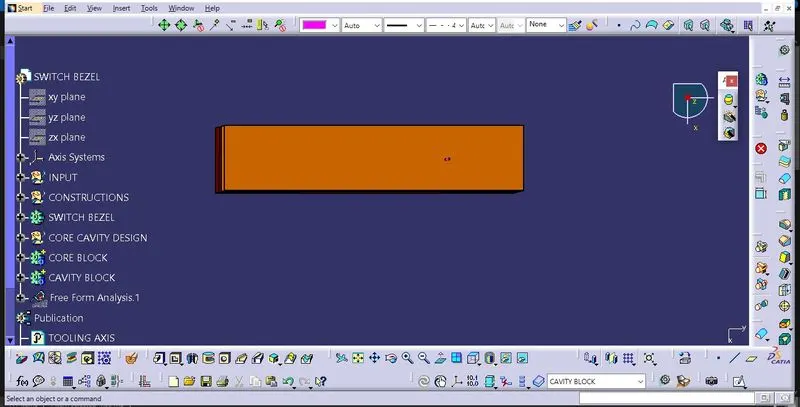
Core and cavity design blocks: