Week 8 - Challenge 1 - Base Bracket Design
ANSWERS:
REPORT ON DRAFT ANALYSIS:
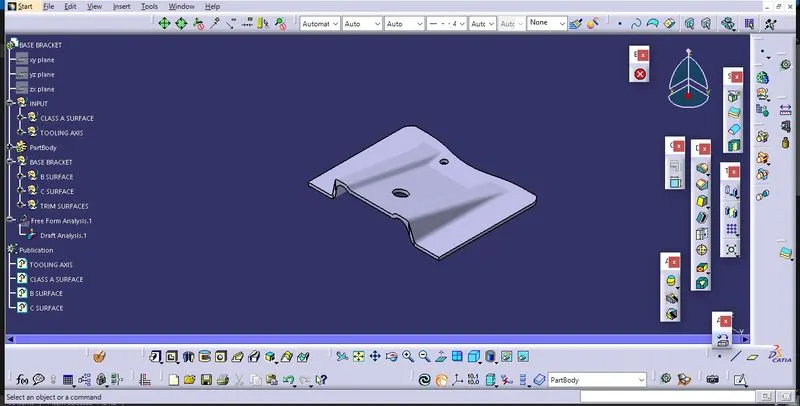
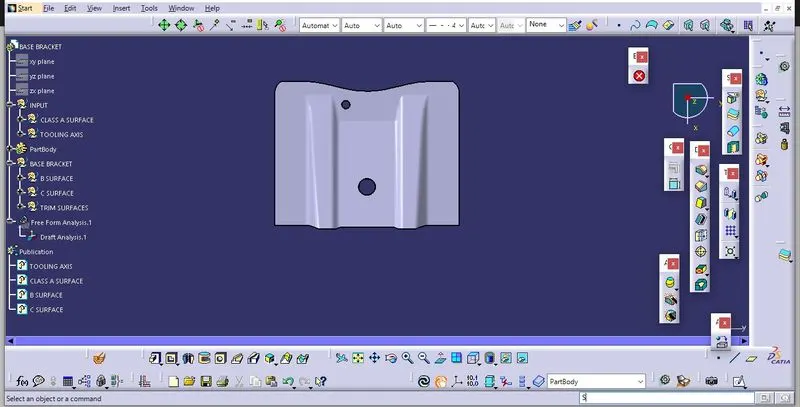
AIM: to craete the base bracket solid body from the given class A surface and at the end draft analysis is done on the model.
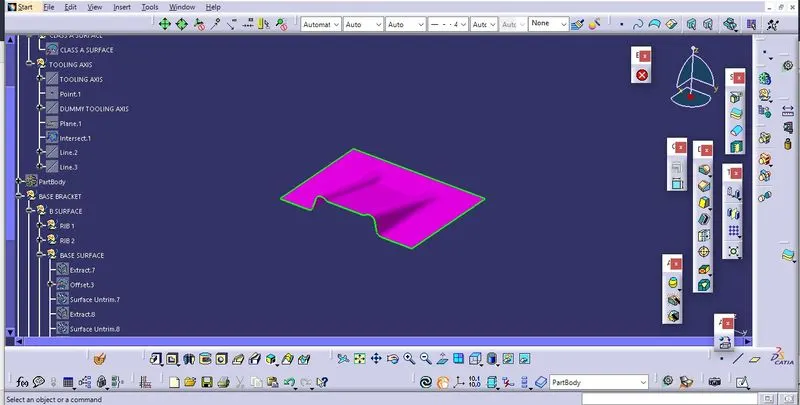
Given class A surface:
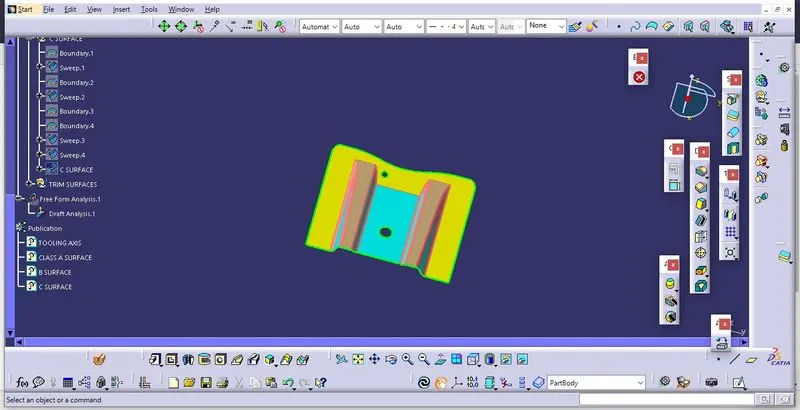
Step 1: Check the connectivity of the A surface ensure that there is no gap between the component, we can check this through the boundary command.
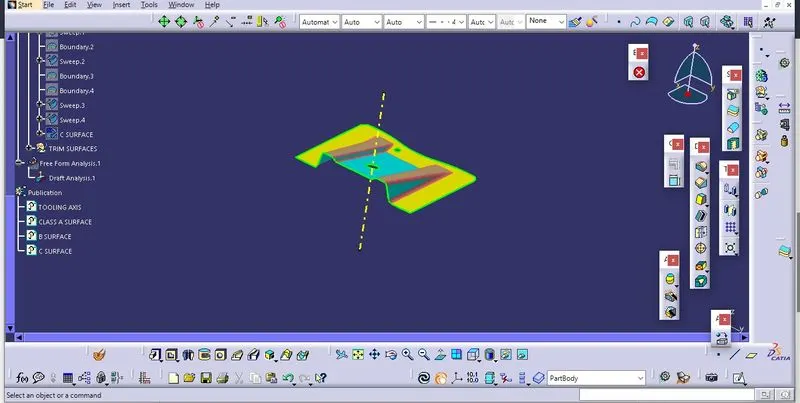
Step 2: Finding the tooling axis of the component. The tooling axis is nothing but the mould opens or cavity opens. Check the best possible tooling axis. among the three axis z axis is best possible tooling axis.
Creating tooling axis along the z axis: First create dummy tooling axis along the z axis. Now obtain the tooling axis by bisection method.
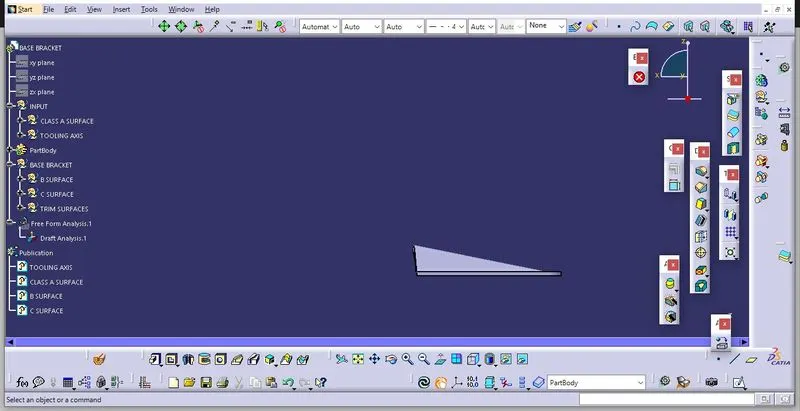
We obtain the tooling axis through the Bisecting method by selexting the proper plane along the z component and intersecting the class A surface through that plane. After intersection extending the line from two points on the slope of rib, in the same way another line is created on the other rib and now finally creating the tooling axis along the bisection of previously created two lines.
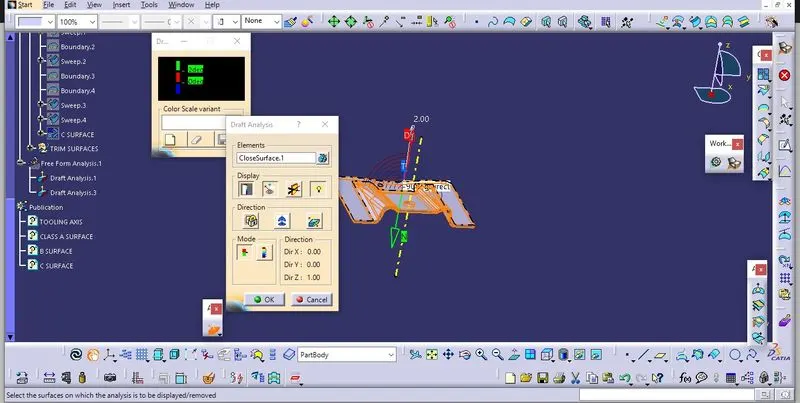
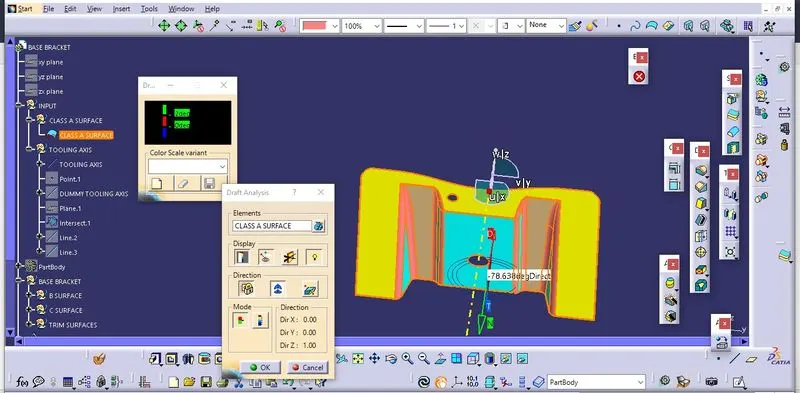
SO main tooling axis is along z axis. Now perform the draft analysis through the draft analysis toolbar in the bottom. after opening the draft analysis toolbar drag the compass on the tooling axis, click on the lock symbol after compass is aligned.
Step 3: Now creating the B- Surface:
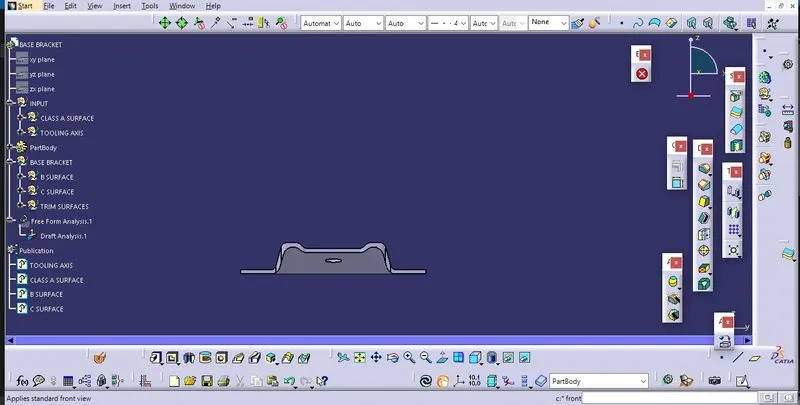
Creating the ribs by extracting from the class A surface and after that performing untrim and extrapolating the untrimmed surfaces. Then performing the trim operation to create the desired output, in this way both ribs are created and offsetting them to create the required thickness.
now extract the base perform the same operation as we did in the ribs i.e. untriming then extrapolating then trimming operation to get the desired output and finally offset to get required thickness. Similarily slanted surface is obtained.
Now give the fillet to the surafce in required amount.
Step 4:
Now creating the C- Surface: after extracting the boundaries of class A surface we use the sweep operation to provide suitable draft angle to the surface, similarily we do the sweep operation on the two holes, finally join them all to create C- surface.
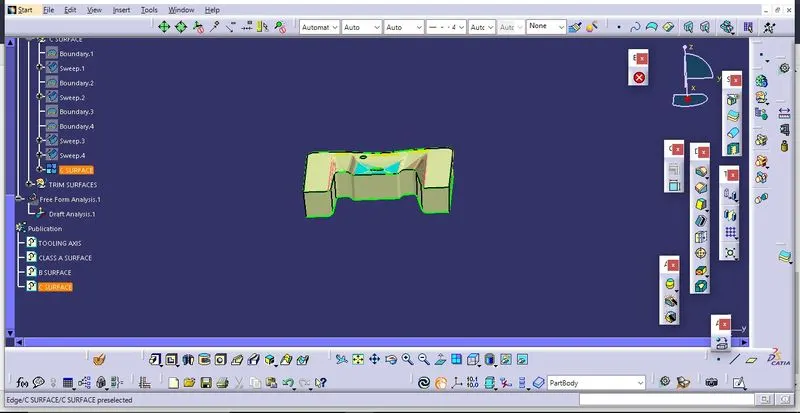
Finally trimming A, B and C surfaces to create close body, use close surface command to obtain the soild body.
Publish A, B and C Surfaces also the tooling axis in the tools option.