Week 8 - Challenge 6 - Core & Cavity Design
Objective- Create the Core and cavity blocks for the switch bezel component.
Creating of Core And Cavity Blocks:
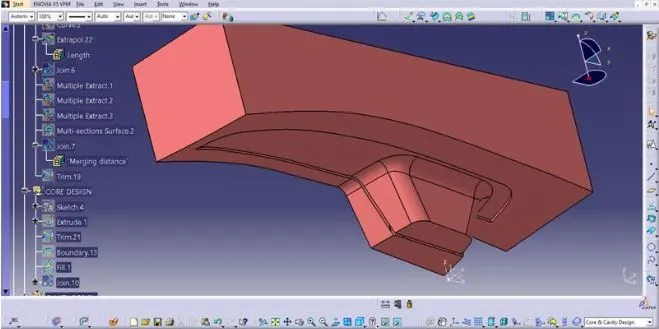
• Create a rectangular sketch on the Plane - Normal to the Parting Surface a and Extrude the Sketch to create the Core surface .
• Extract the outer top boundary of the Core Block and Fill the top to create a closed Surface.
• Join the Fill surface and the Extrude of Core Trim it with the Parting Surface to obtain the Core Block enclosed Surface .
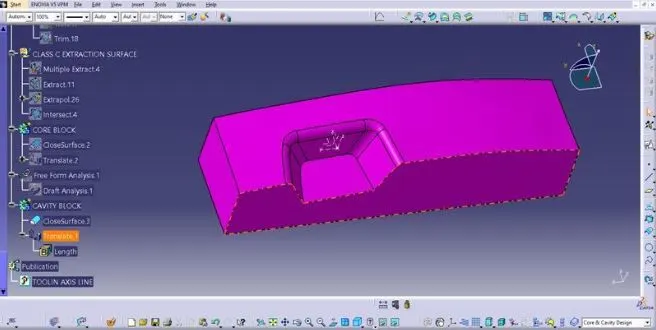
• For creating Cavity Block Extrude the same sketch on the opposite side and create Fill and Join the Surface
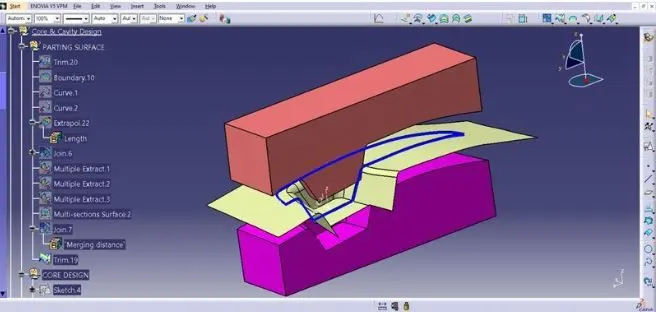
• Use The Intersection of Final Trim and the Parting Surface for Creation of Parting Line .
• Switch to Part Workbench and convert the Surfaces to solid part
• Use Closed Surface to create Solid Part for the Core and Cavity Blocks.
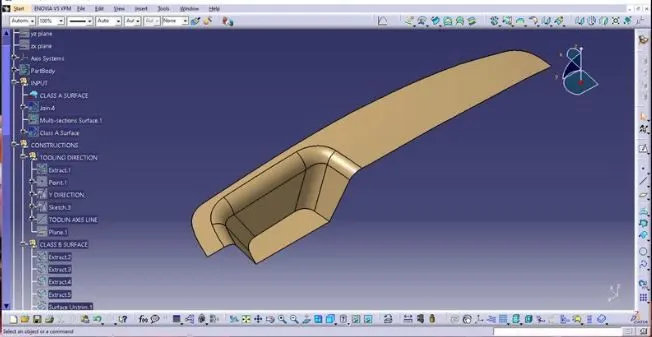
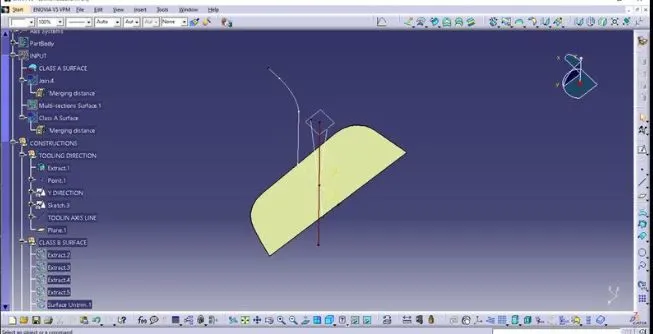
Tooling axis-
Core block-
Cavity block-
Core and cavity with parting line-
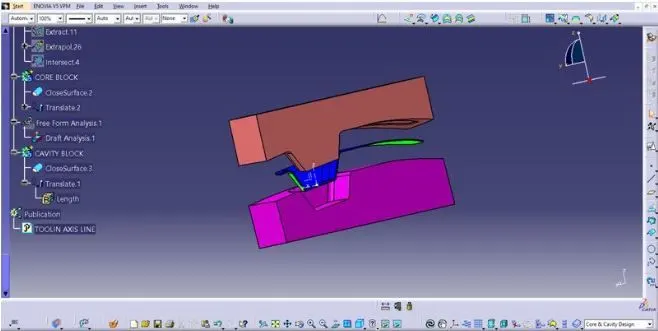
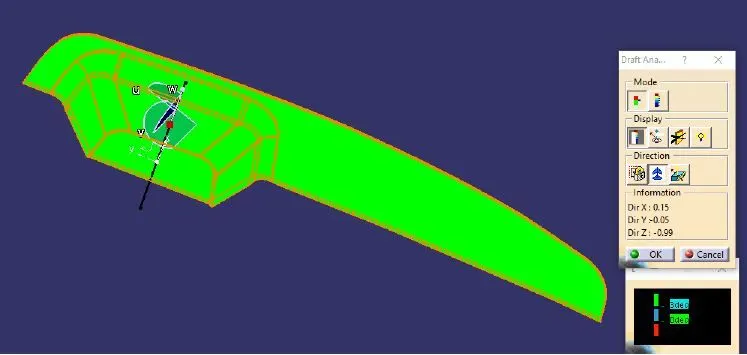
Draft analysis-
Conclusion- Core and cavity blocks for switch bezel component is created.