Week 8 - Challenge 6 - Core & Cavity Design
core and cavity
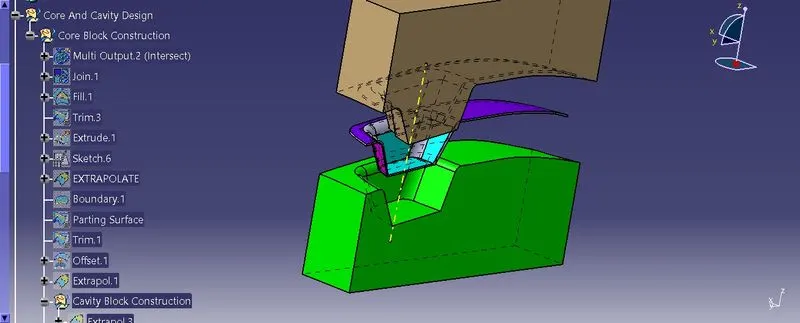
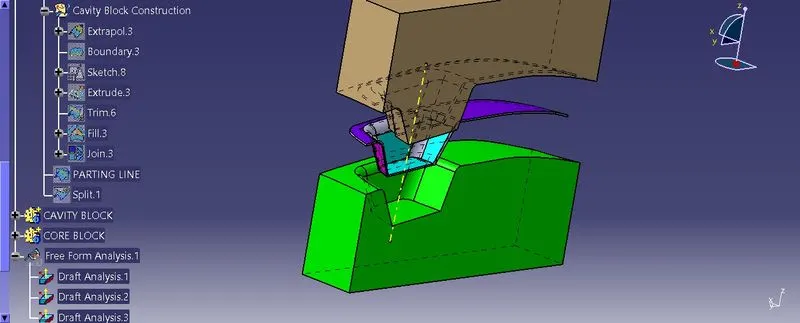
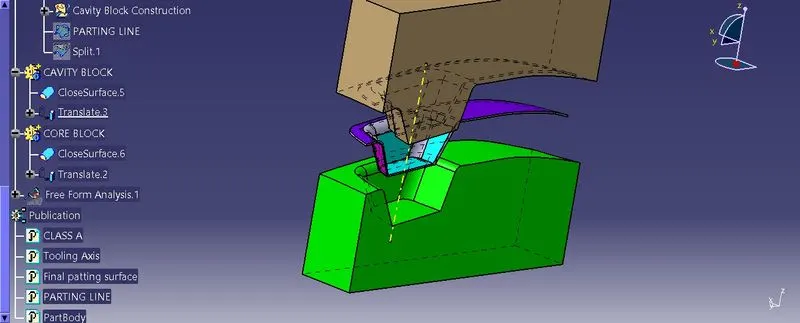
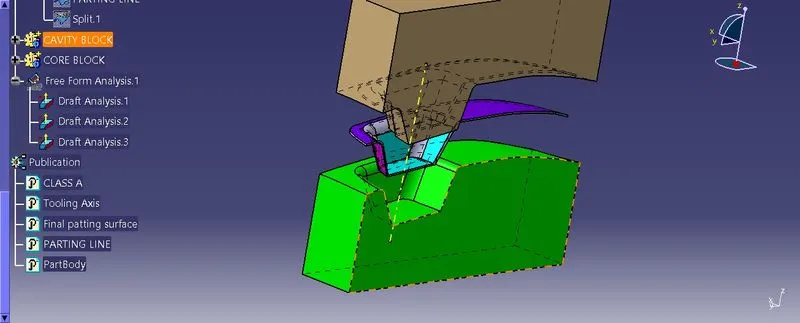
Aim: Create the Core and cavity blocks for the switch bezel designed in the earlier challenge.
The core is the part which forms the internal shape of molding. The cavity is the part which forms external shape of molding.Core is the side of the tool where the plastic part is injected from; also known as the bottom half of the tool. The upper half of the mold is called CORE.A tool with one impression is often called a single impression (cavity) mould. A mould with two or more cavities of the same parts is usually called a multiple impression (cavity) mould.
The outside of the enclosure will be a cavity in the A-side of the mold and the inside will be a core on the B-side.
Gonna work theparting line and the parting surface.
1ST to create a core side in the give switch bezel.
inser the geometric----name as core cavity design.
in the generative design.
extract the boundary of class A.
AND extrapolation the boundary.2
and extrapolation the class A.
length 15mm.
curvature and tangent
click ok.
unhide the class B surface and joinwith the class C.
Trim the class A with the C surface.
and trim the class B with trim.7
these are the face which for core and cavity.
Unhide the axis system. and sketch rectangular.
ensure it is in the part.
extrude the sketch .direction: tooling axis.
ok.
trim the extrude and parting line.
so this is how core gonna loook like.
go to fill----create boundary.and fill the boundry.
Insert a body and make a solid it.
click the closed and right click join.
join the fill and trim.
now this the core closed block.
to intersect them
1st element: zx axis plane.
second : closed surface plus parting line surface plus closed surface 1
NOW cavty design
extrude it ----- parting the sketch----tooling direction.
unhide the B surface trim
and trim it--- extrude and b surface.
go to fill----create boundary.and fill the boundry.
Insert a body and make a solid it.
click the closed and right click join.
join the fill and trim.
now this the core closed block.
NEXT intersect the zx plane.
insert a geometric name as paerting line.
should have a class A AND C which is gonna split with the B surface.
INTERSECT WITH THE CLASS B AND JOIN.3
--------
----------