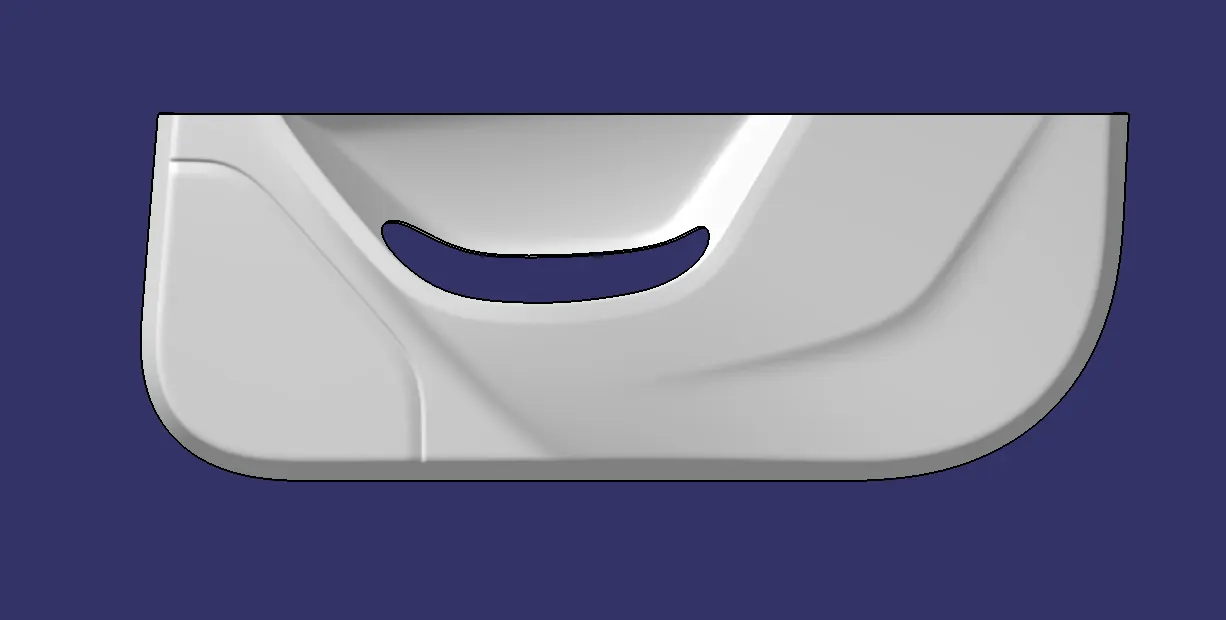
Desiging Door Trim Lower
TOOLING AXIS
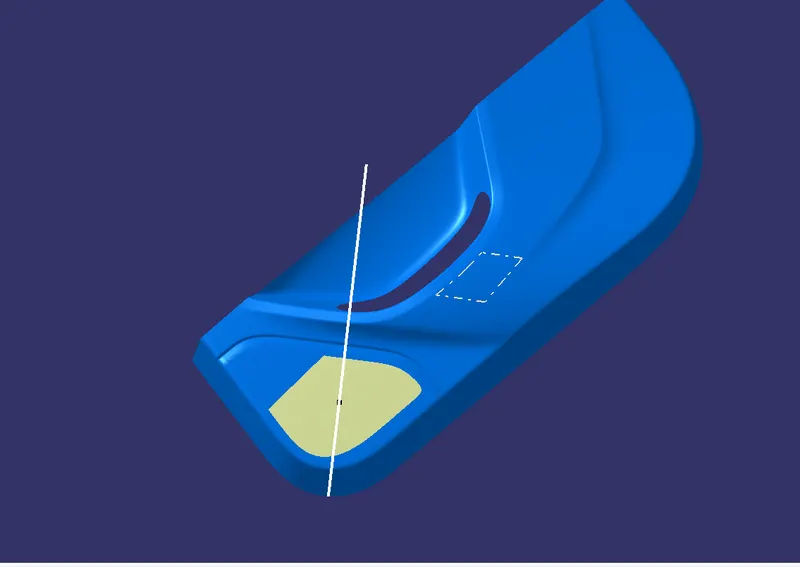
Here first we required tooling axis for draft analysis.Tooling axis is work as provided to direction for injection moulding as well as direction of draft angle where is check it right or wrong.So first wee extract tghe surface of class A and than create point on it use this point we create the line by using line command for proper direction which want to the draft analysis and this line knows as the tooling axis
CREATING TOOLING AXIS
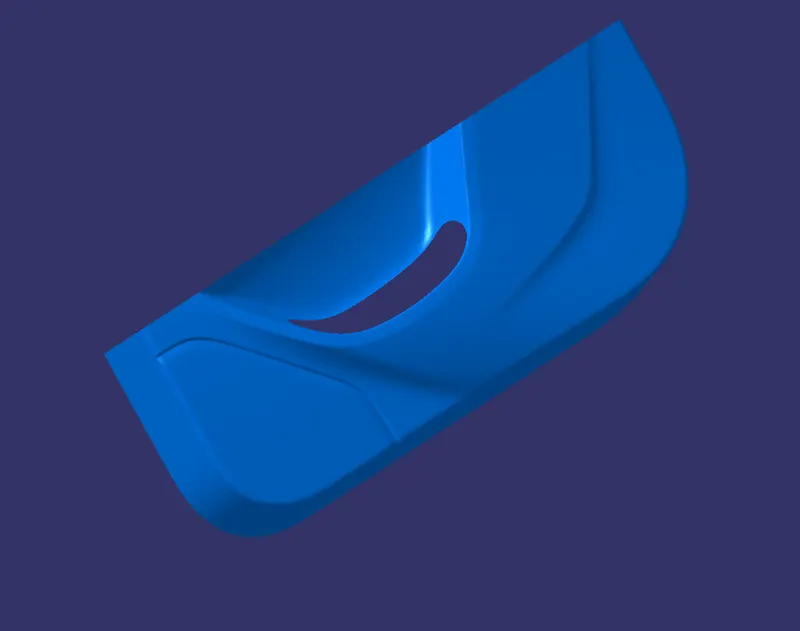
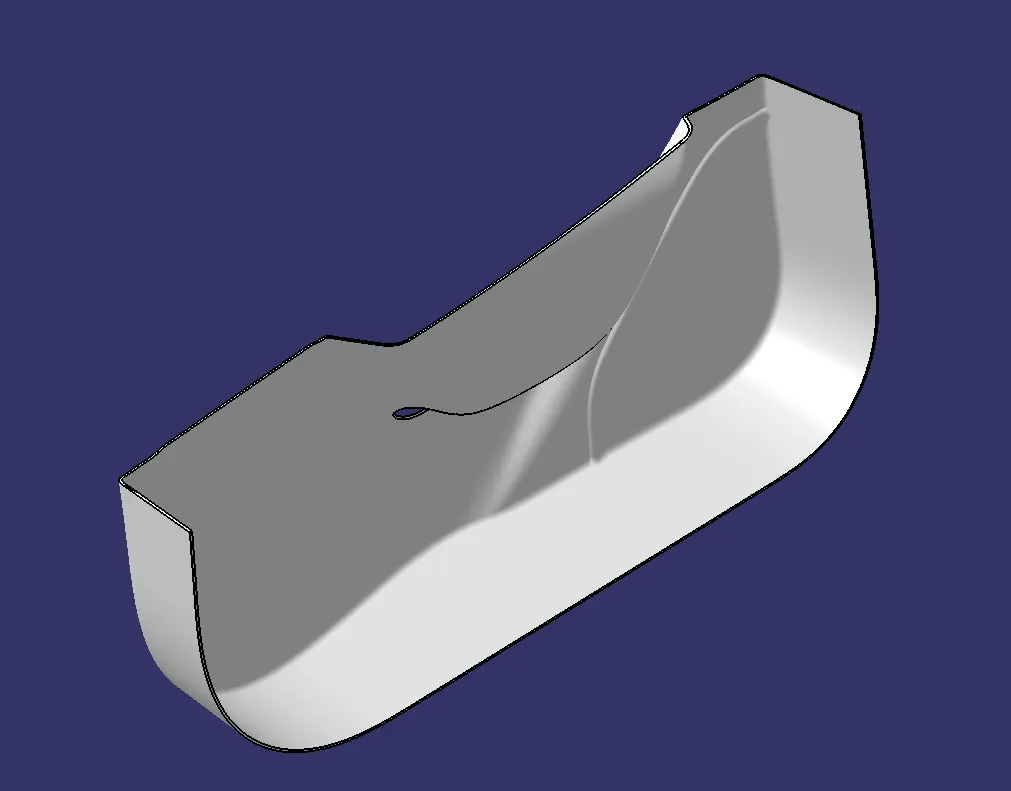
IN here y axis this whole section of door trim is visble so extact the flat surface from CLASS A SURFACE and make a point on the surface and create a line using line command and Y dirction That white line is tooling axis
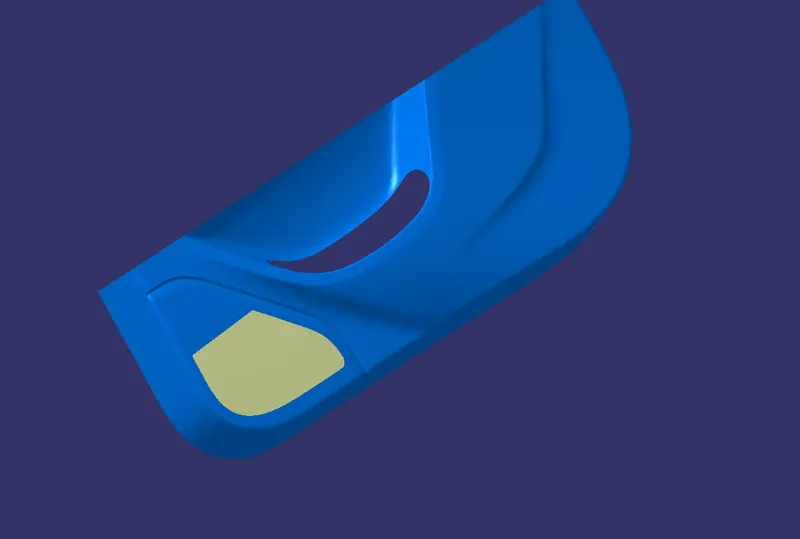
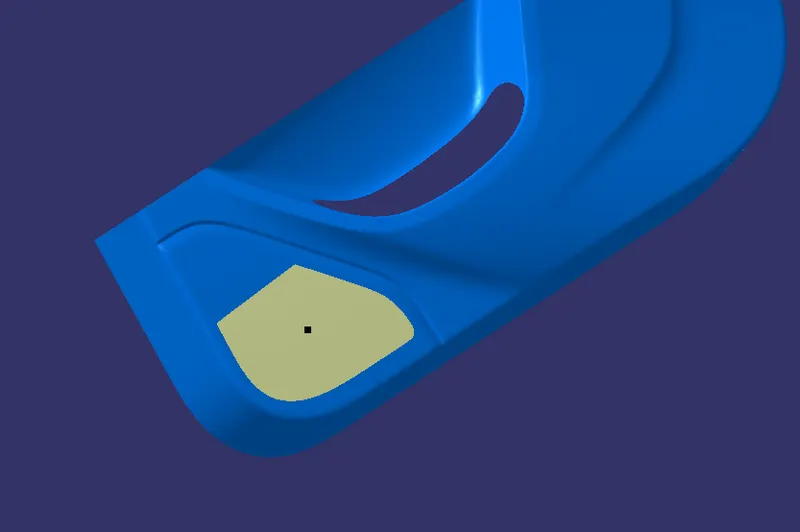
CLASS A SURFACE DRAFT ANALYSIS
In class a surface
INSERT > ANALYSIS >DRAFT ANALYSIS
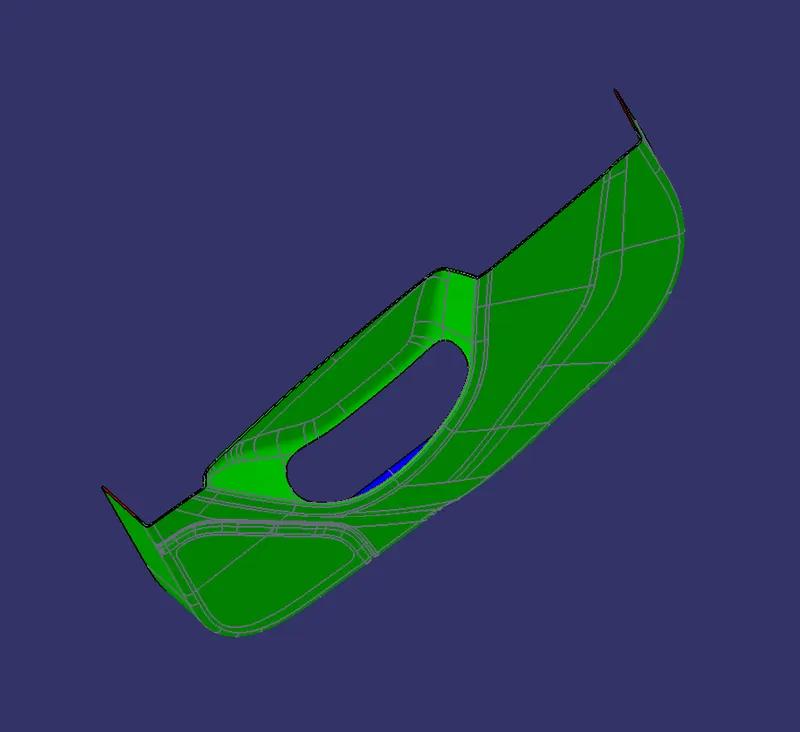
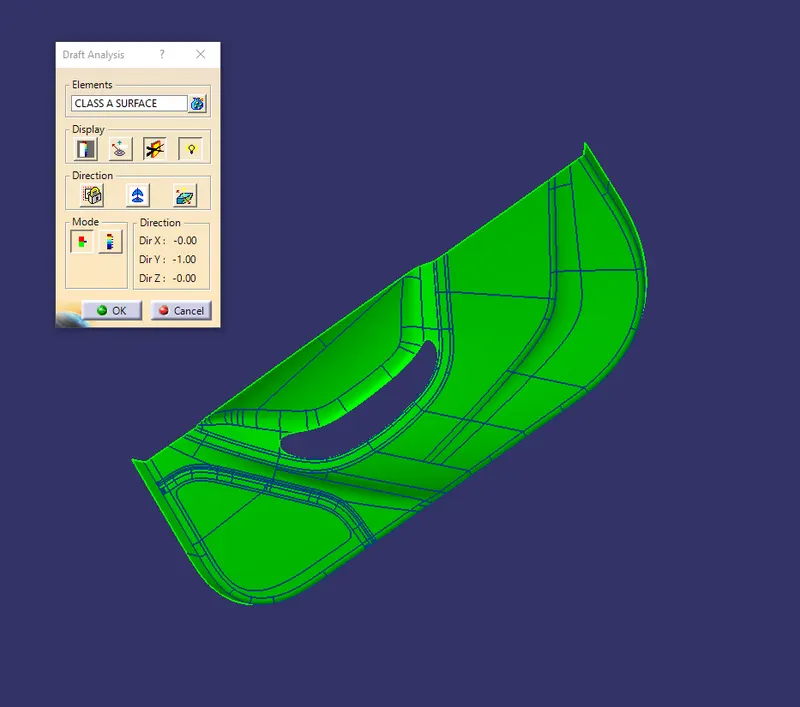
Now select element as class a surface and a compass icon in that table click it now compass is visble now drag the compass in the tooling axis now we got green in all surface so tooling axis is right and we can create B surface
CLASS B SURFACE
CLASS C SURFACE
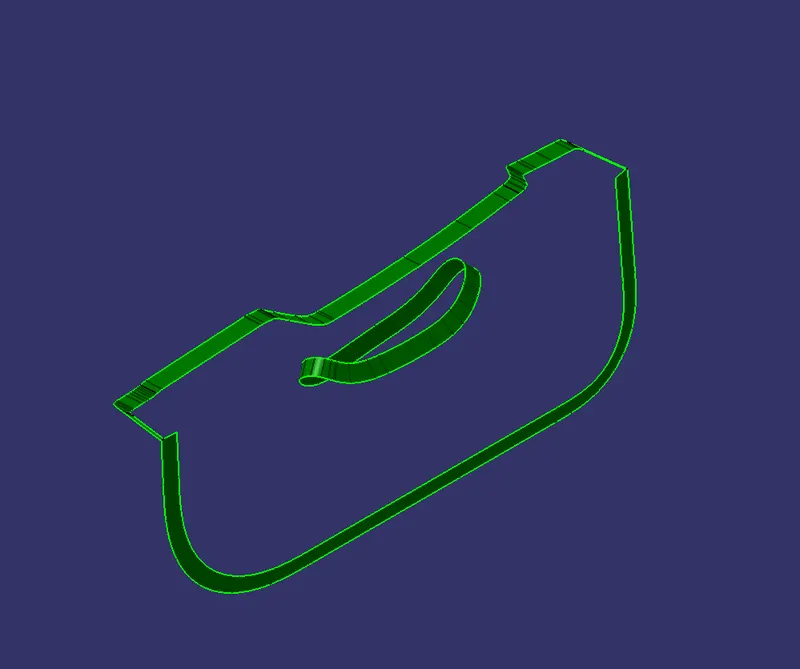
CLASS A +C SURFACE
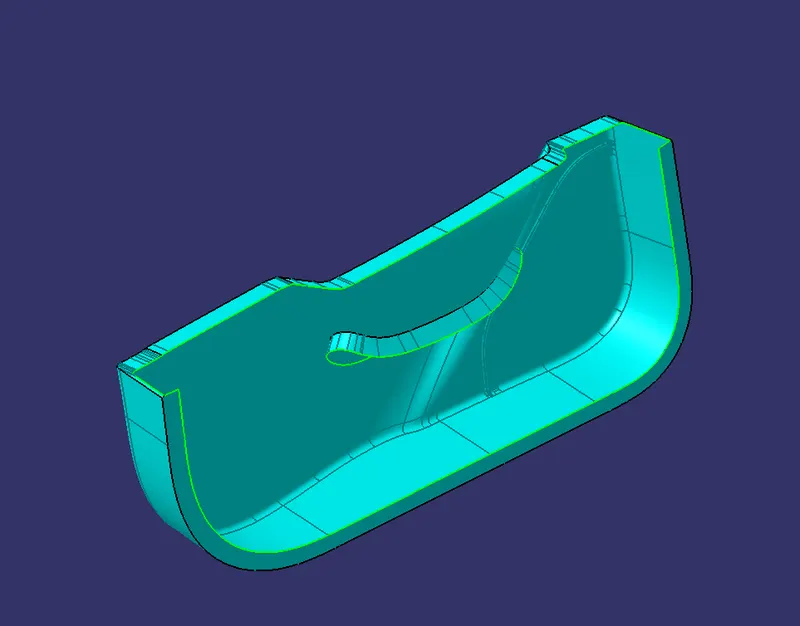
DOOR TRIM
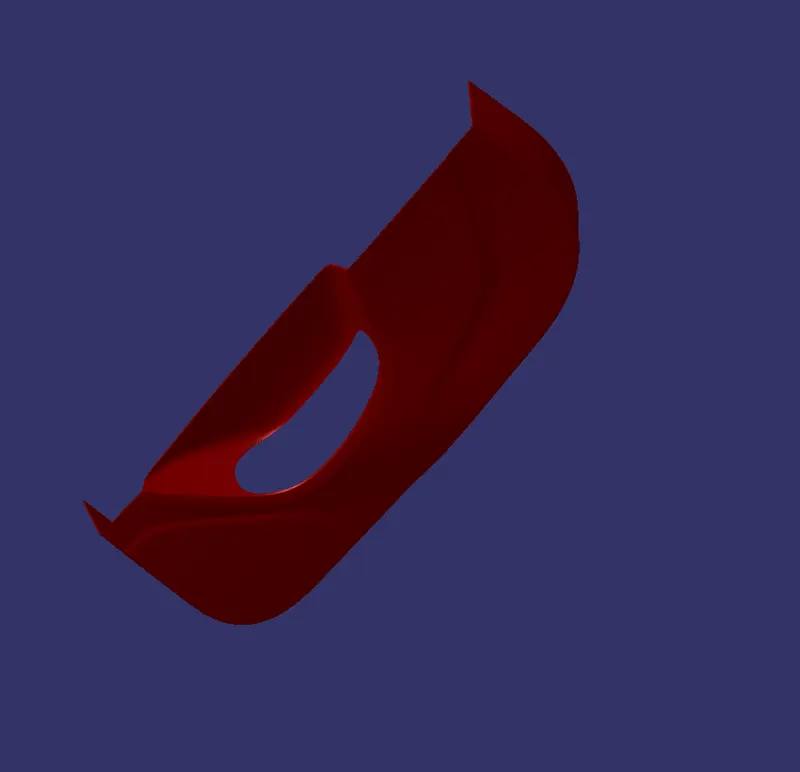
DOOR TRIM DRAFT ANAYLSIS REPORT
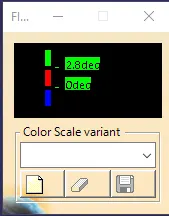
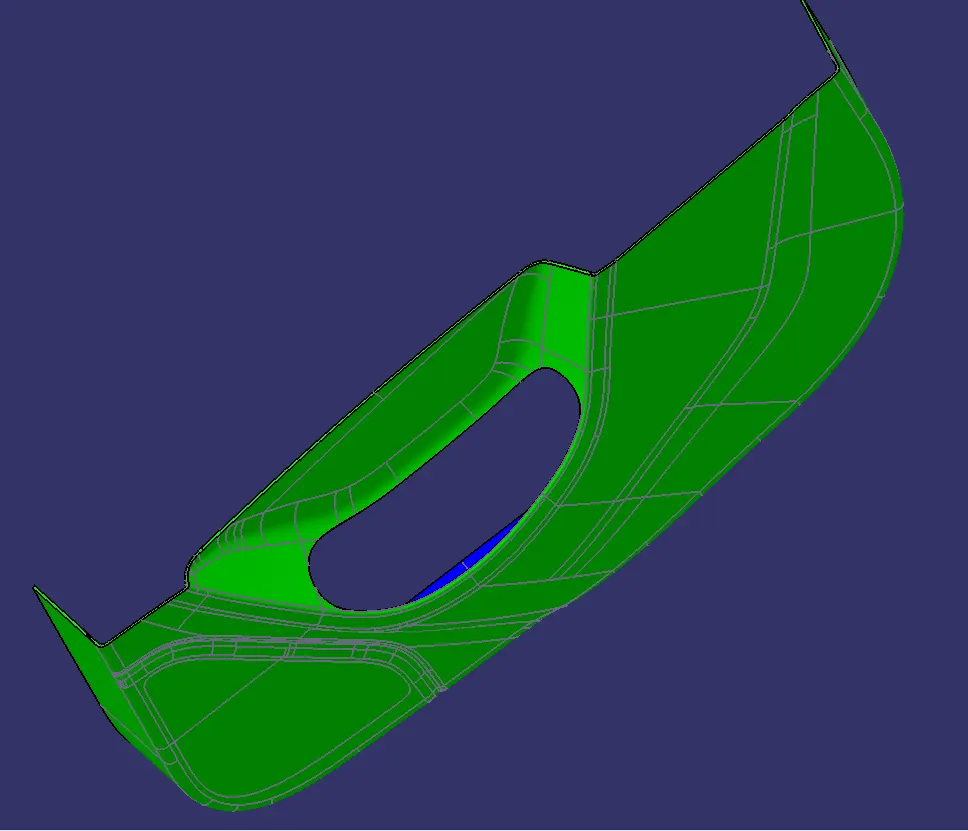
Here i got green in all surface at in angle of 2.8degree
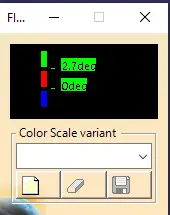
But same its red I checked it its angle is 2.75 to 2.79