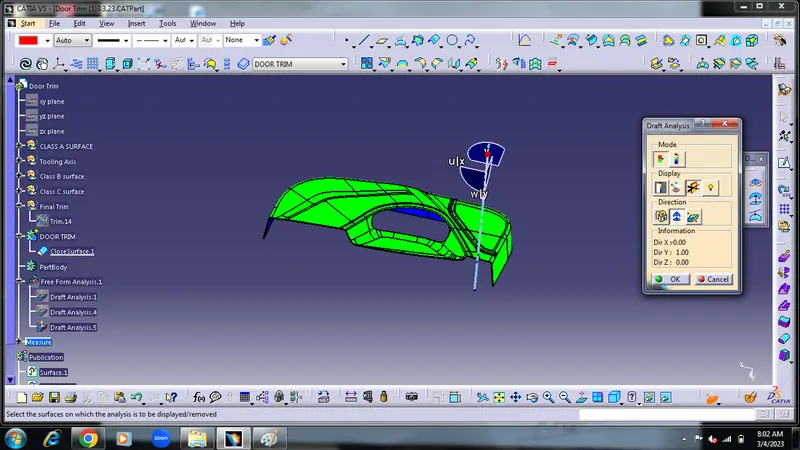
Week 8 - Challenge 5 - Door Trim Lower
1) 1st step to check given inpunt is ok or not ok
Class A surface -
1) Create Class A surface
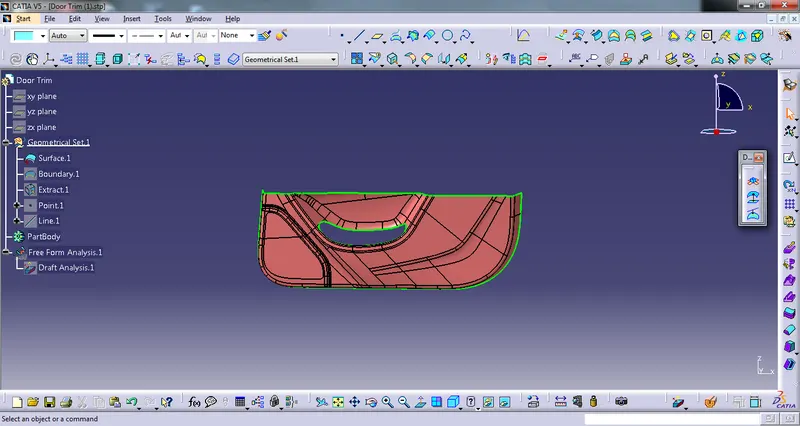
2) From given input use as a class A surface and colored it
3) Then create tooling Axis
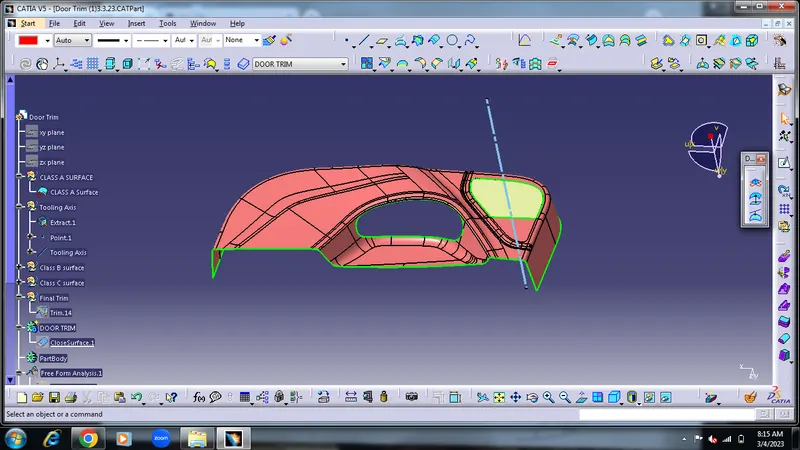
3) check the created class A surface by the Draft Analysis
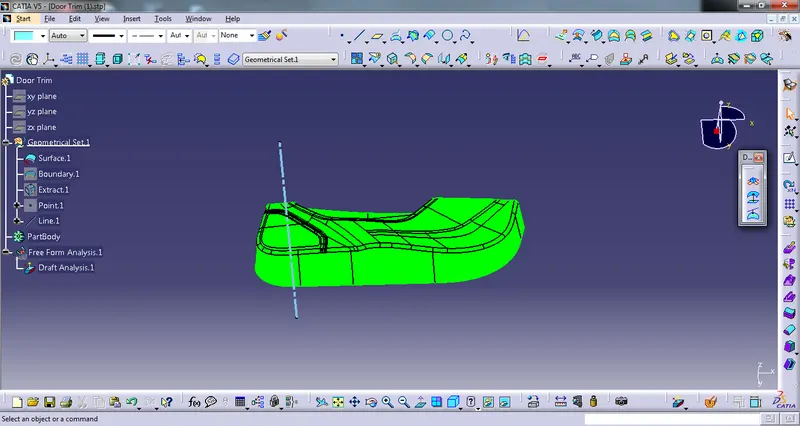
Class B Surface- For the class B creation we need class A surface
And that class A surface Offset by 2.5 mm
1) class A offset by 2.5 mm
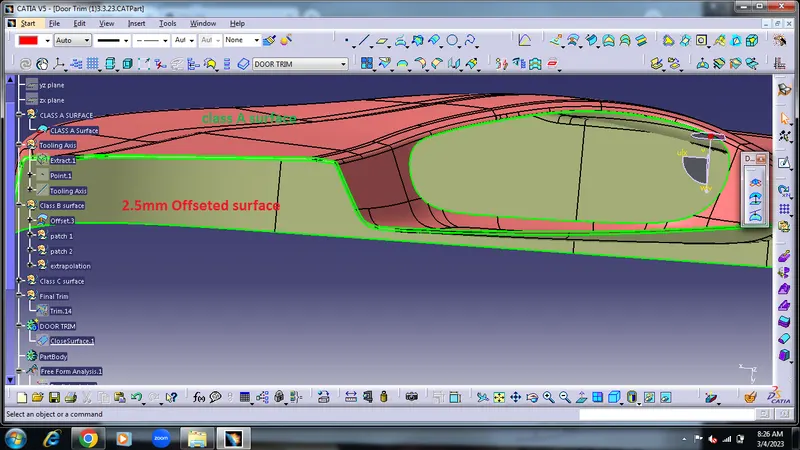
2) But when offset class A surface there is some opening surface like shown below figure
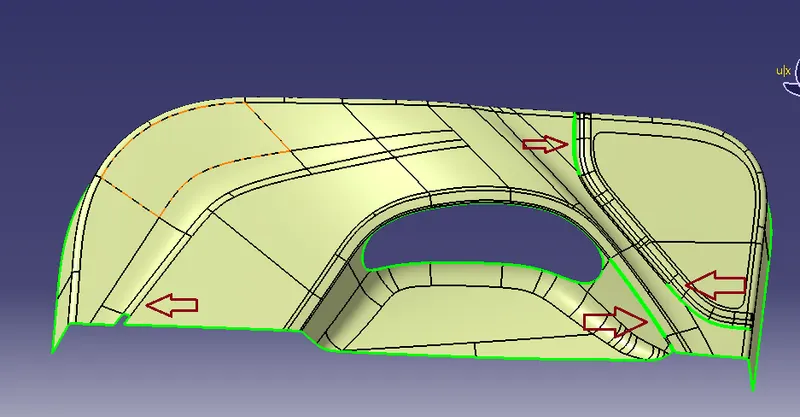
3) For filleng that patch seprated by 2 portion
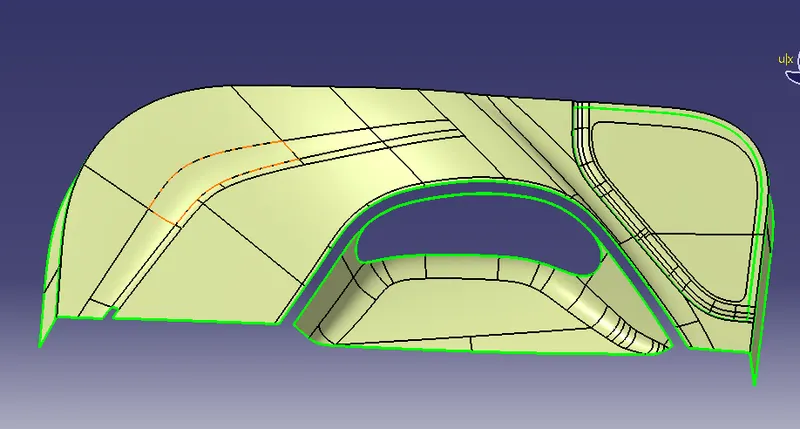 and
and
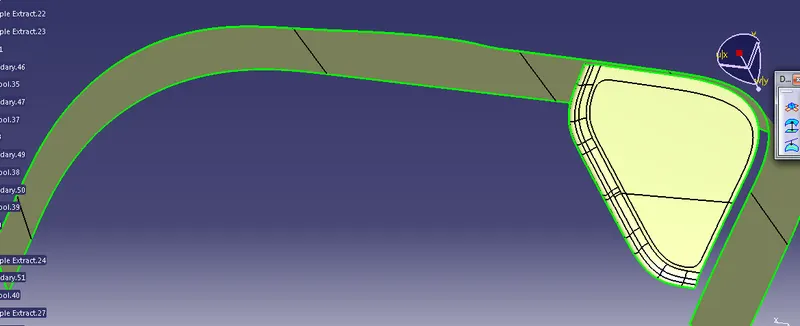
4) filling the patch by extrapolation surfaces
5) And join that All surfaces
6) at last fillet to the sharp edge because filled surface have sharp edge
7) and class B surface created and it looks like a
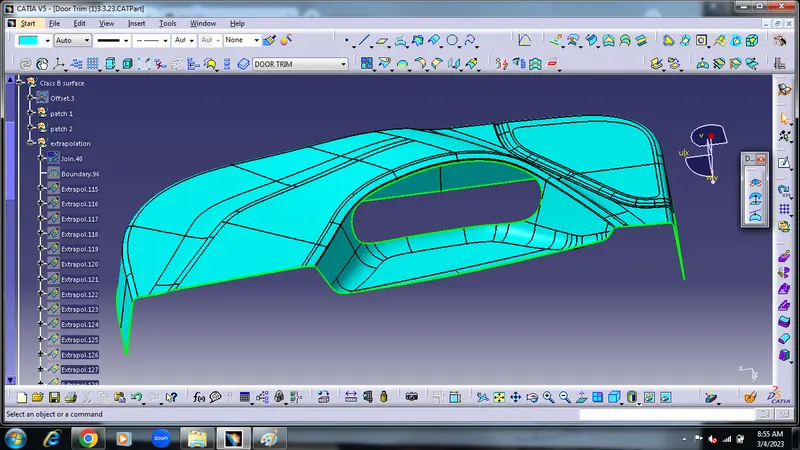
Class C surface -
For the class C surface creation need Class A surface
And from Class A create boundry And use sweep command
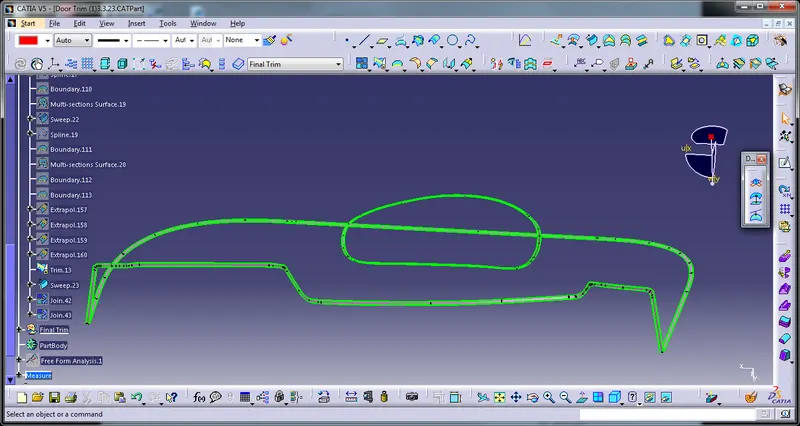
And Then join Class A + Class C surface.
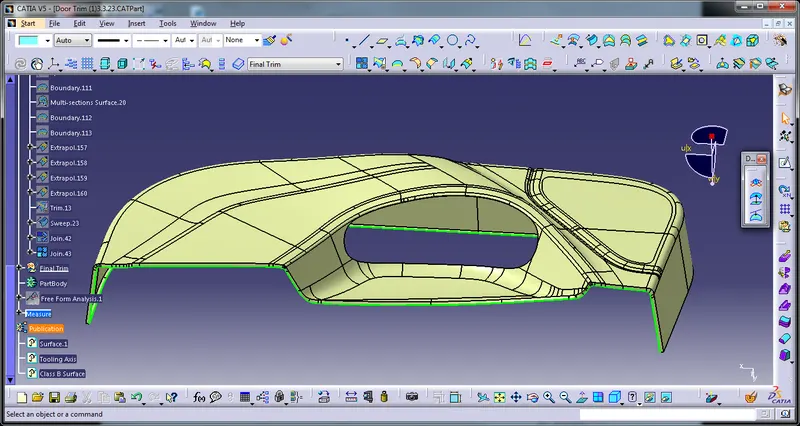
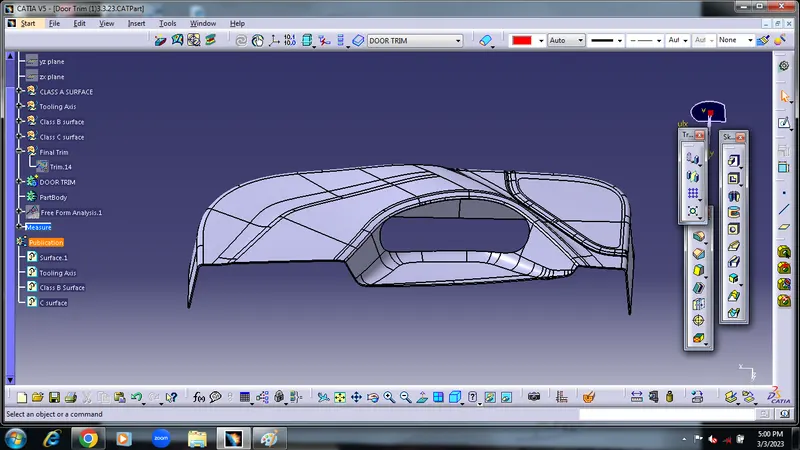
And At last A+c surface trim With Class B surface and get final object A+B+C surface
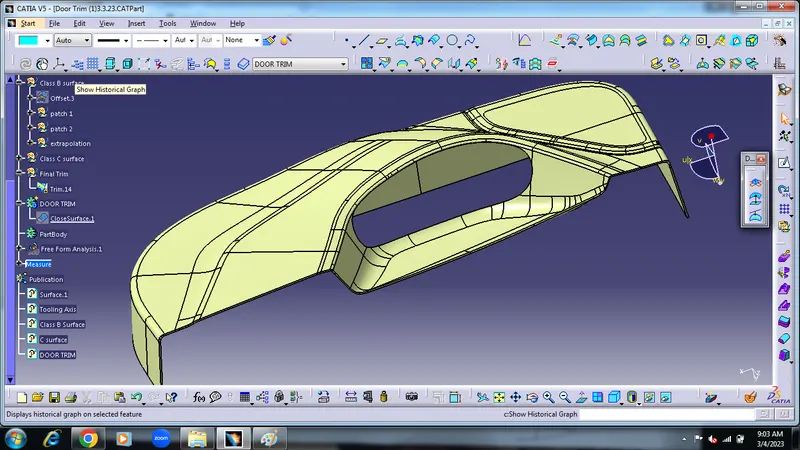
Close Surface -
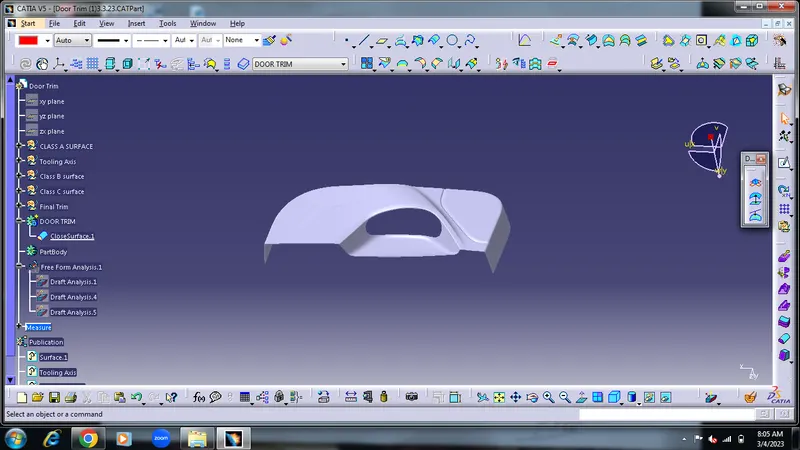
Draft Analysis- To check created close surface with the draft analysis