Week 8 - Challenge 5 - Core & Cavity Design
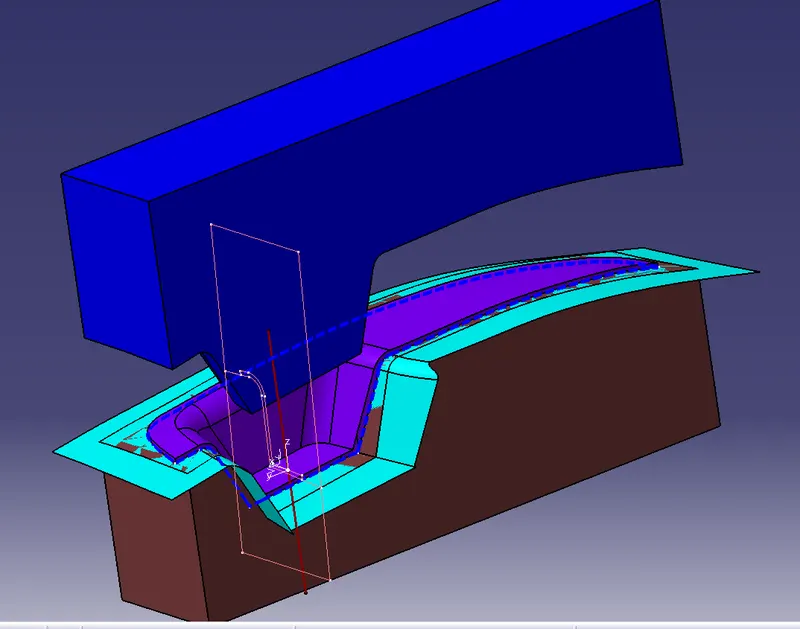
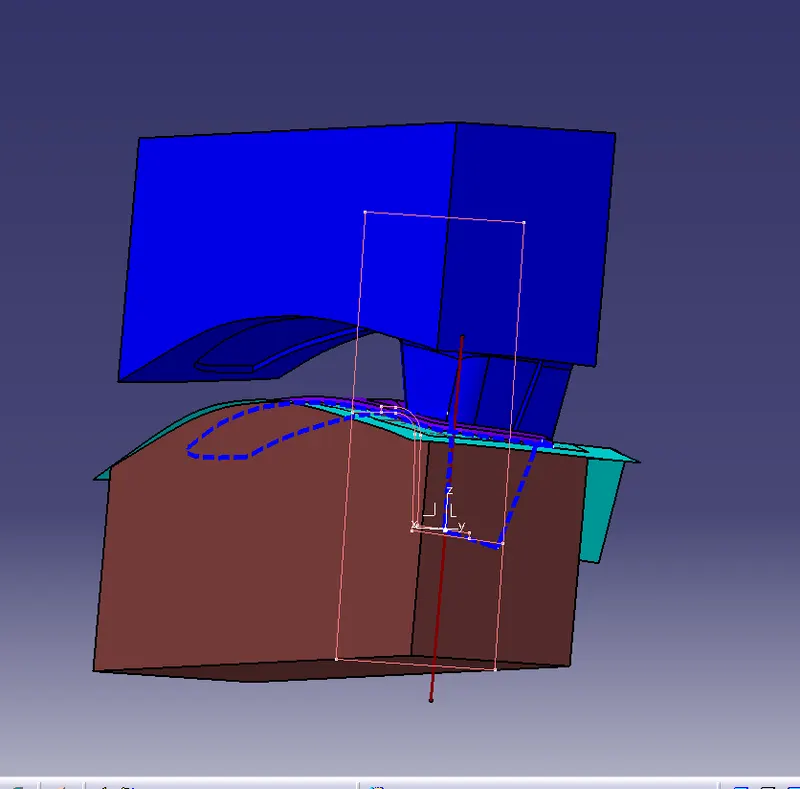
AIM:Create the Core and cavity blocks for the switch bezel.
PROCEDURE:
CREATING PARTING SURFACE:
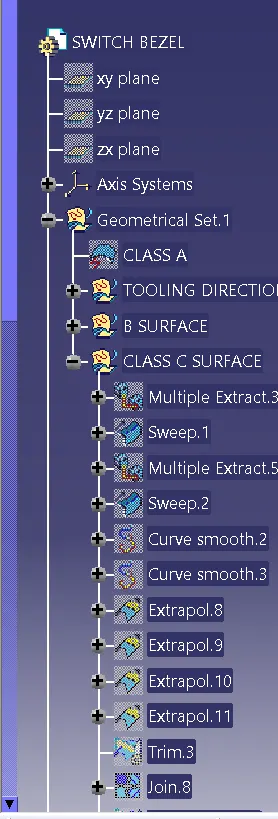
- Extract the class A surface up to 15cm.
- Un hide the b surface and trim with both surfaces.
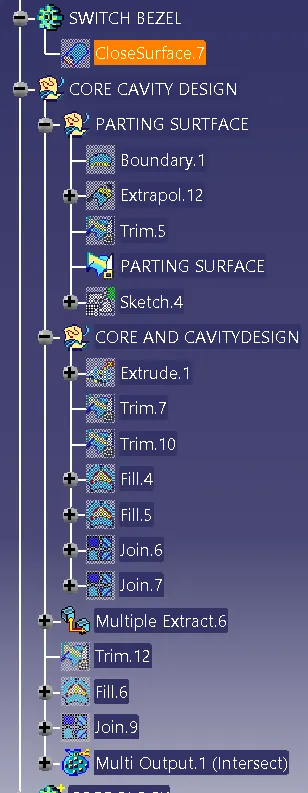
- create a parting line using with multiple extract option.around the class solid surface of the switch bezel.
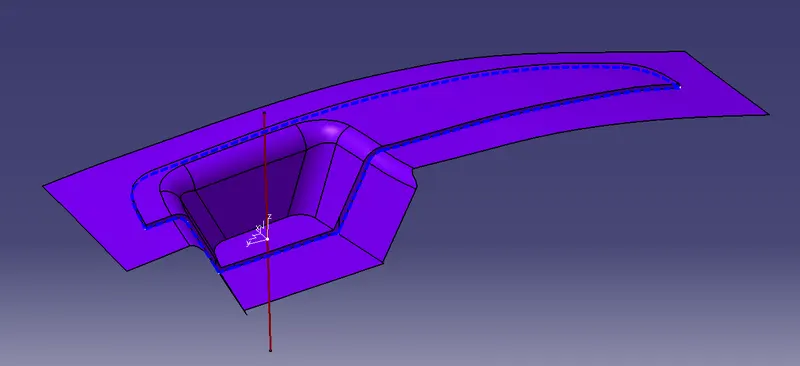
DESIGN CORE BLOCK:
- Create a rectangular sketch on XY plane.
- Extrude the surface using with sketch.
- Trim the ectrude surface with parting surface.than fill the surface with fill surface option.
FILL SURFACE > CREATE BOUNDARY >FILL SURFACE
- Than go to part dcesiogn and fill the suirface will gettig the solid surface of the core block
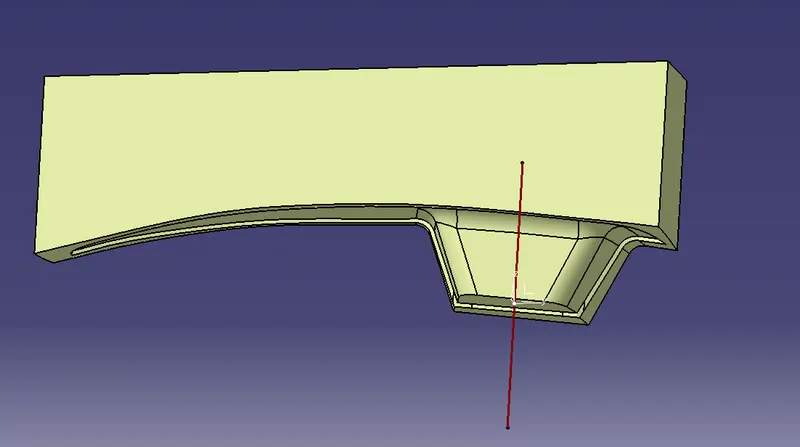
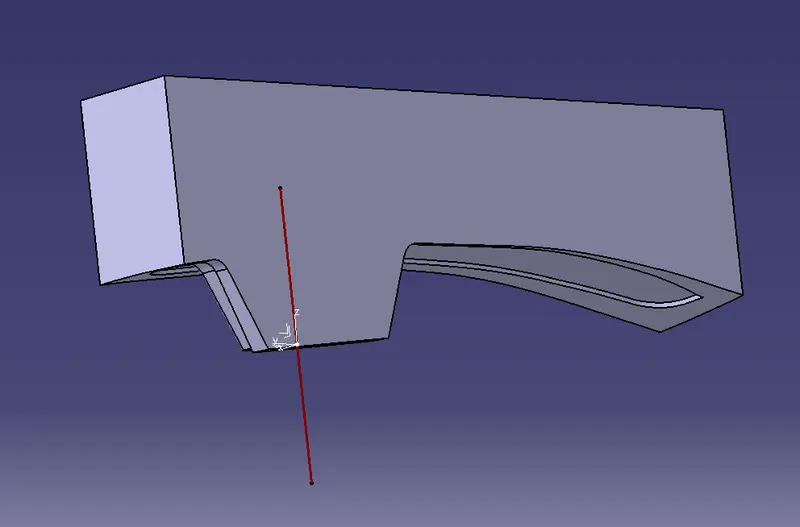
DESIGN CAVITY BLOCK:
- UN HIDE The B surfacfe and extrude surface.
- Trin=m the above both surfaces same as core block.
-
- Trim the ectrude surface with parting surface.than fill the surface with fill surface option.
FILL SURFACE > CREATE BOUNDARY >FILL SURFACE
- Than go to part dcesiogn and fill the suirface will gettig the solid surface of the cavity block
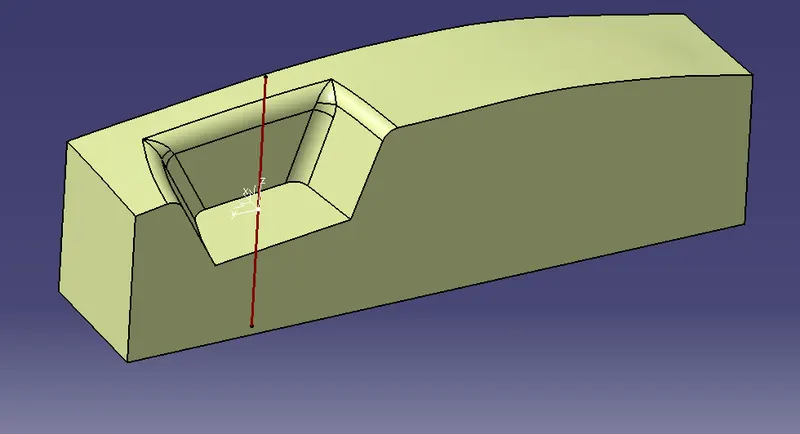
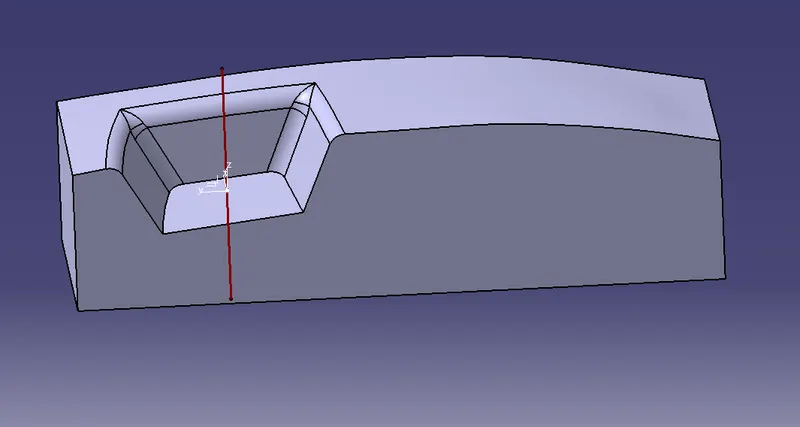
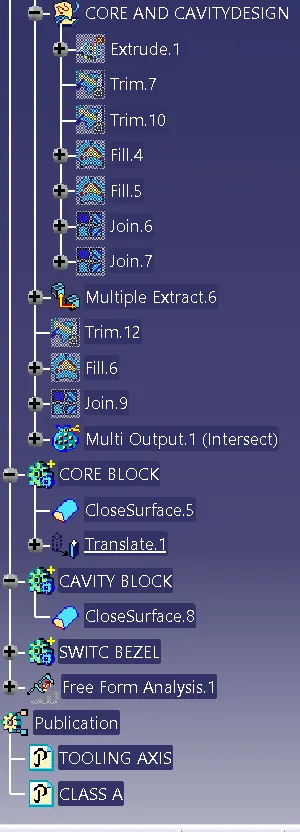
- In part design translate the core from the cavity.
- crate a intersection between the core and cavity blocks for easy to visible gap beyween core and cavity blocks
- blue block is core and brown block is cavity .
CONSTRUCTION TREE: