Week 8 - Challenge 4 - Coin Holder Design
AIM
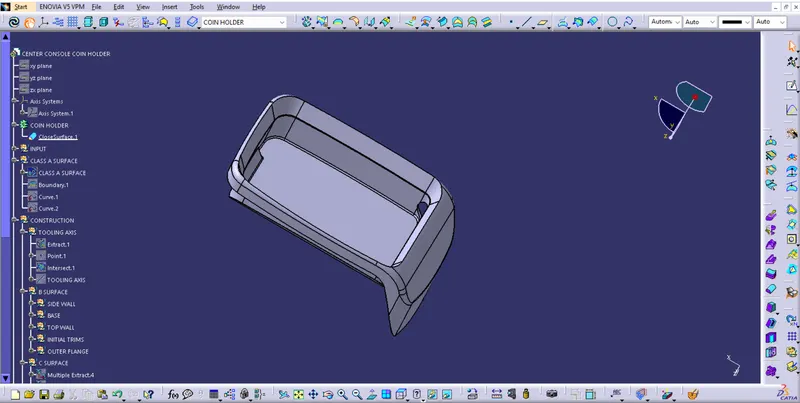
Create the Coin Holder Plastic component through the given Class-A surface. To begin with, the tooling axis for the given Class-A Surface should be created meeting the requirements of the draft angle and at the end perform the Draft analysis on the model.
PROCEDURE
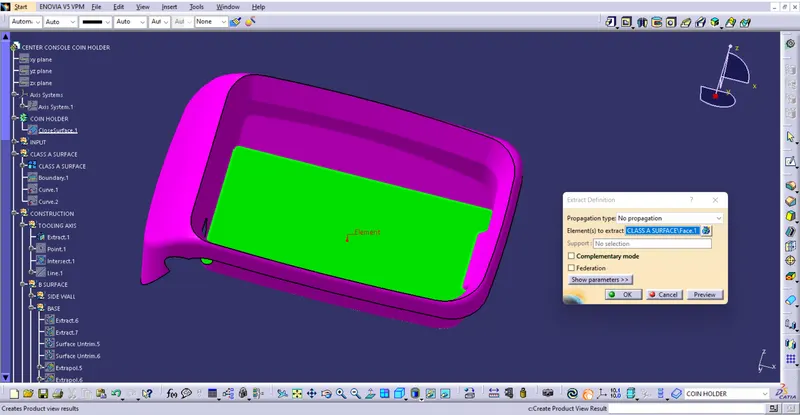
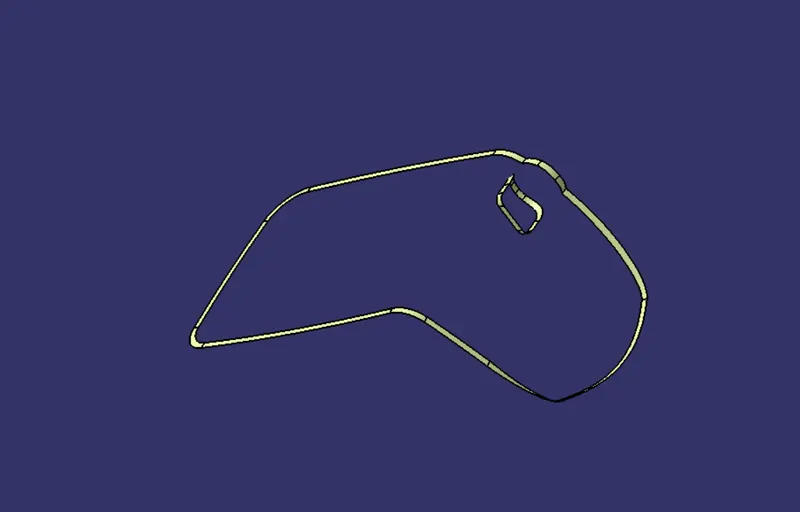
Extracting the base surface using extract tool.
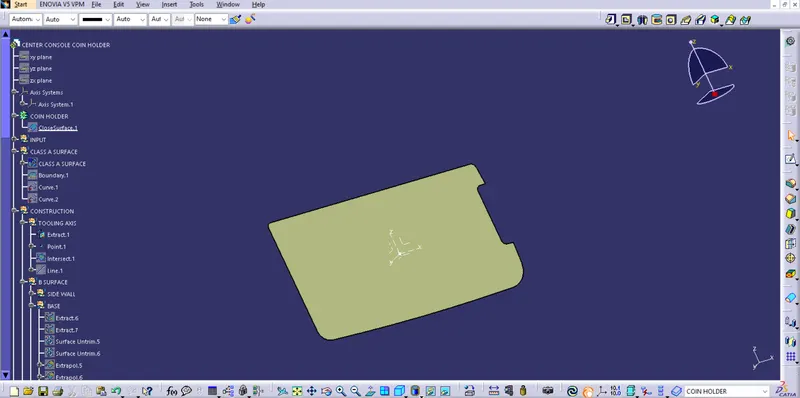
A point is created on the center of surface using point tool and a axis system is created at that point.
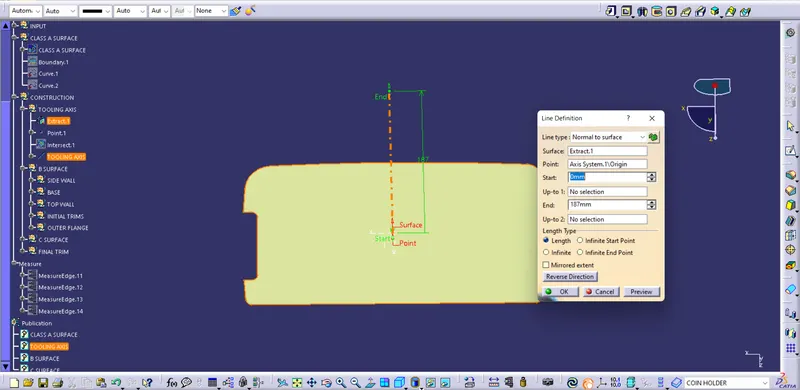
Here tooling axis is perpenticular to the base surface. So tooling axis is created at the reference point byy using line tool with line type as normal to surface.
To perform draft analysis on the model:- Go to menu bar > select insert > Analysis > Feature Draft Analysis. To give the draft direction, use the compass and align Z-axis of it with the tooling axis. Once it properly aligned, lock the draft direction. A red point shown in the screen, select Base Bracket and it will show us the current of the model. Then go to display tab on draft analysis and select show Colour scale option and it will show the draft value. Set the Draft value to 3 deg under the colour scale variant and press ok.
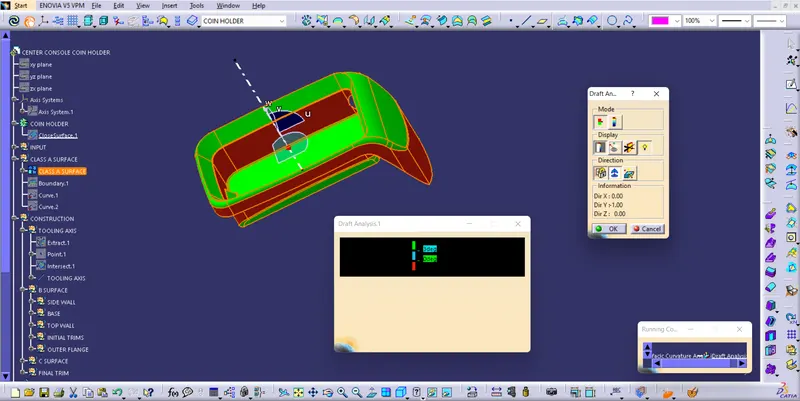
Draft analysis report on final plastic component.
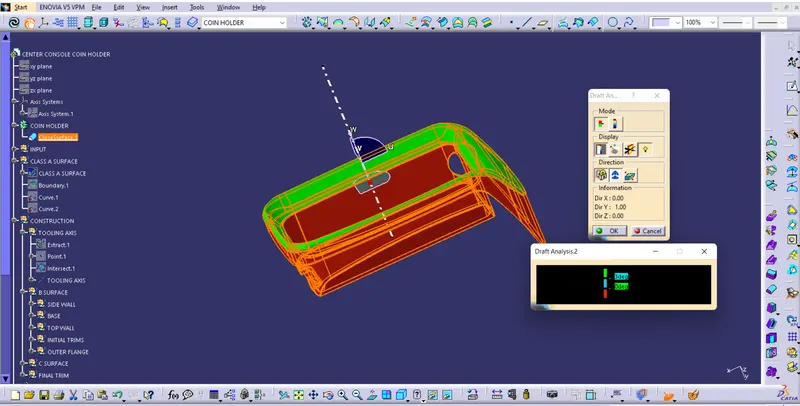
VIEWS
ISOMETRIC VIEW
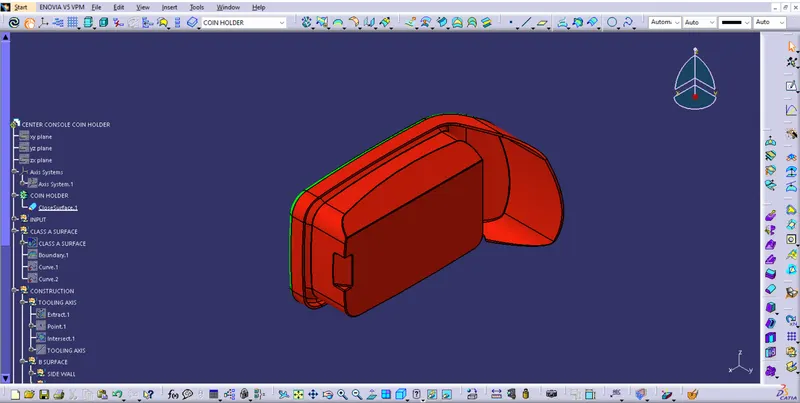
FRONT VIEW
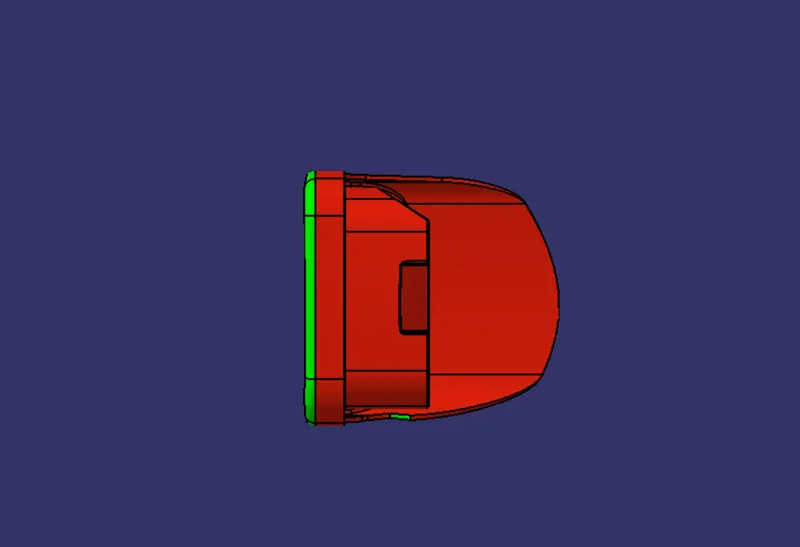
SIDE VIEW
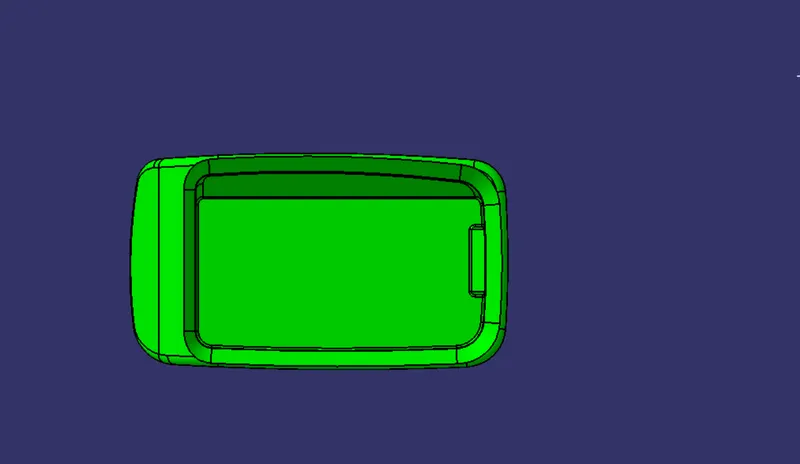
TOP VIEW
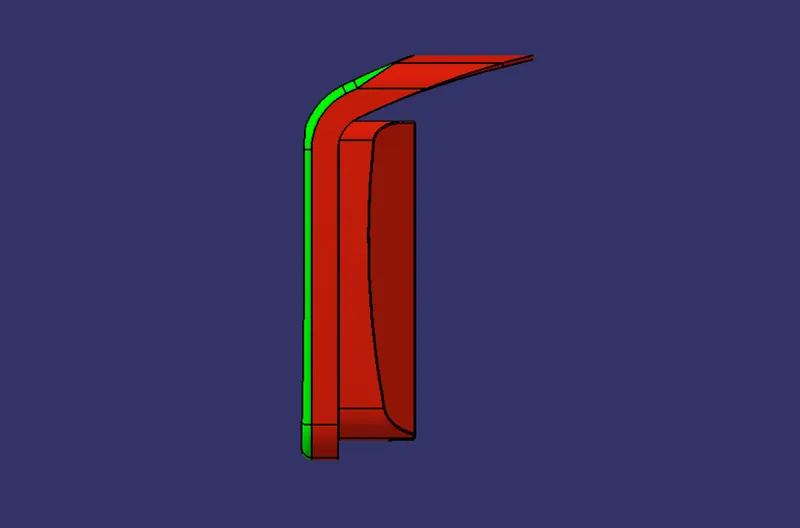
CLASS A SURFACE
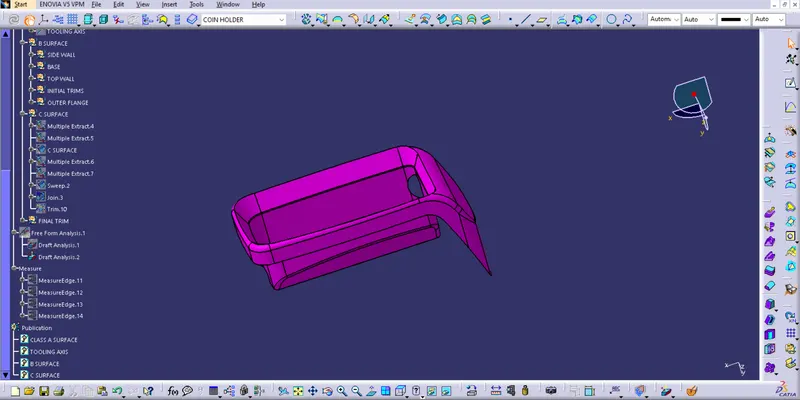
CLASS B SURFACE
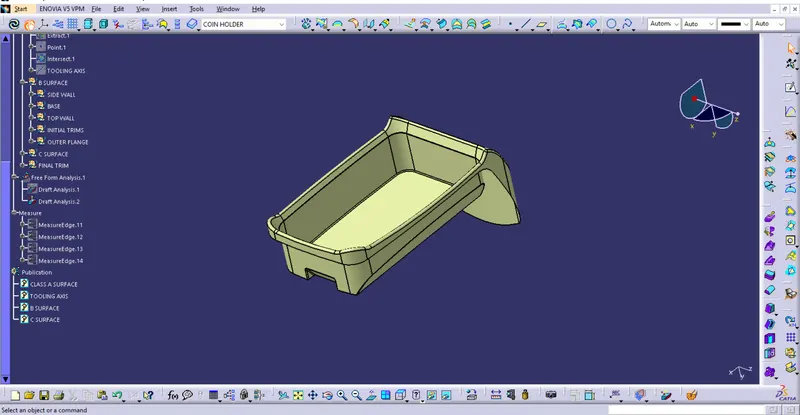
CLASS C SURFACE
SOLID BODY