Week 8 - Challenge 4 - Coin Holder Design
Coin Holder
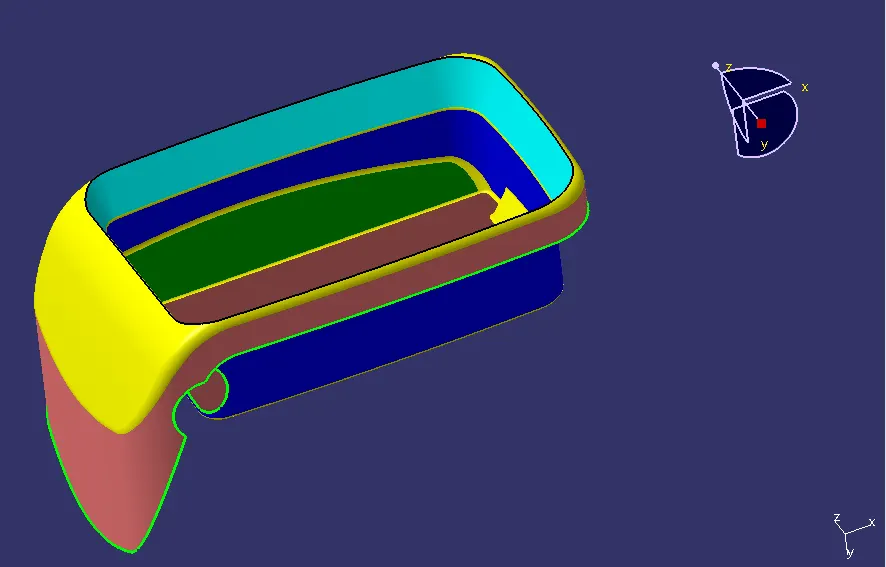
Create the Coin Holder Plastic component through the given Class-A surface. To begin with, the tooling axis for the given Class-A Surface should be created meeting the requirements of the draft angle and at the end perform the Draft analysis on the model.
Take the Thickness of the component to be 2.5 mm
Procedure
Step 1 Import Class A surface
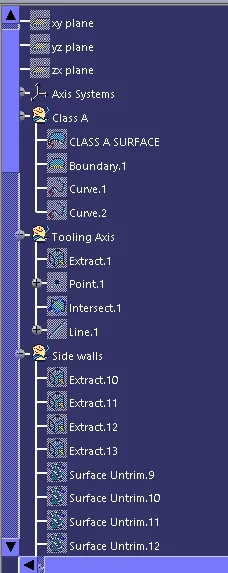
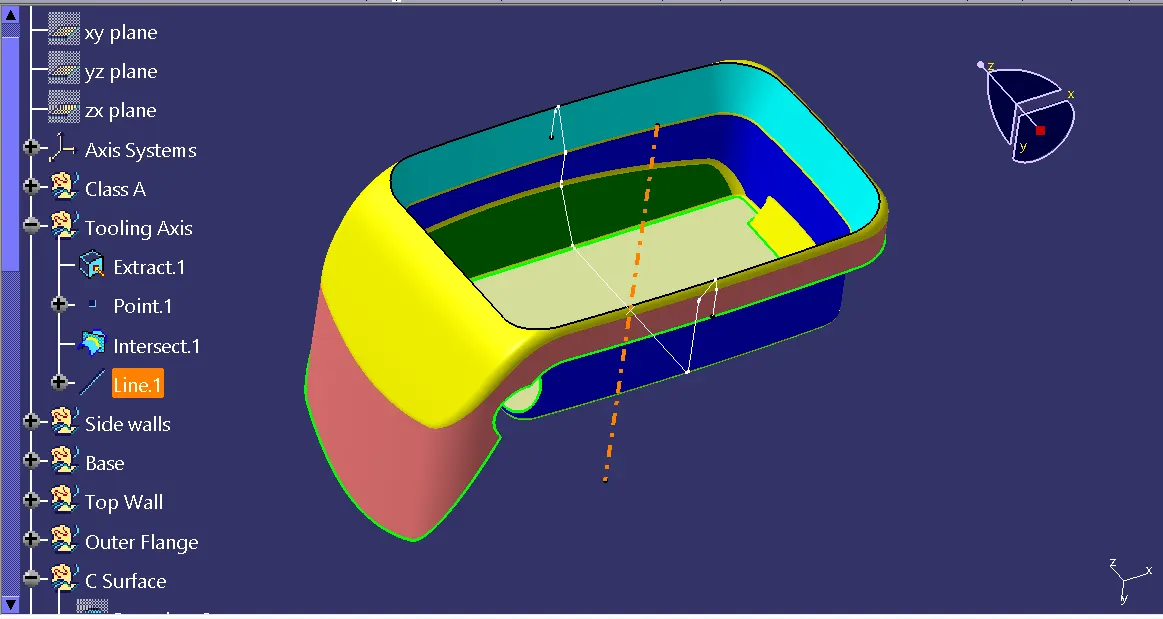
Step 2 Creating Tooling Axis
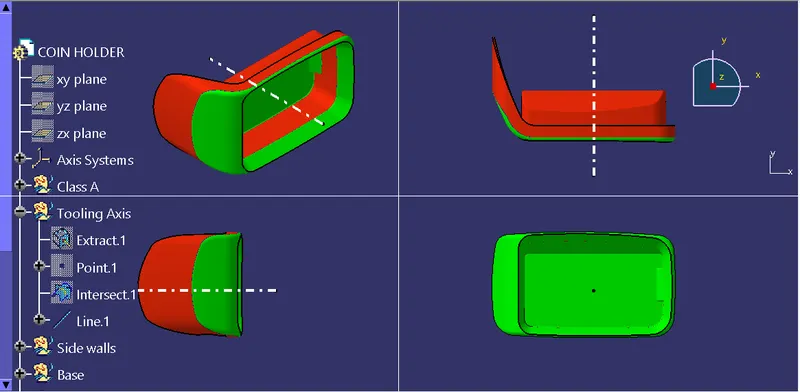
We will extract the base surface of class A and create a point and form intersection to construct tooling axis (Orange dotted line).
Creating B surface from classs A
B surface is the replica of class surface which is offset at certain distance.
Here we have divided B surface into four components
- Side Walls
- Base
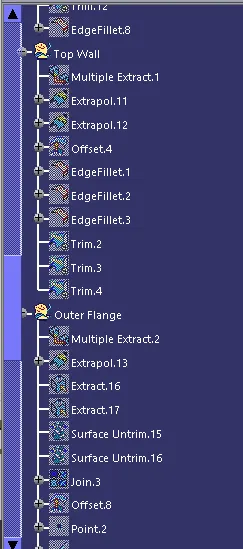
- Top Wall
- Outer Flange
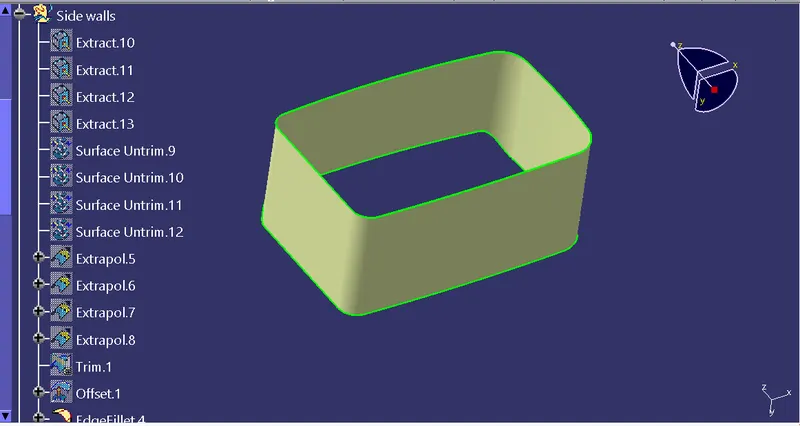
Creating Side Walls
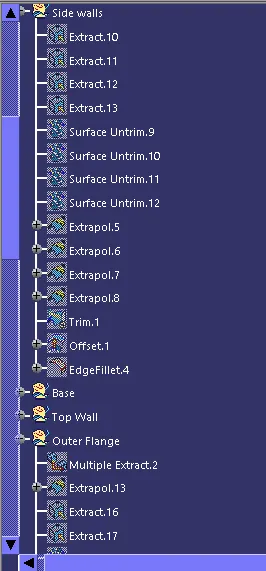
Extract the four walls < Untrim them < Extropolate them < Trim the togather < Offset trim at 2.5 mm
We will get the final side wall trim.
Creating Base
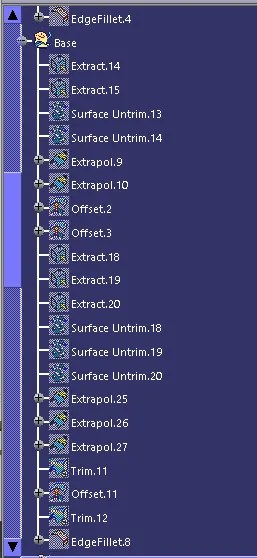
Extract the base < Untrim it < Extropolate it < Trim it < Offset trim at 2.5 mm
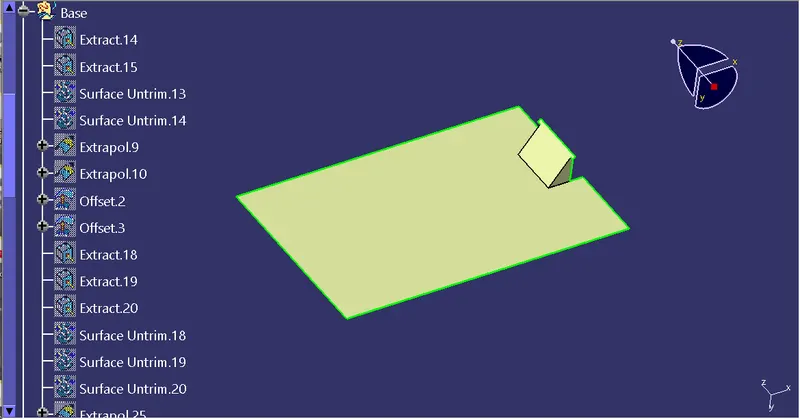
Afterward we will trim side wall and base togather to form single trim.
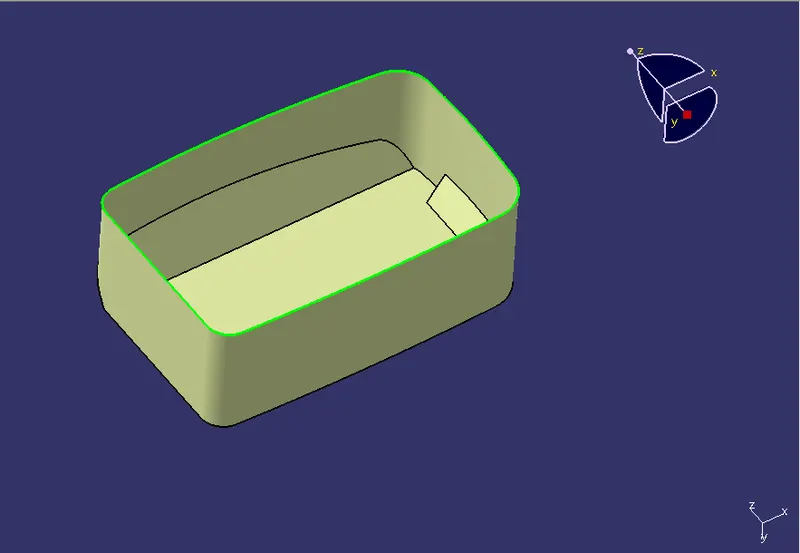
Creating top wall
Extract the top wall < Untrim it < Extropolate it < Trim it < Offset trim at 2.5 mm < Fillet corners as per Class A
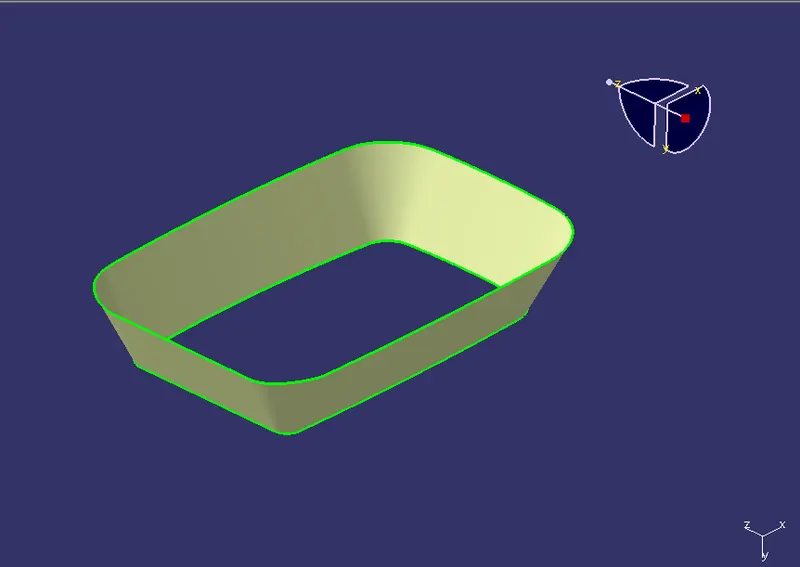
Afterwar we will trim them togather to form single trim
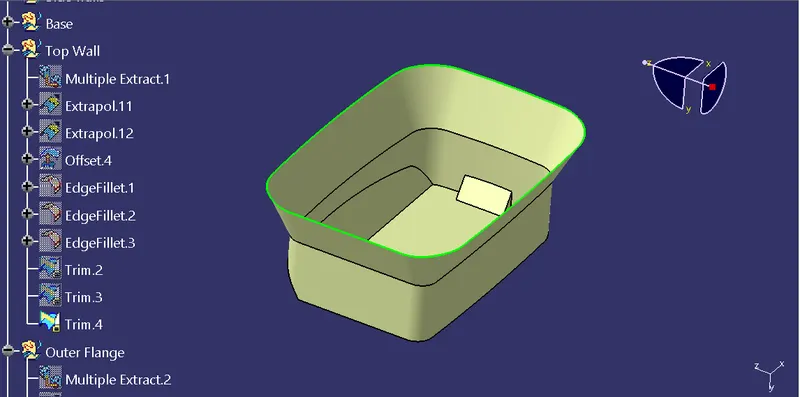
Creating outer flange
Extract the outer flange< Untrim it < Extropolate it < Trim it < Offset trim at 2.5 mm
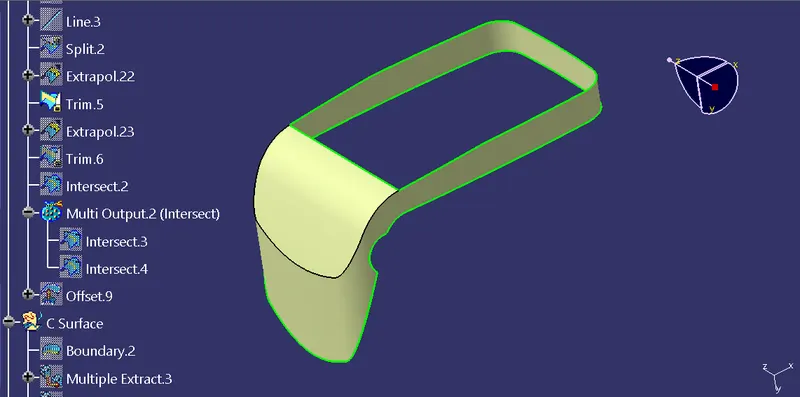
Now we will trim outer flange with previous trim to get final B surface at a offset distance of 2.5 mm.
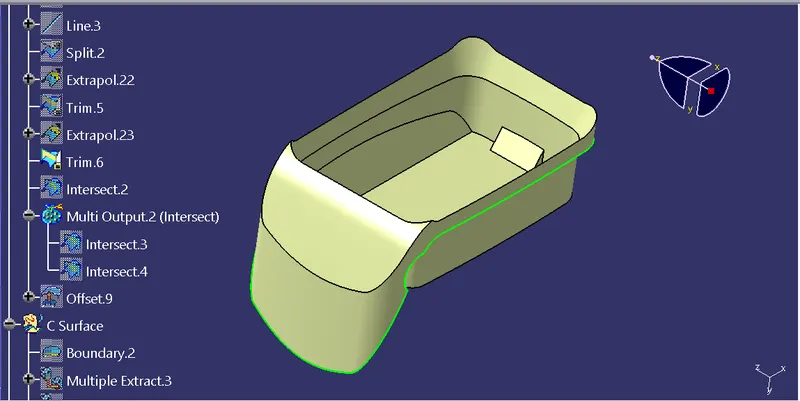
We will create fillets to eliminate sharp edges.
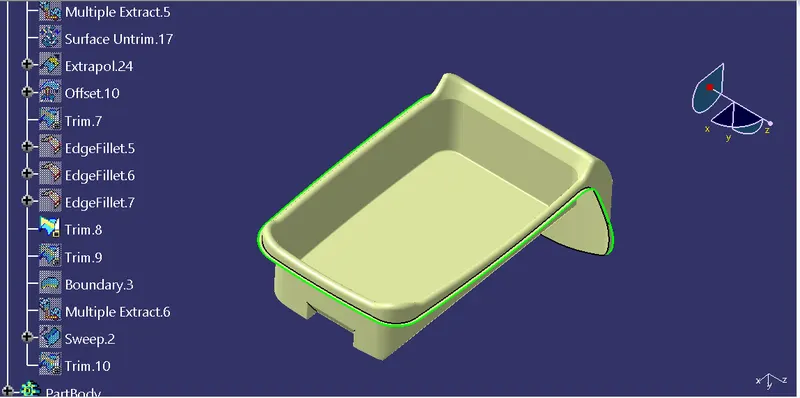
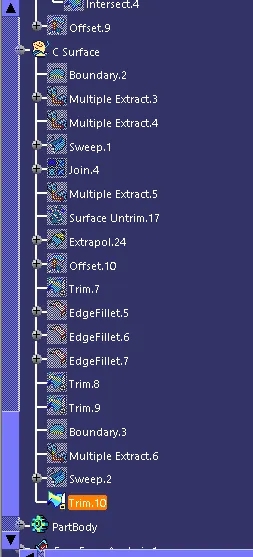
Creating class C surface.
We will extract the outer flange and create boundary of class A surface. Then using sweep feature with reference surface as type and will create c surface.
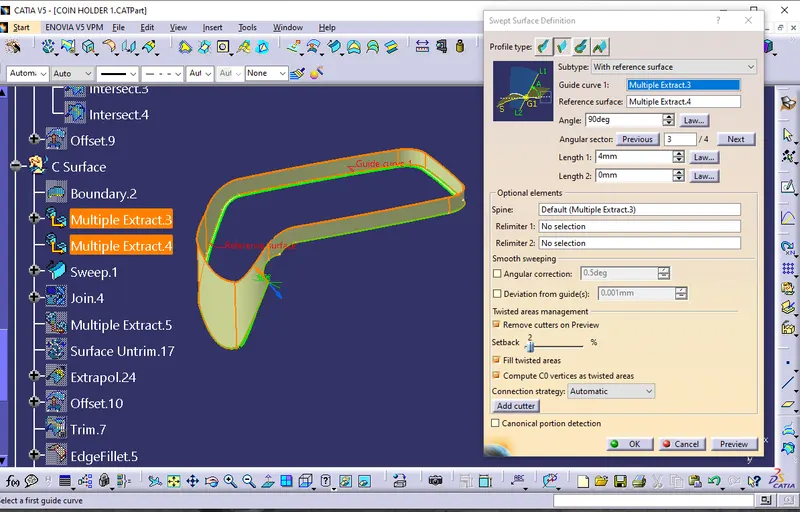
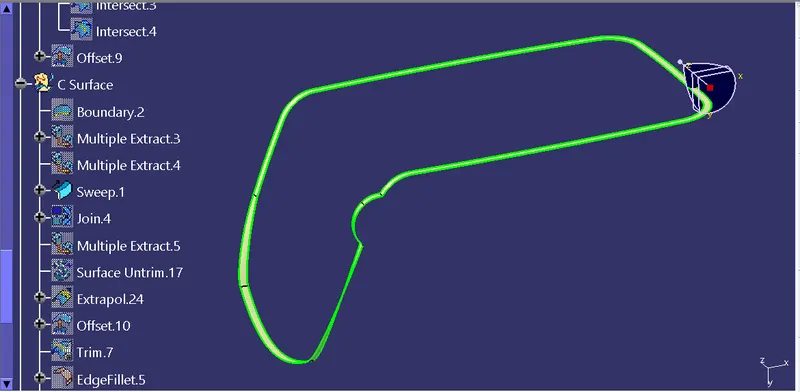
We will trim C surface and previous trim to get class b & c surface.
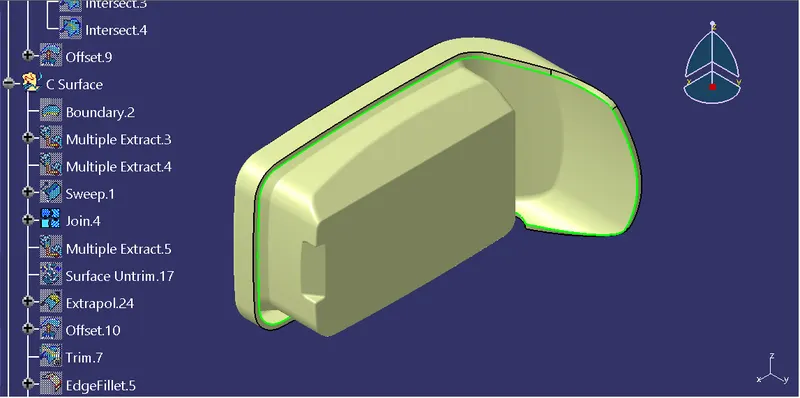
We will perform similar operation for other circular hole in the coin holder.
Final Trim
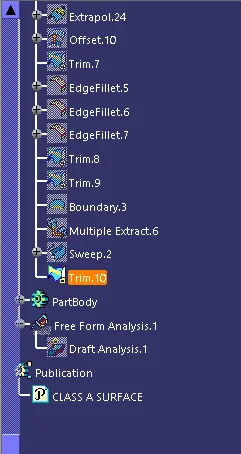
Now we will trim Class A and previous class B & C togather to get final output.
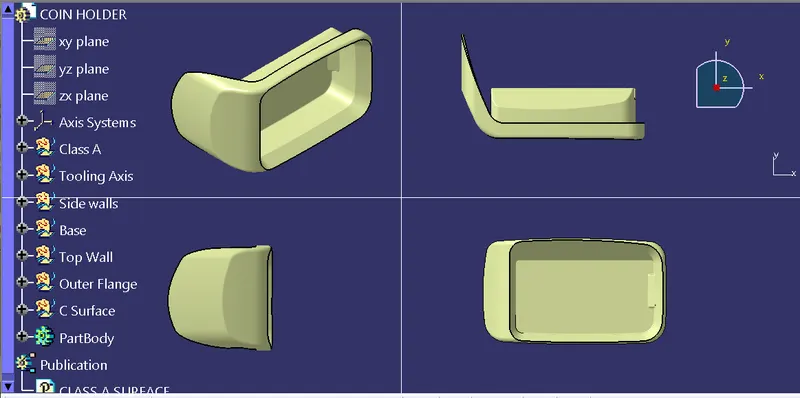
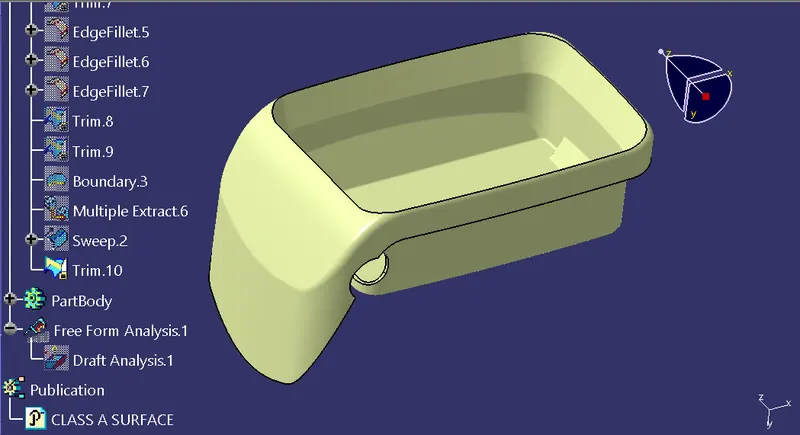
We will convert the final output into solid by opening part file and selecting command form solid.
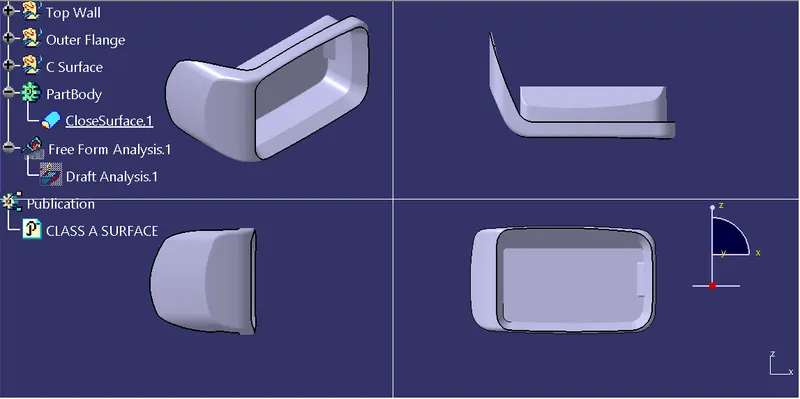
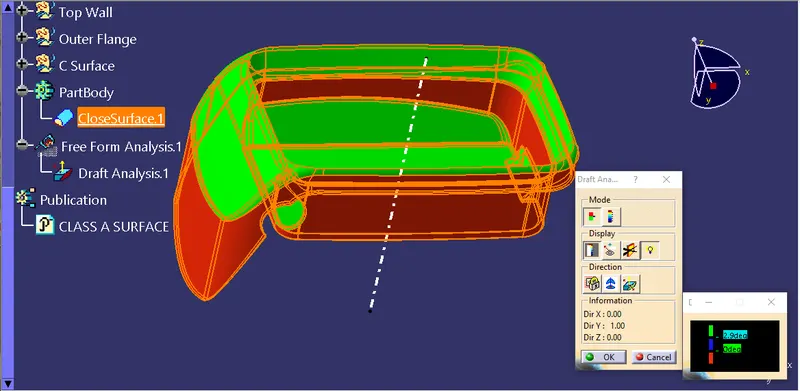
We will perform draft analysis on the part. Maximum draft range is 2.9 degree with green colour code.