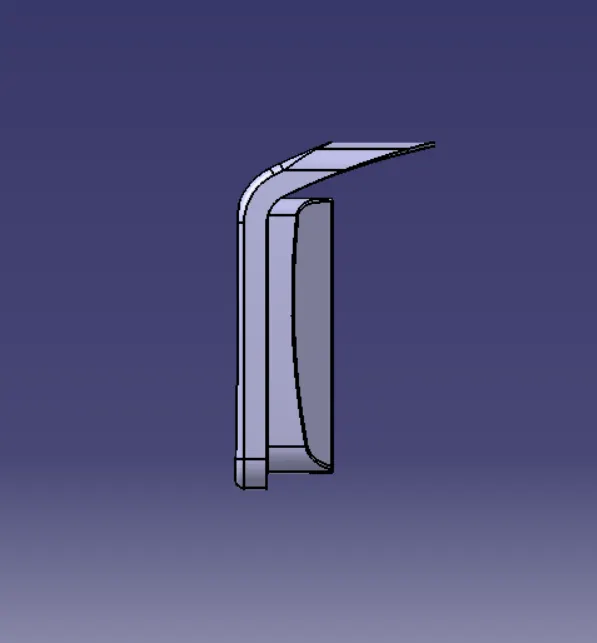
Week 8 - Challenge 4 - Coin Holder Design
COIN HOLDER
We have been provided with Class A surface which need to convert into cmponent.
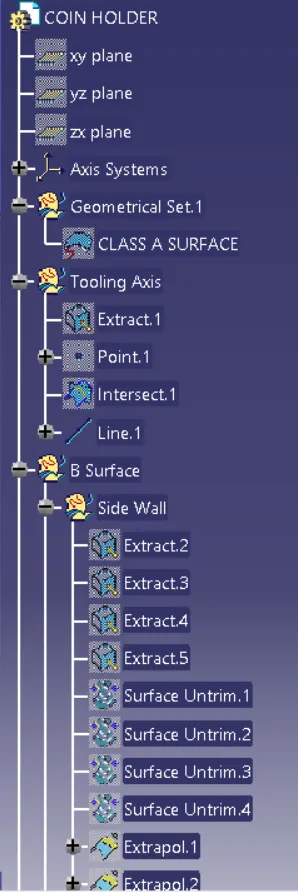
As we know for now that the primary thing we need to do is to create tooling axis. This component dont have any tappered sides so we create tooling axis in the middle of the base surface.
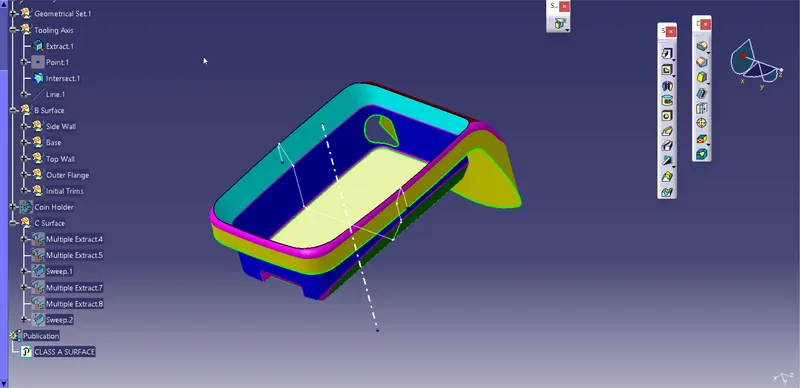
Fig: Tooling Axis
Creating Class B Surface
At first we identify differnt walls and faces that can be used to crate a class b surface.
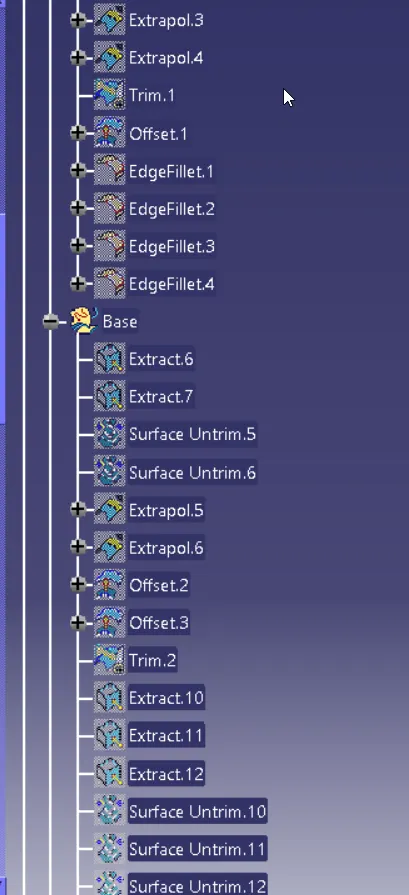
Now we extracted side walls of the surfaces and then extract and untrim them and then extrapolate them with point continuity after that trim and fillet as per required shape.
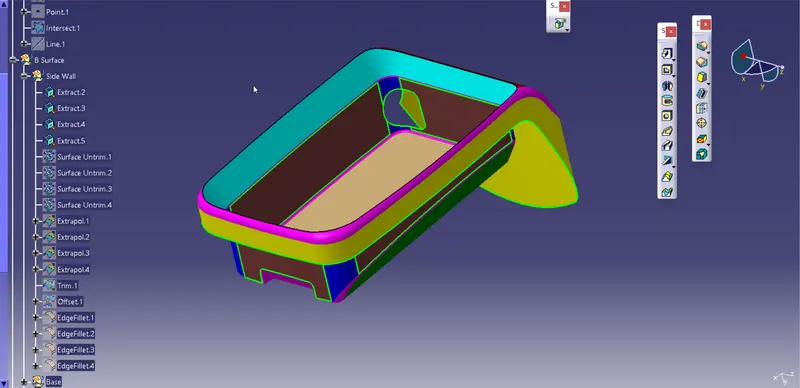
Fig: Extracted Surface
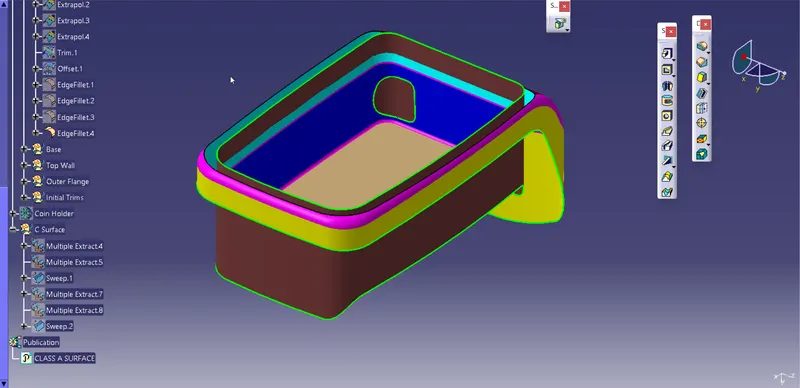
Fig: Class B Side walls
Now we create base for the component at offset distance of 2.5mm we follow same procedure as we used to create walls.
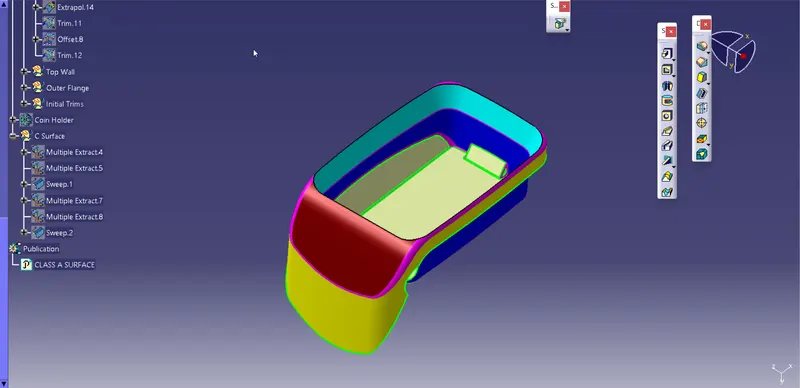
Fig: Extracted Surface
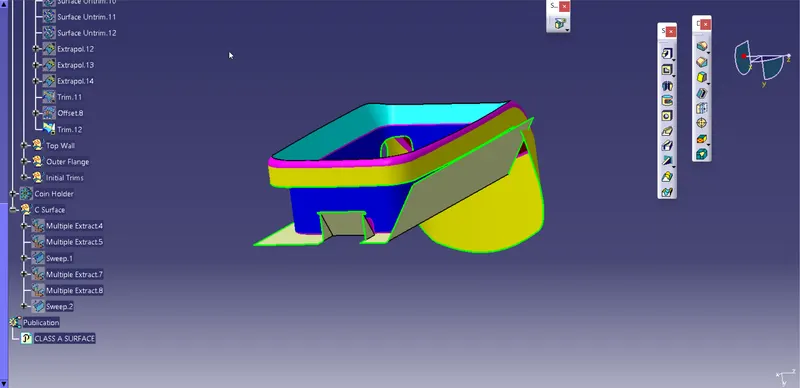
Fig: Class B Base
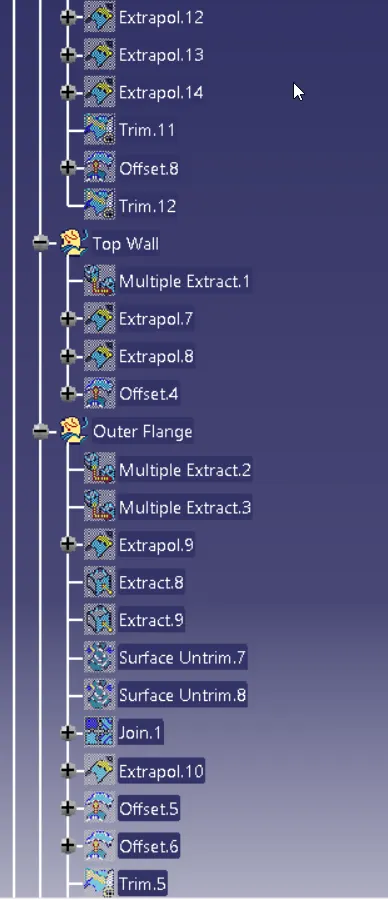
For creating top wall we used multiextract and extrapolate it, then offset it by 2.5mm
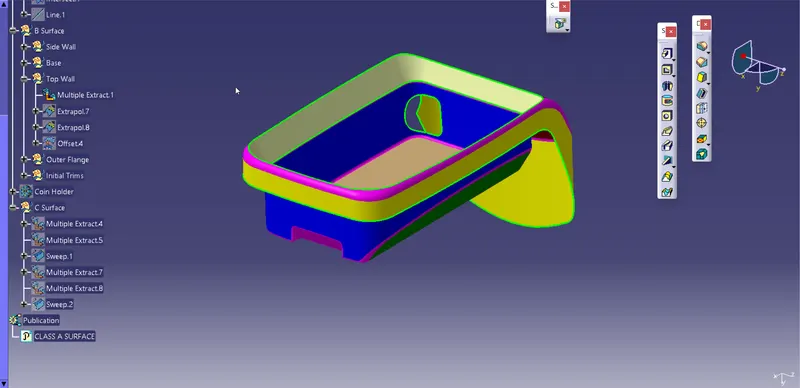
Fig: Top Wall
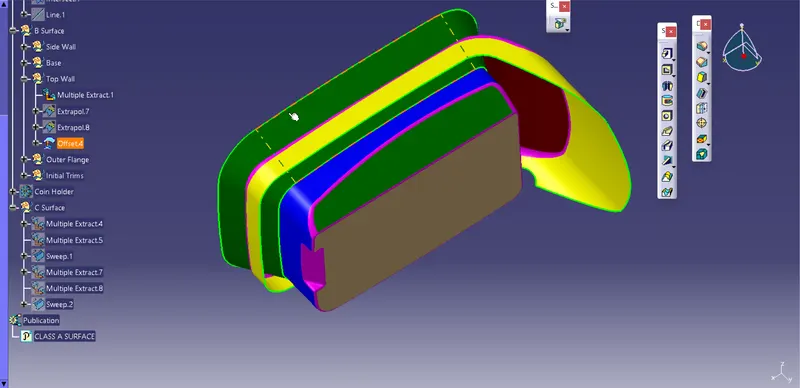
Fig: Class B Top wall
For outer flange also we follow same steps as we did for top wall.
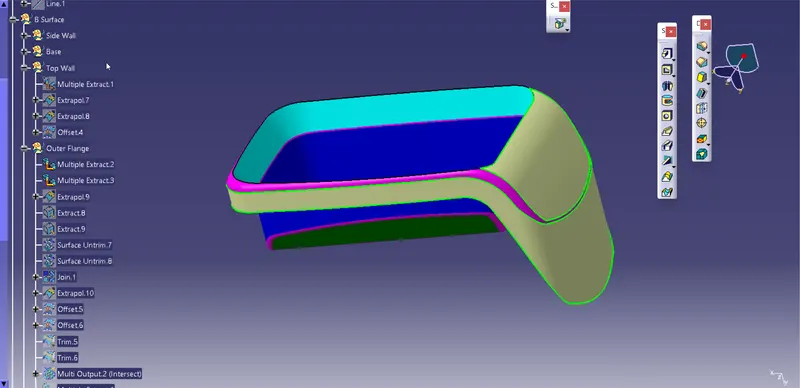
Fig: Extracted Surfaces
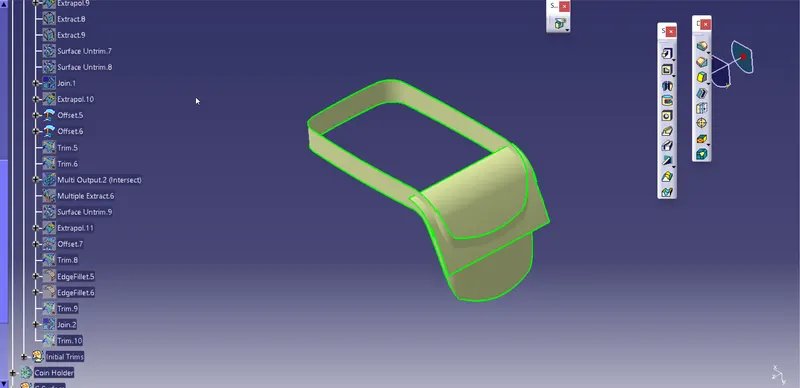
Fig: Class B of outer flange
After creating surfaces of required sides then we trim and provide fillet to aquire desired shape.
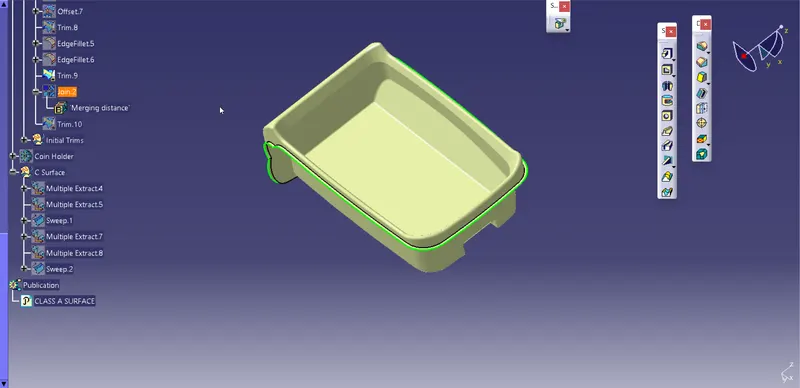
Fig: Finished class B surface
Creating Class C Surface
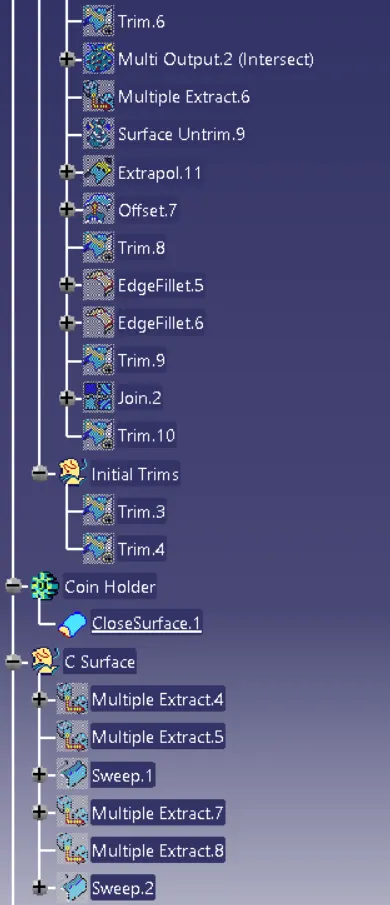
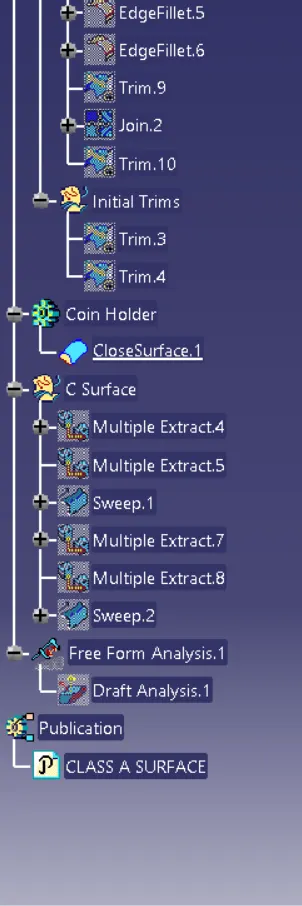
At first we use multiextract option to extract boundaries from class and sweep the boundary with reference surface. After this we join class A and class C surface together.
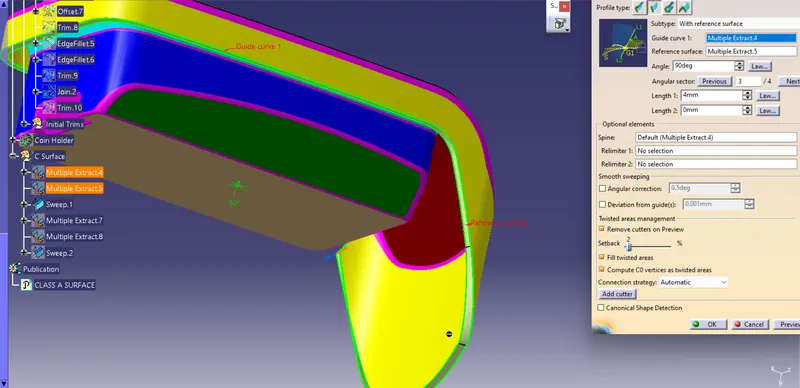
Fig: Class C Surface
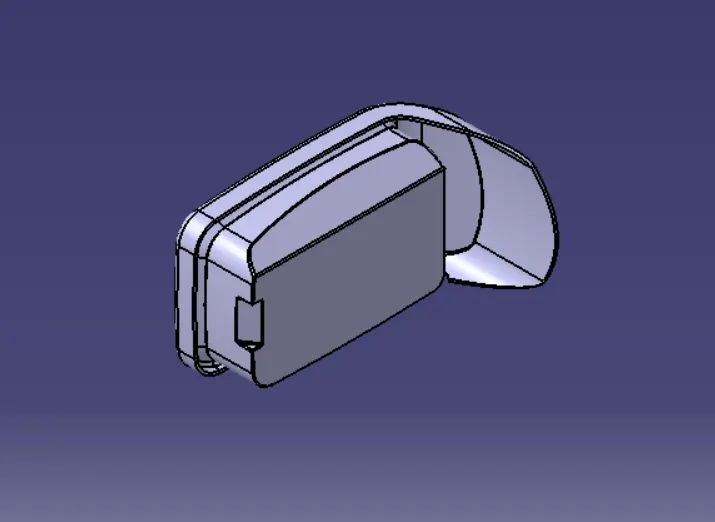
Now we trim both Class A and Class C with Class B and then convert it into solid component using Closed Surface option.
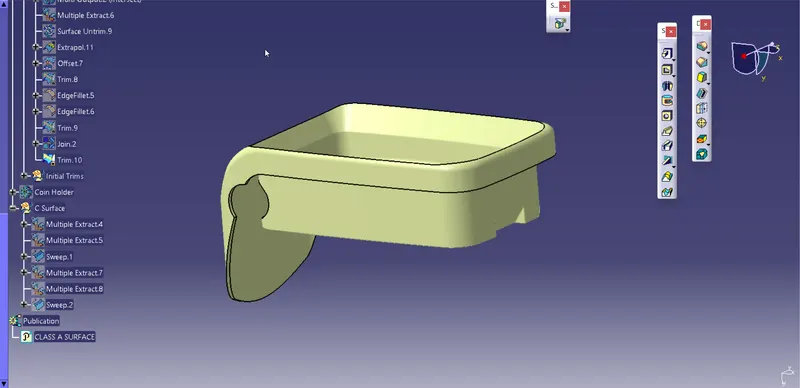
Fig: Closed Surface Component
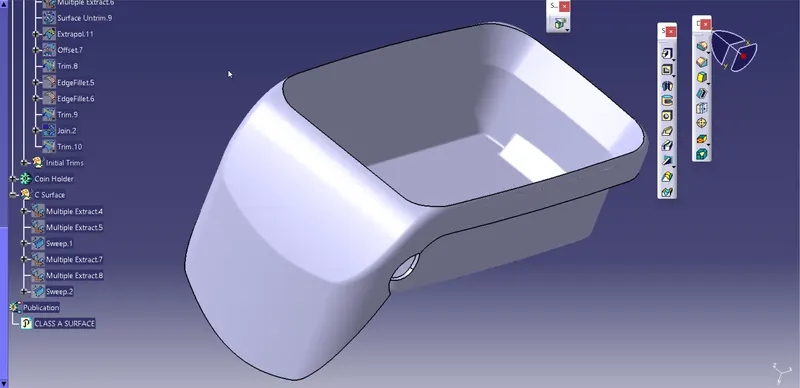
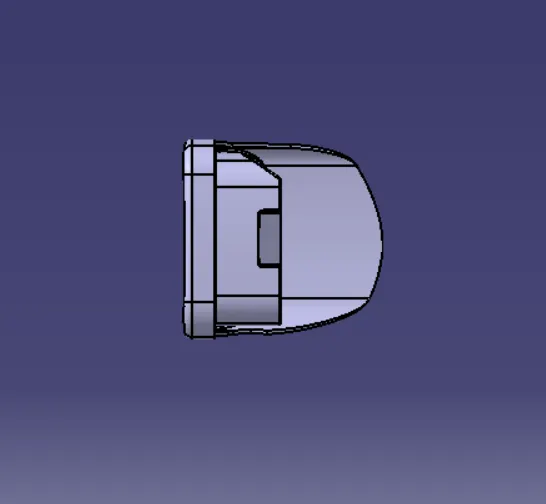
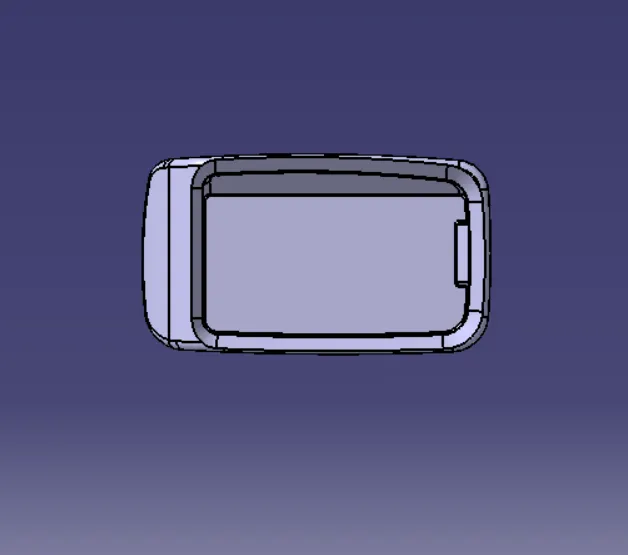
Fig: Solid Coin holder Component
Draft Analysis
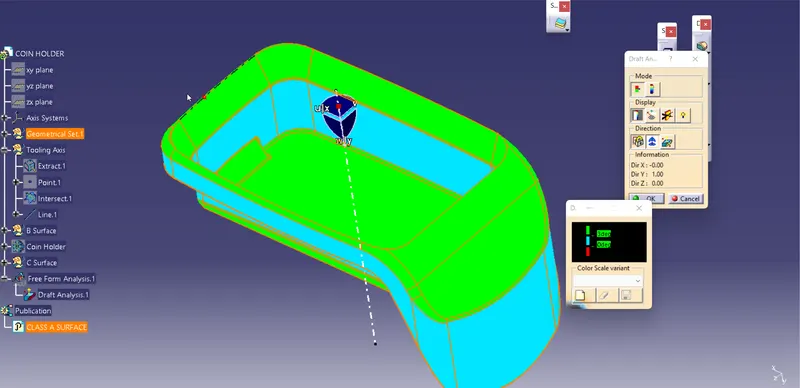
Fig: Draft Analysis Class A Surface
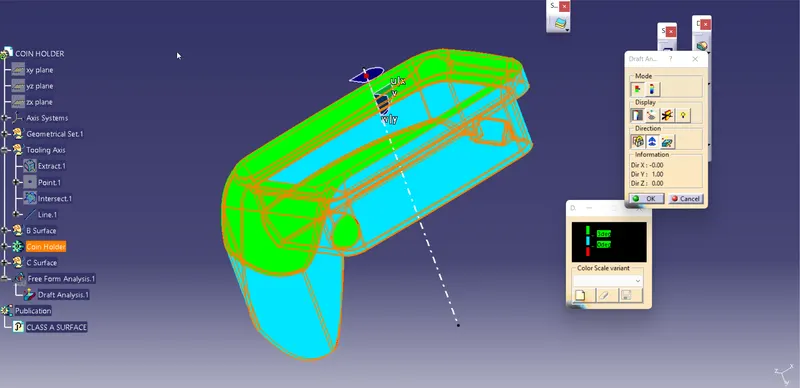
Fig: Draft Analysis of Solid Part
Trees And Views