Week 8 - Challenge 4 - Coin Holder Design
Project Title : COIN HOLDER DESIGN
Objective :
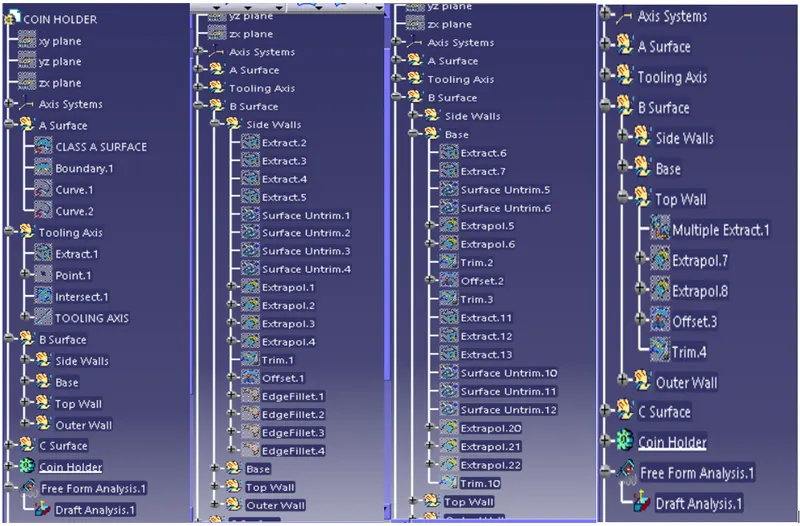
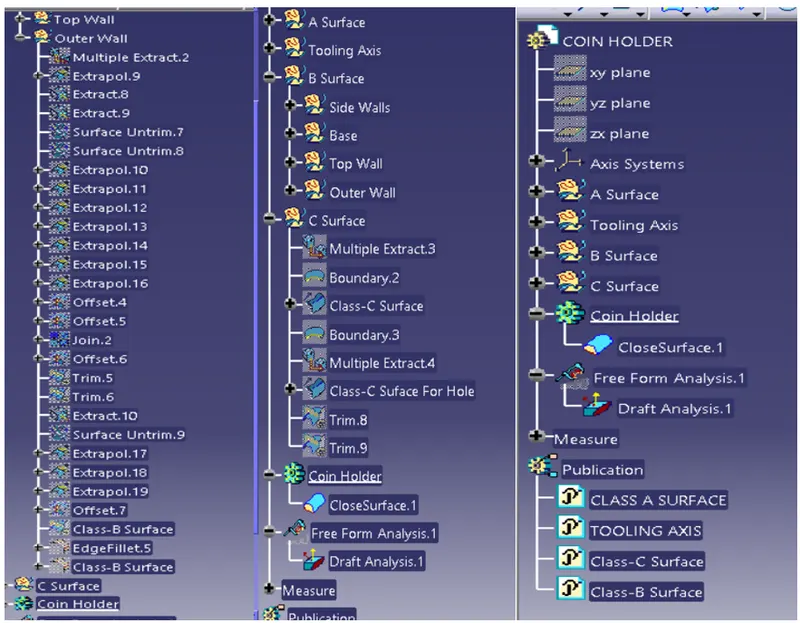
- To ensure proper tree structure is followed.
- Geometrical sets should have a proper name basedd on the sketches present inside of it.
- All the sketches should be created under the geometrical set.
- Use of the close surface features to make a solid body from the surface.
- To publish the tooling axis, class-A, B, & C surface.
Procedure :
Frist import the class A surface of centre console coin holder model in CATIA V5.
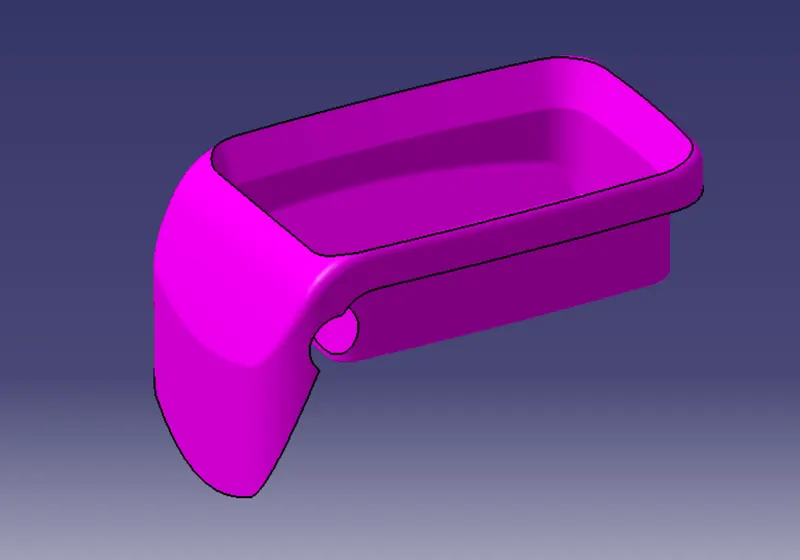
Check the connectivity of class A surface using boundary option.
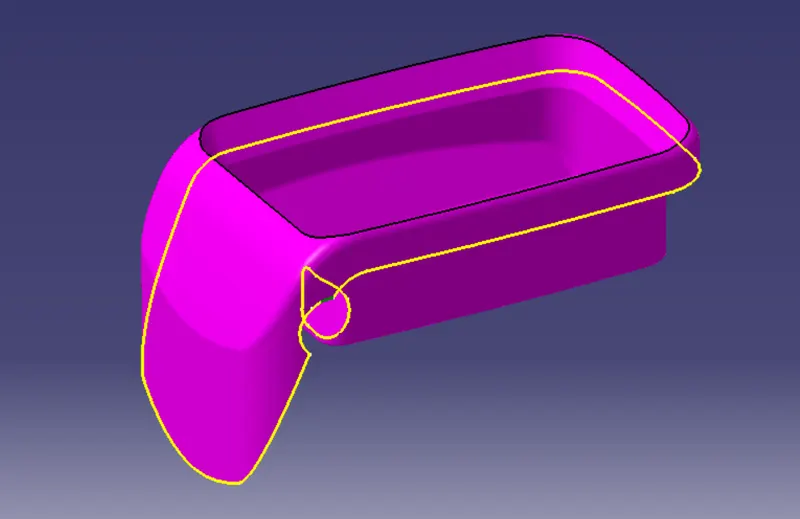
Ensure that there is no gap between the two surfaces.
Tooling Axis :
Now we need to create the tooling axis for the center console coin holeder model. Visually check which direction is better for creating tooling axis. Now in order to create the tooling axis in Z-direction, first create a reference point on any surface.
Now use the reference point create a line normal to the surface. This line will give us the tooling axis.
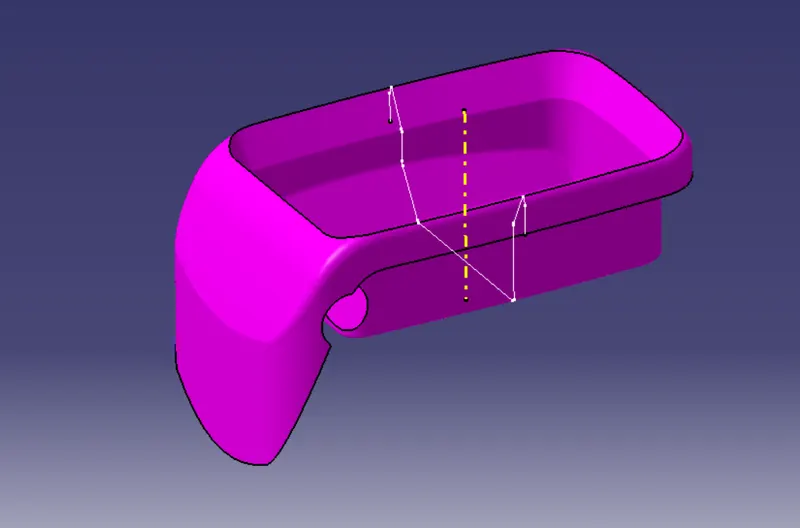
Class-B Surface :
- Consider the thickness of the component as 2.5mm. Now we need to create a B surface which will be similar to the A surface at an offset value of 2.5mm.
- In this operation we are creating a class B surface in 4 different geometrical sets.
- Frist, We are creating a side wall. To create this surface, we need to extract the class A surface.
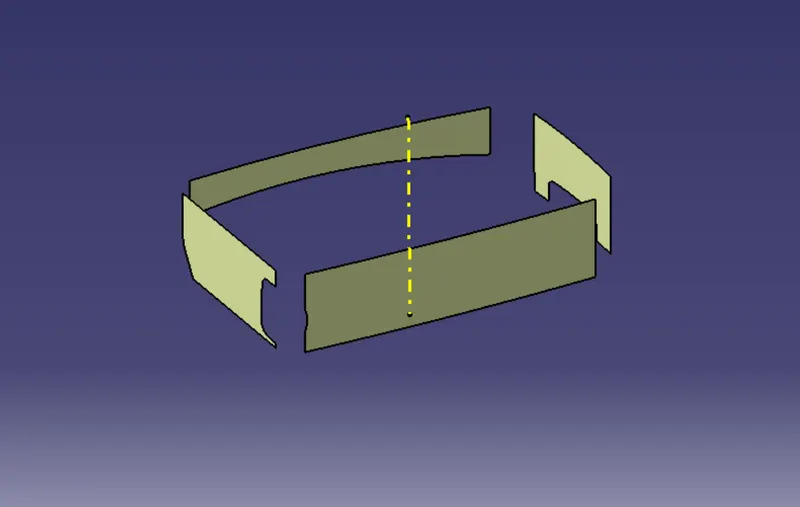
- Once the surface is extracted untrime it and then extrapolate it by a required value on each side using point continuty. Trime them to form proper walls. Now offset it by 2.5mm.
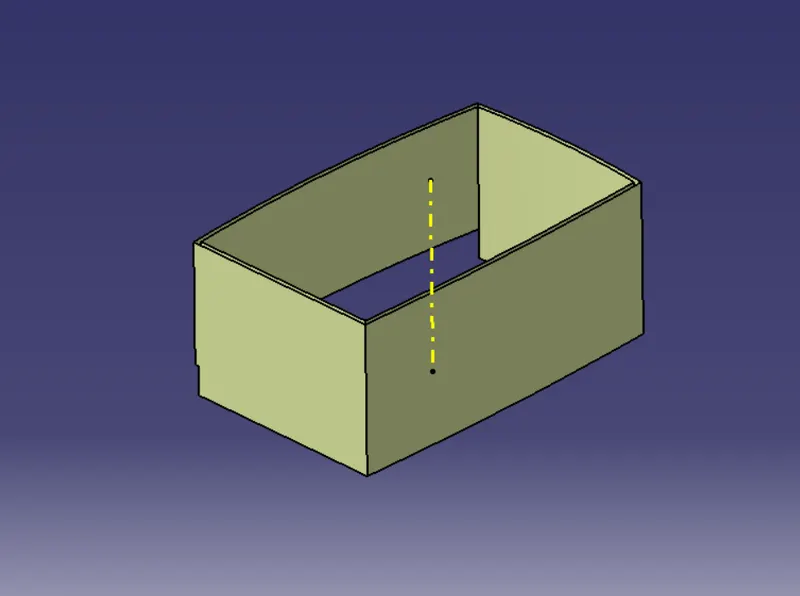
- Similarly we need to extract the base, Top wall and outer flange surface of the center console coin holder in different geometrical sets and preform similar operation on it as mentioned above.
- Once all the surface are created trim these surface to form a class B surface. Given the appropriate fillets to form class B surface.
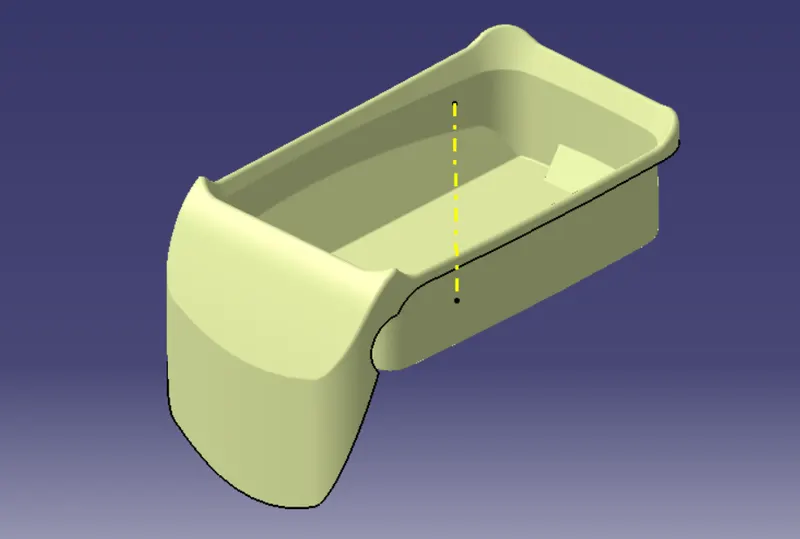
Class-C Surface :
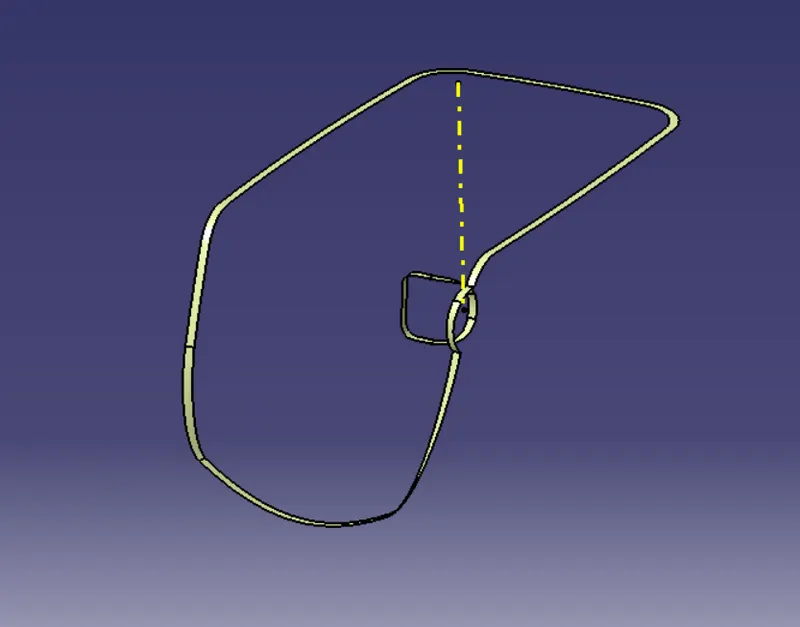
To create a class-C surface first extract the boundries of the class-A surface and extract the adjacent surface to the boundary.
Now using the sweep option to create the surface. To perform this operation, Go to the toolbar-sweep profile type line subtype with reference surface-guide curvel select the extracted boundries reference surface select the extract surface angle and length and length as 90 degree and 4mm respectively.
Trim Surface :
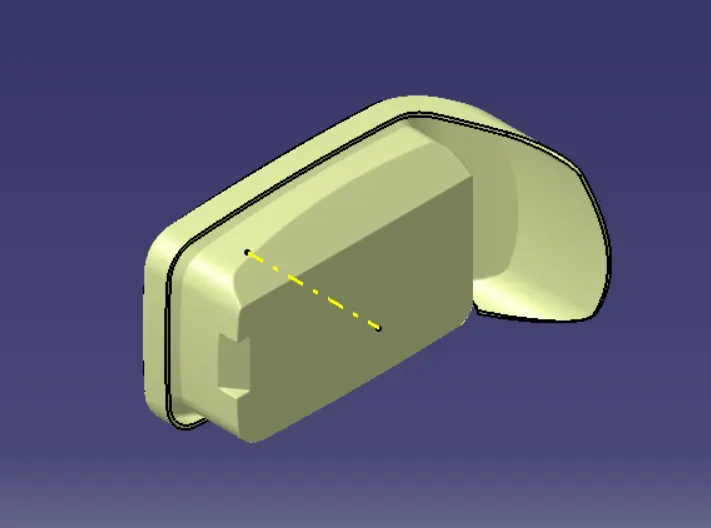
After create of class A, class B and class C surface we need to trim class B and class C surface to form a new surface. Then join the trimmed surface with class A surface to final required surface.
Draft Analysis :
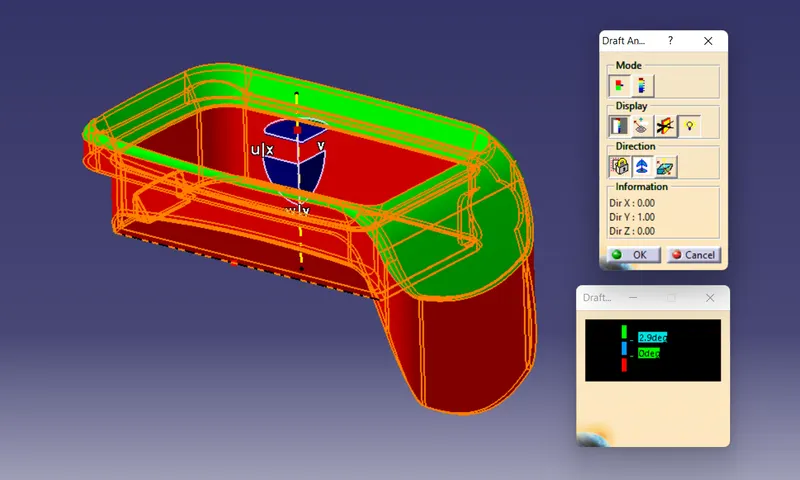
To perform draft analysis on the center console coin holder model, first set the view parameters to material mode.
To give the draft direction use the compass and align Z-axis of it with final tooling axis for the center console holder model. once it is properly aligned lock the draft direction. Section the center console coin holder and it will show us the current draft angle of the model.
Tree Structure :
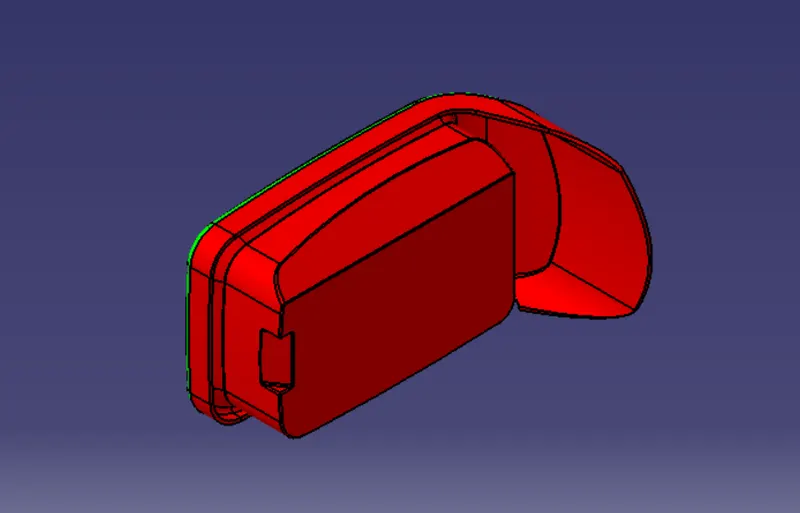
Views of Coin Holder Design :
- Front View
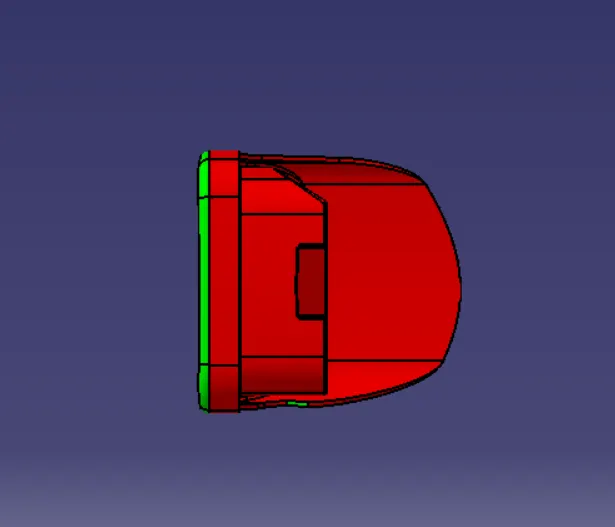
- Back View
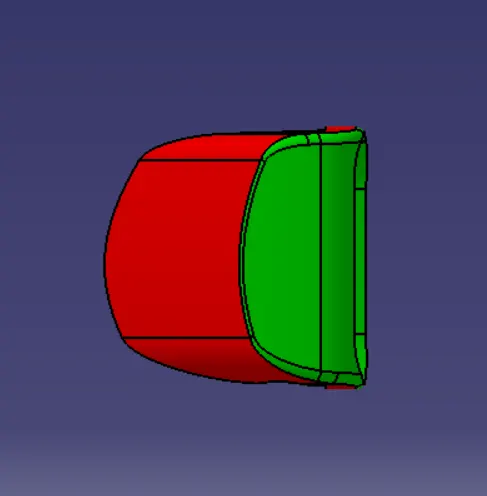
- Left View
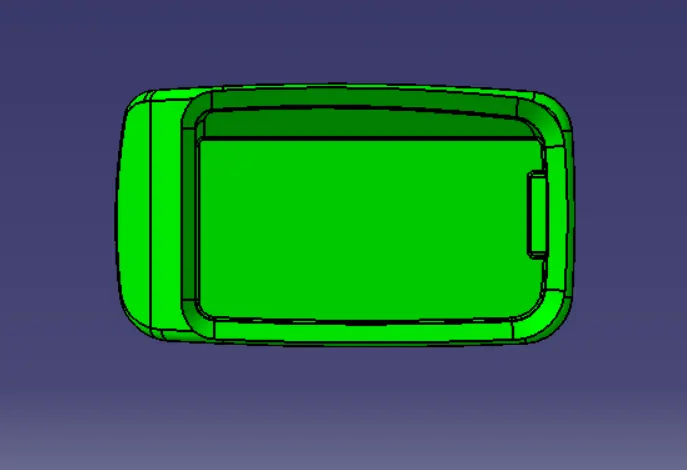
- Right View
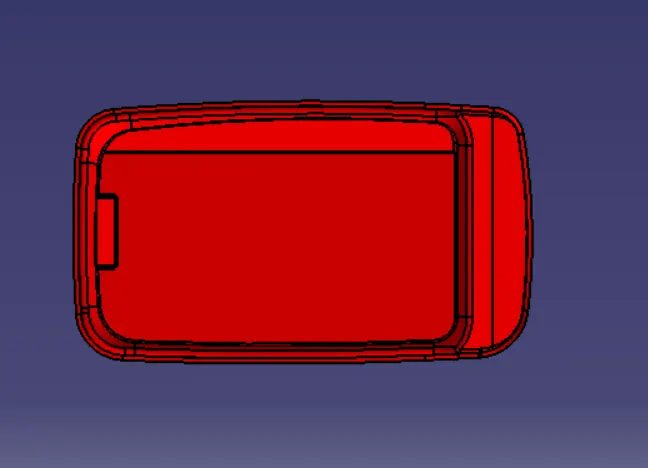
- Top View
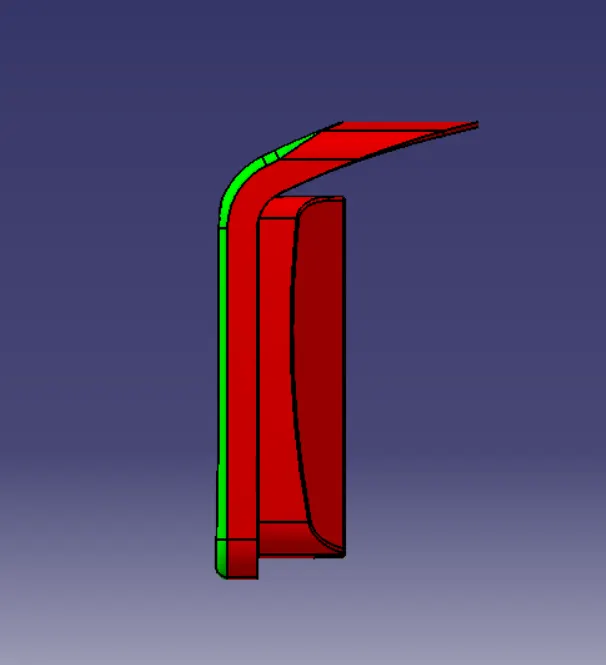
- Bottom View
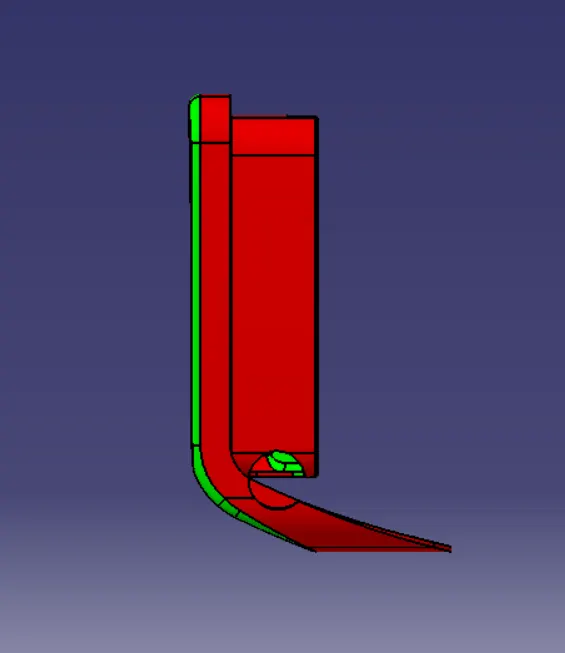
- Isometric View
Conclusion