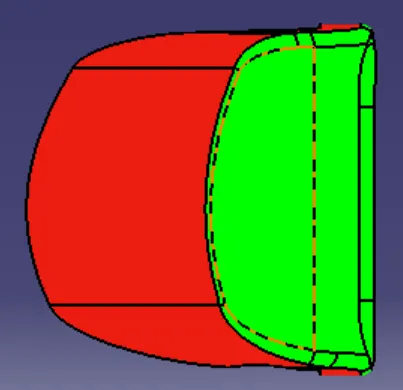
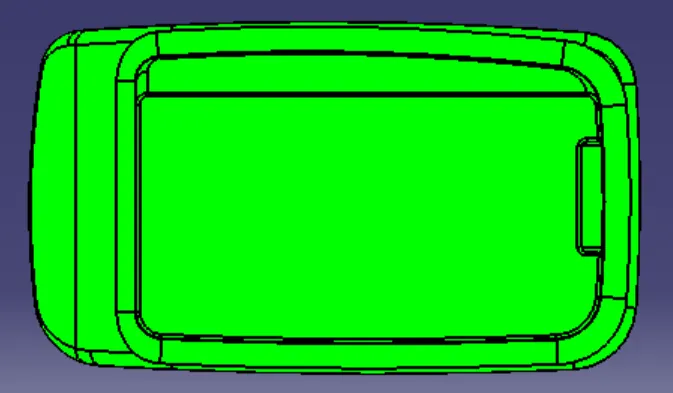
Week 8 - Challenge 4 - Coin Holder Design
TOOL AXIS, DRAFT ANALYSIS OF COIN HOLDER
OBJECTIVE
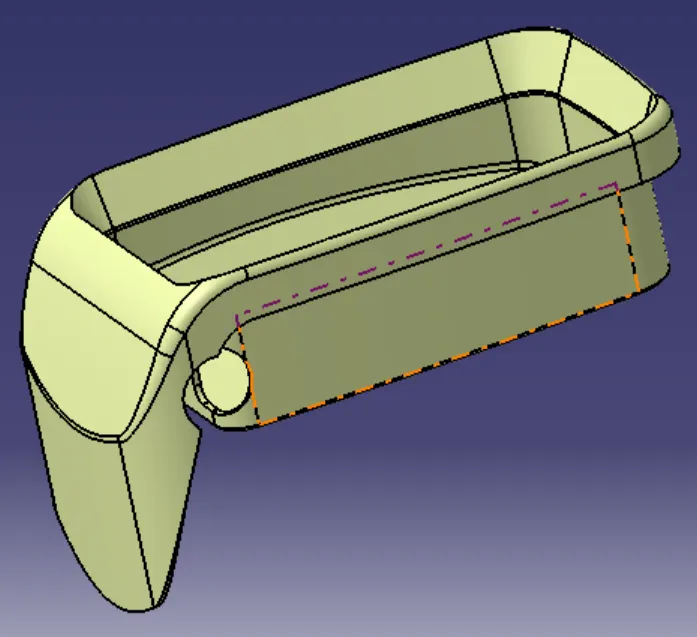
The main aim objective is to create tooling axis for Class-A surface, Class-B surface and Class-C surface of Coin Holder. Create a solid model from the surfaces and Draft analysis of Coin Holder solid model.
DRAFT
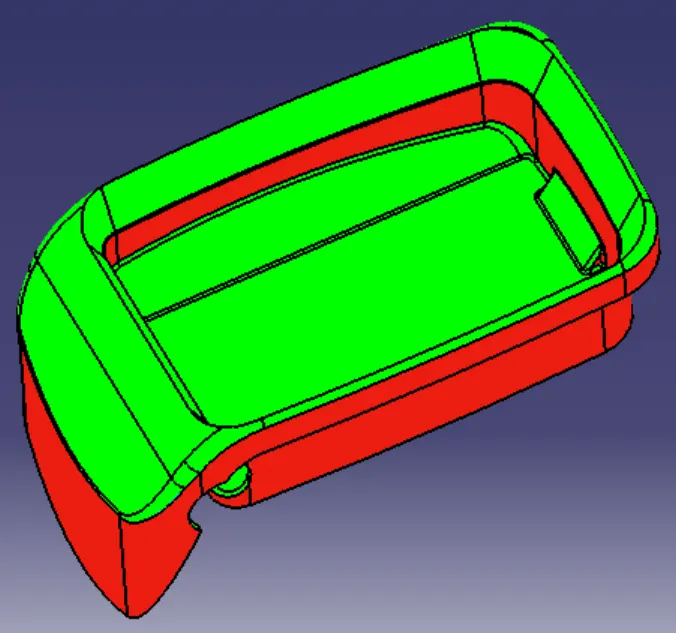
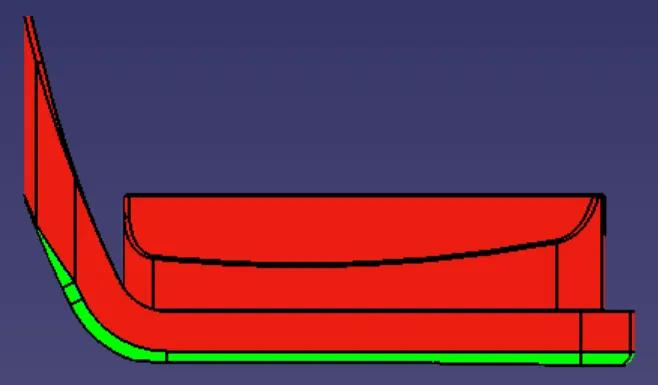
Draft is the amount of taper for molded or cast parts perpendicular to the parting line.
When developing parts for plastic injection moulding, applying draft (or a taper) to the faces of the part is critical to improving the moldability of your part. Without it, parts run the risk of poor cosmetic finishes, and may bend, break, or warp due to molding stresses caused by the plastic cooling.
DRAFT ANGLE
A draft angle is a slant that is applied to each side of most features of an injection molded part. The angle, which is positioned to run toward the direction of a mould's pull and parting line, helps with releasing the part from the mould.
TOOLING AXIS
It is defined as the the direction in which mould opens or core and cavity opens.
Steps
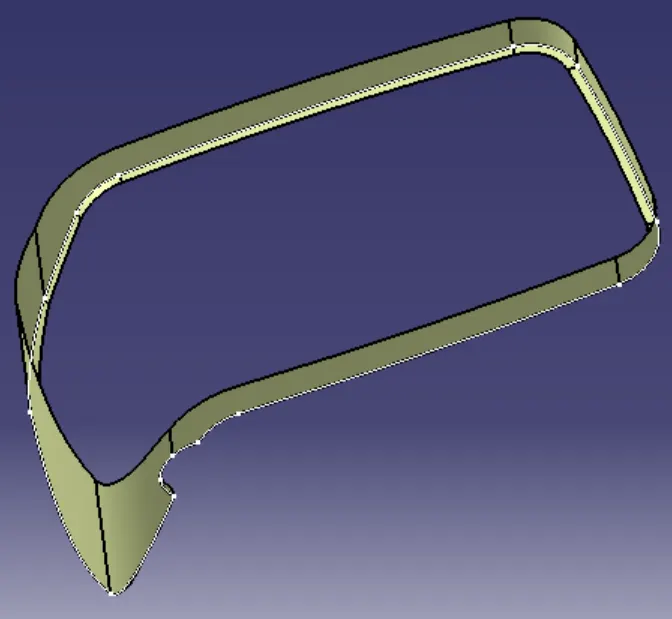
1. Check the gaps between the class A surface by using join and boundary operation.
2. Check the Class-A surface in all direction which is suited for tooling direction.
3. Make point on the surface and the side wall of the coin holder is 0 degree so make the line directly from the point that line is our tooling axis.
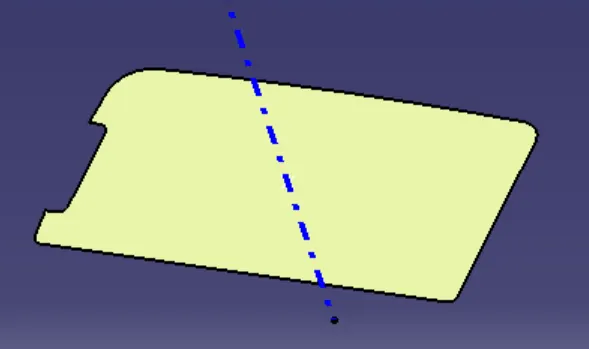
For Create Class-B surface
4. First work on the coin holder side walls, Extract the side walls and untrim then Extrapolate the untrim surfaces.
5. Use trim command to the extrapolated surfaces and offset to 2.5mm.
6. Use edge fillet command give the radius 2.5+ Class-A surface radius.
7. Next work on the coin holder Base, Extract the Base surfaces and untrim then Extrapolate the untrim surfaces and offset to 2.5mm.
8. Next work on top wall, Multiple extract the surface and extrapolated the surface then offset to 2.5mm.
9. Unhide all surfaces base, side wall, and top wall then trim all surfaces together.
10. Next work on the flange surface use commands multiple extract, untrim, extrapolate, offset to 2.5mm.
11. Use trim command trim all the surface together to get the Class-B surface and all the fillets on the surface.
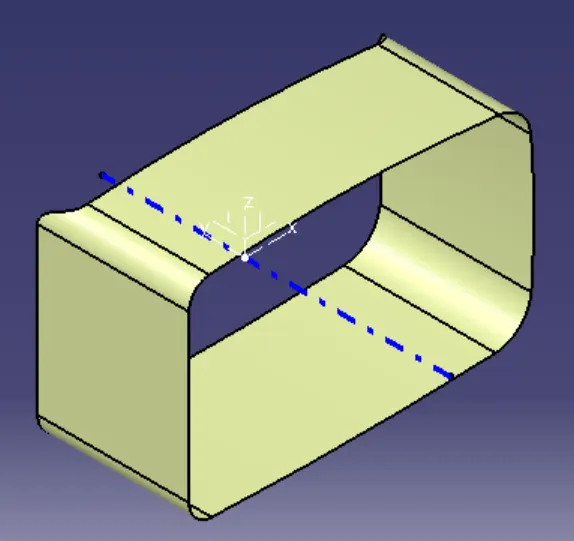
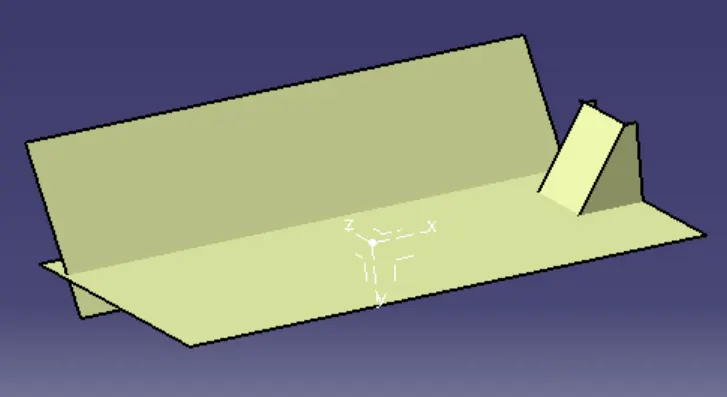
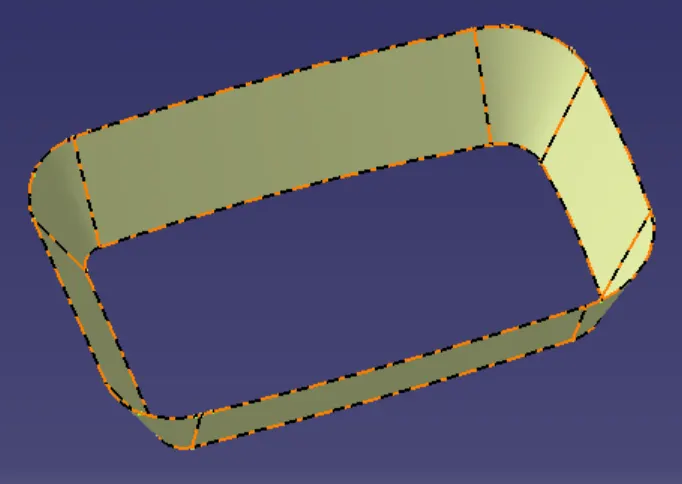
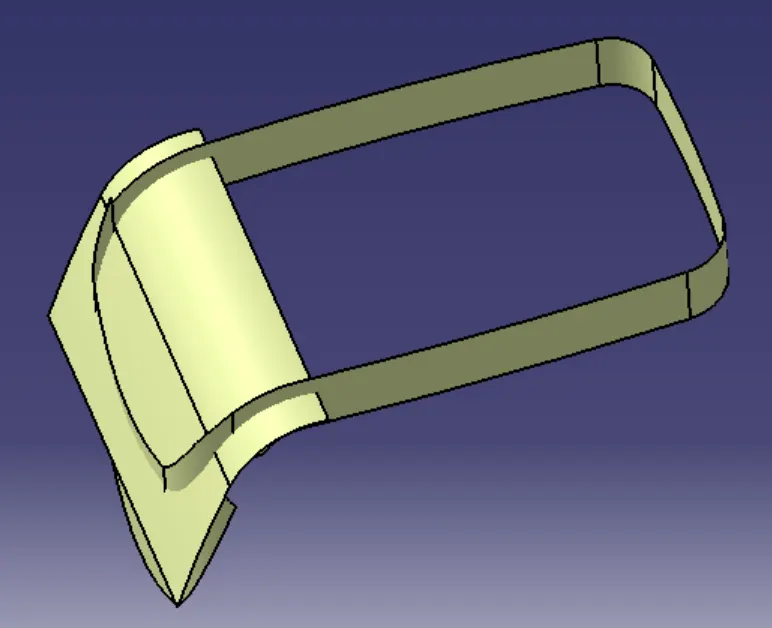
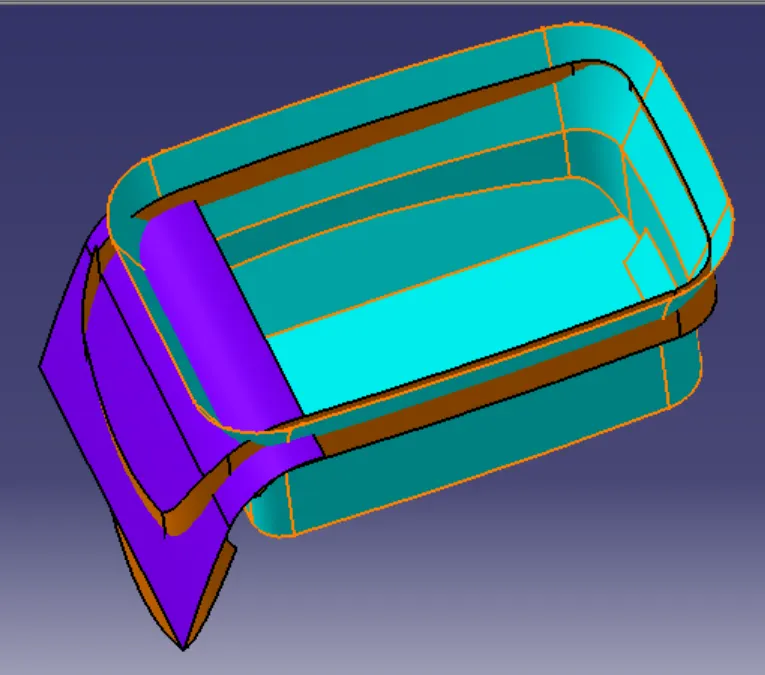
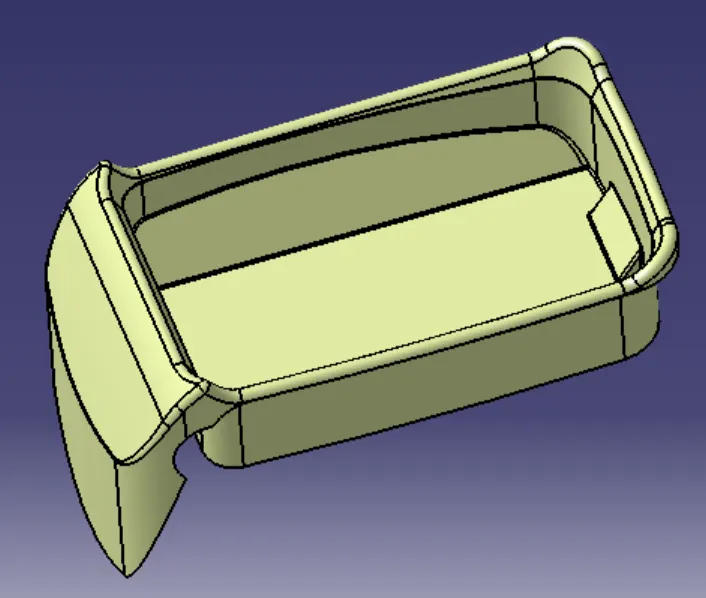
For Create Class- C surface
12. Unhide the Class-A surface, Multiple extract boundary of surface and sweep command use with the referance to the surface.
13. Join the class-A surface and sweep then trim with the class-B surface
14. Use multiple extract boundary of the profile and near surfaces then sweep referance to the surface.
15. Use trim command and trim the sweep surface.
23. In part modeling select the close surface command use convert to soild model and draft analysis of the final plastic component of Coin Holder.