Week 8 - Challenge 4 - Coin Holder Design
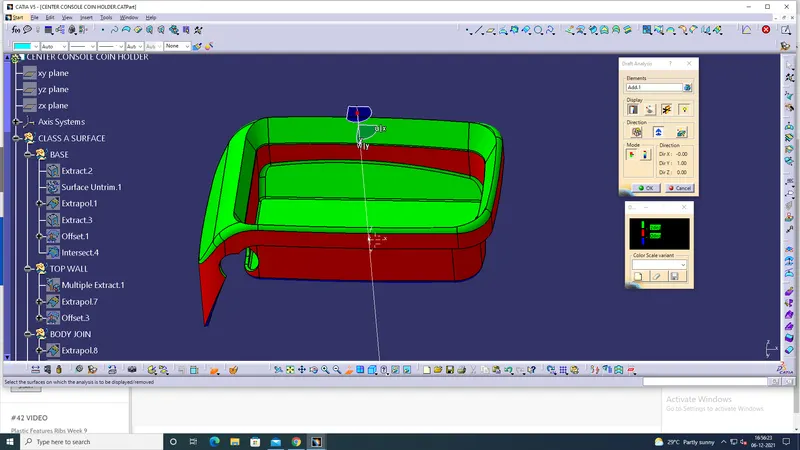
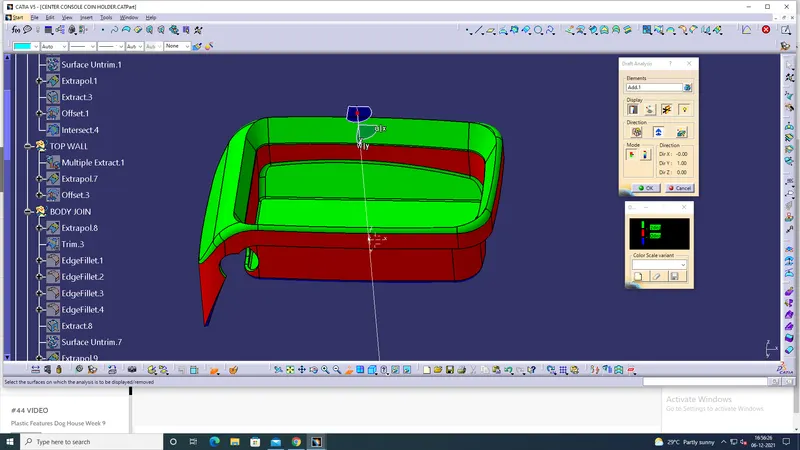
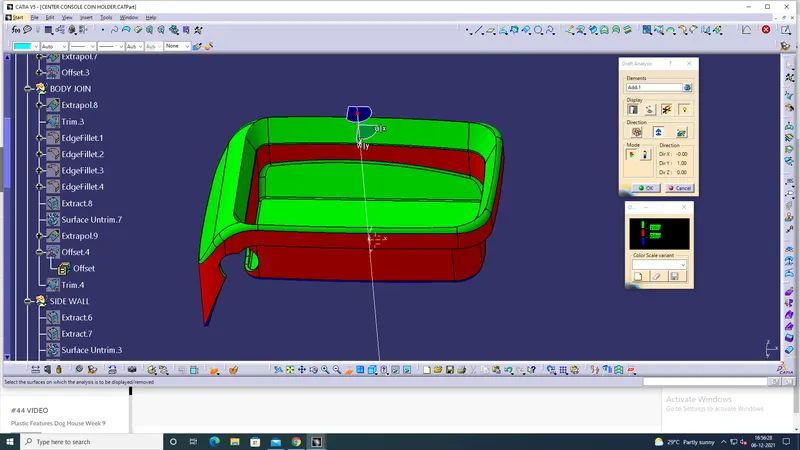
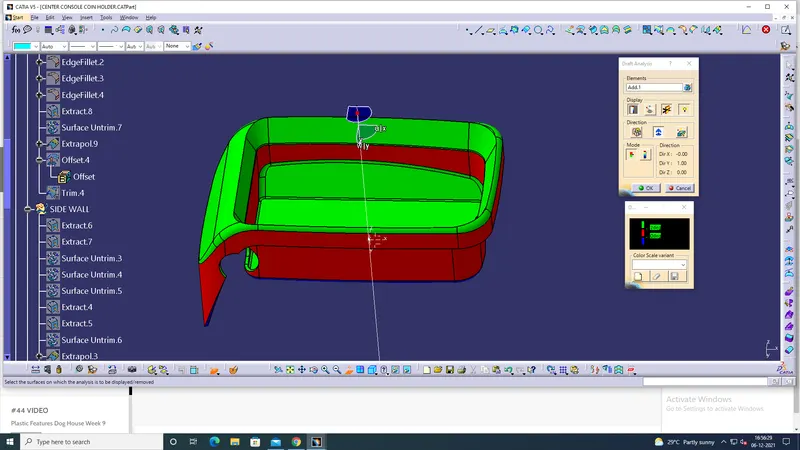
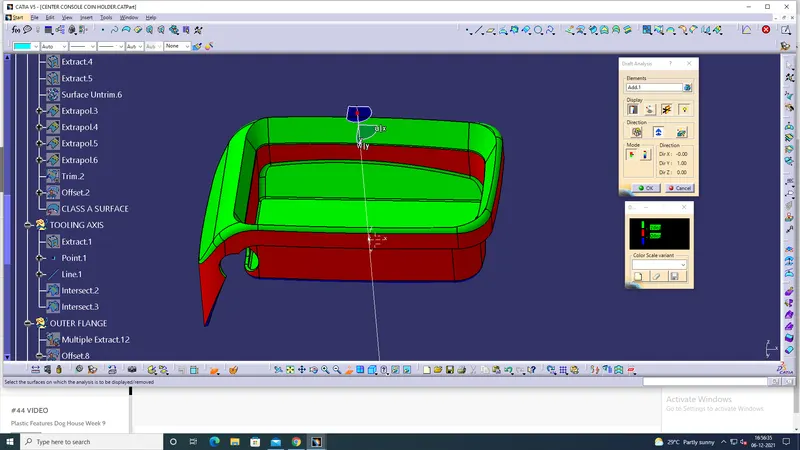
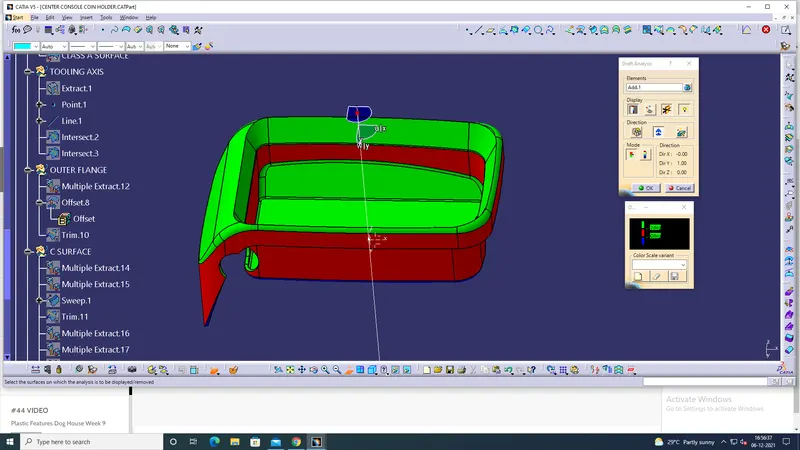
the first step is to determine the tooling axis for the given centre console coin holder of the class A surface
In the class A surface take the base part the diagram to take tha tooling axis
extract the base surface with th on propagration because we the base part only.After that hide the class A surface
and take the base part of the surface and mark the centre point on the surface
After the marking is over. click the tool bar and select the axis analysis and set on the mid point of the base
after the setting the axis and the bisector of the diagram.
And then the following the class A surface and make the class b surface of the diagram with help of extract tool bar
after hide the class A surface. now take the extract part and do the extrapolated in the specified part it is used the enlarge the part and making thge plastic component of the class B surface.this method is doing for all classB
component
after the CLASS B SURFACE is over and then making is complete of the class b surface then continue
with class c surface
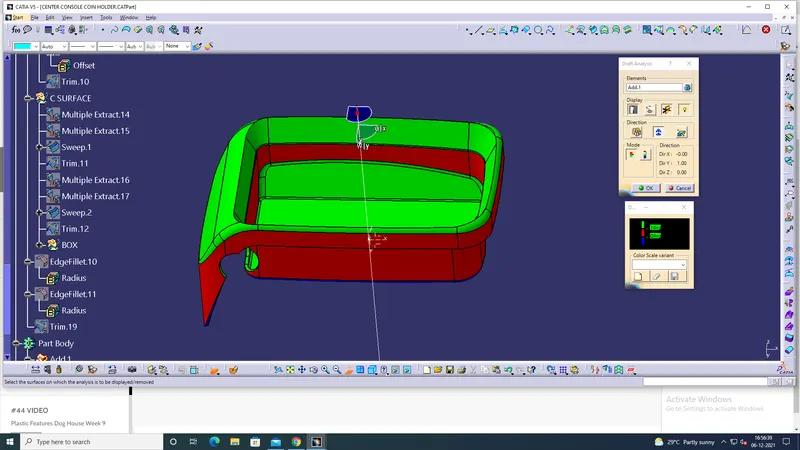
class c surface also same process is continue in class b surface
it calculated the offset of the class surface is in the class b and c surace is 2.5 mm in the offset
and the merging the class a and b surface use trim tools bar in the work bench
and also fillet is applied on the class c surface in the and the sweep is used the moment og the component in the
part
after the complete og calss b and c is over and cehek the boundary of the diagram is over
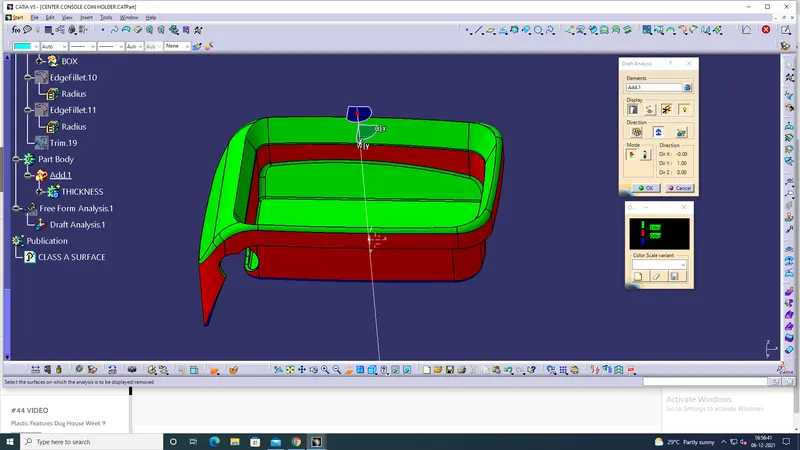
then we want to convert the coin holder plastic component in the solid surface
for that we want to change the work bench from generative shape into part workbench
In part work bench select the diagram and choose the close surface tool for solid surface
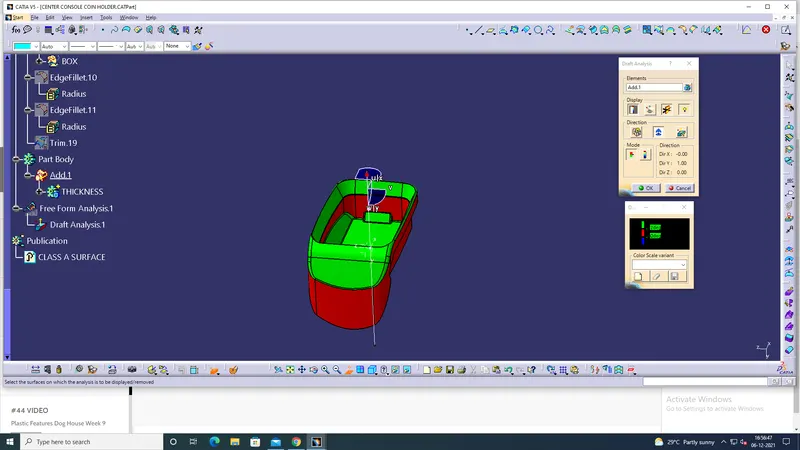
and the is work is done after that final step is drafting analysis
with 3 degree angle of the surfaces by using feature drafting surface and check the solid surface