Week 8 - Challenge 4 - Coin Holder Design
AIM: create a coin holder plastic component by using a given class A surface
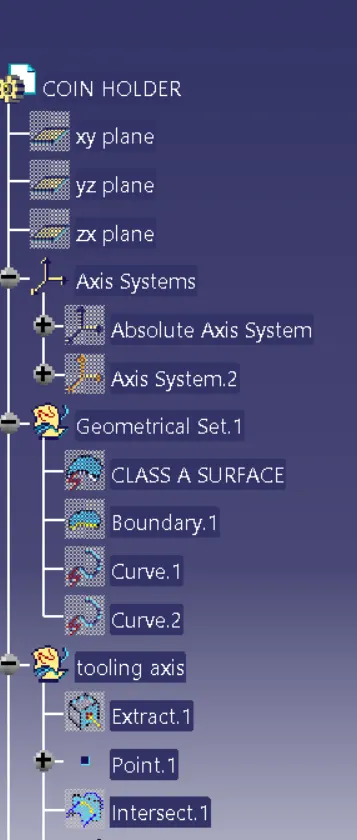
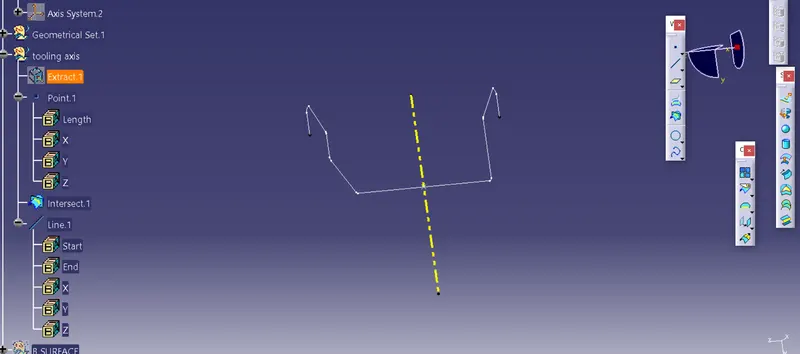
TOOLING AXIS :
it is the direction in which the plastic component will be ejecting
tooling axis should be selected such that there are fewer number of side cores
first, extract the base plane and then create an intersection sketch at yz plane. create a verticle line by selecting the point
this will be our tooling axis and at last, publish it
Class B surface creation
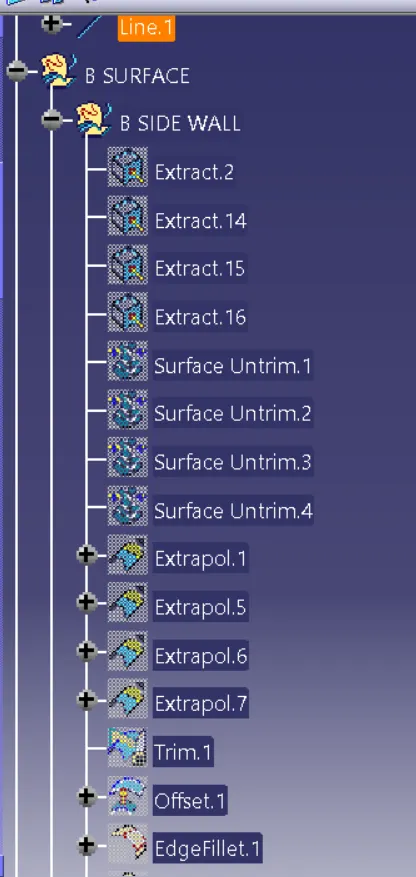
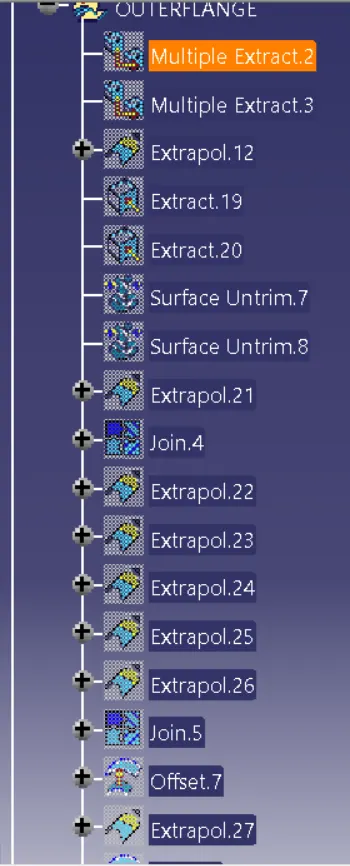
- Extract the required class a surface and untrim them. extrapolate them all
- offset the surfaces 2.5mm outwards and then trim them all
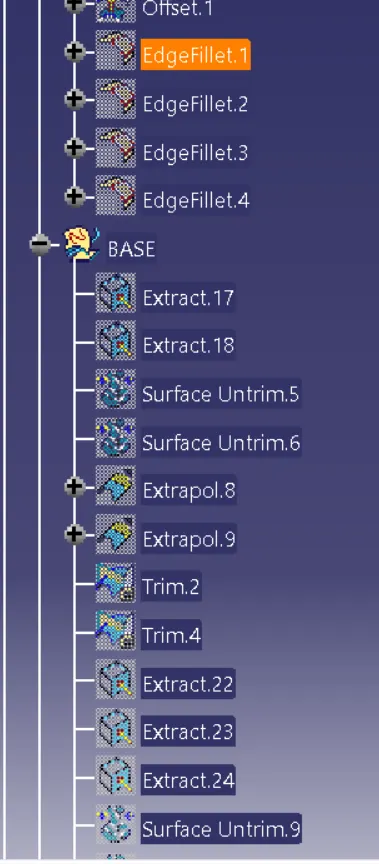
- measure the edge fillets from A surface and then use edge fillets onto the Class b surface
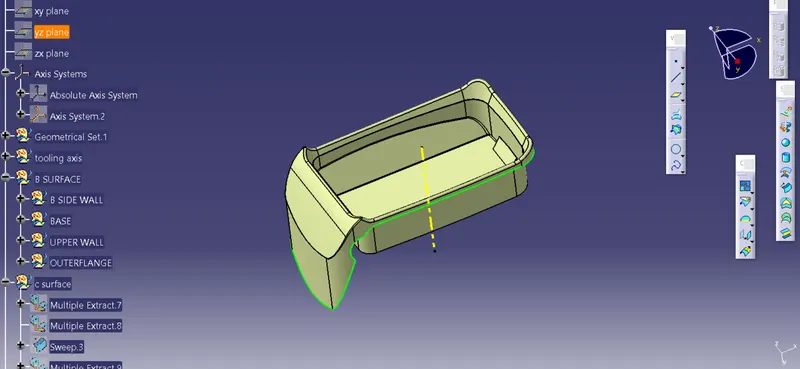
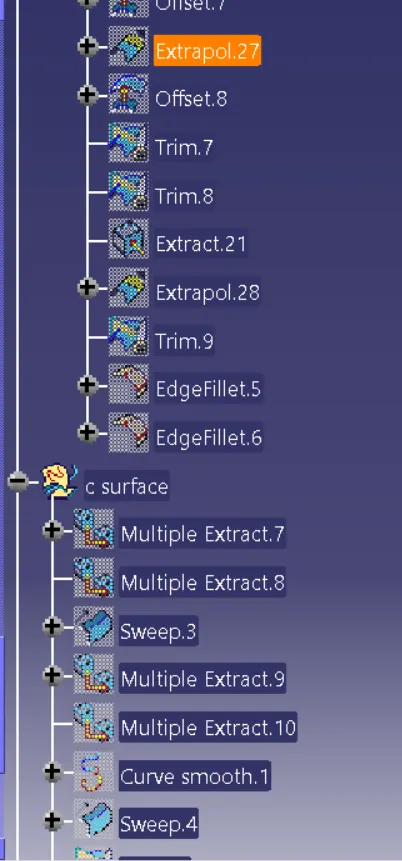
class C surface
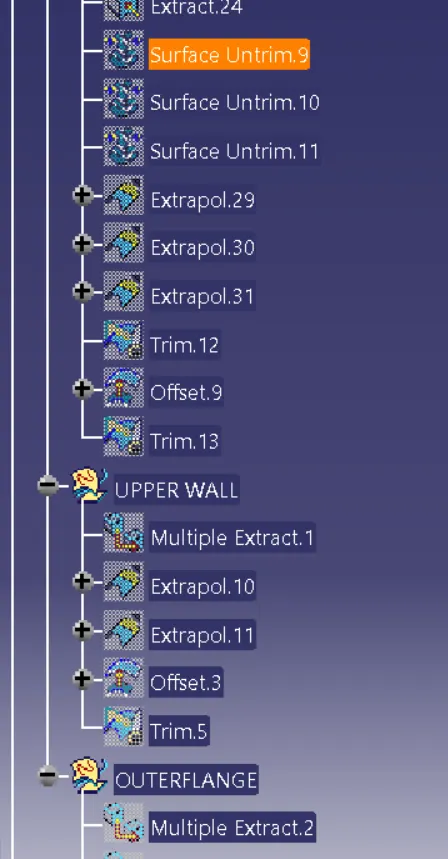
- select the outer surface of class A surface
- extract the outer surface
- use sweep command using the reference surface command
- give an angle of 90 degrees and extend the surface to 3-5 mm
- perform the above step for cutouts
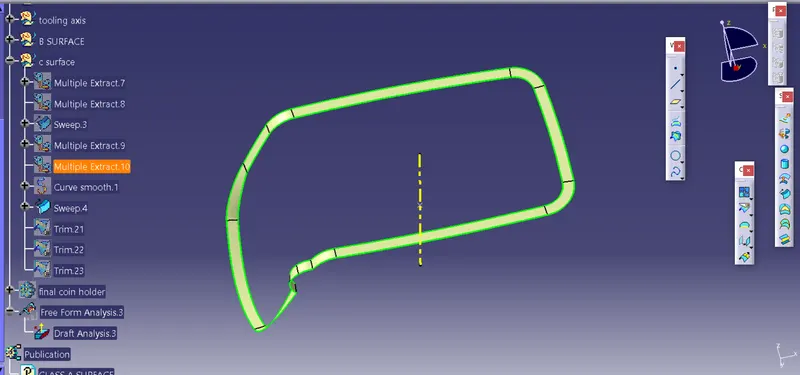
hole cutout
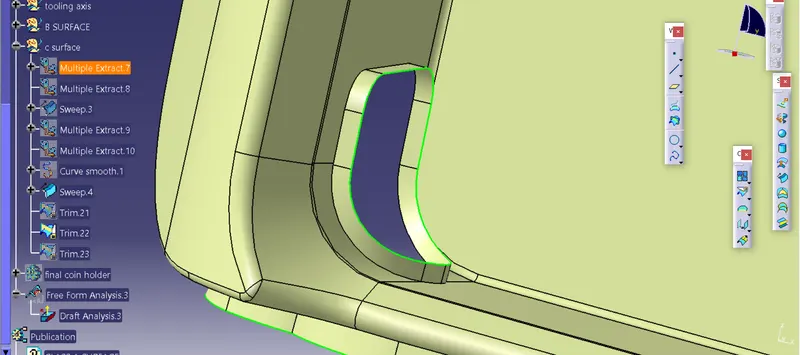
final body creation
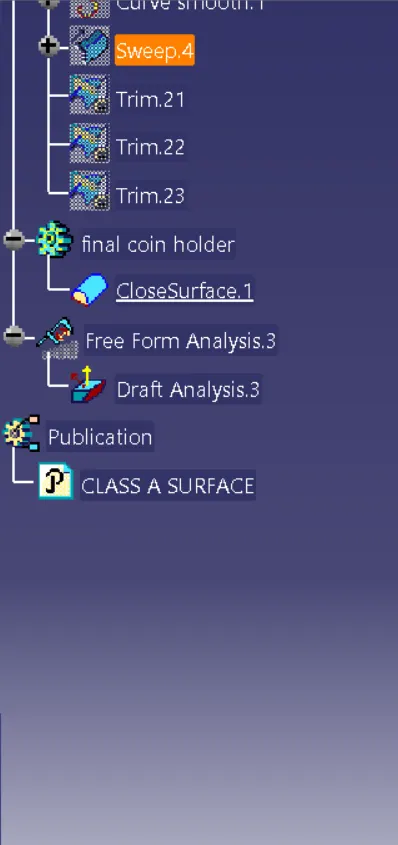
- join Class A surface with the class C surface
- trim join of class A & C with class B
- go to the part tab and create a new part body using closed surface command
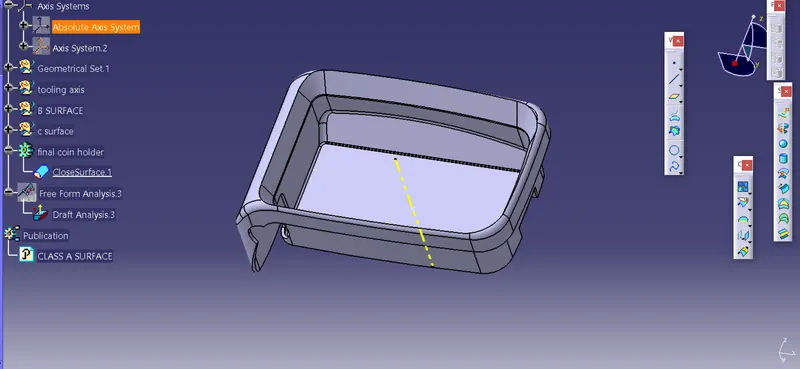
draft analysis
since the model that we got wont give us exact draft analysis because of the sides being verticle, in that case, ask the class A surface creation engineer to give the sides a little bit of draft for the right draft analysis result .
FOR NOW, LETS CONTINUE WITH THE GIVEN SURFACES
- goto insert analysis > featured draft analysis
- select the compass option and place the compass on the tooling axis
- lock the compass and click on the surface change the direction if you want
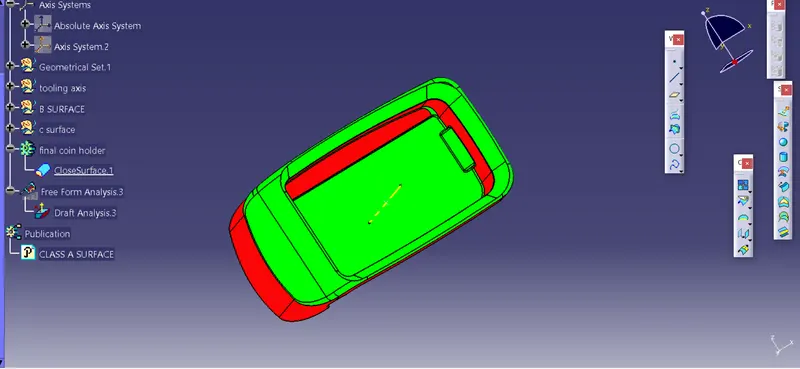
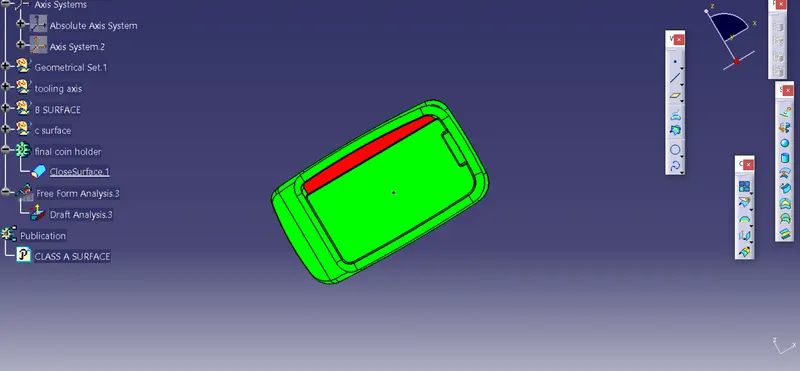
feature tree